Illustration of a smiling robot next to a computer screen with checklists, folders, magnifying glass, charts, and a cloud, symbolizing automation, organization, data analysis, and digital productivity.

SharePoint Copilot Prompt Templates for Business Teams

Table of Contents:Why Most Copilot Prompts UnderdeliverCopilot Prompt Templates for Meetings and Microsoft TeamsCopilot Prompt Templates for SharePoint DocumentsCopilot Prompt Templates for Email and OutlookCopilot Prompt Templates for Data AnalysisWriting Your Own Prompts From ScratchHow to Build a Shared Copilot Prompt Library in SharePointStart With One Use Case, Then Scale Most organizations that deployed Microsoft Copilot for M365 are sitting on an expensive problem. More than 60% of Fortune 500 companies have deployed Copilot. But only 35.8% of those employees actively use it week to week. The gap comes down to prompting. Copilot adoption typically suffers when teams don’t have […]

SharePoint Copilot Prompt Templates for Business Teams Read More »
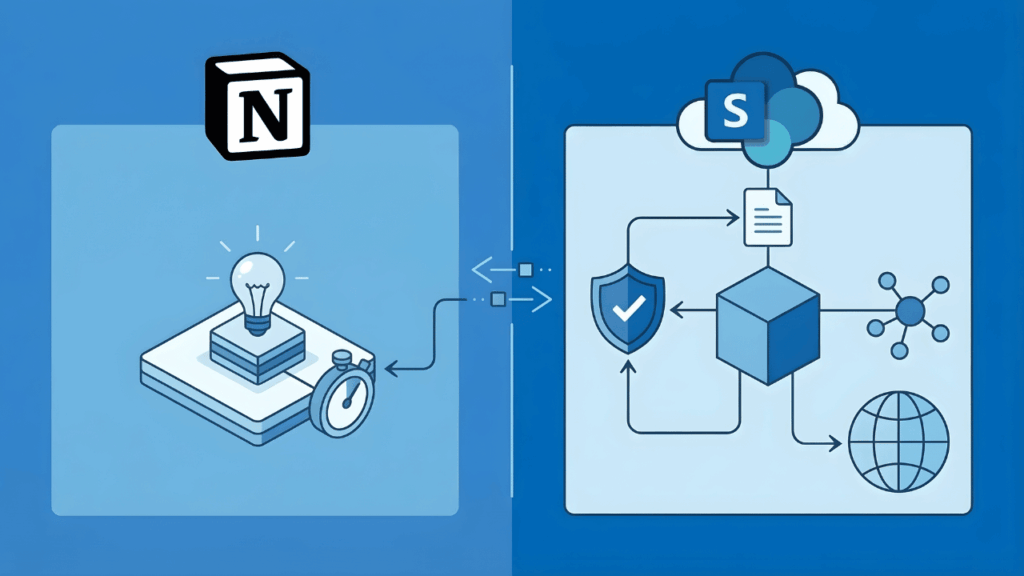
A split image shows the Notion logo with icons of a lightbulb and stopwatch on the left, and the SharePoint logo with cloud, document, shield, cube, and global network icons on the right, connected by arrows.

SharePoint vs Notion for Knowledge Management: An Enterprise Buyer’s Honest Comparison

Table of Contents:What Organizations Actually Need from a Knowledge Management PlatformWhere Notion Wins (And Why Teams Love It)Where Notion Hits a Wall at Enterprise ScaleSearch That Breaks Down Under VolumePermissions and Access ControlCompliance, Retention, and Data GovernanceSharePoint’s Knowledge Management Stack (What You Already Own)SharePoint as Your Knowledge HubThe M365 Ecosystem AdvantageThe Real Comparison: Security, Scalability, and Total CostSecurity and Governance Side-by-SideCost at ScaleWhen Notion Still Makes SensePick the Platform That Matches Your Governance Reality Your team loves Notion. Then you ask about compliance controls, permission granularity, and what happens at 500 employees. Both platforms claim Fortune 500 adoption. But they

SharePoint vs Notion for Knowledge Management: An Enterprise Buyer’s Honest Comparison Read More »

Illustration showing project management tools, schedules, coins, alerts, and charts being connected with collaboration and productivity apps like Microsoft Teams, SharePoint, and others on a blue background.

Smartsheet Alternatives for Project Tracking: An M365 Admin’s Honest Guide

Table of Contents:Why Organizations Are Moving Away from SmartsheetThe 2025 Licensing Shake-UpThe Microsoft 365 Integration GapMicrosoft-Native Alternatives (Already in Your Tenant)Microsoft ListsMicrosoft PlannerMicrosoft LoopThird-Party Alternatives with M365 Integrationmonday.comAsanaClickUpJiraHow to Choose (Decision Framework by Role)Pick the Tool That Fits Your Stack Smartsheet’s licensing changes are forcing a lot of organizations to take a step back and ask whether the platform still fits their needs. The new user subscription model introduces multiple seat types and ongoing reconciliation cycles, which means budgeting and governance just got more complicated. If you’re already standardized on Microsoft 365, you might not need to look outside your

Smartsheet Alternatives for Project Tracking: An M365 Admin’s Honest Guide Read More »

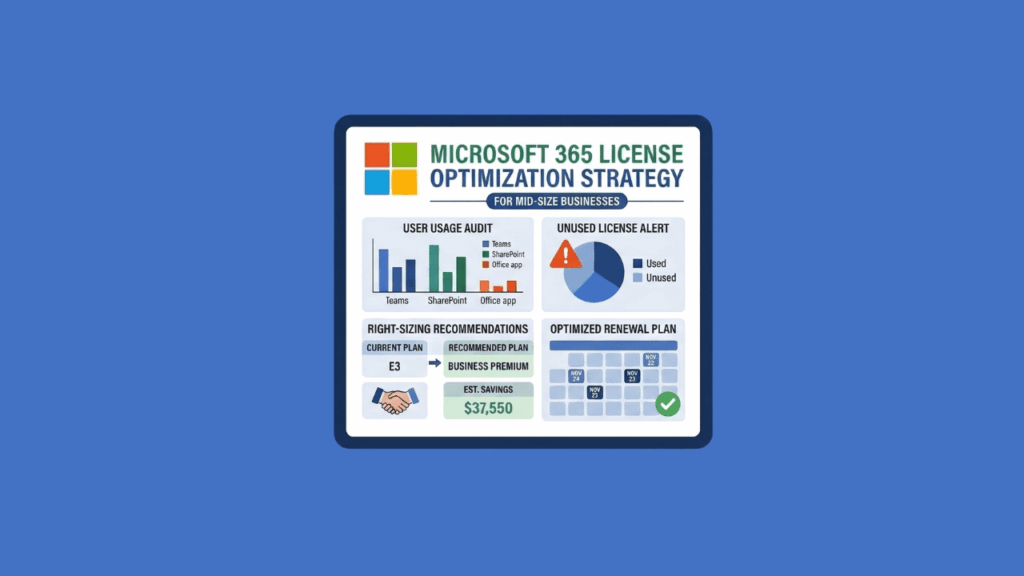
An infographic titled Microsoft 365 License Optimization Strategy shows user audit graphs, a pie chart of unused licenses, savings recommendations, and an optimized renewal plan on a blue background.

Best Microsoft 365 License Optimization Strategies for Mid-Size Businesses

Table of Contents:The M365 License Waste Problem Mid-Size Businesses Can’t Afford to IgnoreStrategy 1: Run a Full License Usage Audit Before Your Next RenewalStrategy 2: Right-Size Licenses by User RoleStrategy 3: Convert Inactive Accounts to Shared MailboxesStrategy 4: Know What Microsoft’s Native Tools Can (and Can’t) DoStrategy 5: Time Your Renewal to Beat the July 2026 Price HikeStrategy 6: Build License Governance So This Doesn’t Happen AgainThe Window Is Real. The Work Is Doable. Microsoft is raising M365 prices on July 1, 2026: If you have 500 employees on M365, this isn’t pocket change. Most mid-size organizations are already overpaying

Best Microsoft 365 License Optimization Strategies for Mid-Size Businesses Read More »

A colorful Microsoft Loop logo is centered, surrounded by icons for Excel, Word, PowerPoint, Outlook, a cloud, gears, a light bulb, and a magnifying glass with a chart, all on a blue background.

Microsoft Copilot for SharePoint and Teams: 5 Use Cases That Actually Deliver ROI

Table of Contents:Why SharePoint and Teams Are the Right FoundationThe ROI Case: What the Data SaysUse Case 1: Document Management and SummarizationWhat Copilot DoesWhat to WatchUse Case 2: Meeting Intelligence in TeamsWhat Copilot DoesWhat to WatchUse Case 3: Knowledge Retrieval Across the OrganizationWhat Copilot DoesWhat to WatchUse Case 4: Content Creation and DraftingWhat Copilot DoesWhat to WatchUse Case 5: Agentic Workflows and What Comes NextWhat Separates a Good Deployment from a Wasted LicenseStart Where the Work Already Lives You’ve got the license. Now you need to know where to point it. Organizations are deploying Microsoft 365 Copilot right now. The

Microsoft Copilot for SharePoint and Teams: 5 Use Cases That Actually Deliver ROI Read More »

A white outlined icon on a blue background shows a single person, a group of three people, and a building with a flag, all inside a rounded rectangle.

SharePoint vs OneDrive vs Teams: When to Use What (And How to Stop File Chaos)

Table of Contents:They’re Not Competing Tools (The Simple Mental Model)The “Me, We, Us” RuleWhy This Matters More in 2026Where Files Actually Live (The Storage Truth)It’s All SharePoint Under the HoodTeams Channel Types Change EverythingCommon Mistakes and the Business Impact1. The Duplication Problem2. The Deep Folder Trap3. The Offboarding RiskDecision Rules (What Goes Where)The Quick Decision TreeDepartment ExamplesGovernance That Makes the Rules StickStop Self-Service Chaos with a Request ModelReplace Folders with MetadataLifecycle and PermissionsImplementation Plan (Quick Wins and Long-Term Rollout)First 30 Days60–90 Days and BeyondFAQCan I just use Teams for everything?What happens to files when someone leaves?Should I stop using folders

SharePoint vs OneDrive vs Teams: When to Use What (And How to Stop File Chaos) Read More »

Illustration of a digital tablet displaying a document with checkmarks and profile photos, surrounded by icons of calendars, folders, gears, email, magnifying glass, plant, coffee cup, and a laptop on a blue background.

How to Use SharePoint for Employee Onboarding Checklists (2026)

Table of Contents:Choose the Right Architecture Before You Build AnythingThe Hub-and-Spoke ModelWhere SharePoint, Lists, Teams, and Planner Each FitBuild the Onboarding Checklist in Microsoft ListsRecommended Column SchemaSet Up Views That Actually Help PeopleHow to Create a Custom ViewStep 1: Access the View MenuStep 2: Name and Format Your ViewStep 3: Configure View SettingsStep 4: Apply Dynamic FiltersStep 5: Save and TestUse Conditional Branching to Reduce Form FatigueHow to Set Up Conditional BranchingStep 1: Open the Form EditorStep 2: Access Branching SettingsStep 3: Define Your Branching RulesStep 4: Set Up Choice-Based BranchingStep 5: Test Your Form LogicStep 6: Publish and ShareLock

How to Use SharePoint for Employee Onboarding Checklists (2026) Read More »

Illustration comparing SharePoint (shown as a cloud, gears, and document) on the left to another digital platform with stacked files and checkmarks on the right. “VS” is in the center, suggesting a comparison.

SharePoint vs Airtable: What Microsoft 365 Teams Should Choose in 2026

Table of Contents:SharePoint vs Airtable at a GlanceWhere Airtable Wins1. Relational Data Modeling2. Visual Interface Design3. External Collaboration Through Portals4. Mobile and Offline AccessWhere SharePoint Wins1. Zero Additional Licensing Cost2. Governance, Compliance, and Security3. Automation Depth Through Power Automate4. AI Integration Across the M365 GraphLimits and Gotchas at ScaleCommon Use Cases, Mapped to the Right PlatformChoosing Your Platform: Framework and Integration StrategyGetting Started with SharePoint, Implementation Basics This isn’t a feature shootout. It’s a decision about three things: Most organizations already pay for SharePoint through their M365 license. So the real question is simple: Does Airtable solve a problem that

SharePoint vs Airtable: What Microsoft 365 Teams Should Choose in 2026 Read More »

A digital kanban board with multiple vertical columns, each containing several rectangular cards, shown on a blue background. The board interface is simple and uncluttered.

Trello Alternatives for Workflow Visualization: A Practical Guide for 2026

Table of Contents:Best Trello Alternatives Inside Microsoft 365For Simple Task Boards and Team Collaboration (New Planner Basic)For Projects with Dependencies and Timelines (New Planner Premium)For Structured Data and Custom Views (Microsoft Lists)For Engineering and Strict Kanban Practitioners (Azure DevOps Boards)The Automation Layer: Power AutomateBest Trello Alternatives Outside Microsoft 365For Visual Customization and Dashboards (Monday.com)For Creative Teams and Strategic Planning (Asana)For Feature Density on a Budget (ClickUp)For Software Development (Jira)For Complex Schedules and Excel Power Users (Smartsheet)For Custom Internal Apps (Airtable)How to Choose: Decision GuideEvaluation Criteria SnapshotCommon ScenariosPick the Tool That Fits Your Governance Model Trello built its reputation on simplicity.

Trello Alternatives for Workflow Visualization: A Practical Guide for 2026 Read More »

An illustration of a red switch labeled OFF next to a gray Microsoft SharePoint logo and a broken plug, all on a blue background.

The Retirement of SharePoint Alerts Is a Good Thing (If You Design Properly)

Table of Contents:What About the Retirement TimelineThe Four Critical MilestonesThe “Friction by Design” StrategyWhy This Retirement Is Architecturally SoundThe Opacity ProblemThe Orphaned Alert BurdenAlert Fatigue and the Signal-to-Noise CrisisThe Replacement Decision FrameworkSharePoint Rules (For Citizen-Led, Low-Volume Scenarios)Power Automate (For Governed, High-Volume, or Cross-System Workflows)The “Pull” Alternative: Viva Connections and Activity FeedsThe Real Challenge: Design Discipline Over Tool FeaturesThe Daily Digest ProblemThrottling and the 600 Calls/Minute LimitThe Infinite Loop TrapWhat to Do Now Microsoft is killing SharePoint Alerts. Microsoft’s published timeline shows: Everyone’s treating this like a crisis. It’s not. It’s actually an opportunity to fix 20 years of notification chaos

The Retirement of SharePoint Alerts Is a Good Thing (If You Design Properly) Read More »

Scroll to Top