
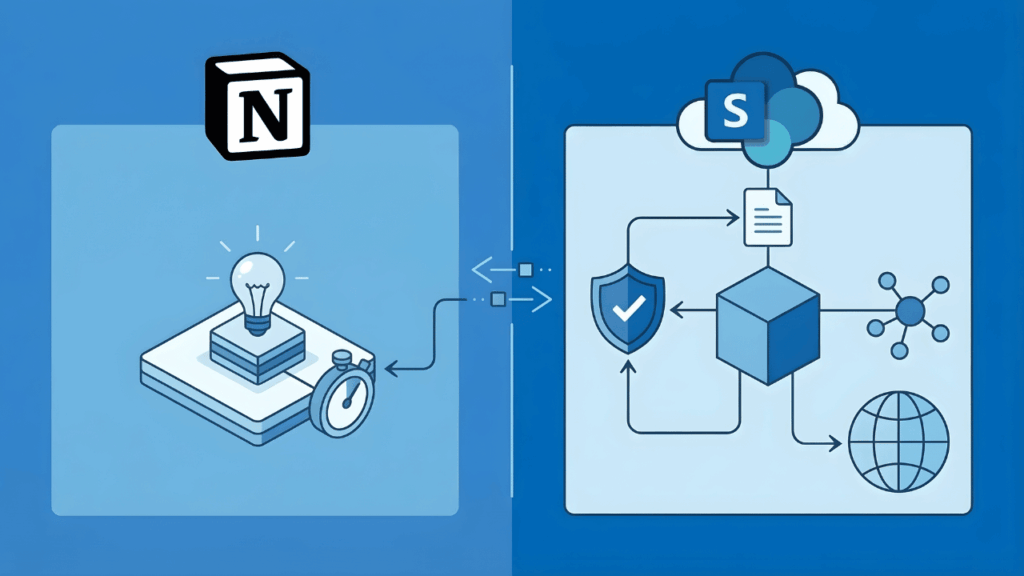
Your team loves Notion. Then you ask about compliance controls, permission granularity, and what happens at 500 employees.
Both platforms claim Fortune 500 adoption. But they get used for different things: Notion as the team wiki, SharePoint as the enterprise knowledge layer.
Here’s where each one breaks down.
Table of Contents:
- What Organizations Actually Need from a Knowledge Management Platform
- Where Notion Wins (And Why Teams Love It)
- Where Notion Hits a Wall at Enterprise Scale
- SharePoint’s Knowledge Management Stack (What You Already Own)
- The Real Comparison: Security, Scalability, and Total Cost
- When Notion Still Makes Sense
- Pick the Platform That Matches Your Governance Reality
What Organizations Actually Need from a Knowledge Management Platform
Knowledge management requires building systems where knowledge flows through your organization predictably.
Enterprise knowledge management best practices center on four foundational processes:
- Knowledge creation: How information gets authored and captured
- Knowledge retention: How content stays organized and findable over time
- Knowledge transfer: How knowledge moves between teams and people
- Knowledge application: How employees actually use what they’ve stored
The platform you choose shapes how well you execute each of these. Here’s what that breakdown looks like:
| Capability | Why It Matters | Notion | SharePoint |
| Search Accuracy | Users abandon knowledge bases with poor search | Basic | Advanced with semantic indexing |
| Permission Granularity | Prevents unauthorized access to sensitive docs | Database-level only | Item-level, audience-targeted |
| Compliance Controls | Required for regulated industries | Limited | Comprehensive (DLP, retention, classification) |
| Content Versioning | Maintains audit trail and change history | Manual | Automatic with rollback |
| Data Residency | Determines where your data lives | Notion’s servers | Your geographic region |
| Retention Policies | Automated deletion of old content | Manual | Policy-driven automation |
At a small scale, these differences feel academic. At enterprise scale, they become operational requirements.
Sign up for exclusive updates, tips, and strategies
Where Notion Wins (And Why Teams Love It)
Notion’s 20 million monthly active users aren’t accidental. The product genuinely earns adoption:
- Fast onboarding: Teams can spin up a wiki in an afternoon, no governance framework required
- Clean UX: Database blocks feel native, not bolted on. Templates lower the friction to get started
- Flexible editing: Block-based content creation means you’re not locked into rigid page templates
- Low IT overhead: No admin setup, no training cycle, no change management
That’s a real competitive advantage for organizations that prioritize speed over structure.
Where Notion Hits a Wall at Enterprise Scale
Notion was architected for a different use case. Small teams can work around the limitations…enterprise organizations can’t.
Search That Breaks Down Under Volume
Notion’s search is the most frequently cited pain point. Search functionality is inconsistent and often fails to surface relevant content as databases grow.
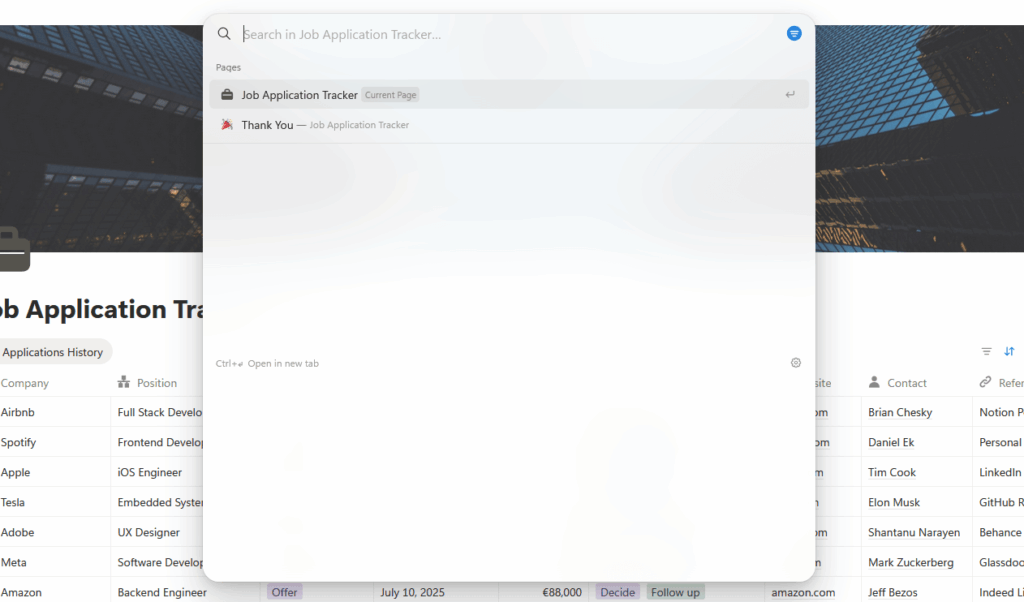
In practice, teams build workarounds: manual indexes, duplicated pages, tagging systems. That defeats the purpose of a centralized knowledge hub.
Permissions and Access Control
Notion’s permissions work at the database level. You give someone access, or you don’t.
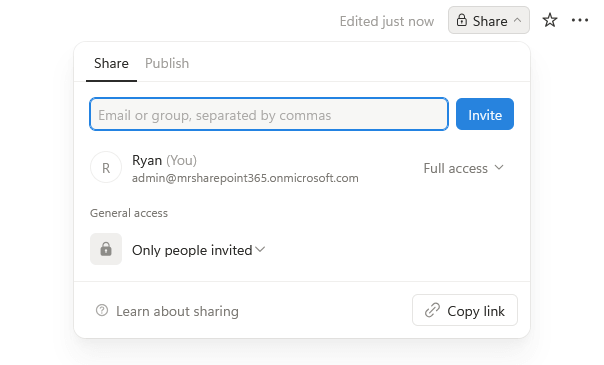
That breaks down fast in regulated environments. Common scenarios where it falls short:
- Classified documents: Loan officers accessing loan docs but not competitive intelligence
- Regulatory requirements: HIPAA-compliant compartmentalization in healthcare
- Audit obligations: Proof that access controls match policy
SharePoint operates at granular levels: site collections, document libraries, and item-level permissions with audience-targeted controls. It was built for exactly these scenarios.
Compliance, Retention, and Data Governance
This is where the decision shifts decisively toward enterprise platforms. Notion lacks built-in version control, approval workflows, and analytics.
For small teams, that’s fine. For organizations with compliance obligations or audit requirements, it’s a dealbreaker.
SharePoint includes:
- Data Loss Prevention (DLP): Automatically intercepts sensitive content (credit cards, SSNs, regulated data) before it leaves your organization
- Sensitivity Labels: Classify content by confidentiality level and apply encryption or access restrictions automatically
- Retention Policies: Automatically delete or archive content based on retention schedules
- Content Approval Workflows: Require manager sign-off before publishing
- Audit Logging: Complete record of who accessed what, when, and what changed
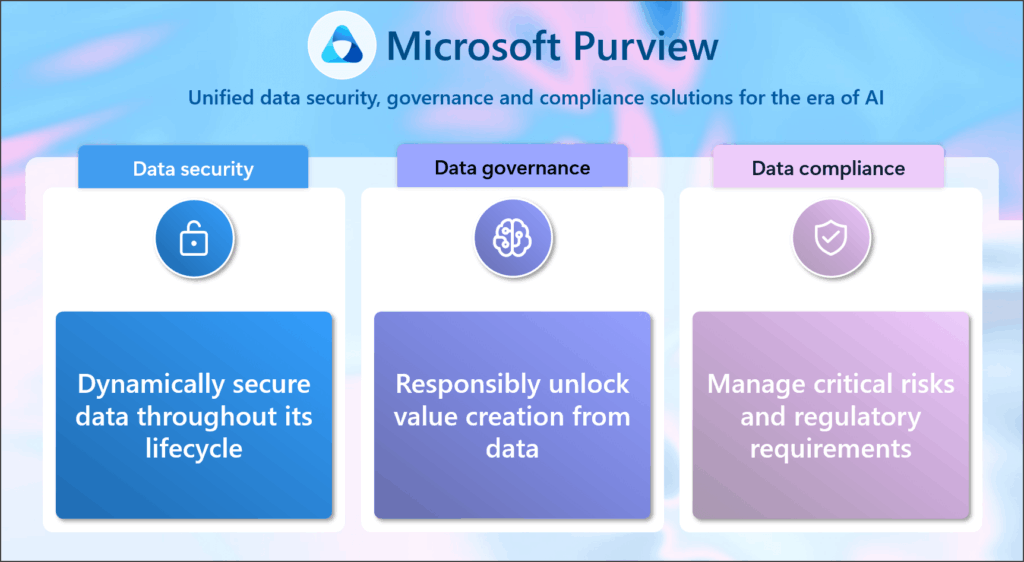
- Microsoft Purview Integration: Unified compliance dashboard across Microsoft 365
SharePoint Advanced Management (SAM) adds AI-driven insights: detecting inactive sites, enforcing site ownership policies, and generating detailed access governance reports.
If you’re in healthcare, finance, or a regulated industry, these aren’t nice-to-haves. They’re operational requirements.
With Notion, you’re either accepting compliance risk or building custom infrastructure on top to close the gaps.
Here’s something organizations miss:
If you already have a Microsoft 365 tenant, you already own the infrastructure to build enterprise-scale knowledge management.
You’re just not using it.
SharePoint Online has evolved significantly from its on-premises reputation. Modern SharePoint sites are clean, responsive, and built for knowledge management from the ground up.
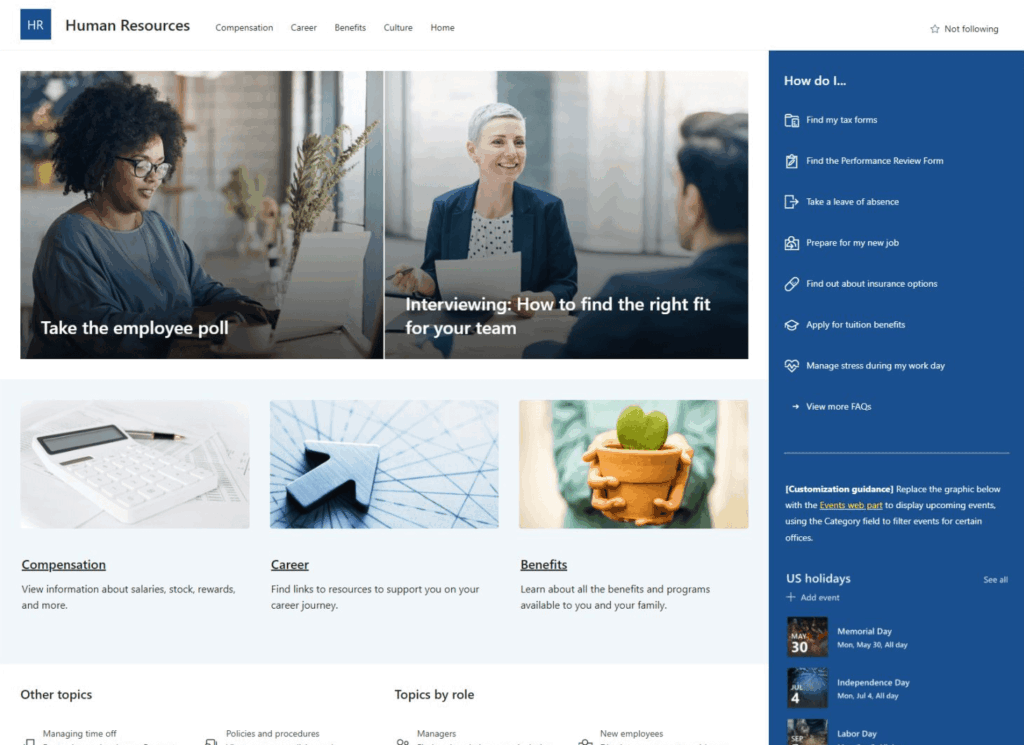
The platform natively supports:
- Modern, responsive page design (not the dated interface people remember)
- Integration with Microsoft Copilot for AI-powered search and content discovery
- Hub sites that connect related site collections into logical knowledge domains
- Lists and libraries with powerful filtering, metadata, and taxonomy
- Mobile-first design that actually works
80% of Fortune 500 companies rely on SharePoint for document management, and over 200 million monthly active users work in SharePoint Online daily.
That scale matters. It means that the platform has been tested at enterprise complexity levels Notion hasn’t encountered.
The M365 Ecosystem Advantage
SharePoint doesn’t stand alone. It integrates with the broader Microsoft 365 environment.
| Tool | Extends SharePoint KM By | Use Case |
| Microsoft Copilot | AI-powered search and content summarization | Answers questions across all your knowledge assets |
| Viva Engage | Community-generated knowledge and peer learning | Crowdsourced Q&A and best practices |
| Teams | Persistent knowledge channels linked to SharePoint sites | Real-time knowledge sharing within project contexts |
| Viva Topics | AI-suggested topics and expert recommendations | Automatic indexing of your organization’s intellectual capital |
| Purview | Compliance, DLP, retention, and governance | Unified compliance dashboard |
| Search (Microsoft Graph) | Semantic search across documents, emails, Teams | Finding knowledge across your entire org, not just one silo |
A healthcare provider using SharePoint for knowledge management reduced document retrieval time by 30% and improved compliance tracking.
A financial services company cut policy review cycles by 40% with SharePoint workflows. These aren’t small gains.
The Real Comparison: Security, Scalability, and Total Cost
The feature list only tells part of the story. Real decision-making hinges on security, scalability, and what you actually pay.
Security and Governance Side-by-Side
| Security Layer | Notion | SharePoint |
| Data Encryption | In-transit and at-rest | In-transit, at-rest, and field-level |
| Advanced Threat Detection | No | Microsoft Defender integration |
| DLP/Sensitive Content Blocking | No | Yes, automated |
| Audit Logging | Basic | Detailed with legal hold capabilities |
| Multi-Geographic Compliance | Limited | Supports data residency by region |
| Permissions Model | Database-level | Item-level with audience targeting |
| Admin Controls | Limited visibility | Comprehensive governance framework |
SharePoint’s advantage here isn’t marginal. It’s structural.
Notion’s team claims enterprise features are “the next chapter.” They’ve added managed users and stated that user data isn’t used to train AI models.
But they haven’t addressed architectural scalability limitations or compliance gaps that organizations with 500+ employees face regularly.
Cost at Scale
The pricing comparison looks favorable to Notion initially. At 20 users, Notion’s per-seat cost is lower.
But the total cost of ownership shifts as you scale. Organizations using Notion at enterprise scale often spend on:
- Custom integrations and automation to compensate for missing features
- Workarounds for permission and compliance gaps
- Manual processes for retention and data governance
- Third-party compliance tooling built on top
SharePoint’s cost is built in. If you have a Microsoft 365 tenant, you’re already paying.
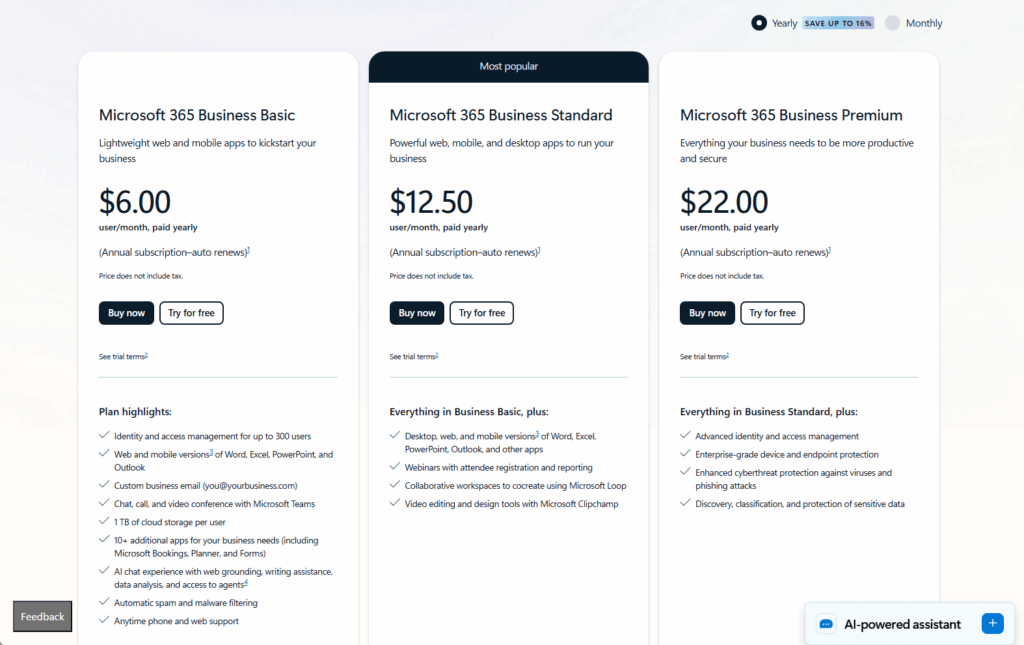
The incremental cost of using SharePoint for knowledge management is minimal. Notion requires incremental spend to fill enterprise gaps.
Additionally, SharePoint Online’s adoption growth (50% year-over-year) suggests organizations are consolidating knowledge systems around what they already own.
When Notion Still Makes Sense
This isn’t a hit piece. There are real scenarios where Notion is the better choice:
- Teams under 100: Fast-moving industries where adoption speed matters more than governance
- Startups and small firms: The UX advantage is real, and compliance requirements are minimal
- Supplementary layer: Product teams on Notion for feature docs while the org uses SharePoint for formal policies
Both platforms can coexist. The mismatch happens when you try to scale Notion as your enterprise knowledge backbone.
Pick the Platform That Matches Your Governance Reality
Match your governance maturity and regulatory environment, not interface preferences.
- Under 100 employees with no compliance requirements? Notion’s UX advantage wins.
- At 500+ employees in a regulated industry? SharePoint is the platform built for your reality.
The real cost of picking wrong isn’t the software fee. It’s the months of workarounds and eventual migration when you outgrow what you chose.
If you need guidance on governance frameworks, migration, or architecture, reach out and let’s talk through your requirements.
What’s your biggest blocker right now: Notion’s permission gaps, compliance requirements, or just figuring out if SharePoint is worth the switch? Drop a comment below.
Running Notion at scale and starting to feel the friction? I help mid-size organizations sort this out every week. Reach out and let’s talk.