
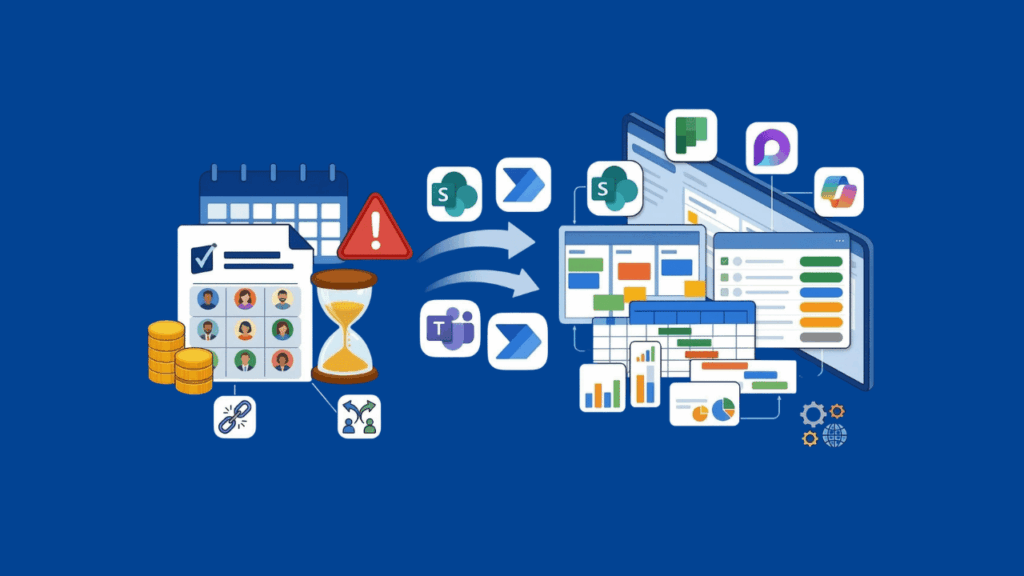
Smartsheet’s licensing changes are forcing a lot of organizations to take a step back and ask whether the platform still fits their needs.
The new user subscription model introduces multiple seat types and ongoing reconciliation cycles, which means budgeting and governance just got more complicated.
If you’re already standardized on Microsoft 365, you might not need to look outside your tenant at all.
This is a practical comparison from the M365 perspective, built for IT managers, SharePoint admins, and operations leaders actually weighing their options.
Table of Contents:
Why Organizations Are Moving Away from Smartsheet
Smartsheet migrations are driven by governance costs, compliance friction, and operational overhead at scale.
The 2025 Licensing Shake-Up
Smartsheet’s user subscription model introduces provisional periods, seat type reconciliation, and true-up cycles.
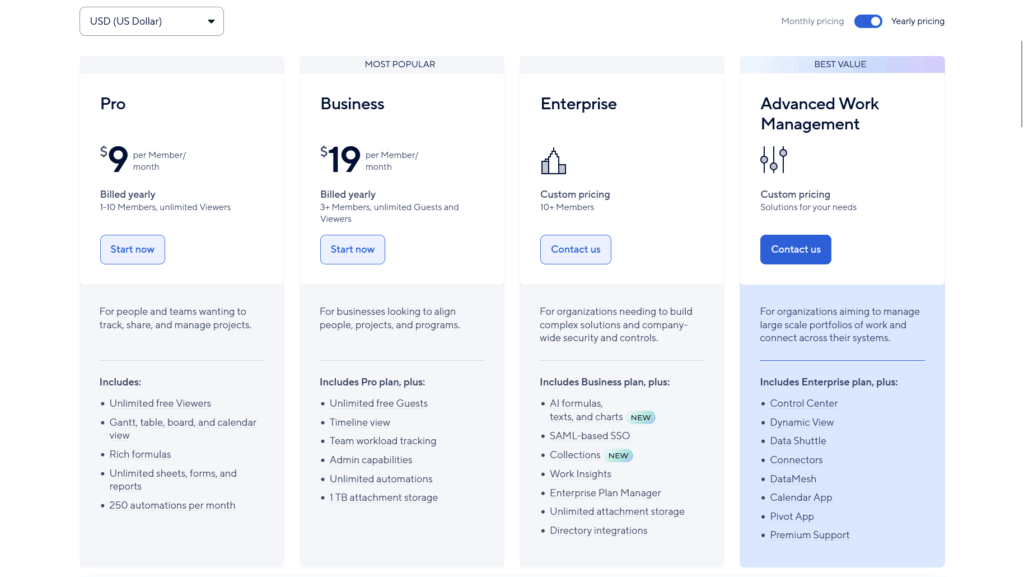
This fundamentally changes how you forecast costs and control who needs what type of license.
Previously, you bought a number of editor seats and managed access through traditional permission models.
Now, Smartsheet tracks provisional periods and monthly reconciliations, which means ongoing administrative overhead and budget unpredictability.
The Microsoft 365 Integration Gap
Organizations invested in the M365 ecosystem hit friction at scale in three areas:
- Automation limits vs. Power Automate: Teams already using Power Automate find Smartsheet’s native automation rules too narrow. Power Automate’s trigger and action library is simply much broader.
- Reporting limits vs. Power BI: Organizations standardized on Power BI often find Smartsheet’s native reporting insufficient. Data export paths are cumbersome compared to M365-native tools.
- Governance mismatch: Smartsheet’s compliance, data residency, and retention controls don’t match what Microsoft’s Purview stack offers at enterprise scale.
Add to this the practical pain point: determining “who needs a paid seat” when you have contractors, partners, and external collaborators.
That ambiguity creates ongoing administrative overhead.
Sign up for exclusive updates, tips, and strategies
Microsoft-Native Alternatives (Already in Your Tenant)
You probably already own these tools.
| Tool | Best For | Pricing | Gantt / Timeline | Automation | Reporting |
|---|---|---|---|---|---|
| Microsoft Lists | Structured intake and lightweight tracking | Included in M365 | Not primary | Power Automate via M365 | Power BI via SharePoint |
| Microsoft Planner | Task execution and light planning | Plan 1 $10/mo, Plan 3 $30/mo, Plan 5 $55/mo | Timeline in premium plans | Power Automate and M365 ecosystem | Power BI via M365 stack |
| Microsoft Planner (Premium) | PMO scheduling and portfolio management | Plan 3 $30/mo, Plan 5 $55/mo | Strong (true critical path on Plan 3/5) | Strong via Power Platform | Strong via Power Platform |
| Microsoft Loop | Collaborative project context and meeting notes | Included in M365 | N/A | Via M365 ecosystem | N/A |
The question is whether they solve your use case without the licensing complexity of Smartsheet.
Microsoft Lists
Microsoft Lists is your foundation for structured intake and lightweight project tracking.
It’s SharePoint-backed, which means you inherit all your existing governance controls, Teams app integration, and Power Automate triggers.
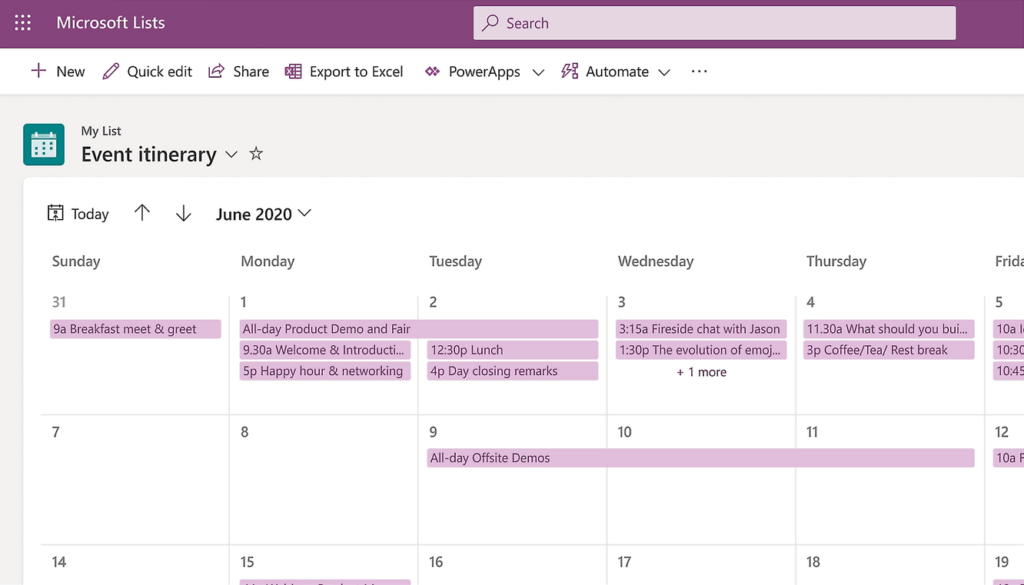
A Lists-based intake process works well when you need to collect structured requests, assign owners, track status, and escalate blockers.
You’re not going to get Gantt dependencies or resource management, but for intake and early-stage tracking, Lists is often underestimated.
The biggest win: zero additional licensing cost, and governance happens through existing SharePoint permissions and M365 Purview controls.
What you get:
- Custom columns, views (grid, gallery, calendar), and conditional formatting
- Color-coded status tracking with configurable labels
- Power Automate triggers for automated notifications and escalations
- SharePoint permissions and M365 Purview governance out of the box
- Included in most M365 plans at no extra cost
Microsoft Planner
Planner has evolved substantially in the past two years and is now the default task execution tool, deeply integrated with Teams and absorbing capabilities that used to live in Project for the web.
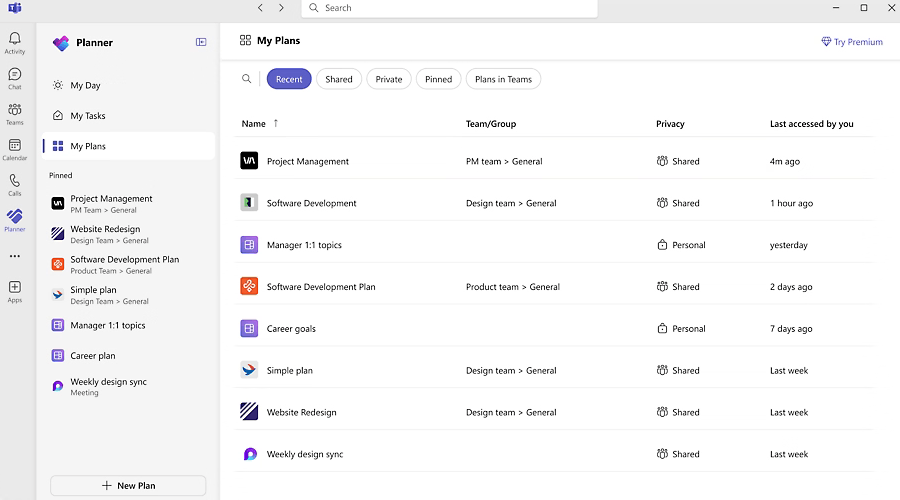
The free baseline Planner experience is included with most M365 plans. But the real value sits in the premium plans:
- Plan 1 ($10 per user per month) adds task-level customization and reporting
- Plan 3 ($30 per user per month) adds timeline views and dependencies
- Plan 5 ($55 per user per month) adds advanced portfolio controls
Planner is Teams-first, which means teams already collaborating in Teams will adopt it without friction. The premium plans make it viable for ops teams that need light Gantt, not just task lists.
One important thing to watch: Microsoft is consolidating Project for the web into Planner. The unification story is still rolling out, but this is the direction Microsoft is moving.
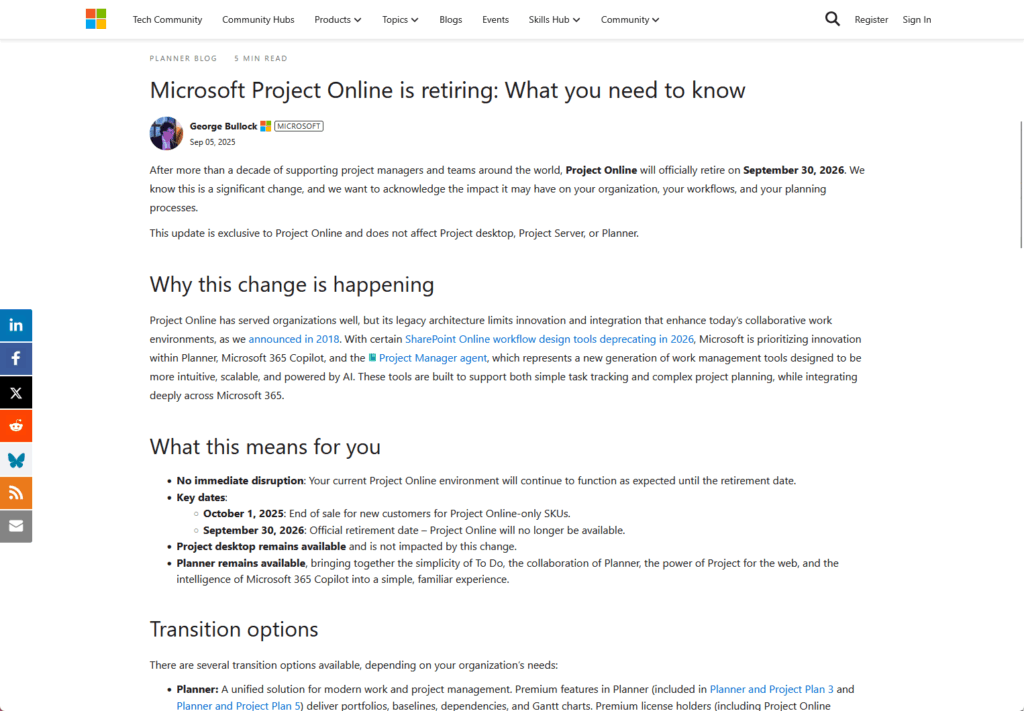
Microsoft’s Project for the web capabilities now live in Planner’s premium tiers (Plan 3 and Plan 5), where PMO teams get critical path analysis, resource management, baselines, and multi-project portfolio rollups.
If you need those heavier features, those paid plans are where you’ll find them.
Project Online is being retired, with end-of-sale in October 2025 and full retirement by September 2026. If your organization still runs Project Online, now is your migration window.
Microsoft Loop
Loop is a collaborative canvas tool that launched broadly in 2024. It’s not a project management tool per se. Instead, think of it as where your project context lives.
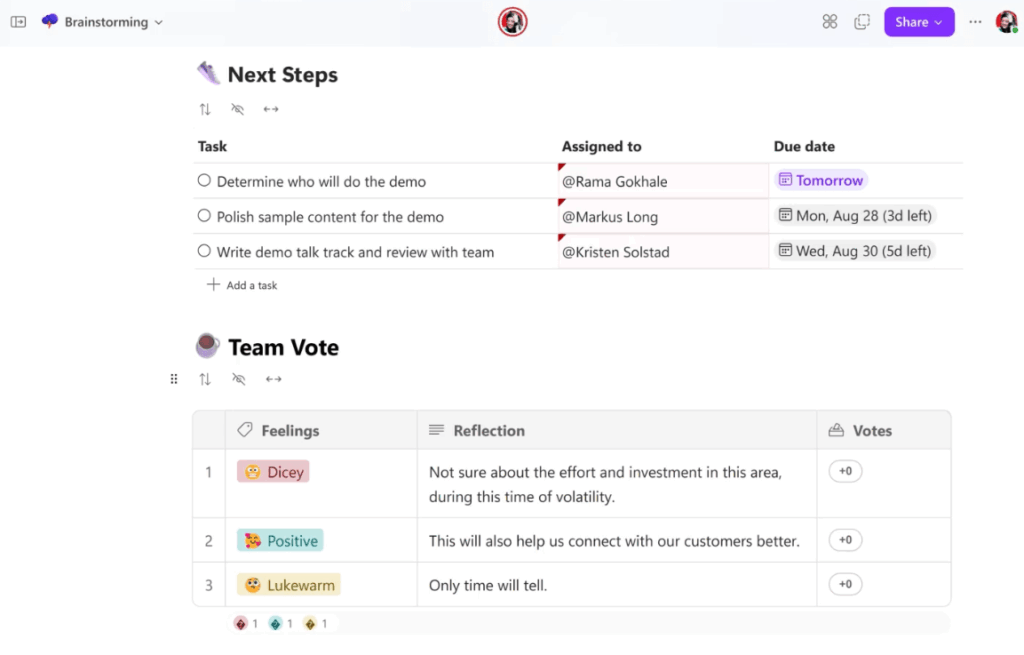
Teams can use Loop to keep meeting notes, decisions, and reference materials connected to work items across Teams, Outlook, and SharePoint.
Microsoft released a governance and lifecycle update in November 2024 specifically for IT admins, which means Loop is now more manageable at scale.
Loop pairs well with Planner or Lists as your source of truth for work, giving teams a collaborative space to contextualize why the work matters.
Practical uses for project teams:
- Meeting notes that sync live across Teams, Outlook, and SharePoint
- Decision logs connected to project workspaces
- Status updates embedded directly in team channels
- Shared reference docs that update everywhere they’re embedded
Third-Party Alternatives with M365 Integration
If you’ve evaluated the Microsoft-native tools and they don’t fit your workflow, here’s the honest breakdown of the third-party tools that actually integrate with M365.
| Tool | Best For | Starting Price | M365 Integration Type | Gantt / Timeline | Automation |
|---|---|---|---|---|---|
| monday.com | Configurable workflows and dashboards | $12/seat/mo (Basic) | Teams, first-party Power Automate | Standard plan+ | Native + Power Automate |
| Asana | Structured work management with M365 integration | $10.99/user/mo (Starter) | Power Automate, Power BI, Copilot connector | Timeline view | Native + Power Automate |
| ClickUp | Feature breadth at low entry price | $7/member/mo (Unlimited) | Independent Publisher Power Automate | Included on lower tiers | Native + API |
| Jira | IT/engineering and cross-team traceability | $7.16/user/mo (Standard) | Power Automate, Copilot connector | Timeline + Roadmaps | Native + API |
The metric that matters: how easy is it for an M365 admin to manage identity, compliance, and data integration?
monday.com
monday.com is a “work OS” for operations teams building dashboards and configurable workflows.
The interface is app-like rather than spreadsheet-like, so adoption is straightforward for teams tired of Smartsheet’s rows-and-columns approach.
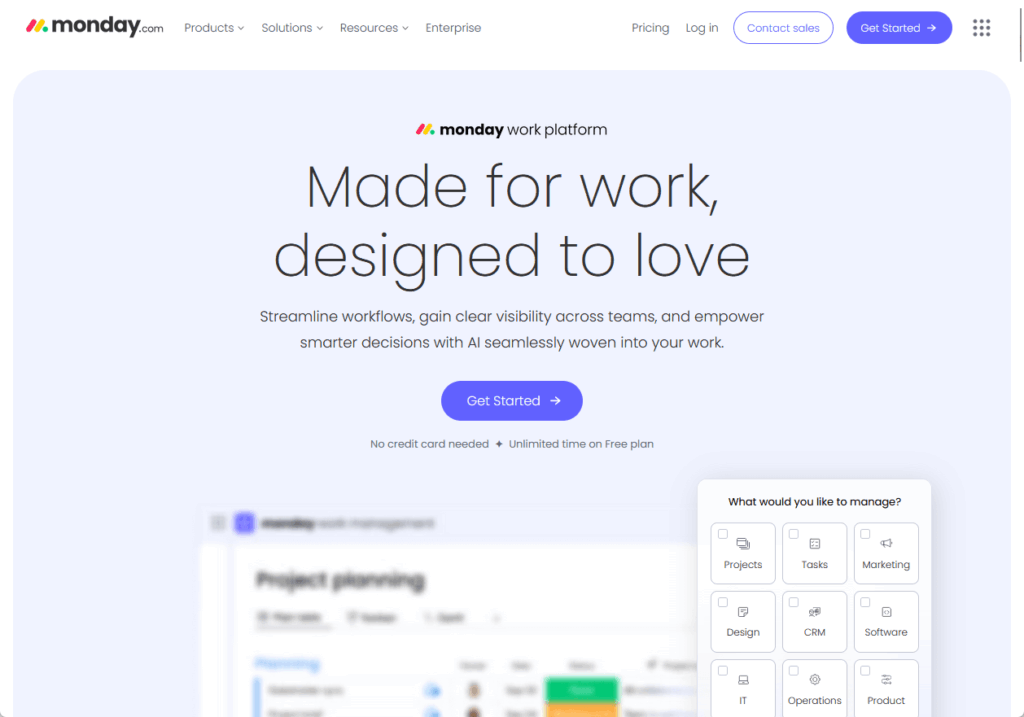
It has a first-party Power Automate connector published by Microsoft, Teams integration, and straightforward SharePoint document linking.
Pricing (annual billing):
- Basic: $12 per seat per month
- Standard: $14 per seat per month
- Pro: $24 per seat per month
The catch: enterprise-grade identity features (SAML, SCIM) are gated to Enterprise plans.
If your IT department requires full identity lifecycle management, you’re paying enterprise pricing, which changes the TCO math significantly.
Gantt and dependencies are available on the Standard plan and above, so you’re not locked into basic task lists on lower tiers.
Asana
Asana stands out for density of Microsoft ecosystem touchpoints.
It has a Microsoft-published Power Automate connector, a native Power BI integration, a Copilot connector, Teams integration, and an Outlook add-in.

This is unusually comprehensive for a non-Microsoft tool. If your organization is already standardized on Power Automate and Power BI, Asana is the path of least friction.
Pricing starts at $10.99 per user per month (Starter, annual billing) and goes to Advanced at $24.99 per user per month.
Portfolio and advanced customization features require Advanced or Enterprise tier, which is worth factoring in for larger teams.
Asana sits between Smartsheet’s spreadsheet feel and monday.com’s app-centric UX, which puts it in the middle ground for ops teams.
M365 touchpoints:
- Microsoft-published Power Automate connector
- Native Power BI integration
- Microsoft Copilot connector
- Teams tab integration
- Outlook add-in for task creation from email
ClickUp
ClickUp competes on feature breadth and price.
You get Gantt, dashboards, automation, and custom reporting starting at $7 per member per month (Unlimited tier), with no paywall on lower tiers.
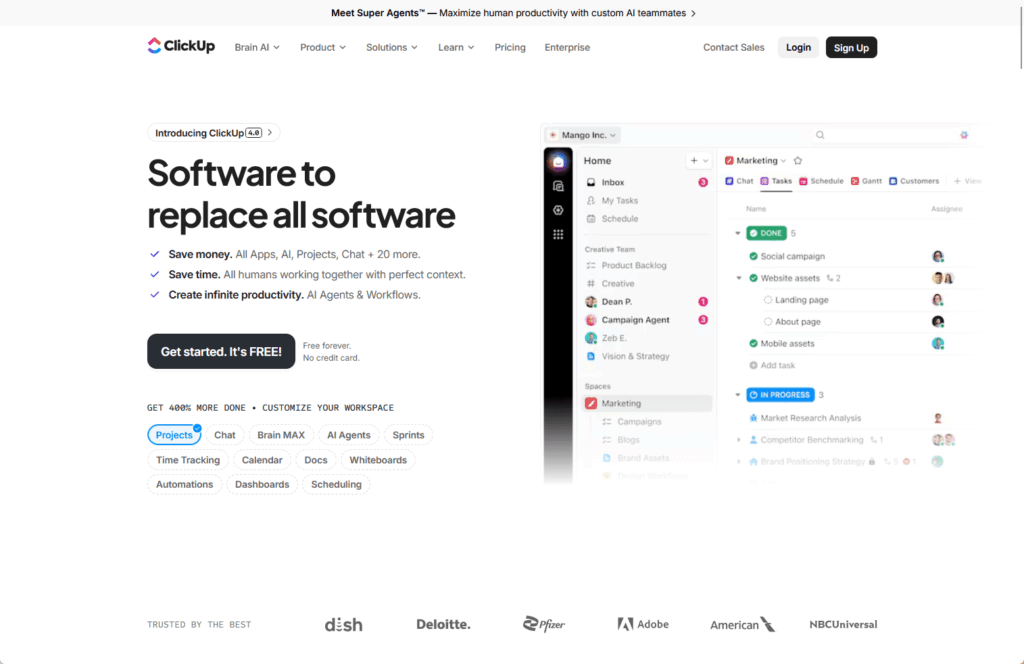
The integration story is different:
ClickUp’s Power Automate support comes via an Independent Publisher connector (still in Preview), not a Microsoft-published first-party connector.
For M365 admins running tight compliance reviews, this introduces friction. In addition, independent publisher connectors carry different review and support expectations than first-party connectors.
ClickUp is API-first and extensible, which is powerful if your team is comfortable building custom integrations. For teams that want “lots of features at low cost and we’ll handle integration ourselves,” ClickUp fits.
What’s included at the entry price point:
- Gantt and timeline views
- Custom dashboards
- Native automation rules
- Custom reporting and workload views
- API access for custom integrations
Jira
Jira shifted in May 2024 when Atlassian merged Jira Software and Jira Work Management into a single “Jira” product aimed at “all teams.”
This unified approach means you get work-item traceability, goal tracking, and timeline views in one place.
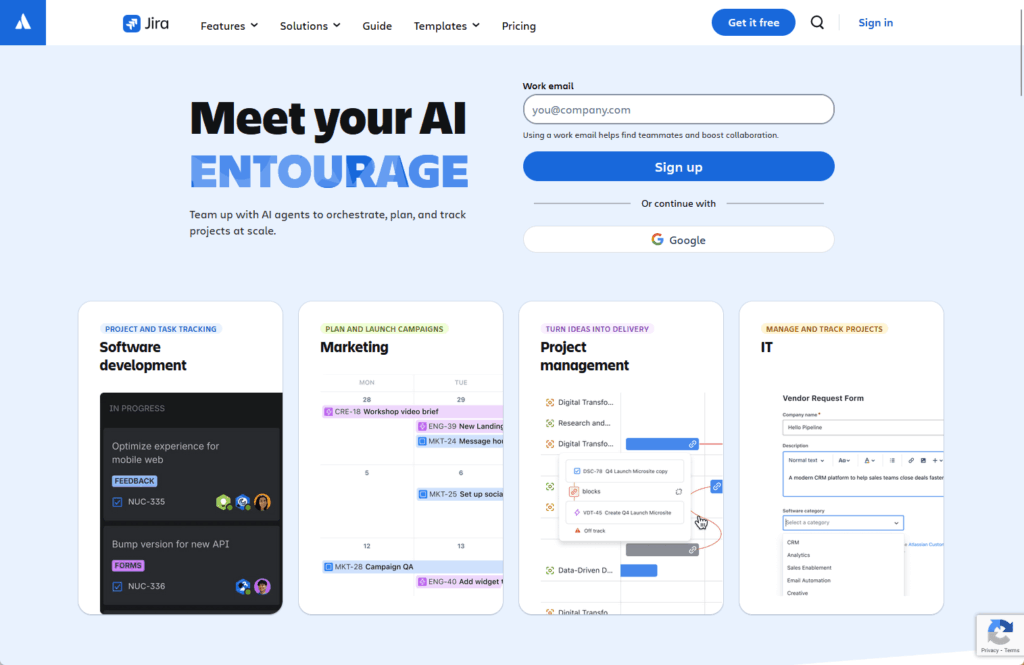
Jira is particularly strong for IT and engineering-adjacent teams that need to track both software development and operational work.
It has Microsoft connectors for Power Automate and Copilot, plus Teams integration. Pricing also starts at $7.91 per user per month (Standard tier) for cloud.
The learning curve for non-technical teams is steeper than monday.com or Asana, and Jira can feel over-engineered for simple project tracking.
But if your organization has overlapping IT and software teams, Jira is worth considering because you consolidate work-item traceability in one place.
What the unified Jira covers:
- Software sprint tracking and backlog management (Jira Software heritage)
- Operational project and task tracking (Jira Work Management heritage)
- Goal tracking with OKR linking
- Timeline and roadmap views across teams
- Power Automate and Microsoft Copilot connectors
How to Choose (Decision Framework by Role)
The right tool depends on who’s driving the decision and what their constraints are.
Microsoft 365 Admins and IT Managers:
- Start with Planner and Lists
- Add Planner Plan 3 or Plan 5 if your PMO actually needs Gantt and dependencies at scale
- Use Loop to centralize meeting notes and project context
- Move to third-party only if M365-native tools don’t cover your workflow complexity or automation needs
- If your organization uses Jira heavily for mixed IT and engineering work, consolidate operational project tracking into Jira as well
Operations Leads:
- If you need configurable business workflows with dashboards, monday.com works well (accept Enterprise gating for SSO/SCIM if IT requires it)
- If your organization is already using Power BI and Power Automate heavily, Asana’s density of Microsoft integrations makes it a natural fit
- If budget is the primary constraint and API-first extensibility matters more than first-party Microsoft connectors, ClickUp delivers significant feature breadth at low cost
PMO Leaders:
- If you’re using Smartsheet as a true scheduler with critical path and resource management, Planner Plan 3 or Plan 5 is the closest match within M365
- If your portfolio management needs are moderate, the free Planner tier or Plan 1 can work
- If you need richer resource management and multi-project rollups, Plan 3 or Plan 5 delivers, but expect premium pricing
Pick the Tool That Fits Your Stack
The best Smartsheet alternative depends on your current stack, the automation you actually need, and whether your PMO requires true critical-path scheduling or just task visibility.
- Start with what you already own.
- Most M365 organizations handle 70 percent of their Smartsheet use case with Planner, Lists, and Loop.
- The remaining 30 percent is where the evaluation actually matters.
If you’re evaluating a Smartsheet alternative as part of a broader Microsoft 365 modernization, start with what’s driving the move and which tool actually solves that problem.
What’s your biggest Smartsheet challenge right now: the new licensing model, M365 integration gaps, or figuring out which alternative actually fits your workflow? Drop a comment below.
Need help sorting out your Smartsheet migration before it turns into a bigger project than it needs to be? I work with mid-size organizations on this every week. Reach out and let’s talk.