Power Apps

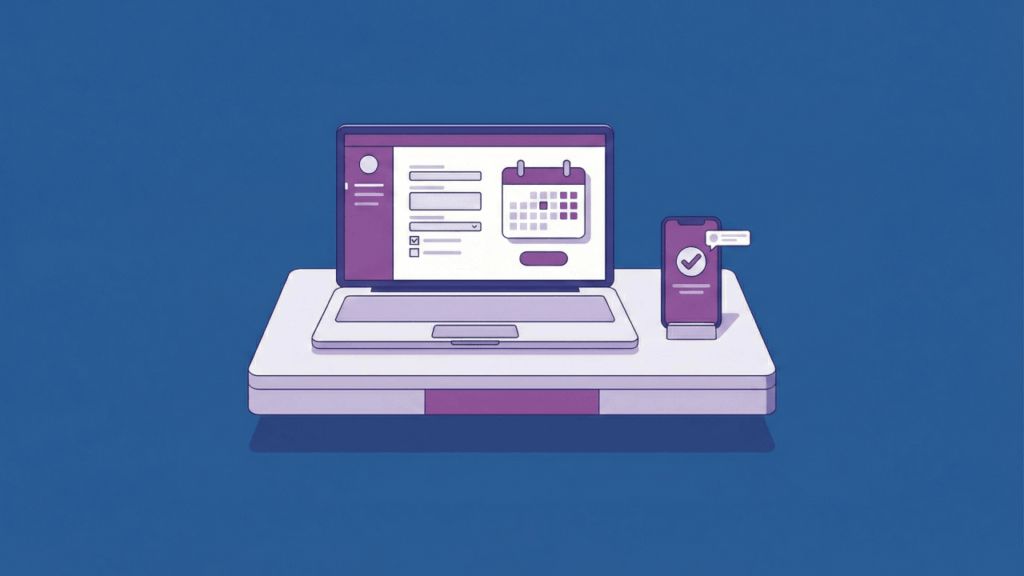
Illustration of a laptop displaying an online form with a calendar, alongside a smartphone showing a checkmark notification, all set on a desk against a blue background.

How to Use Power Apps to Create a Leave Request Form (2026)

Most companies handle leave requests through email chains or spreadsheets. This creates confusion, lost requests, and constant back-and-forth. Power Apps offers a better solution inside your existing Microsoft 365 setup. You can build a complete leave request system that connects to SharePoint, sends automatic approvals, and tracks balances in real time. What to expect from this guide: This article walks through creating a demo leave request app using Copilot. Think of it as a framework showing what’s possible, not a rigid set of rules. Your company’s needs are different from everyone else’s. Feel free to adapt the process, skip sections


How to Use Power Apps to Create a Leave Request Form (2026) Read More »

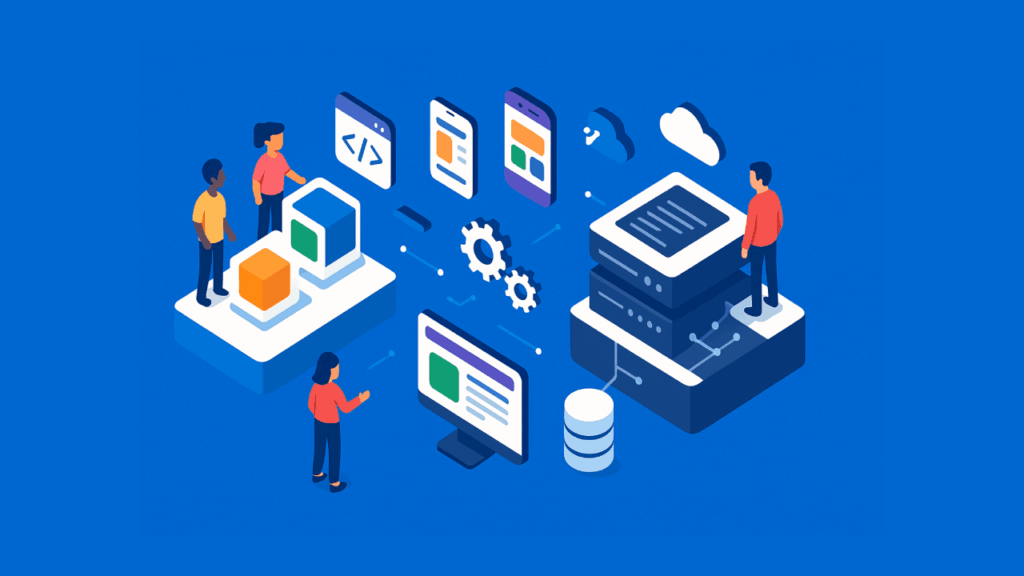
Illustration of people working with digital platforms, including computer screens, smartphones, floating gears, cloud storage, servers, and data blocks, representing software development and cloud technology on a blue background.

Power Apps vs OutSystems: Low-Code App Builder Face-Off (Comparison Guide)

Need to build business applications faster without hiring an army of developers? In this guide, let’s talk about Microsoft Power Apps and OutSystems, the two leading low-code platforms for app development. Let’s get started. The Low-Code Revolution and Two Market Leaders Enterprise software is changing fast. Low-code platforms now promise to speed up development by up to 90% while cutting costs dramatically. Two platforms lead this movement: Microsoft Power Apps and OutSystems. Both appear in Gartner’s Magic Quadrant as leaders. But their similarities end there. Here’s what sets them apart: Power Apps lets business users and citizen developers create apps

Power Apps vs OutSystems: Low-Code App Builder Face-Off (Comparison Guide) Read More »

An isometric, flat-design illustration on a solid blue background. A white smartphone displaying a form is centered horizontally. Symmetrically arranged around the phone from left to right are various data-related icons: an ascending bar chart, a cylindrical database, a pie chart, a magnifying glass, and another ascending bar chart, all in shades of white and teal. The overall image has a clean, minimalist style with no text or gradients

Best Microsoft Power Apps for Data Collection (With AI Prompts)

Tired of using messy spreadsheets and paper forms to collect data? In this guide, you will learn about the best Microsoft Power Apps for data collection and get the exact AI prompts to build them yourself. Let’s get started. Before You Build: Know Your Tools Picking the right tool from the start is the most important step for building a good app. Here’s a simple way to think about the three main options: Each tool is designed for a different job. Think about who will be using the app and what kind of data you’re collecting before you start. This

Best Microsoft Power Apps for Data Collection (With AI Prompts) Read More »

Abstract illustration with cubes gear cloud chart and database connected on a blue background

Power Platform Terminology Explained: From Power Apps to Dataverse

Ever felt lost in a sea of tech jargon when trying to understand Microsoft’s Power Platform? In this guide, I’ll break down all the essential terms in plain English, from canvas to component framework. Let’s get started. What is the Microsoft Power Platform? Microsoft’s Power Platform is a low-code suite for building custom apps, automating workflows, and analyzing data. Non-developers can create solutions by connecting to Microsoft services like Office 365 and Azure. This approach is built on a few key ideas: All these tools share a common language for logic called Power Fx. If you’ve ever written a formula

Power Platform Terminology Explained: From Power Apps to Dataverse Read More »

Isometric graphic of AI creating a mobile app

Microsoft Power Apps Templates for Daily Forms: From Prompts to Apps

Need to build business apps to automate repetitive tasks? In this guide, we will explore how static templates have evolved into dynamic AI prompts for building apps. Let’s get started. Power Apps Templates: From Clicks to Conversation? For years, building a Power App meant starting with a pre-built template from a gallery. That provides a solid but often rigid foundation for common scenarios. This classic, template-driven approach successfully lowered the barrier to entry by offering: But the very definition of a “template” is undergoing a fundamental change, driven by the integration of conversational AI. The new starting point is a

Microsoft Power Apps Templates for Daily Forms: From Prompts to Apps Read More »

How to Create a SharePoint Vacation Request System (Manual)

How to Create a SharePoint Vacation Request System (Manual)

Need a vacation request system? In this guide, you will learn how to create a vacation request system in SharePoint with the help of Power App and Powe Automate. Let’s get started. Plan the Vacation Request System Before diving into the technical aspects of creating your vacation request system, proper planning is essential. Think of this stage as laying down the blueprint for a house… You wouldn’t start building without a solid plan, would you? The same principle applies here. What does the system do? Understanding the primary objectives and functions of your vacation request system is crucial. This ensures

How to Create a SharePoint Vacation Request System (Manual) Read More »

Microsoft Power Apps Components: Introductory Guide (Easier)

Microsoft Power Apps Components: Introductory Guide (Easier)

Need a better understanding of PowerApps components? In this article, you will learn what canvas components are, custom properties in components, how to create a component, and a lot more. Let’s get started. What are Canvas Components Basically, canvas components are your go-to reusable building blocks when you’re creating apps in Microsoft Power Apps. Think of them as reusable pieces of code that you can plug into different parts of your app. They’re like Lego blocks — once you’ve created a component, you can use it over and over again in various scenarios. A good example of this is header

Microsoft Power Apps Components: Introductory Guide (Easier) Read More »

Guide: How to Set up an Expense Report App Using Power Apps

Guide: How to Set up an Expense Report App Using Power Apps

Need an app for reporting expenses for your business? In this article, I will show you how to easily set up an expense report app with Power Apps so you don’t have to start from scratch. Let’s get started. What are Power Apps? Power Apps is a Microsoft tool to create custom apps for business needs without writing a single code. There are three basic types of Power Apps: Since we will be dealing with a canvas app in a short while, you should at least know a little about it. Canvas apps are called as they are because they

Guide: How to Set up an Expense Report App Using Power Apps Read More »

Scroll to Top