Power Automate

Three digital document icons in a row, glowing white, blue, and green, connected by arrows on a dark blue futuristic background, representing data transfer or document workflow.

Power Automate Approval Flow Templates for Document Review

Your team is chasing approvals through email and spreadsheets, making documents get lost and sign-offs stall for days. No one ever knows where stuff is stuck. It tends to look like this: Power Automate ships with ready-to-use approval templates that fix this. They route documents through sign-off steps, send reminders, and log everything automatically. Most teams in Microsoft 365 are still doing this by email. They don’t know a better option is already included in their subscription. I’ve configured these for dozens of teams. Once you get it right, the ROI is immediate. The Problem with Email-Based Document Approvals Email

Power Automate Approval Flow Templates for Document Review Read More »

Illustration of workflow automation with gears and connected nodes

K2 Alternatives for Workflow Automation: From Enterprise Powerhouses to Agile Tools

Is your current workflow automation tool holding you back? In this guide, let’s talk about the best K2 alternatives that can help you streamline your business processes. Let’s get started. Why Look for a K2 Alternative? Following its acquisition by Nintex, many K2 users are re-evaluating their workflow automation strategy. The market is now filled with specialized tools, and the platform that was once the best fit might no longer match your specific needs. Many users look for an alternative to address common challenges with K2, including: Choosing the right tool requires understanding both K2’s limitations and your own evolving

K2 Alternatives for Workflow Automation: From Enterprise Powerhouses to Agile Tools Read More »

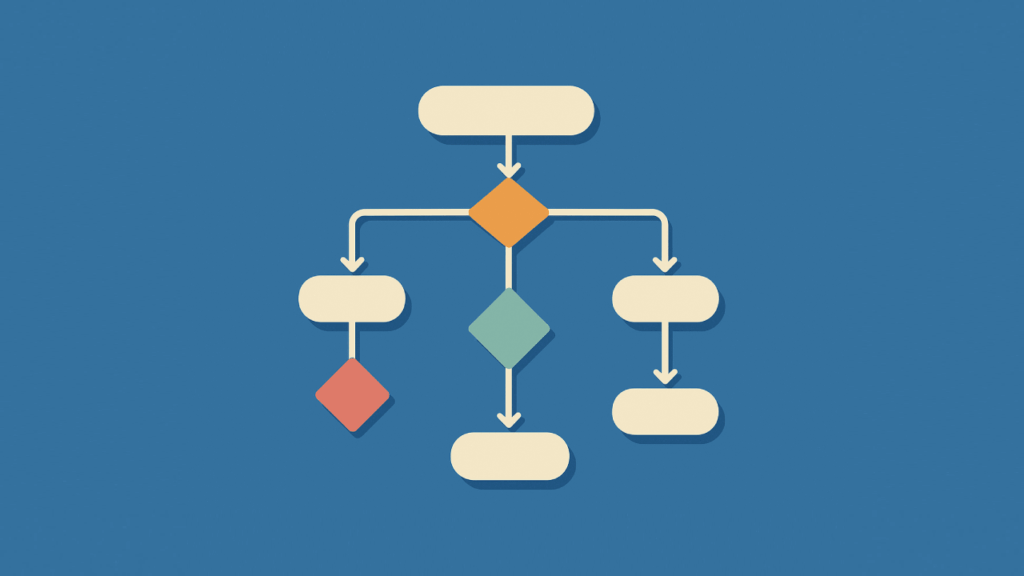
A simple flowchart with colored diamond and oval shapes connected by arrows, illustrating a decision-making process on a blue background.

Power Automate Multiple Conditions: The Beginner’s Guide

Struggling to manage complex decisions in your automated workflows? In this guide, you will learn six essential methods for managing multiple conditions in Power Automate. Let’s get started. How to Manage Power Automate Multiple Conditions To build these intelligent workflows, Power Automate provides a suite of tools and techniques for handling multiple conditions. Here are the six essential methods you need to know: Method 1: Use Trigger Conditions to Filter Runs The most efficient way to apply logic is to use a trigger condition. This acts as a gatekeeper that checks your criteria before a flow even starts. Instead of

Power Automate Multiple Conditions: The Beginner’s Guide Read More »

Abstract illustration with cubes gear cloud chart and database connected on a blue background

Power Platform Terminology Explained: From Power Apps to Dataverse

Ever felt lost in a sea of tech jargon when trying to understand Microsoft’s Power Platform? In this guide, I’ll break down all the essential terms in plain English, from canvas to component framework. Let’s get started. What is the Microsoft Power Platform? Microsoft’s Power Platform is a low-code suite for building custom apps, automating workflows, and analyzing data. Non-developers can create solutions by connecting to Microsoft services like Office 365 and Azure. This approach is built on a few key ideas: All these tools share a common language for logic called Power Fx. If you’ve ever written a formula

Power Platform Terminology Explained: From Power Apps to Dataverse Read More »

isometric illustration of business departments connected in workflow

Best Use Cases for SharePoint Workflows in HR, Finance, and IT

Are repetitive, manual tasks slowing your business down? In this guide, I’ll show you the best real-world examples of how to use SharePoint automation through workflows. Let’s get started. From Classic Workflows to Power Automate The way we build workflows in SharePoint has changed a lot. We’ve moved from an old, limited tool to a new one that can do much more. What Were Classic SharePoint Workflows? For many years, people used a tool called SharePoint Designer to build workflows. It worked for basic tasks inside SharePoint, like getting a document approved. But these classic workflows had a big limitation: they were stuck

Best Use Cases for SharePoint Workflows in HR, Finance, and IT Read More »

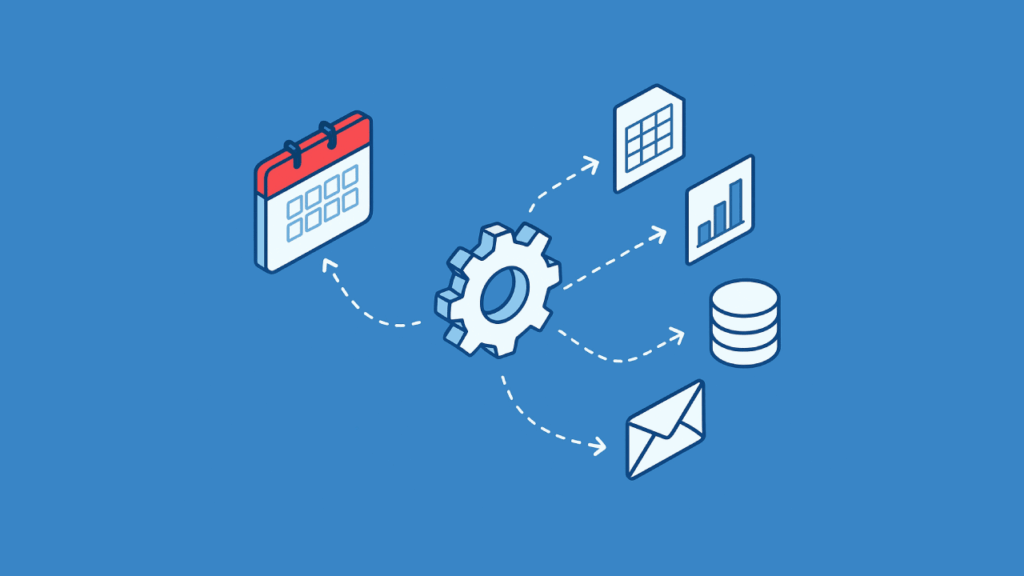
Illustration of calendar and automation gear with data and email icons

How to Schedule Reports with Power Automate and Outlook

Tired of sending the same reports every week? In this guide, I’ll show you how to use Power Automate to schedule and send reports automatically. Let’s get started. Create Your Flow with Copilot (The Easy Way) The quickest way to get started is by letting Copilot, Microsoft’s AI assistant, build the basic flow for you. You just need to describe what you want in plain English. How to Use Copilot with a Prompt From the Power Automate home screen, find the text box that says “Start building your flow with Copilot.” Here, you can type out your request. The key is to be

How to Schedule Reports with Power Automate and Outlook Read More »

Zapier app icons connected in a flow beside interlocking blue gears on blue background

Power Automate vs. Zapier: Which Automation Platform is Right for Your Business?

Struggling to connect your apps? In this article, let’s talk about the two heavyweights in the business automation space: Power Automate and Zapier. We’ll break down their strengths, core users, and key features to help you decide which is best for you. Let’s get started. The Strategic Choice in Business Automation Business automation is no longer a luxury — it’s a fundamental component of operational efficiency and growth. The right automation tool can completely transform how your business operates: Choosing between the top platforms is more than a simple feature comparison: It’s a strategic decision that reflects your company’s technological ecosystem and long-term goals. The two main

Power Automate vs. Zapier: Which Automation Platform is Right for Your Business? Read More »

Illustration of automation and AI process icons around a central cube

Nintex Alternatives for Business Process Automation: From RPA to Low-Code Solutions

Are you paying too much for process automation or finding your current platform too complex? In this guide, I’ll show you the top alternatives to Nintex to save money and better fit your business needs. Let’s get started. The Baseline for Comparison Nintex is a top business process automation (BPA) platform with strong workflow and document automation. It offers solutions to manage the entire business process lifecycle, from mapping to optimization. Nintex Core Capabilities Nintex covers every stage of the automation process. Its key components, often acquired through strategic purchases, include: This “Swiss Army knife” approach allows it to handle a broad range of automation

Nintex Alternatives for Business Process Automation: From RPA to Low-Code Solutions Read More »

Scroll to Top