
Last Updated on August 10, 2025
Struggling to connect your apps?
In this article, let’s talk about the two heavyweights in the business automation space: Power Automate and Zapier.
We’ll break down their strengths, core users, and key features to help you decide which is best for you.
Let’s get started.
The Strategic Choice in Business Automation
Business automation is no longer a luxury — it’s a fundamental component of operational efficiency and growth.
The right automation tool can completely transform how your business operates:
- Streamline workflows
- Eliminate repetitive tasks
- Free up your team for high-value work
Choosing between the top platforms is more than a simple feature comparison:
It’s a strategic decision that reflects your company’s technological ecosystem and long-term goals.
The two main philosophies are the:
- Integrated platform economy of Power Automate
- The hyper-connected app economy of Zapier
Understanding this difference is key to making the right choice for your business.
Sign up for exclusive updates, tips, and strategies
What is Zapier?
Zapier was founded with a clear and powerful mission:
To democratize automation by making it accessible to everyone, regardless of technical skill.
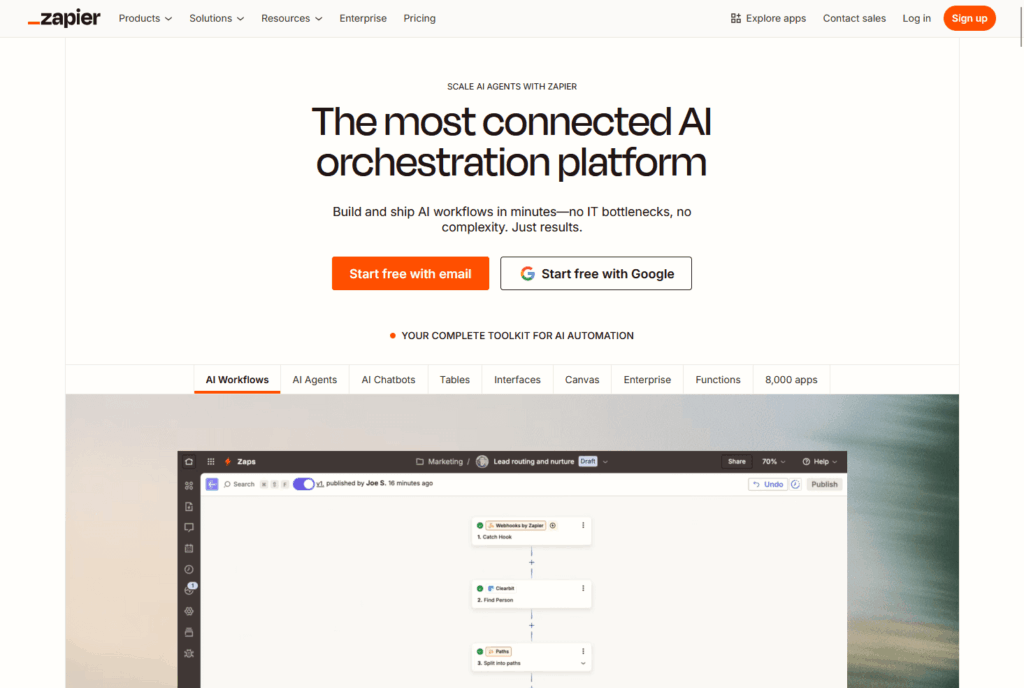
It acts as a universal translator, connecting a fragmented ecosystem of web applications to communicate seamlessly.
It supports more than 7,000 SaaS applications, from mainstream giants to niche, industry-specific tools.
This makes it the premier choice for rapid, no-code automation across a diverse tech stack.
If you ask me, Zapier is ideal for:
- Marketers and operations professionals who need to quickly connect tools like Mailchimp, HubSpot, and Slack.
- Small to medium-sized businesses (SMBs) that rely on a variety of cost-effective SaaS tools.
- Solopreneurs and “no-code” Enthusiasts building custom solutions.
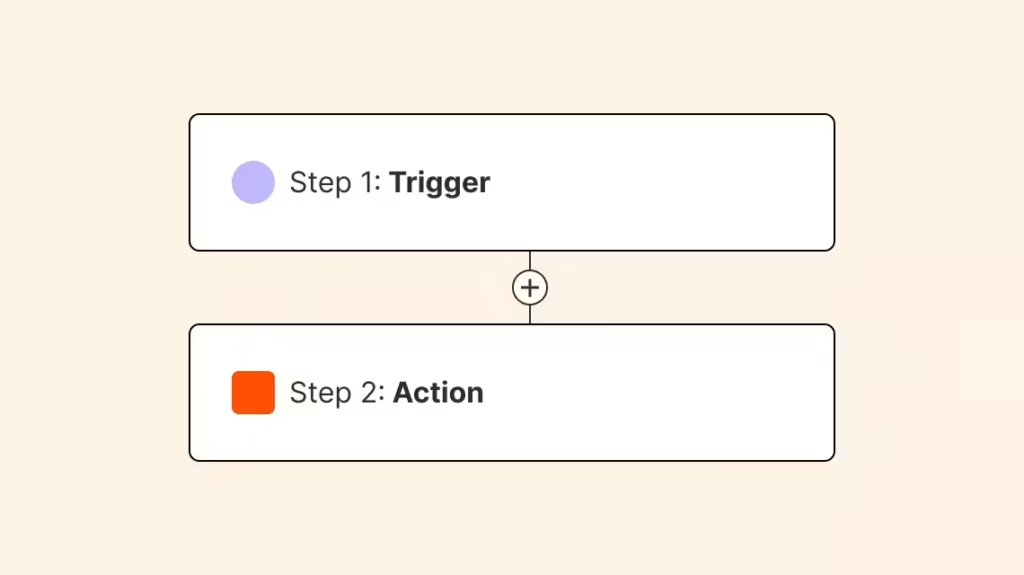
At its heart, a “Zap” is a simple workflow.
A trigger (like a new email) in one app causes one or more actions (like creating a new row in a spreadsheet) in another.
What is Power Automate?
In contrast, Power Automate is a strategic pillar of the expansive Microsoft Power Platform.
It connects third-party apps and serve as the definitive automation layer for Microsoft’s entire enterprise cloud.
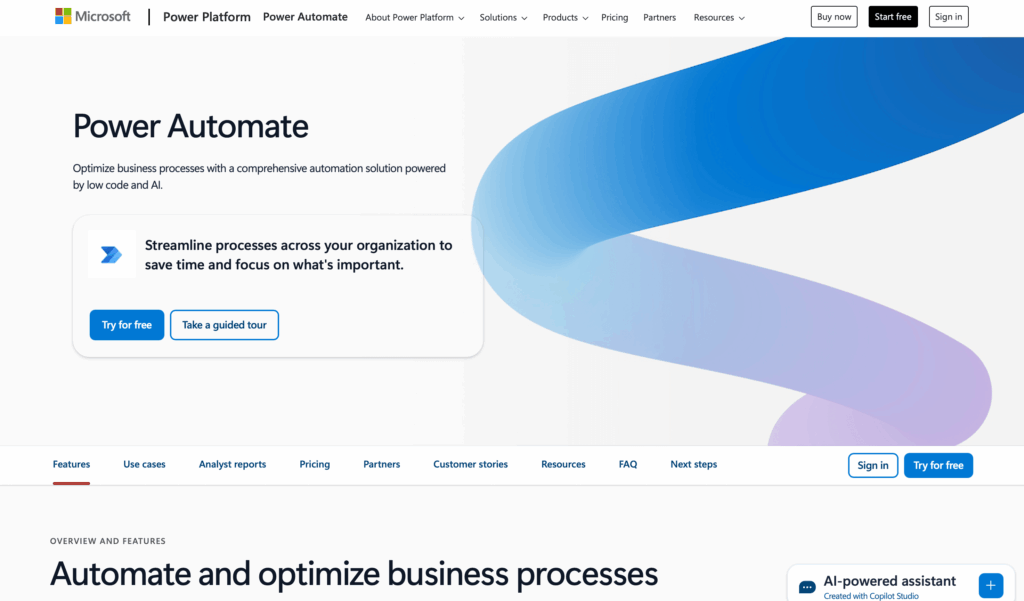
Its strength is its deep, native integration with the Microsoft ecosystem (Microsoft 365, Dynamics 365, and Azure).
This builds a strong “Platform Economy,” improving Microsoft service value through automated processes.
Designed for complex business workflows, it leverages Microsoft’s scale and enterprise capabilities.
Power Automate is built for:
- Enterprise organizations and IT administrators who require centralized governance and security.
- Business Analysts focused on optimizing complex, cross-departmental workflows.
- Companies heavily invested in the Microsoft product suite.
Its diverse “Flows” include Cloud, RPA-based Desktop, and guided Business Process Flows.
Head-to-Head Comparison: A Feature Deep Dive
Though both automate workflows, their technical architectures and feature sets address different scales and complexities.
Though they overlap in simple task automation, they have a stark difference in advanced process orchestration
Here’s a quick glance on how they compare:
| Differentiator | Zapier | Power Automate |
| Ideal User | Non-technical professionals, SMBs, marketing & ops teams. | Enterprise users, IT admins, Microsoft-invested organizations. |
| Core Strength | Simplicity and unparalleled breadth of SaaS connectivity (>7,000 apps). | Depth of integration with the Microsoft ecosystem and advanced capabilities. |
| Automation Focus | API-driven, linear task automation (“Zaps”). | Multi-faceted process orchestration (Cloud, Desktop, and Business Process Flows). |
| Advanced Capabilities | AI via third-party integrations (e.g., OpenAI); limited native RPA. | Native RPA, Process Mining, and integrated AI Builder & Copilot. |
| Governance | Basic team management; advanced controls on higher tiers. | Enterprise-grade security, DLP policies, and centralized RBAC. |
Ease of Use & Workflow Complexity
When it comes to getting started, Zapier kind of wins for its simplicity and intuitive interface.
The workflow builder guides users through a clean, linear “Trigger -> Action” model.
For more complex needs, conditional logic can be added through user-friendly tools:
- Paths: Create different “if/then” branches in a workflow
- Filters: Stop a Zap from running unless specific criteria are met
- Formatter: A powerful tool to manipulate text, numbers, and dates without code
Power Automate, while capable of simple automations, is built for greater complexity.
Its visual designer is more structured and developer-adjacent, offering robust tools for intricate logic.
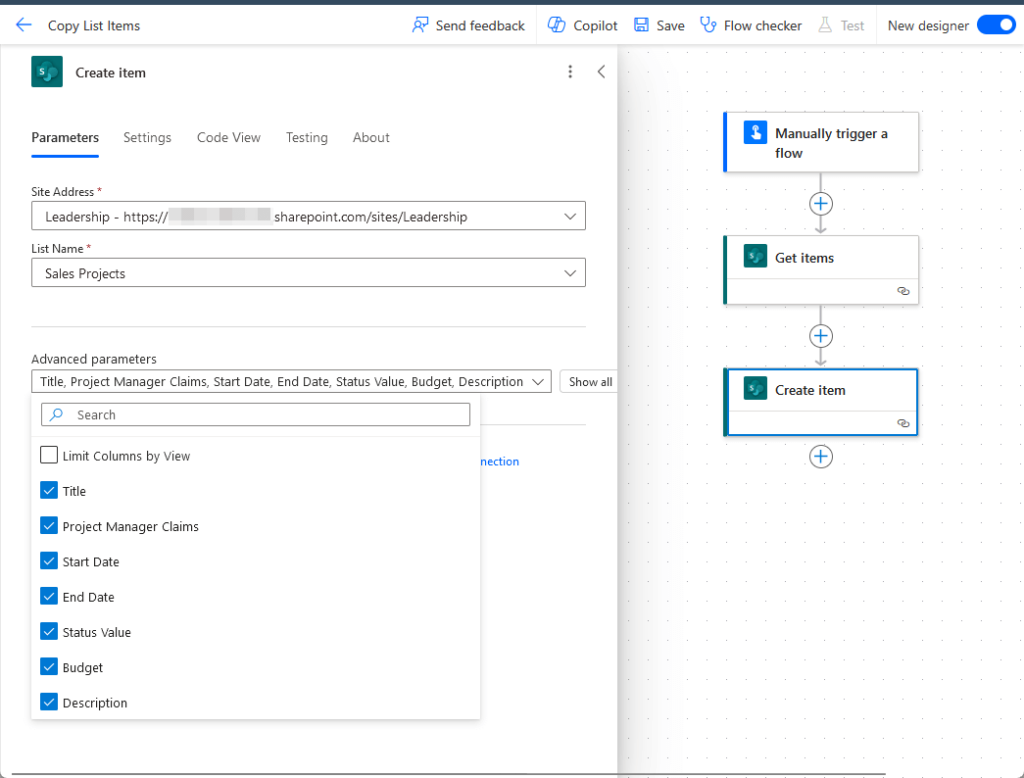
This includes:
- Conditions and switch cases: Build advanced, multi-layered branching logic
- Loops: Natively process arrays of data, such as iterating through multiple email attachments
- Power Fx: An expression language based on Microsoft Excel formulas that, while incredibly powerful, presents a steeper learning curve than Zapier’s Formatter
Zapier offers accessible automation, while Power Automate handles complex, multi-stage processes spanning days or weeks.
The Integration Ecosystem: Breadth vs. Depth
With a library of over 8,000 app integrations, Zapier is the undisputed “Swiss Army Knife” of automation.
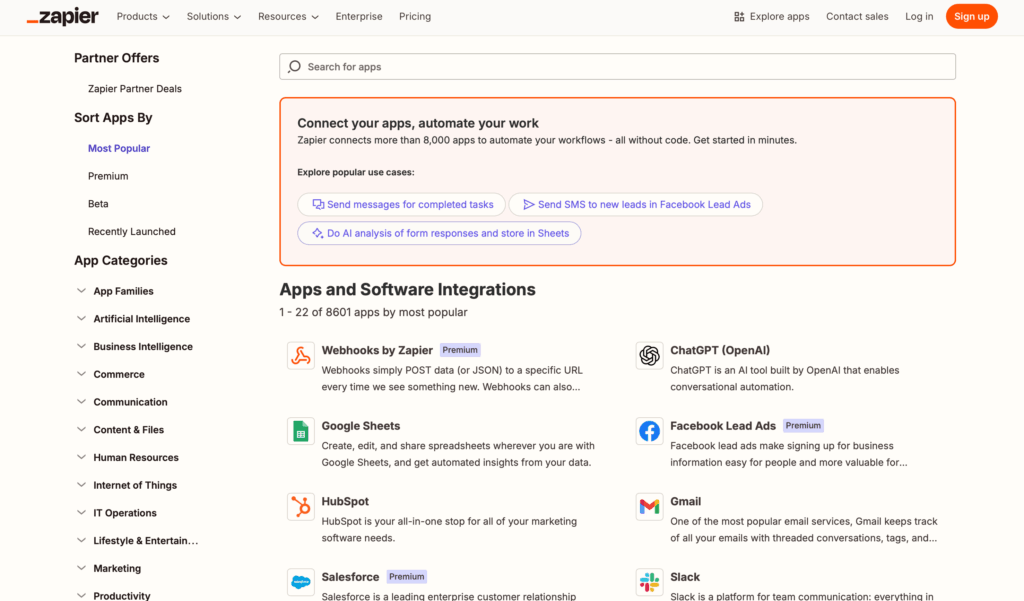
Ideal for organizations with diverse tech stacks, particularly in marketing, ecommerce, and creative services.
If an application has an API, there’s a very high probability that Zapier can connect to it.
Power Automate offers a smaller but growing list of connectors.
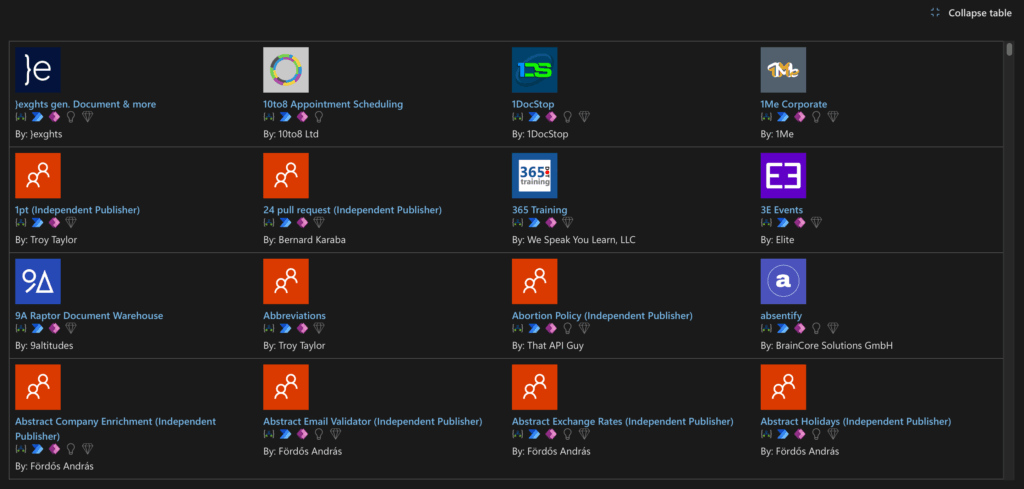
Its critical differentiator is the unparalleled quality and performance of its native integrations within the Microsoft ecosystem.
Connections to SharePoint, Teams, Outlook, and Dataverse are not just connectors; they’re deeply embedded, first-party experiences.
As the logical choice for Microsoft cloud processes, they offer more triggers and actions than third-party tools.
| Application Category | Key Examples | Zapier (Connector Quality & Breadth) | Power Automate (Connector Quality & Depth) |
| CRM | Salesforce, Dynamics 365, HubSpot | Excellent. Robust connectors for a vast number of CRMs. | Good to Excellent. Its native Dynamics 365 connector is unparalleled. |
| Team Communication | Slack, Microsoft Teams, Google Chat | Excellent. The Slack integration is a flagship, feature-rich connector. | Excellent. The Teams integration is native and seamless. |
| Ecommerce | Shopify, WooCommerce, Magento | Excellent. The clear leader for e-commerce automation. | Fair to Good. Has connectors but lacks Zapier’s specialized depth. |
| Microsoft Ecosystem | SharePoint, Excel, Dataverse | Limited to Fair. Connectors are basic compared to the native alternative. | Unmatched. The only choice for deep, complex automation. |
| Google Workspace | Gmail, Google Sheets, Google Drive | Excellent. Mature, feature-rich, and highly reliable integrations. | Good. Offers solid connectors for the Google suite. |
Robotic Process Automation (RPA)
This is a defining battleground where Power Automate holds a significant strategic advantage.
Power Automate’s Desktop Flows automate tasks on Windows applications, legacy systems, or websites without modern APIs.
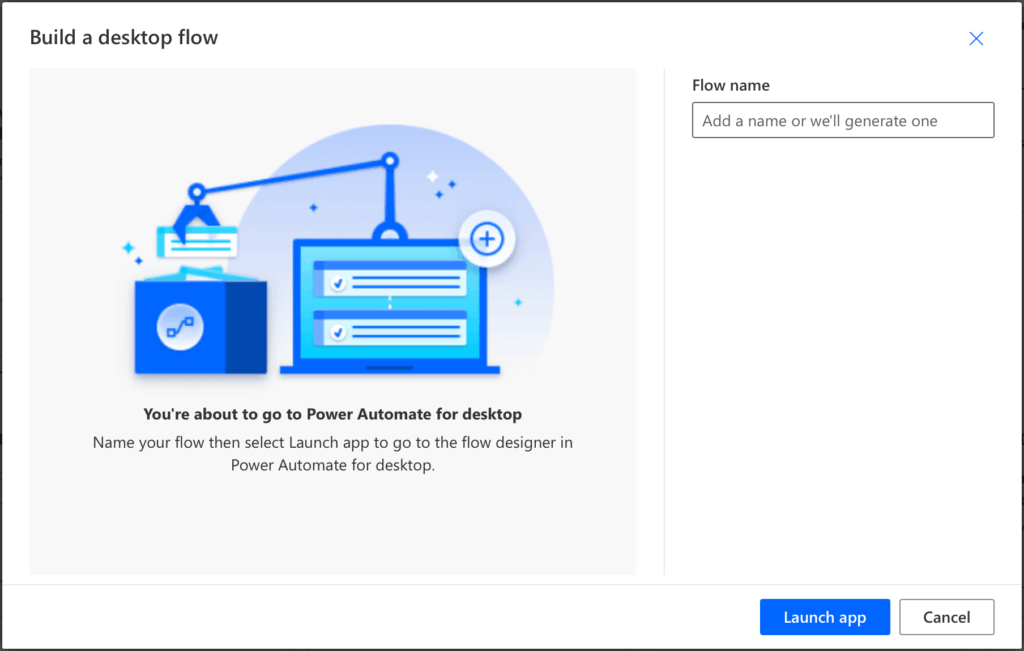
It does this by mimicking human actions like mouse clicks and keyboard entry.
This capability is indispensable for large enterprises that rely on older, on-premise systems.
Zapier, on the other hand, is a cloud-native, API-driven platform lacking a comparable RPA solution.
Artificial Intelligence (AI)
Microsoft embeds AI directly into the platform as a native capability.
This integrated approach allows users to add intelligence to their flows without relying on external services.

Its key AI features include:
- AI Builder: Use pre-built or custom AI models for tasks like form processing or sentiment analysis
- Copilot: A generative AI assistant to build and edit flows using natural language
In contrast, Zapier’s strategy has historically been to be the best connector to external AI services.
This allows users to leverage the power of best-in-class AI platforms within their Zaps.
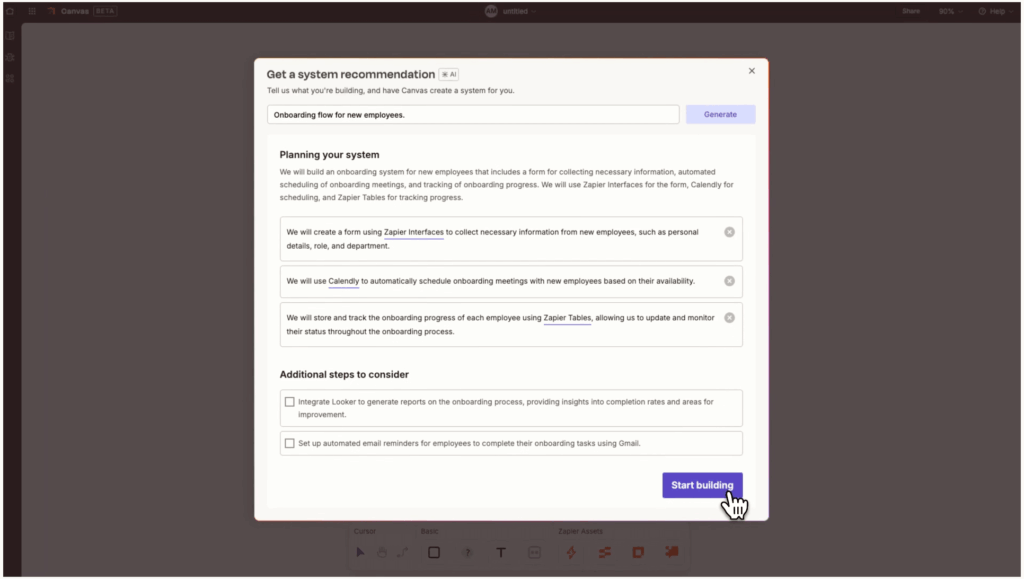
Its AI capabilities are centered around:
- AI Integrations: Connect to leading platforms like OpenAI (ChatGPT), Anthropic, and Google
- Native AI Tools: An emerging suite of tools, including an AI-powered Zap builder
Power Automate offers a self-contained AI toolkit for enterprise processes.
Zapier provides flexible access to the broader AI market, making it ideal for those wanting to experiment with various models.
Security & Enterprise Governance
For large organizations, security and governance are often the deciding factors.
Power Automate inherits Microsoft’s world-class, enterprise-grade security and compliance framework.
It’s designed for centralized control and risk management, adhering to standards like HIPAA, GDPR, and ISO 27001.
Key governance features in its Power Platform Admin Center include:
- Data Loss Prevention (DLP) Policies: Block or limit which services can connect to prevent data exfiltration
- Role-Based Access Control (RBAC): Integrate with Microsoft Entra ID for granular user permissions
- Centralized monitoring: Gain full visibility into flow usage and success rates across the entire organization
Zapier provides a solid security foundation suitable for most businesses, with a focus on team-level collaboration.
Its governance model prioritizes end-users over central IT, with features available in higher-tier plans:
- SOC 2 Compliance: Meets key industry benchmarks for SaaS security
- Shared Workspaces: Allows teams to organize Zaps and share app connections
- Audit Logs: Provides a trail to track platform activity
Power Automate is the pre-vetted choice for regulated industries requiring strict oversight.
Zapier’s approach offers more flexibility for teams where centralized control is less critical.
Pricing & Total Cost of Ownership (TCO)
The platforms’ pricing models are fundamentally different
Zapier’s model is primarily task-based, where a “task” is a single successful action performed by a Zap.
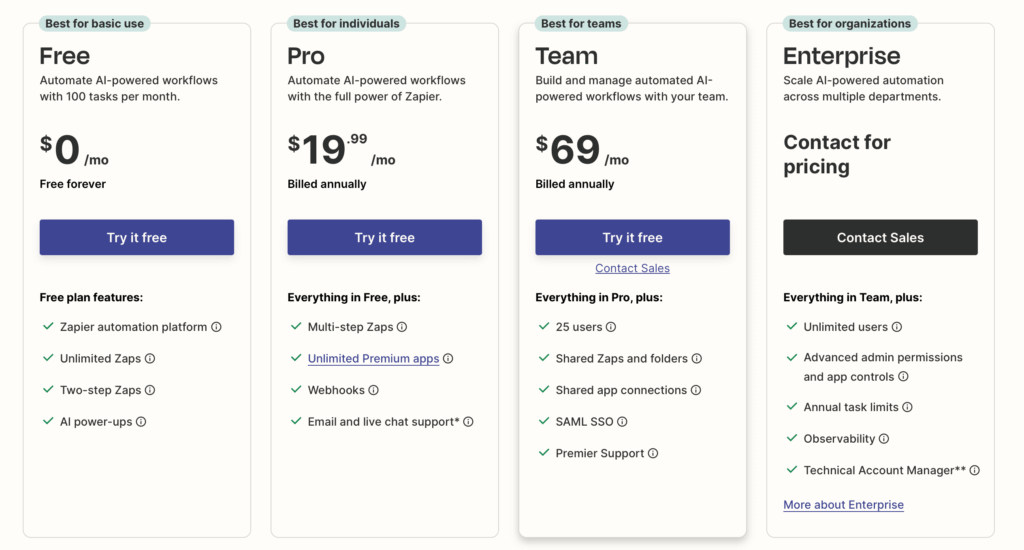
While predictable and scalable with usage, this can become expensive for businesses with high-volume workloads.
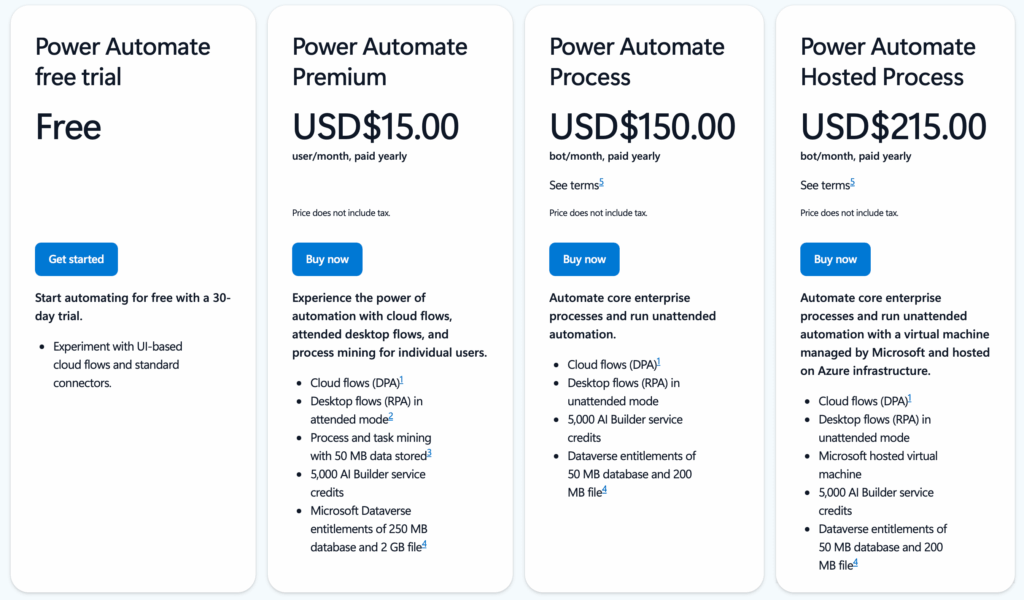
In contrast, Power Automate’s licensing is more complex and enterprise-oriented, based on users, bots, and processes.
The most significant factor in TCO is the Microsoft 365 Advantage.
Many M365 and Dynamics 365 licenses include the right to use Power Automate with standard connectors at no additional cost.
For millions of organizations, the entry-level TCO for a vast range of internal automations is effectively zero.
However, premium features, like AI Builder, RPA, or specific connectors, incur extra costs through paid add-ons or license upgrades.
| Plan | Price (Billed Annually) | Key Metric | Core Features Included |
| Zapier Free | $0 | 100 Tasks/Month | 2-step Zaps, 15-min update time |
| Zapier Pro | Starts at $19.99/month | Starts at 750 Tasks/Month | Multi-step Zaps, premium apps, Paths |
| Zapier Team | Starts at $69/month | Starts at 2,000 Tasks/Month | Unlimited users, shared workspaces |
| Power Automate Premium | $15/user/month | Per User | Unlimited cloud flows, Attended RPA |
| Power Automate Process | $150/bot/month | Per Bot | Licenses one Unattended RPA bot |
How to Choose Your Platform
The choice between Power Automate and Zapier is not about which is “better,” but which is “right” for your needs.
Choose Zapier if:
- Your organization values speed, simplicity, and flexibility.
- You operate in a heterogeneous technology environment, relying on a wide variety of best-of-breed SaaS applications (especially outside the Microsoft ecosystem).
- Your primary need is for task automation driven by non-technical business users.
Choose Power Automate if:
- Your organization is strategically invested in the Microsoft ecosystem.
- You require robust, enterprise-grade security and centralized governance.
- Your automation needs include complex business processes, legacy system integration via RPA, and the application of integrated AI.
Automating for Your Future
The easy way to look at it is that Zapier connects web apps while Power Automate drives enterprise automation.
Evaluate your organization’s tech stack, security requirements, and strategic goals before making a decision.
That will help you choose the platform that will best support a more efficient, resilient, and scalable future.
Do you have any questions about Power Automate or Zapier? Let me know in the comments.
For any business-related queries or concerns, contact me through the contact form. I always reply. 🙂




























