Power Automate

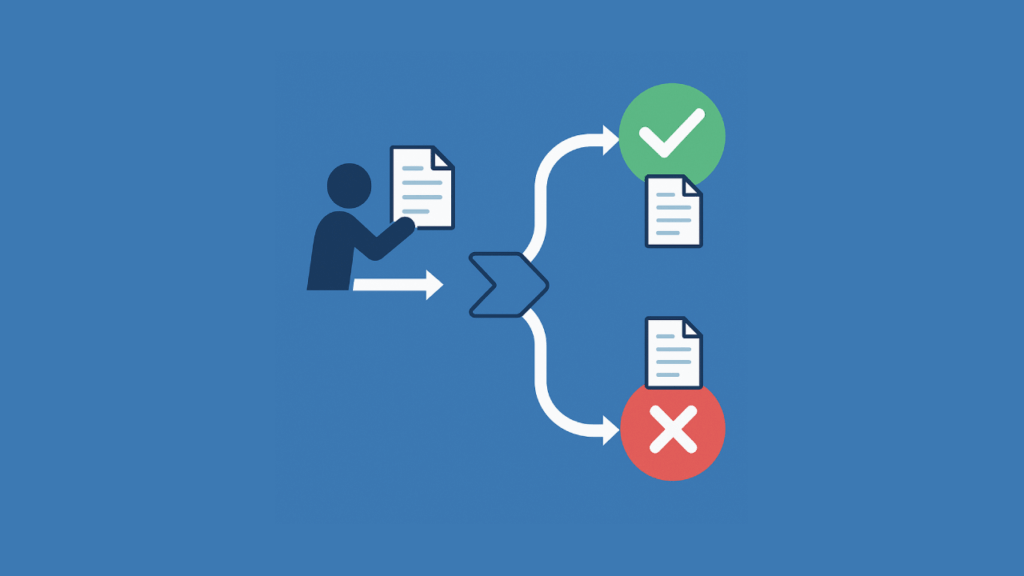
Illustration of automated document approval flow with approval/rejection paths

How to Create a Document Approval Workflow in Power Automate (2026)

Struggling with manual document approvals? In this guide, let’s talk about how you can build powerful workflows in Power Automate from start to finish. Let’s get started. Designing the SharePoint Backbone Automated workflows succeed with a strong foundation, like a well-made SharePoint document library. The library acts as the central database for the approval process, tracking status, logging history, and providing metadata. To construct this data source, you will create three critical columns to manage the process: Approval Status This is a Choice column, typically named Approval Status. It’s the most important field for tracking a document’s position in the […]

How to Create a Document Approval Workflow in Power Automate (2026) Read More »
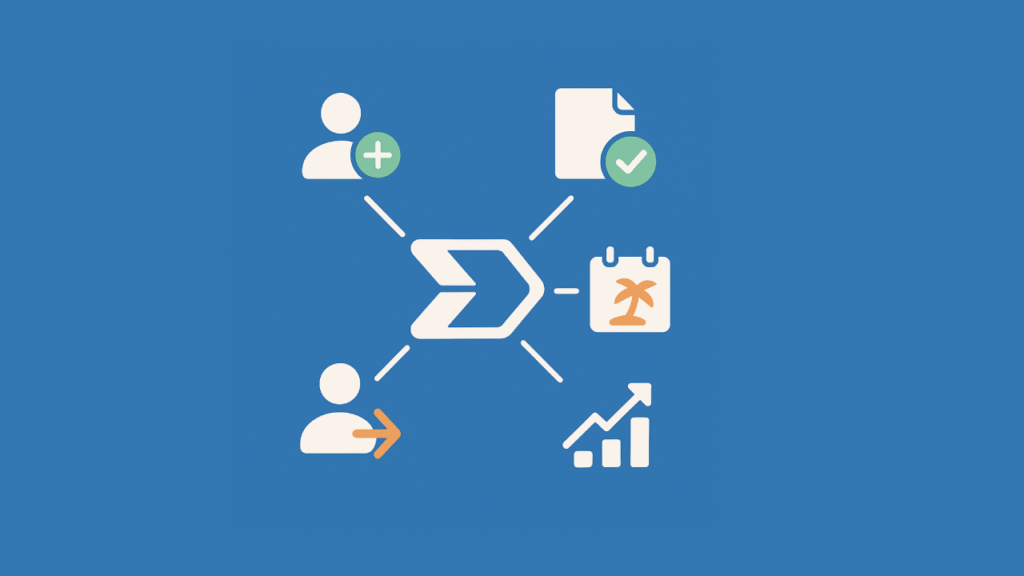
Blue graphic with central Power Automate icon connected to HR-related icons for people, tasks, and growth

Best Power Automate Templates for HR Processes (2026 Guide)

Want to simplify your team’s repetitive HR routine tasks? In this guide, let’s talk about the best Power Automate solutions specifically made for HR. Let’s get started. Three Ways to Build Your HR Automations When you decide to implement automated workflows for a process, you have a few ways to get started. Your choice depends on how complex your task is and how much control you need over the final product. Using a Copilot Prompt (The Fast Way) This is the quickest way to get an automation running. Basically: This method works well for simple repetitive tasks, like sending notifications

Best Power Automate Templates for HR Processes (2026 Guide) Read More »

Power Automate Templates for Small Business Workflows

Power Automate Templates for Small‑Business Workflows (2026 Guide)

Looking for shortcuts that really save you time? Here are the top Power Automate templates for small teams that want to achieve results quickly! Let’s get started. Why templates matter when you run a lean team? Running a five‑person shop means wearing many hats at once. Every manual step steals minutes that add up to whole days each month. Power Automate templates let you hand those tasks to the cloud so you can focus on meaningful work that moves the needle. What to know before using templates? Before you dive into using templates, it’s important to know what you’re working

Power Automate Templates for Small‑Business Workflows (2026 Guide) Read More »

Introduction to Microsoft Power Automate for Beginners

Introduction to Microsoft Power Automate for Beginners (2026)

New to Power Automate? In this guide, I will give you the basics of Power Automate and what makes it great for creating workflows. Let’s get started. What is Microsoft Power Automate? Power Automate is a cloud-based tool from Microsoft that helps people automate repetitive tasks and processes. It’s part of the Microsoft Power Platform and lets users create workflows, called “flows,” between apps and services. Here’s a quick list of what it can do: For example, let’s say an employee submits a leave request using a Microsoft Forms survey. Power Automate can then detect the form submission, send the

Introduction to Microsoft Power Automate for Beginners (2026) Read More »

What Replaced Microsoft Flow in SharePoint: Power Automate

What Replaced Microsoft Flow in SharePoint: Power Automate

It’s actually more of an evolution than a replacement. In this short guide, let’s discuss what “replaced” Microsoft Flow, the key features, and the benefits of this new tool. Let’s get started. What was Microsoft Flow? Microsoft Flow was a cloud-based service designed to automate tasks across different applications.  It was called “Flow” as users can create workflows that connect various services, including third-party apps. Here are some of its key features: Users could set up processes without needing advanced coding skills. While it started as a way to connect Microsoft apps, it expanded to work with many external platforms.

What Replaced Microsoft Flow in SharePoint: Power Automate Read More »

Power Automate: Export SharePoint List to Excel (Guide)

Power Automate: Export SharePoint List to Excel (2026 Guide)

Want to export a SharePoint list? In this guide, I will walk you through easily exporting a SharePoint list to Excel using Power Automate. Let’s get started. What is Power Automate? If you’re here, then you must already be familiar with Power Automate. Basically, it’s a tool that would let you automate workflows between different apps and services. 🙂 Some key features include: Power Automate is an excellent solution if you want automation involving different apps, especially for Microsoft services. It improves productivity by allowing you to focus on more important tasks while it handles the repetitive work in the

Power Automate: Export SharePoint List to Excel (2026 Guide) Read More »

Copy List Items to Another List: SharePoint – Power Automate

Copy List Items To Another List: SharePoint And Power Automate Tutorial

Need to copy the list items? In this guide, I will walk you through one of the easiest methods of copying list items from one list to another in SharePoint. Let’s get started. Copying the List Items As you may know already, you can create a list in SharePoint from an existing list. Unfortunately, this doesn’t copy the list items — only the columns — leaving you with an empty list. This won’t work, especially if you need a replica of all the SharePoint list items. This leaves you with two choices: The first one works easily, but it can take time, especially if

Copy List Items To Another List: SharePoint And Power Automate Tutorial Read More »

How to Extract Email Data and Send to SharePoint List

How to Extract Email Data and Send to SharePoint List (2026)

Want to send your email data to SharePoint? In this guide, you will learn how to extract email data, and then send that data to a SharePoint list using Power Automate. Let’s get started. How the Extraction + Sending Works The key to the whole process is Power Automate. Fortunately, it’s not that complicated, although I admit that the extraction process may require analytical thinking. Basically, all you need to do is: The process is simple if you consider the whole email body as the data and that’s what you need to send. Unfortunately, if you need certain parts in

How to Extract Email Data and Send to SharePoint List (2026) Read More »

How to Create a SharePoint Vacation Request System (Manual)

How to Create a SharePoint Vacation Request System (Manual)

Need a vacation request system? In this guide, you will learn how to create a vacation request system in SharePoint with the help of Power App and Powe Automate. Let’s get started. Plan the Vacation Request System Before diving into the technical aspects of creating your vacation request system, proper planning is essential. Think of this stage as laying down the blueprint for a house… You wouldn’t start building without a solid plan, would you? The same principle applies here. What does the system do? Understanding the primary objectives and functions of your vacation request system is crucial. This ensures

How to Create a SharePoint Vacation Request System (Manual) Read More »

How to Streamline Business Processes With Power Automate

How to Streamline Business Processes With Power Automate

Want to save time and money? In this article, I will introduce Power Automate flows and how they can help streamline some of your business processes. Let’s get started. What is Power Automate? Did you know that there are tools that will let you automate processes? Power Automate is a cloud-based service that helps users automate business processes and tasks across multiple apps and services. It enables users to easily create automated workflows called flows that can streamline complex processes and make it easier to get things done. Since then, Power Automate made lots of variants on its types of flows and

How to Streamline Business Processes With Power Automate Read More »

Scroll to Top