
Table of Contents:
Basecamp built its reputation on simplicity, and for small teams with straightforward projects, it genuinely delivers. I understand why so many teams started there.
At a certain point, though, that simplicity becomes the ceiling. Teams start asking for things Basecamp deliberately doesn’t offer:
- Gantt charts and timeline views
- Task dependencies and cross-project reporting
- Compliance controls like SOC 2, HIPAA, or SSO
- Native time tracking and workload visibility
Basecamp says no to all of that by design, which is a fair philosophy until your team actually needs those capabilities.
There’s also the question of what you’re already paying for. If you’re on Microsoft 365, one of these eight tools is probably already sitting in your existing license.
This is a rundown of eight tools worth the switch, including one you probably already own and aren’t using yet.
Why Teams Outgrow Basecamp
Here’s the thing: Basecamp’s limitations are by design, and the company is upfront about it. The list of what it leaves out is long:
- Gantt charts and timeline views
- Task dependencies and custom fields
- Built-in time tracking
- Cross-project reporting
For a five-person shop, fine. For a growing team coordinating overlapping work, that list becomes a problem.
Most teams hit feature ceilings rather than pricing ceilings as they grow, because Basecamp deliberately leaves these capabilities out.
Someone needs a timeline view, someone needs to track hours, someone needs status across ten projects at once. Basecamp says no to all three.
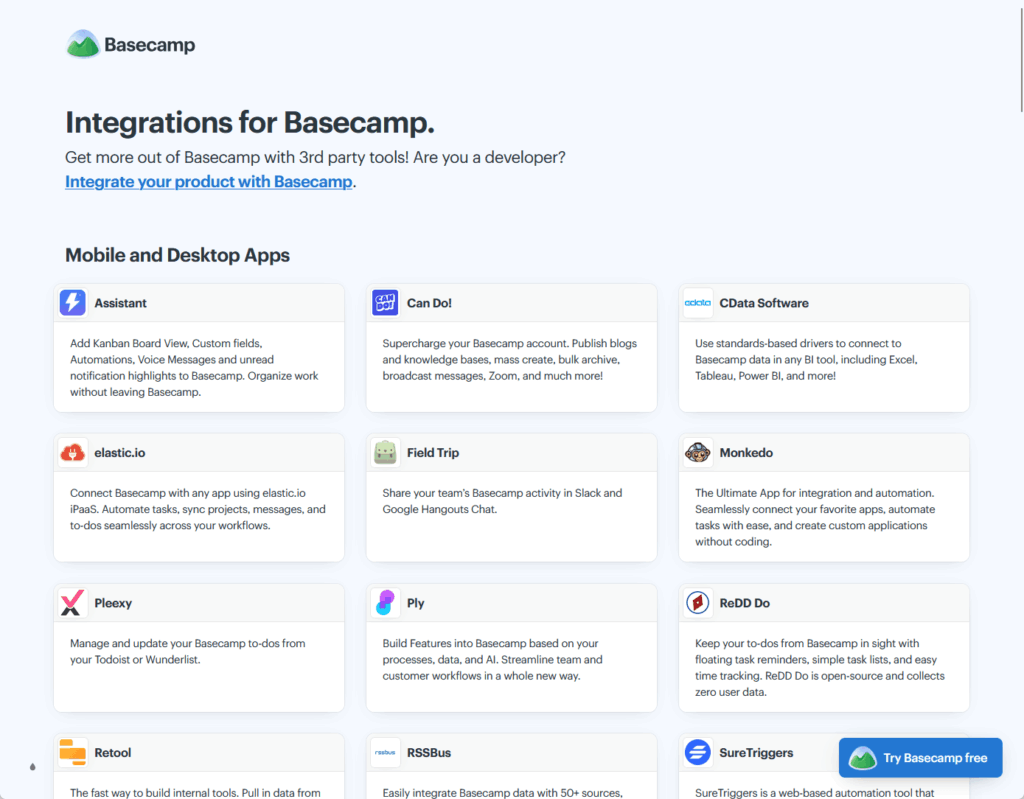
Source: https://basecamp.com/integrations
If your company runs on Teams, you’re now stitching things together with Zapier workarounds. That’s extra overhead no one budgeted for.
For regulated industries, it’s a flat no: no SOC 2, no HIPAA, no SSO, no eDiscovery, no DLP, no retention policies. Compliance requirements put Basecamp out of the conversation.
None of this is surprising given who Basecamp serves. Roughly 77% of its customers are small or mid-sized businesses under 1,000 employees.
It’s an SMB tool. Once you outgrow that profile, you start shopping.
Sign up for exclusive updates, tips, and strategies
8 Basecamp Alternatives Worth Switching To
Here’s a breakdown of eight tools that cover what Basecamp leaves out. One of them is probably already sitting in your Microsoft 365 license.
| Tool | Best For | Pricing (per user/mo) | Timeline/Gantt | Compliance |
|---|---|---|---|---|
| SharePoint + Teams | M365 orgs, intranet + comms | From $12.50 (bundle) | Planner Premium (extra) | SOC 2, HIPAA, ISO, FedRAMP |
| Asana | Mid-market, structured PM | Free / $10.99 / $24.99 | Yes (Starter+) | SOC 2, enterprise tiers |
| Monday.com | Visual workflow teams | Free / $9 / $12 / $19 | Yes (Standard+) | SOC 2, ISO 27001 |
| Notion | Docs + light tracking | Free / $10 / $15 | No native Gantt | SOC 2 (Business+) |
| ClickUp | Max flexibility, tool consolidation | Free / $7 / $12 | Yes (all paid) | SOC 2, HIPAA (Enterprise) |
| Trello | Simple Kanban, small teams | Free / $5 / $10 | Premium tier only | SSO on Enterprise |
| Wrike | Complex projects, resource management | Free / $10 / $25 | Yes (all paid) | SOC 2, Enterprise tiers |
| Smartsheet | Spreadsheet-style PM, ops teams | $9 / $32 | Yes (all plans) | SOC 2, Enterprise tiers |
This is the one you probably already own. Most Basecamp roundups skip it entirely, which is exactly why I’m leading with it.
If your company runs Microsoft Teams and SharePoint, you likely already own a collaboration platform that does everything Basecamp does and quite a bit more.
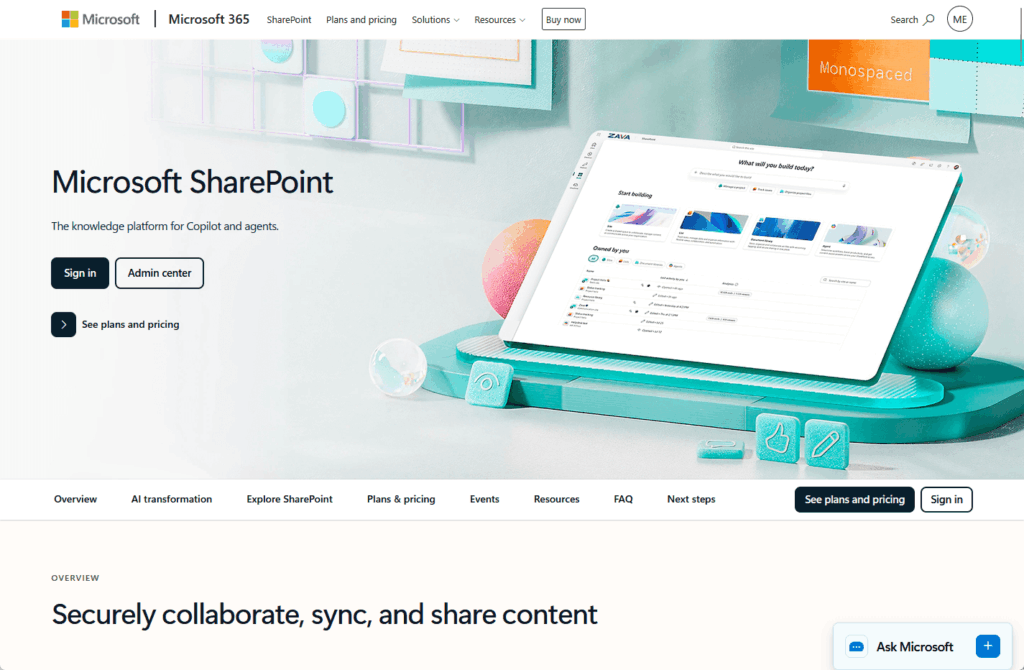
The scale tells the story. Teams sits at around 320 million monthly active users across more than a million organizations.
SharePoint Online serves 200+ million users, and around 80% of Fortune 500 companies run on Microsoft 365. There’s a real chance you’re already in this ecosystem.
What makes this combination work is that the pieces are already connected. Every Microsoft Team automatically gets a dedicated SharePoint site.
When your team drops files into a Teams channel, those files live in a SharePoint document library. You’re using SharePoint whether you realize it or not.
Key features:
- Document management with version history (500 major versions by default), metadata, and content approval workflows
- Compliance built in: SOC 2, ISO 27001, HIPAA, FedRAMP, GDPR, plus DLP, sensitivity labels, eDiscovery, and retention policies
- Full enterprise intranet through SharePoint communication sites: news feeds, department portals, employee directories
- Task tracking via Microsoft Planner, included with M365
- Teams channels, chat, and meetings that replace Basecamp’s message boards and Campfire
In practice, this is a different category of tool. Basecamp gives you message boards and basic file storage.
SharePoint gives you a governed document platform with the controls regulated industries actually require. That’s not a small gap.
The pricing math is hard to argue with. M365 Business Standard runs $12.50 per user per month.
That bundles Teams, SharePoint, OneDrive with 1TB per user, plus the full Office suite. You’re not adding a tool; you’re using one you’ve likely already bought.
It’s not all upside. There’s a steeper learning curve, and SharePoint needs proper IT configuration to shine.
Native task tracking is basic, and Planner Premium costs extra if you want Gantt charts, dependencies, and resource workload. Guest and client access also takes setup.
Pick this if you’re already on Microsoft 365 and you’d rather consolidate than add another subscription. For most orgs in that position, the answer is sitting right there.
2. Asana
Asana is the choice when structured project management is the priority. It’s clean, it’s mature, and it’s built around the idea that work should connect to goals.
If your teams think in terms of objectives and deliverables, it fits naturally.
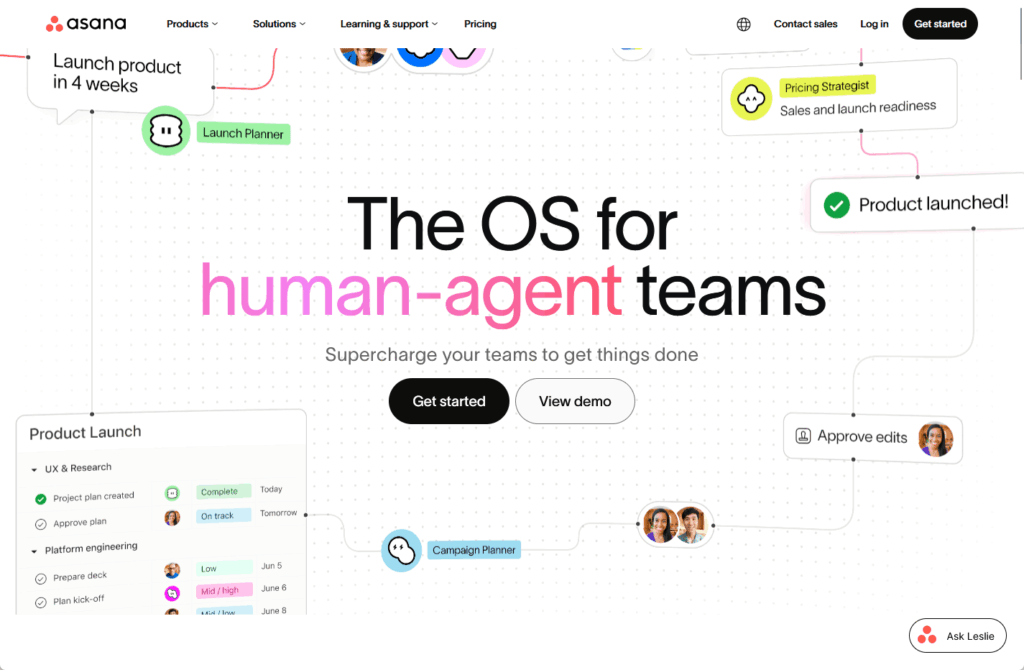
The credibility is there. Asana was named a Leader in The Forrester Wave for Collaborative Work Management Tools, Q2 2025, earning the highest score for strategy.
That’s not nothing in a crowded market. Where Asana shines is cross-functional coordination: marketing, product, and ops teams all work in one system.
Goal tracking ties daily tasks back to strategic objectives. To see how it stacks up against what you may already own, here’s SharePoint vs Asana side by side.
The UX stays clean even as complexity grows, which is harder than it sounds.
Key features:
- Goal tracking connected to strategic objectives
- Gantt-style timeline view at Starter and above
- Cross-functional project coordination across teams
- Clean, approachable interface
The pricing is tiered: free for up to 10 users, starter at $10.99 per user per month, advanced at $24.99, then custom enterprise.
The catch is that features live behind those tiers, and there’s no native time tracking. Costs climb quickly once you grow past a small team on a paid plan.
Pick this if you’re a mid-market or enterprise team, especially in marketing, product, or ops, and structured project management with goal alignment is what you’re after.
3. Monday.com
Monday.com leads with visuals. Color-coded boards, drag-and-drop workflows, a layout that makes status obvious at a glance.
For teams that think visually, it just clicks.
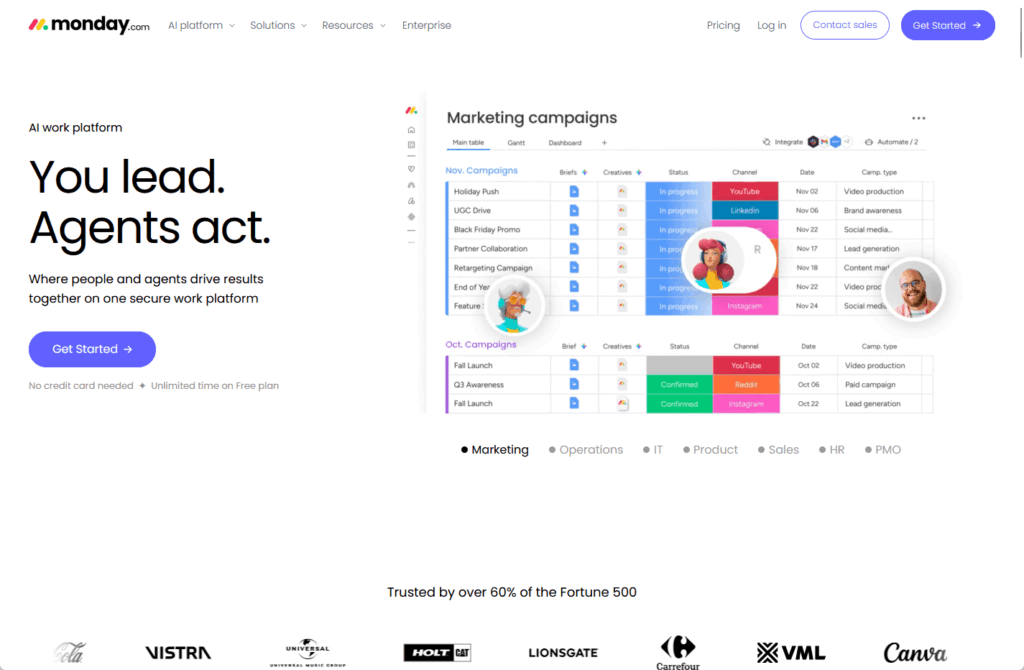
It’s earned its standing. Monday was named a Gartner Magic Quadrant Leader in 2025 for Collaborative Work Management.
It serves more than 225,000 customers worldwide.
Key features:
- Visual-first boards with drag-and-drop workflows
- Strong automation on Pro and Enterprise tiers
- Reliable, secure infrastructure
- Highly customizable views
In day-to-day use, Monday works best when you want workflow visible to everyone. Creative agencies and distributed teams love it because the status sits right there.
If you’d rather keep that visibility inside M365, here are the SharePoint task management tools to compare. A lot of teams are surprised by what’s already there.
Pricing runs free for 2 seats, then basic at $9, standard at $12, and pro at $19. Custom enterprise carries a 50-seat minimum.
Pick this if you’re a marketing team, creative agency, or remote crew that wants visual workflow management you can read at a glance.
4. Notion
Notion is the flexible one: notes, wikis, databases, and light project tracking in one workspace. For teams that live in docs, it becomes the hub everything hangs off.
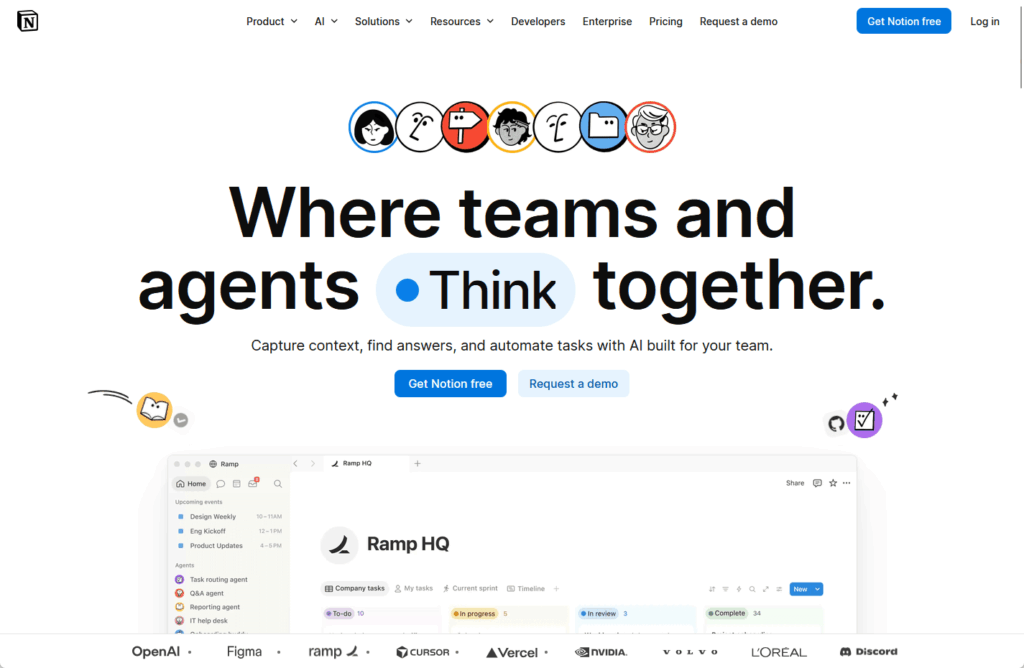
That flexibility is the whole pitch. You can shape Notion into almost anything.
Key features:
- Combines notes, wikis, databases, and light task tracking
- AI built into Business and Enterprise plans
- Generous guest access for client collaboration
- Highly customizable workspace structure
But flexibility cuts both ways. Notion isn’t purpose-built for project management, and you feel it.
Automation is weak, there’s no native Gantt, and performance starts to degrade once you push past 5,000 to 10,000 records in a database.
In practice, Notion works best as a knowledge hub with tracking bolted on, not as your primary PM engine. Content teams, startups, and agencies get the most out of it.
Pricing is free, then plus at $10 and business at $20 per seat (yearly), plus custom enterprise. Reasonable, as long as you know what it isn’t.
Pick this if you need a documentation and knowledge hub with lightweight tracking, and you’re not leaning on it for heavy project management.
5. ClickUp
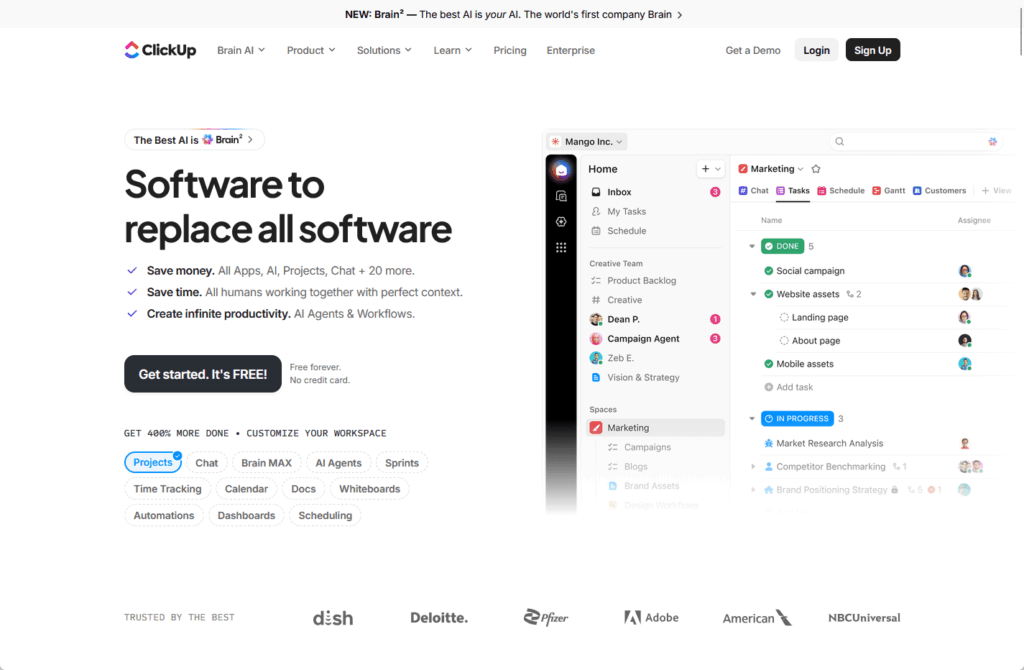
ClickUp sells itself as “one app to replace them all”: docs, chat, tasks, goals, whiteboards, even video. It comes closer to that promise than most.
Key features:
- Docs, chat, tasks, goals, whiteboards, and video in one app
- Native time tracking included
- 1,000+ integrations
- The most flexible customization of any tool here
The breadth is real. ClickUp offers more than 1,000 integrations, native time tracking, and the most flexible customization in this roundup.
It holds a 4.7 out of 5 on G2, which is strong for a tool doing this much.
For teams drowning in tool sprawl, that consolidation pitch lands hard. The average organization maintains 11 separate project management tools at once.
Many of those jobs can run on the project management apps already inside Microsoft Teams. Cutting that number down has obvious appeal.
The tradeoff is complexity: a steep learning curve, and all that power can feel cluttered. Performance issues come up, and the AI is a separate $7 per user add-on.
Pricing is free, then unlimited at $7, business at $12 per user per month, and custom enterprise. Affordable on paper, though the AI add-on and setup time factor in.
Pick this if you’re a technical team, software shop, or agency that wants maximum flexibility and you’re trying to collapse several tools into one.
6. Trello
Trello is the simplest tool here, and that’s the whole point. Cards, lists, boards: you can be productive in it inside of five minutes.
For teams that want Kanban without a manual, nothing beats it.
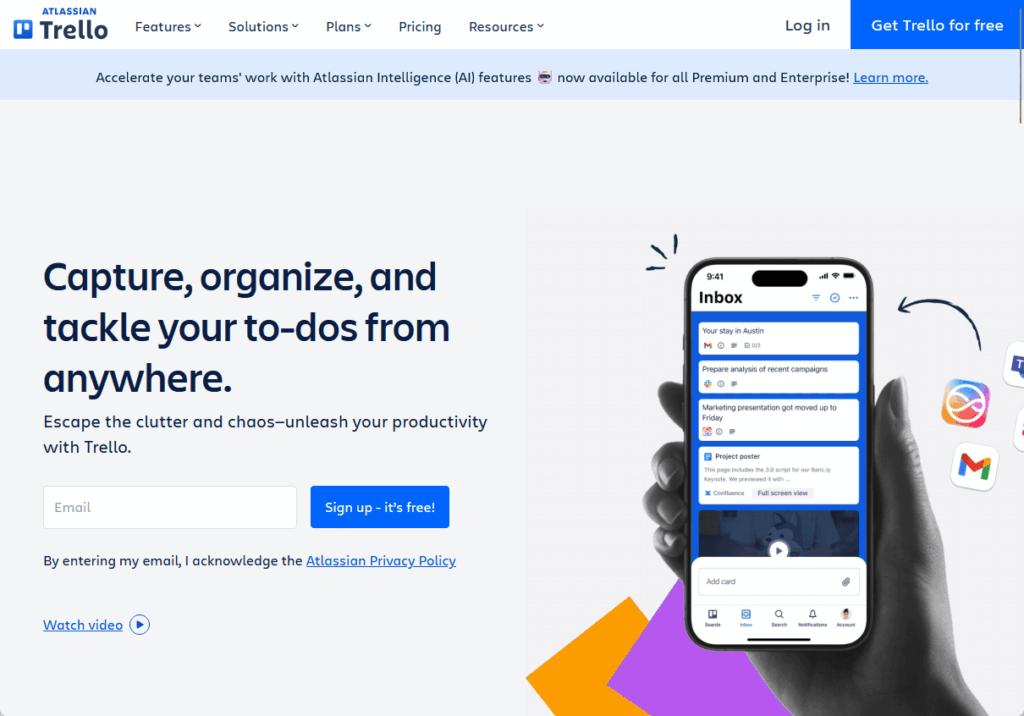
The reach speaks for itself: Trello has more than 50 million registered users and is owned by Atlassian. The backing is serious, even if the tool stays deliberately light.
Where Trello wins is approachability. With almost no onboarding cost, it suits small teams, side projects, and anyone who bounced off heavier tools.
Power-Ups extend it when you need more, without cluttering the core. If you’re comparing it to your stack, here are the Trello alternatives for workflow visualization.
Key features:
- Kanban boards with drag-and-drop cards
- Power-Ups to add integrations and views as needed
- Butler automation built in
- Timeline, Calendar, and Dashboard views on Premium
Pricing is generous: free for the basics, standard at $5, premium at $10 per user per month, then enterprise at $17.50 with a 50-user minimum, billed annually.
The honest limit is depth. Trello isn’t built for complex dependencies or portfolio-level reporting, and you’ll feel that ceiling as projects grow.
It’s a board, not a project management suite. Pick this if you’re a small team or startup that wants dead-simple task tracking without heavy reporting.
7. Wrike
Wrike sits at the heavier end of this list. It’s built for teams that manage real project complexity and need the controls to match.
If your work involves dependencies, approvals, and resource planning, it’s in its element.
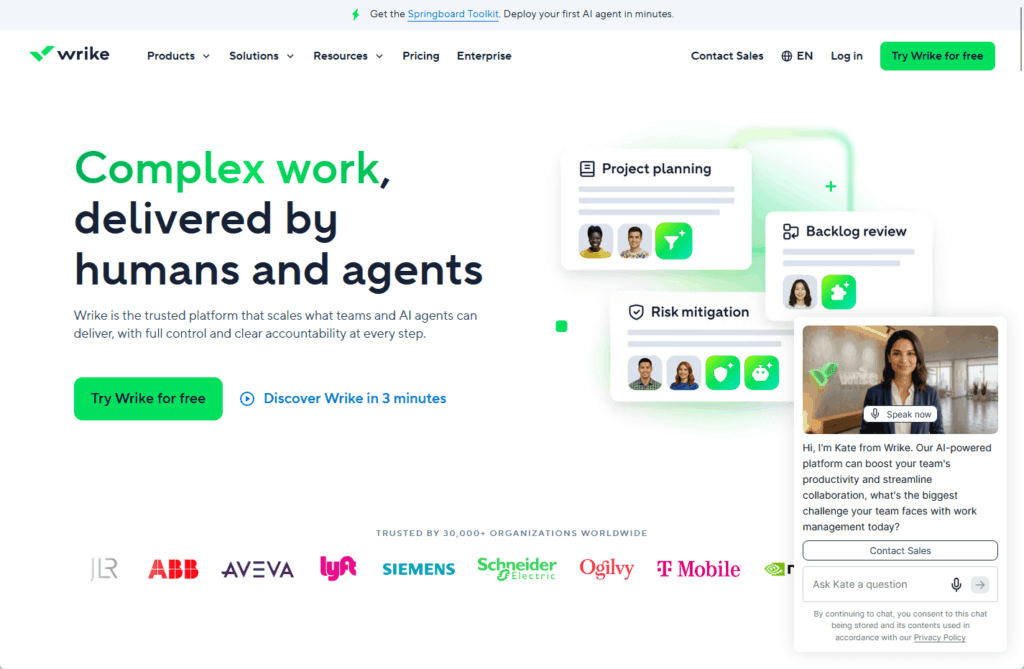
The pedigree backs it up. Wrike was named a Leader in the 2025 Gartner Magic Quadrant for Collaborative Work Management for the third year running.
It serves more than 20,000 customers.
Where Wrike earns its place is depth. Custom workflows, proofing and approvals, time tracking, and resource management all live in one platform.
That’s more than most tools here attempt, and it scales into genuine enterprise territory without falling over.
Key features:
- Custom workflows with approvals and proofing
- Native time tracking and resource management
- Gantt charts and portfolio-level reporting
- Strong security and admin controls
Pricing runs free, then team at $10, business at $25 per user per month, with enterprise and pinnacle tiers above that.
Worth knowing: paid plans are sold in user blocks, Business and up are annual only, and there’s a five-seat minimum that puts a floor under the cost.
The tradeoff is weight. Wrike has a learning curve, and smaller teams often find it more tool than they need.
Pick this if you’re a mid-market or enterprise team, especially professional services or marketing ops, that manages complex projects and needs serious control.
8. Smartsheet
Smartsheet looks like a spreadsheet and works like a project management platform. For anyone who lives in Excel, that familiarity is the hook.
Rows, columns, formulas, then Gantt charts and automation layered on top. It bridges two worlds most tools keep separate.
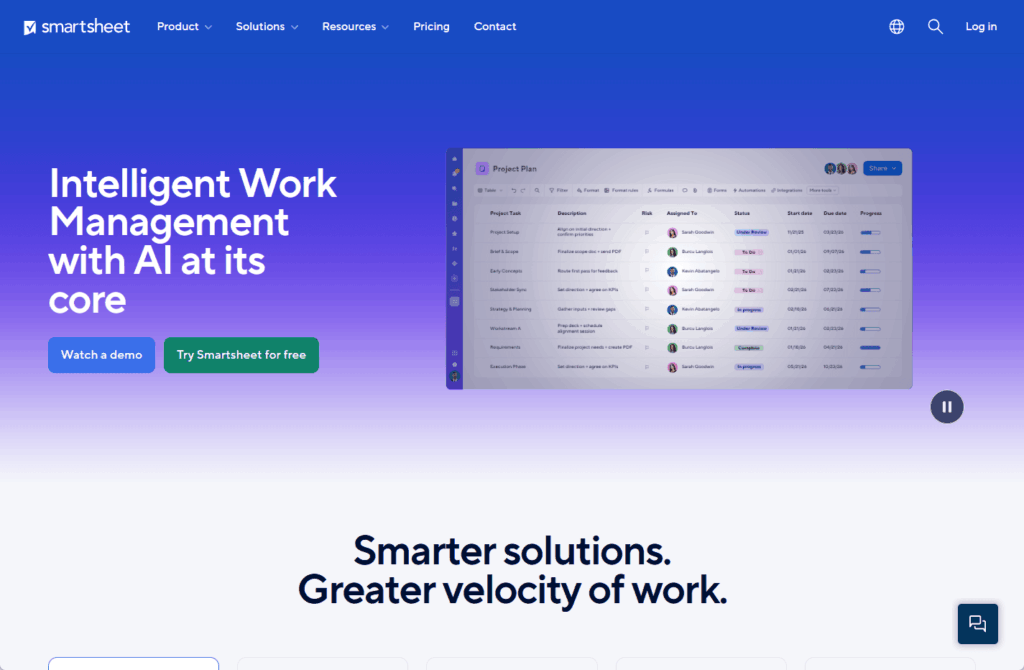
The enterprise trust is real. Smartsheet is used by more than 80% of the Fortune 500, and it was named a Leader in The Forrester Wave for Collaborative Work Management.
Where Smartsheet fits is the team that thinks in grids but has outgrown plain spreadsheets. You keep the mental model you know, then add dependencies, dashboards, and automation.
Before you commit, scan the Smartsheet alternatives for project tracking you may already license. For data-heavy operations and program management, that combination is hard to match.
Key features:
- Spreadsheet-style grid with project management layered on
- Gantt, card, and calendar views
- Automated workflows and approvals
- Dashboards and reporting for program management
Pricing is pro at $9 and business at $19 per user per month billed annually, then custom enterprise.
The catch is the add-ons. Premium apps like Control Center, Dynamic View, and DataMesh are priced separately and can add a meaningful chunk to the total.
And the Pro-to-Business jump is steep once you need the advanced features.
Pick this if you’re a data-driven team, operations group, or enterprise PMO that thinks in spreadsheets and wants project management without leaving the grid.
The Real Decision
If your team has outgrown Basecamp, the instinct is to go shopping for something new. But the answer might already be sitting in your Microsoft 365 license.
Before signing up for anything, three things are worth checking:
- Whether your M365 license already includes SharePoint and Teams
- Whether the feature gap is real or just a configuration issue
- Whether a new tool will actually reduce sprawl or add to it
Most teams are already paying for SharePoint and Teams without fully using them, which is exactly what a quick Microsoft 365 license audit tends to reveal.
Adding another subscription doesn’t fix the sprawl; it makes it worse. Time and again, teams leave Basecamp without ever checking if their Microsoft license already covered the need.
Migrating off Basecamp is really a digital workplace decision. Getting it right means understanding what you already have before adding what you think you need.
Still paying for Basecamp while SharePoint and Teams sit unused in your M365 license? I help organizations consolidate onto what they already own. Reach out and let’s talk.