Ryan Clark

As the Modern Workplace Architect at Mr. SharePoint, I help companies of all sizes better leverage Modern Workplace and Digital Process Automation investments. I am also a Microsoft Most Valuable Professional (MVP) for SharePoint and Microsoft 365.

A man with short curly hair and a beard is smiling. He is wearing a dark plaid suit jacket, a black shirt, and a dark tie. The background is softly blurred.
An illustration of a red switch labeled OFF next to a gray Microsoft SharePoint logo and a broken plug, all on a blue background.

The Retirement of SharePoint Alerts Is a Good Thing (If You Design Properly)

Microsoft is killing SharePoint Alerts. Microsoft’s published timeline shows: Everyone’s treating this like a crisis. It’s not. It’s actually an opportunity to fix 20 years of notification chaos (well, classic alerts were opaque, ungoverned, and responsible for drowning your users in email noise). Let’s get started. What About the Retirement Timeline The good news is that Microsoft isn’t flipping a switch overnight. The retirement follows a deliberate, phased approach designed to gradually move organizations off a 20-year dependency. The Four Critical Milestones Microsoft has published four specific dates that define this transition, with each one removing a layer of functionality. […]

The Retirement of SharePoint Alerts Is a Good Thing (If You Design Properly) Read More »
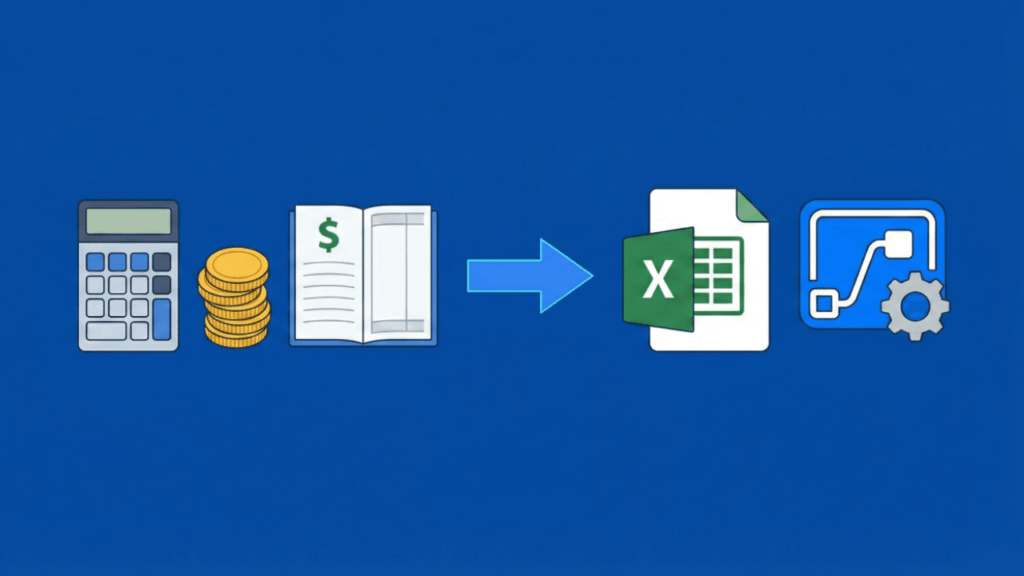
A graphic showing a calculator, coins, and a ledger, followed by an arrow pointing to an Excel icon, then another arrow pointing to a gear and flowchart icon, representing financial data automation.

Best Microsoft 365 Automation Ideas for Finance Teams (That Actually Work)

Finance automation isn’t about productivity hacks. It’s about building systems that survive audits, staff turnover, and year-end close. Most finance automation fails architecturally. Teams build flows without thinking about what happens when the creator leaves. They store invoice records in SharePoint Lists until close week, then performance collapses right when it matters most. Not everything needs enterprise infrastructure. But transactional data, stateful workflows, and audit requirements change the math. The patterns below range from foundational to enterprise-grade. Choose based on your maturity and risk tolerance. 1. Automated Contract Renewal Alerts with Lifecycle Tracking (Foundational) This pattern works without Dataverse, without

Best Microsoft 365 Automation Ideas for Finance Teams (That Actually Work) Read More »

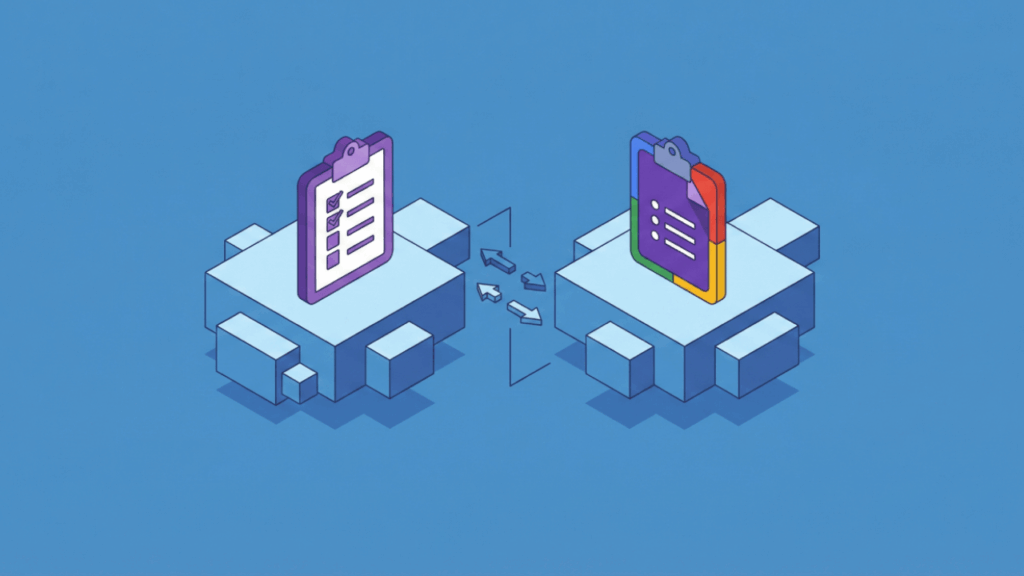
Two digital clipboards on separate platforms, connected by arrows indicating data transfer. The left clipboard is purple and the right one is multicolored, both sitting on 3D blue cubes against a blue background.

Microsoft Forms vs Google Forms: The Enterprise Data Collection Showdown

Forms aren’t survey tools anymore. They’re workflow triggers that start approval processes, feed data pipelines, and power automation across your organization. The choice between Microsoft Forms and Google Forms isn’t about which interface looks prettier. It’s about data governance, lifecycle management, and how AI agents like Copilot and Gemini can expose your sensitive information. The architectural differences only become visible after deployment at scale. The painful realities of employee offboarding hit when you least expect them. The automation headaches break your workflows at the worst possible time. Day 2 operations is where the real problems live. Microsoft’s Service-Entity Model vs

Microsoft Forms vs Google Forms: The Enterprise Data Collection Showdown Read More »

Illustration of data and ideas transferring from a research and analysis platform, shown with books, gears, and a brain, to a secure, locked system, symbolizing knowledge protection or data security.

Confluence Alternatives for Knowledge Management: What Microsoft 365 Changes

Your Confluence renewal notice just arrived. But this time, the decision feels different. The knowledge management landscape shifted between 2024 and 2026: Your wiki isn’t just storage anymore. It’s the source data that grounds Copilot responses, powers search results, and trains AI agents. This makes your choice architectural, not operational. Do you consolidate on Microsoft-native tools? Adopt a third-party platform for better user experience? Or layer AI search over everything? Each path has different implications for governance, integration, and cost. Evaluation Criteria: What to Consider Beyond Features Most comparison articles focus on features: Does it have tables? Can it embed

Confluence Alternatives for Knowledge Management: What Microsoft 365 Changes Read More »

Isometric illustration of digital buildings, cubes, and cloud icons connected by dashed lines, representing a network or data flow within a technology or cloud computing system.

SharePoint Add-ins Are Being Retired in 2026: What Organizations Must Do Now

April 2, 2026 is a hard stop for SharePoint Add-Ins in Microsoft 365. Microsoft is shutting down Azure ACS. When it goes dark, add-ins that rely on it fail, immediately. That includes third-party tools, custom apps, and background integrations. Remove them carelessly and you risk losing data stored in app webs. There’s no extension and no safety net. If add-ins are still in use, action is required now. What’s Actually Being Retired Microsoft launched the SharePoint Add-in model back in 2013. It was called the “App Model” originally and served a specific purpose: keeping custom code from crashing entire SharePoint

SharePoint Add-ins Are Being Retired in 2026: What Organizations Must Do Now Read More »

An illustration of a filing cabinet with open drawers, surrounded by flying documents and folders, all set against a solid blue background.

How SharePoint Compares to Other Document Management Systems (2026 Guide)

SharePoint sits on nearly every organization’s desktop today. It comes bundled with Microsoft 365, which means most companies already own it. The cost appears to be zero, making it the default choice for document management. But “good enough” doesn’t mean “best for everything.” Specialized document management systems like M-Files, Laserfiche, and Box haven’t disappeared. They’ve carved out specific niches where SharePoint struggles. The question isn’t whether SharePoint is powerful. The question is whether it matches your actual business needs. Where SharePoint Wins and Loses SharePoint isn’t trying to be the best document management system. It’s trying to be the most

How SharePoint Compares to Other Document Management Systems (2026 Guide) Read More »

Illustration of a laptop displaying an online form with a calendar, alongside a smartphone showing a checkmark notification, all set on a desk against a blue background.

How to Use Power Apps to Create a Leave Request Form (2026)

Most companies handle leave requests through email chains or spreadsheets. This creates confusion, lost requests, and constant back-and-forth. Power Apps offers a better solution inside your existing Microsoft 365 setup. You can build a complete leave request system that connects to SharePoint, sends automatic approvals, and tracks balances in real time. What to expect from this guide: This article walks through creating a demo leave request app using Copilot. Think of it as a framework showing what’s possible, not a rigid set of rules. Your company’s needs are different from everyone else’s. Feel free to adapt the process, skip sections

How to Use Power Apps to Create a Leave Request Form (2026) Read More »

Side-by-side comparison of the Microsoft Teams logo on the left and the Cisco Webex logo on the right, separated by vs text, on a blue background.

Teams vs Webex: Which Platform Wins for Meetings?

Is Microsoft Teams good enough, or do you need something better? In this guide, let’s talk about where Teams and Webex each excel, and how smart organizations can use both platforms strategically to maximize their Microsoft 365 investment. Let’s get started. The Architectural Difference (That Actually Matters) Teams handles most network conditions well, delivering reliable meetings for millions of organizations worldwide. Understanding the infrastructure differences helps you identify when you might need supplemental solutions for specific scenarios. Here’s what makes them different: If your workforce sits in corporate offices with enterprise-grade internet, Teams will deliver excellent results. Both platforms handle

Teams vs Webex: Which Platform Wins for Meetings? Read More »

A simple illustration of a cloud containing three server icons beside three stacked server units, all on a blue background, representing cloud computing and traditional servers.

SharePoint Editions: A Detailed Comparison and Review (2026 Update)

What’s your SharePoint plan this year? In this article, let’s talk about choosing between SharePoint Online and SharePoint Server Subscription Edition. Let’s get started. The 2026 Context: Why Edition Choice Matters More Than Ever The July 2026 deadline doesn’t exist in isolation. Microsoft engineered a coordinated “deprecation storm” that forces a complete modernization. It’s not accidental. The July 14, 2026 Hard Stop SharePoint 2016 and 2019 reach end of life on this single date. Everything stops at once. Here’s what that means: Organizations on these versions lose all protection. This means that your data will sit on unsupported platforms, regulators

SharePoint Editions: A Detailed Comparison and Review (2026 Update) Read More »

Illustration of a laptop displaying a document with the Microsoft Word logo on the screen, set against a solid blue background.

How to Edit Word Documents Online for Free (Updated Guide)

Need to edit a Word document but don’t have the application handy? In this guide, I’ll show you the best free online options and help you choose the right tool for your situation. Let’s get started. What Are Your Options? The question hasn’t changed: “How do I edit a Word document online?” But the answer has evolved. Free online editing isn’t optional anymore. You’re on a borrowed laptop. Your team works across time zones. You need to edit without emailing file versions with “_final_v2” in the name. Here’s the central tension: free online Word editing reveals one fundamental trade-off. Historically,

How to Edit Word Documents Online for Free (Updated Guide) Read More »

Scroll to Top