

Table of Contents:
- Evaluation Criteria: What to Consider Beyond Features
- Microsoft-Native Solutions: Leveraging What You Already Own
- Third-Party Workspace Platforms: When User Experience Drives the Decision
- Specialized Tools: Purpose-Built for Specific Use Cases
- AI-Powered Search Overlays: The “Leave Data Where It Lives” Strategy
- Decision Framework: Matching Tools to Organizational Context
- Knowledge Management as Governance Discipline
Last Updated on January 25, 2026
Your Confluence renewal notice just arrived. But this time, the decision feels different.
The knowledge management landscape shifted between 2024 and 2026:
- Microsoft retired Viva Topics in February 2025.
- AI-powered search tools matured.
- The old “destination wiki” model gave way to AI-mediated discovery.
Your wiki isn’t just storage anymore. It’s the source data that grounds Copilot responses, powers search results, and trains AI agents.
This makes your choice architectural, not operational.
Do you consolidate on Microsoft-native tools? Adopt a third-party platform for better user experience? Or layer AI search over everything?
Each path has different implications for governance, integration, and cost.
Evaluation Criteria: What to Consider Beyond Features
Most comparison articles focus on features: Does it have tables? Can it embed videos?
For IT leaders in Microsoft 365 environments, the real questions run deeper. Your knowledge base now feeds AI responses, inherits compliance policies, and integrates with identity systems.
What matters most in M365 environments:
- Governance depth: Retention policies, eDiscovery integration, sensitivity labels, audit trails
- Permission inheritance: Native Entra ID respect vs. separate permission layers that drift
- AI readiness: Content structure that grounds Copilot responses without hallucination risk
- Integration pattern: Native tenant integration vs. SSO-only vs. API-based connections
- Total cost of ownership: License fees, migration costs, AI add-ons, dual permission system maintenance
Third-party platforms often support SAML SSO but lack the deep Purview integration that SharePoint inherits automatically.
Poor content structure doesn’t just frustrate human readers anymore. It generates hallucinated AI answers. A 2024 study estimated $67.4 billion in business losses from AI hallucinations.
Tools that seem “included” in E5 licenses still require configuration effort. Tools with attractive per-seat pricing often charge separately for enterprise governance features.
The right answer depends entirely on your context.
Sign up for exclusive updates, tips, and strategies
Microsoft-Native Solutions: Leveraging What You Already Own
If you already license Microsoft 365, these tools come bundled or integrate deeply with your existing tenant. They share your identity layer, inherit your compliance policies, and don’t create separate data repositories.
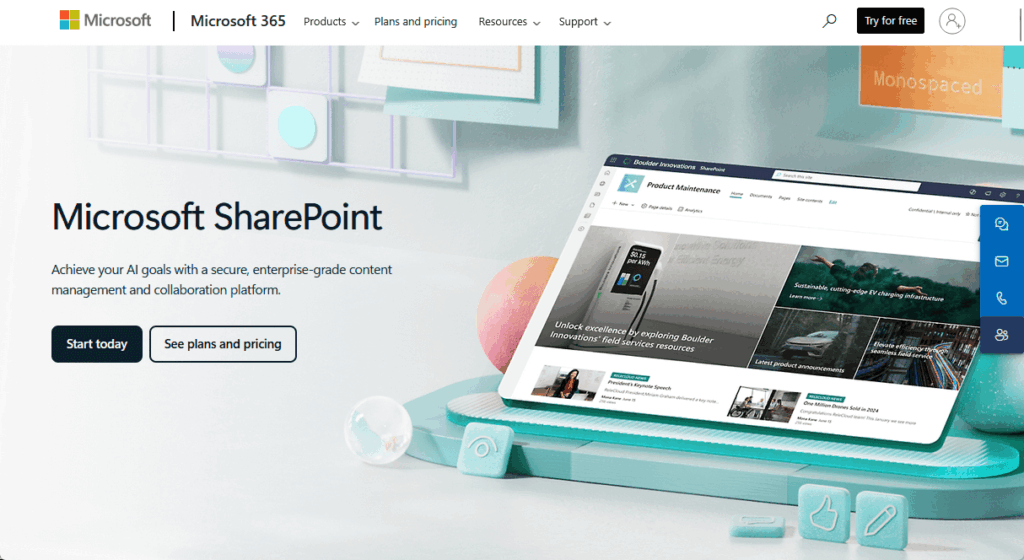
SharePoint is the enterprise content management foundation in Microsoft 365. It’s designed for document management, intranet publishing, and structured content with strict governance requirements.
What it generally does well:
- Native integration with Microsoft Purview for retention policies, audit trails, and eDiscovery
- SharePoint Premium uses AI to automatically extract metadata from uploaded documents
- Primary grounding source for Microsoft Copilot responses
- SharePoint Online is included in many Microsoft 365 plans (including E3/E5), while SharePoint Premium capabilities are licensed as add-ons
The governance capabilities are unmatched among the tools I mentioned here. Sensitivity labels follow documents automatically. Conditional access policies apply without configuration.
But SharePoint has a steep learning curve and rigid page structure. The editing experience feels like publishing, not collaborating.
The page-centric model lacks the fluidity of block-based editors. Search quality varies widely and often surfaces irrelevant files alongside knowledge articles.
Best for:
- Regulated industries (finance, healthcare, government) requiring deep compliance integration.
- Organizations standardized on E3/E5 licenses prioritizing vendor consolidation over user experience.
2. Microsoft Loop
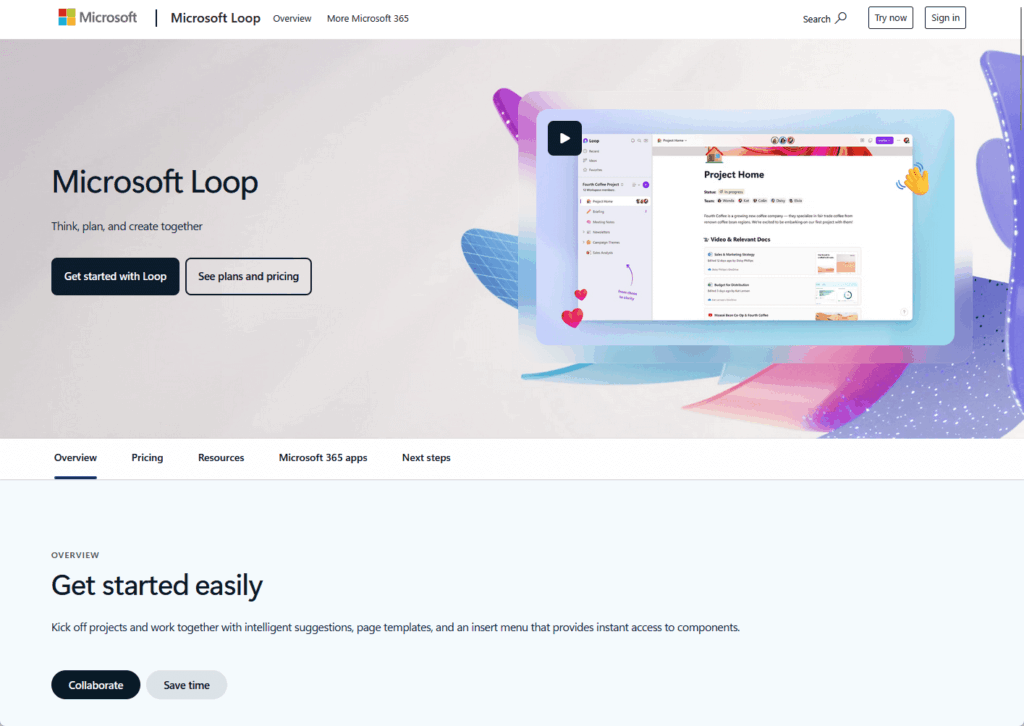
Loop is Microsoft’s real-time collaborative workspace built on a component-based model. Think of it as Microsoft’s answer to the multiplayer editing experience found in tools like Notion.
Where teams tend to use it:
- Meeting notes and brainstorming sessions that sync across Teams, Outlook, and OneNote
- Real-time co-creation where multiple people edit simultaneously
- Project planning that lives inside Teams conversations
- Dynamic components embedded in emails that update automatically
Loop addresses the “fluid knowledge” gap in Microsoft’s stack.
Governance improved significantly, with Purview and legal hold capabilities supported via SharePoint Embedded storage.
But Loop is not an enterprise knowledge base replacement. Microsoft explicitly compares it to OneNote, not SharePoint.
It lacks hierarchical organization, scoped search, and structured permission inheritance. The governance model is maturing but not mature.
Best for:
- Teams needing multiplayer collaboration on living documents.
- Organizations wanting to reduce context-switching between Teams and collaboration tools.
- Use it alongside SharePoint, not instead of it.
3. Viva Engage (Formerly Yammer)
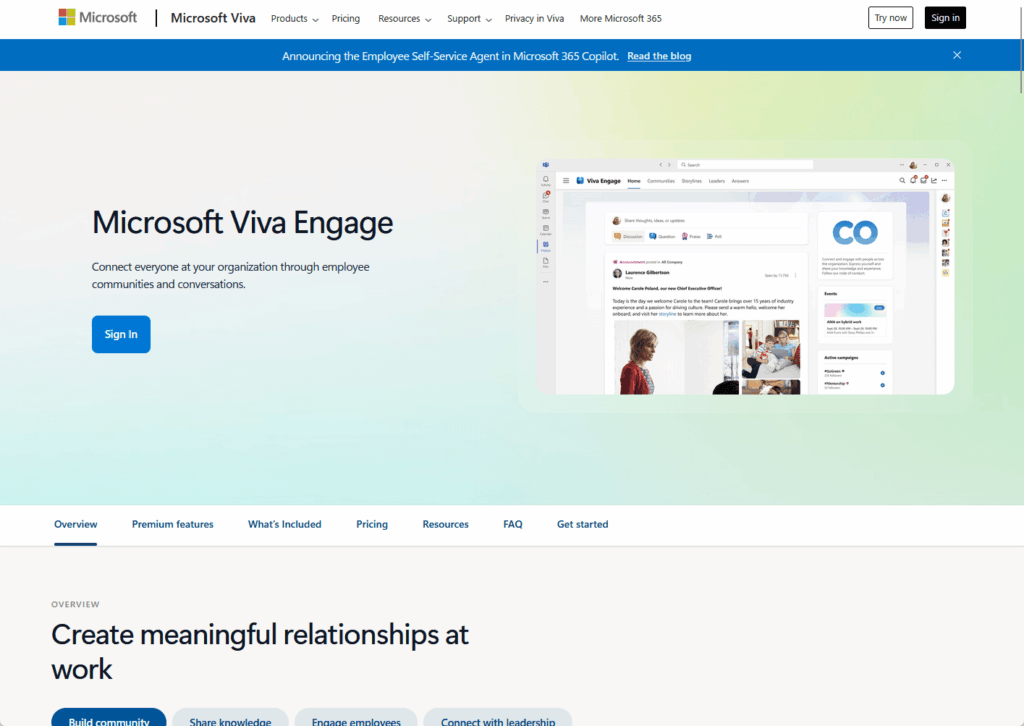
Viva Engage serves as Microsoft’s enterprise social networking platform. It’s designed for community-driven knowledge sharing and async Q&A rather than structured documentation.
What it does well:
- Answers in Viva uses AI to surface existing responses to common questions
- Viva Engage public content can be used as a grounding source for Microsoft 365 Copilot, subject to user permissions
- Community agents (public preview) help draft answers and accelerate Q&A in communities
- Works well for distributed workforces building knowledge-sharing culture
It’s not a document repository or structured knowledge base. The conversation-based format works for capturing tribal knowledge and facilitating discussions.
But content moderation becomes challenging with open posting.
Premium analytics features require additional licensing beyond base M365 subscriptions. The Q&A format may not suit all documentation styles.
Best for:
- Distributed workforces needing async Q&A channels.
- Community managers aggregating informal knowledge.
- Organizations building knowledge-sharing culture as a complement to formal documentation.
Third-Party Workspace Platforms: When User Experience Drives the Decision
These platforms prioritize flexible editing, modern interfaces, and consolidation of multiple work tools.
They integrate with Microsoft 365 primarily through SSO and basic connectors, but create separate data repositories outside your Microsoft tenant.
4. Notion
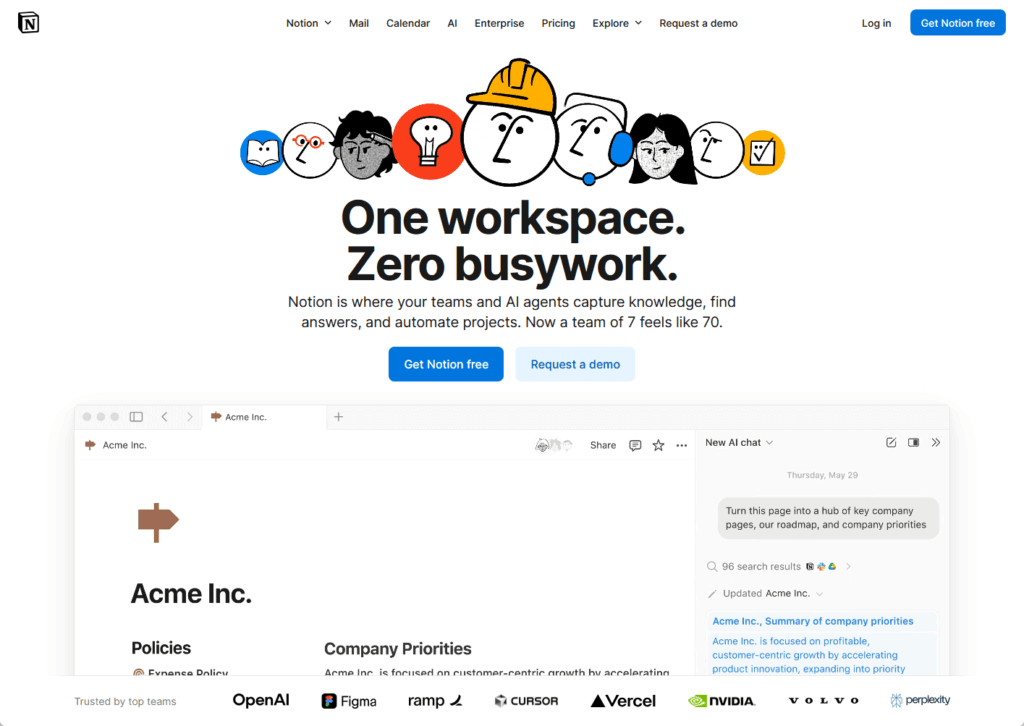
Notion is an all-in-one workspace that combines wiki, database, and project management capabilities. Its block-based architecture and modern interface consistently win praise against legacy wiki editors.
What it generally does well:
- Flexible databases that can replace separate tools like Airtable or basic Trello boards
- Modern editing experience with real-time collaboration
- Notion AI is included in the Business and Enterprise plans
- EU data residency is available for Enterprise plan customers
- Strong Confluence importer for standard content migrations
The user experience is notably smoother than SharePoint or Confluence for most teams.
But Microsoft 365 integration remains surface-level. You get SAML SSO for login and the ability to embed files. You don’t get native permission inheritance, unified compliance management, or Purview integration.
Offline mode is still limited despite years of user requests. Enterprise governance features trail SharePoint’s maturity. The block-based format is proprietary, creating exit risk if migration becomes necessary.
Best for:
- Agile teams prioritizing user experience over deep M365 governance.
- Startups and innovation hubs.
- Organizations willing to trade integration depth for productivity gains.
5. Coda
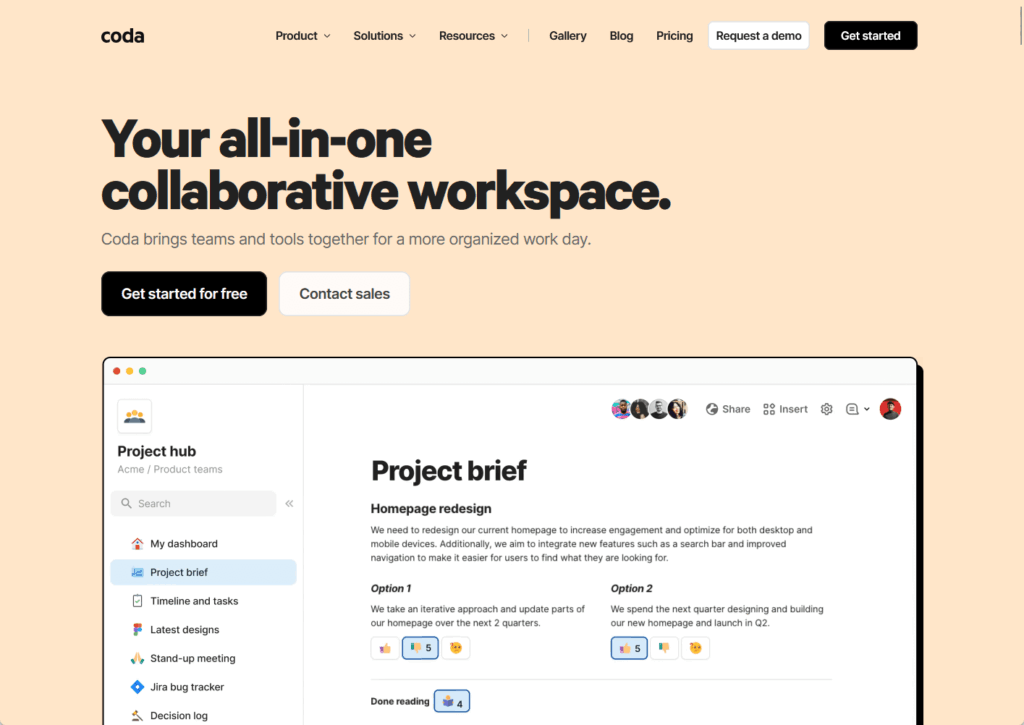
Coda positions itself as programmable documents that blend text, spreadsheets, and lightweight application building. It’s designed for teams that want documentation to drive workflows, not just describe them.
Where it shines:
- Doc Maker pricing model charges only for creators, not readers
- Deep two-way sync with Jira and Salesforce via Packs
- Converts static documentation into actionable workflows with buttons and automation
- Databases more powerful than simple tables in traditional wikis
The pricing model can dramatically reduce costs for organizations with few content creators and many consumers.
Coda’s Packs enable integration depth that goes beyond typical wiki connectors. But it demands higher technical literacy than general-purpose wikis.
The programming-like formula language overwhelms non-technical users. Migration from Confluence isn’t “lift and shift.” It requires rethinking documents as applications.
No offline mode remains a critical gap. Coda’s Entra ID SSO setup requires your org’s GDrive integration to be turned off (per Microsoft’s configuration guidance).
Best for:
- Product and engineering teams building custom workflows.
- Organizations with a small creator base and large reader audience.
- Teams viewing documentation as interactive tools, not static pages.
6. Slite
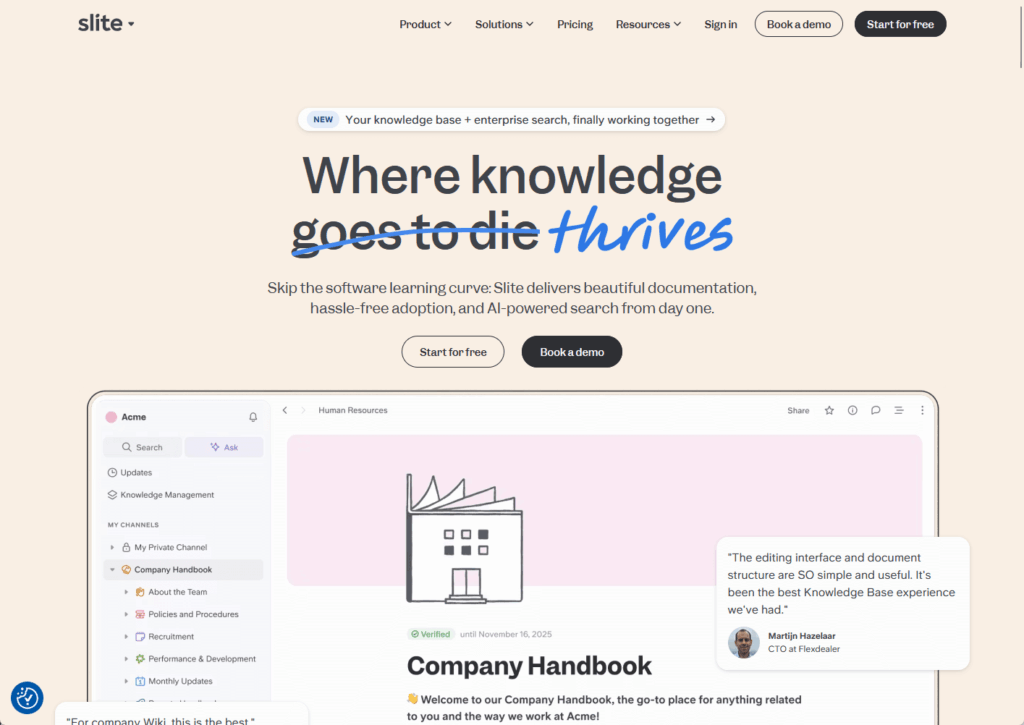
Slite is an AI-powered knowledge base focused purely on internal documentation for asynchronous teams. It does one thing and aims to do it well.
Where teams tend to use it:
- Async-first remote teams maintaining company documentation
- Organizations struggling with outdated wiki content
- Teams that want opinionated structure to prevent formatting inconsistency
- Small-to-medium companies (5-200 employees) focused on documentation quality
AI-powered content maintenance sets Slite apart from competitors. It detects outdated articles, duplicate content, and orphaned pages automatically.
The editor is intentionally restricted to prevent over-customization. Verification workflows are native, with articles carrying “Verified” status and expiration dates.
But Microsoft 365 integration is basic. You get SAML SSO on Enterprise plans, but Slite was designed primarily for Google Workspace and Slack environments. The feature set is narrower than Notion or Coda.
Best for:
- Small-to-medium remote teams focused purely on documentation.
- Organizations prioritizing content maintenance over flexibility.
- Async-first cultures needing verification workflows.
Specialized Tools: Purpose-Built for Specific Use Cases
These platforms address narrow knowledge management scenarios where general-purpose wikis often fall short. They excel in their specific domains but aren’t designed as company-wide knowledge systems.
7. GitBook (Developer Documentation)
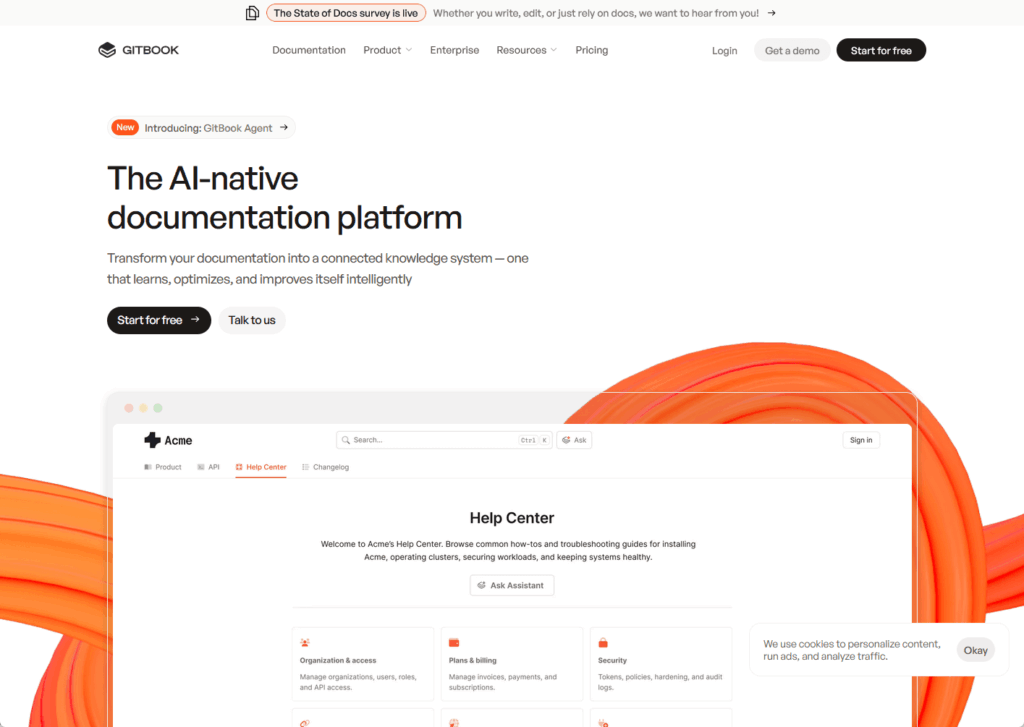
GitBook is a docs-as-code platform that syncs documentation directly with GitHub or GitLab repositories. It’s built for engineering teams who want knowledge to follow the same workflow as code.
What it generally does well:
- Documentation lives in version control alongside code
- Developers write in their IDE and publish via commit workflows
- Public/private hybrid publishing for external API docs and internal technical notes
- Changes to docs follow the same review process as code changes
This workflow ensures documentation never lags behind releases. The Git-based approach feels natural to engineering teams.
But it’s a narrow use case tool.
GitBook excels at technical documentation and API references. It doesn’t try to be a general-purpose wiki for HR policies or marketing content.
Best for:
- Software development organizations requiring docs-as-code workflows.
- DevOps teams.
- Companies publishing external API documentation to partners or developers.
8. Document360
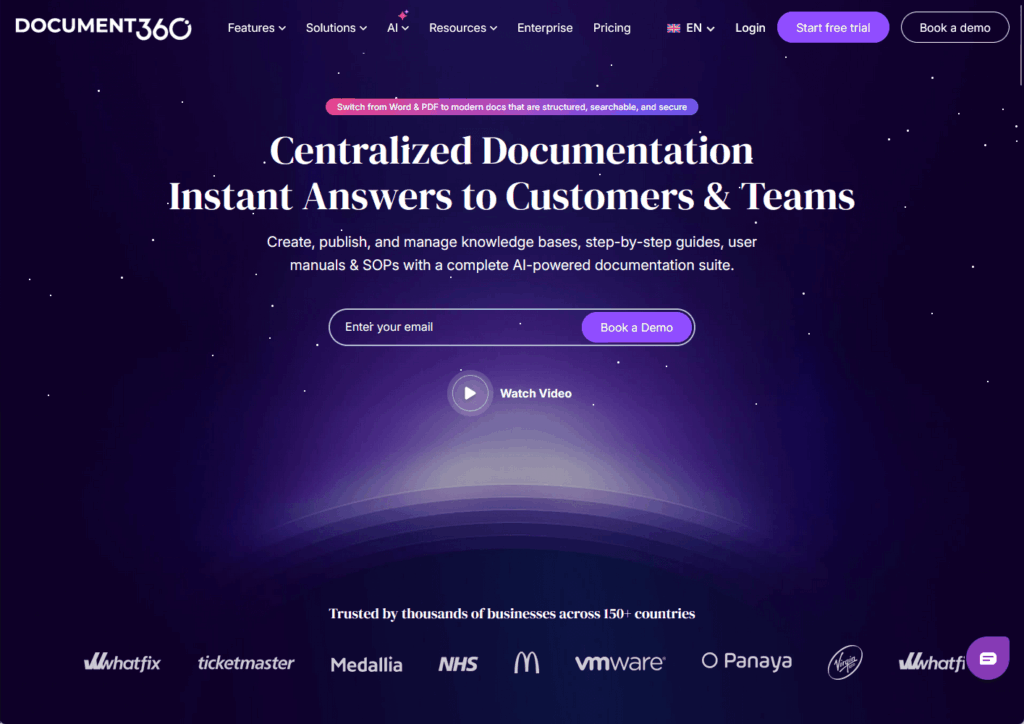
Document360 targets technical writing teams building customer-facing help centers, internal SOPs, and product documentation. It’s designed specifically for formal documentation projects rather than collaborative wikis.
Why teams choose it:
- Dual editor options (WYSIWYG and Markdown) for different user preferences
- Article-level version control with rollback capabilities
- AI features for search, content generation, and translation (50+ languages)
- SOC 2 Type II (per Document360) and published AI trust/compliance commitments, including EU-focused requirements
- Private hosting available on Azure for data residency
The focus on structured documentation shows in features like deep hierarchical organization and dedicated content workflows. But real-time collaboration is limited compared to tools like Loop or Notion.
Initial content hierarchy setup requires significant upfront planning. Pricing scales with knowledge base growth, which can become expensive.
Best for:
- SaaS companies building help centers.
- Technical writing teams managing large documentation sets.
- Customer support organizations needing multilingual content.
9. Nuclino
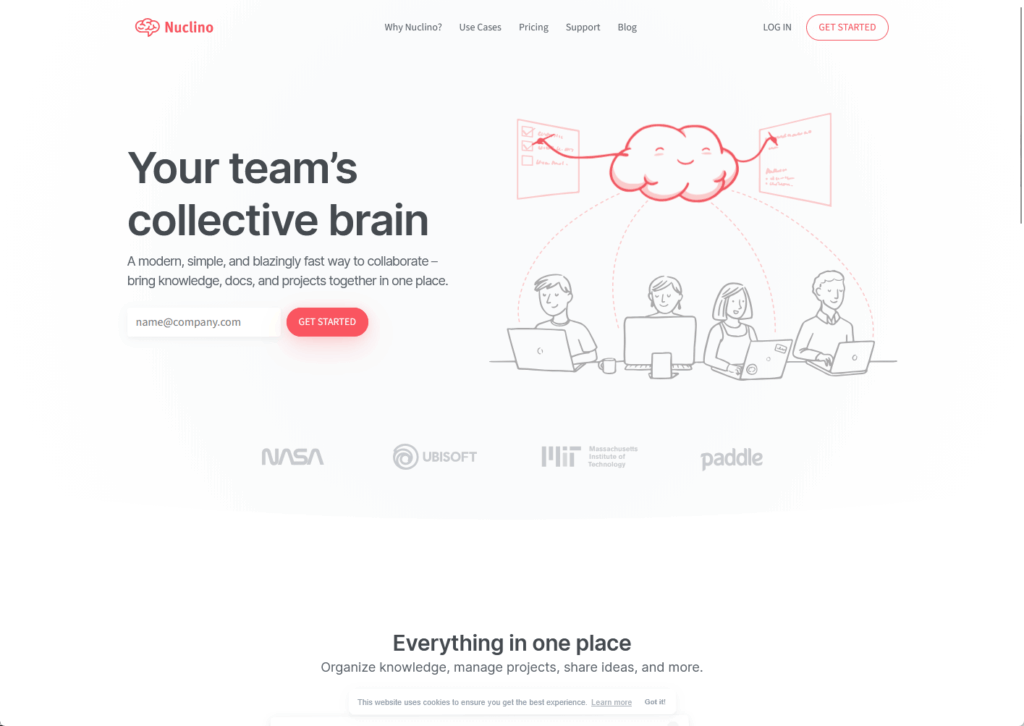
Nuclino is a lightweight wiki that prioritizes speed and simplicity. It’s designed for teams that find traditional wikis overwhelming with features they don’t need.
What it generally does well:
- Exceptionally fast performance and fluid Markdown editing
- Multiple visualization options (list, Kanban, table, graph view)
- Graph view shows connections between related topics
- Affordable pricing (for example, $6–$10/user/month on published tiers)
- Entra ID SSO on Business plans
The stripped-down approach appeals to technical teams who want to write quickly without navigating complex configuration. It can embed Microsoft Office files stored in SharePoint or OneDrive.
But the plugin ecosystem and enterprise scalability lag behind Confluence or SharePoint. Advanced governance features are limited.
Best for:
- Small-to-medium teams finding traditional wikis too complex.
- Technical users preferring Markdown-first editing.
- Budget-conscious organizations needing basic wiki functionality.
AI-Powered Search Overlays: The “Leave Data Where It Lives” Strategy
Rather than migrating content to a new repository, these tools index knowledge across existing systems and provide unified AI-powered search.
They represent a fundamentally different approach to the knowledge management problem.
10. Glean
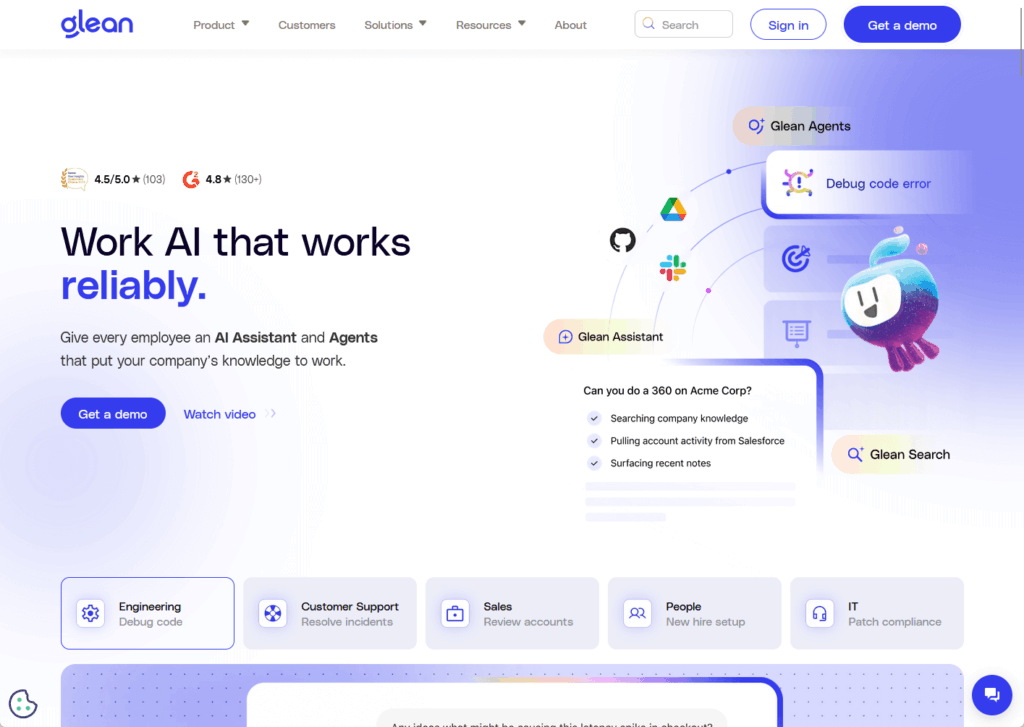
Glean is an AI-powered enterprise search platform that connects to 100+ workplace applications. Instead of replacing your wiki, it adds an intelligent search layer on top of everything you already use.
What it generally does well:
- Unified search across SharePoint, Jira, Confluence, Salesforce, Slack, and Google Drive
- Permission-aware results that respect existing access controls from source systems
- Retrieval-Augmented Generation (RAG) synthesizes answers from multiple sources
- Fast deployment (often 1–3 weeks, depending on how much content you sync)
- Glean Agents automate workflows beyond simple search
The philosophy is different from traditional knowledge management tools.
You’re not migrating content or retraining users on new interfaces. You’re adding search capability to systems employees already use.
Permission inheritance happens automatically by mirroring security models from source systems.
Glean is positioned as a premium enterprise product, and in practice, mid-market deployments often land in the six-figure range annually, with very large enterprises spending significantly more.
Effectiveness depends entirely on underlying content quality.
Best for:
- Large enterprises with fragmented knowledge across multiple platforms.
- Organizations where previous consolidation attempts failed.
- Knowledge-intensive firms where search quality directly impacts productivity.
11. Microsoft 365 Copilot (as Knowledge Tool)
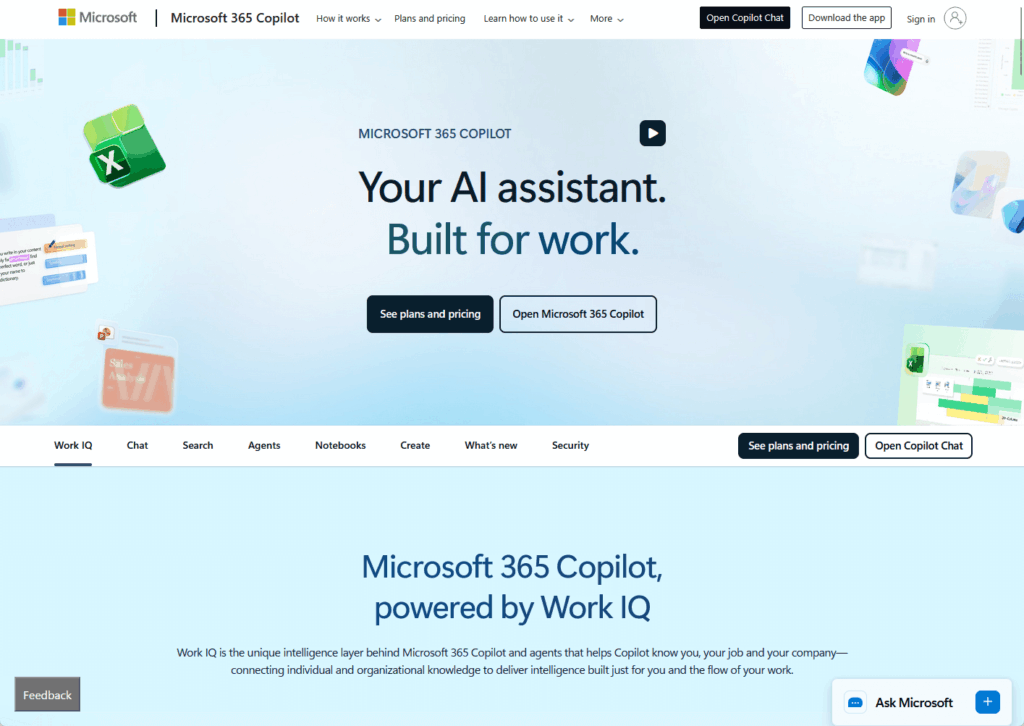
Microsoft 365 Copilot isn’t a separate knowledge base. It’s an AI assistant embedded across Microsoft apps that treats your existing SharePoint, OneDrive, Teams, and Exchange content as its knowledge source.
Here’s what stands out::
- Indexes Microsoft 365 content automatically while respecting permissions
- Full Purview integration means compliance policies apply without configuration
- All processing happens inside your Microsoft tenant
- Works within apps employees already use daily
- No separate data repository to maintain
Everything stays inside your security boundary. Sensitivity labels, retention policies, and conditional access work without separate setup.
But Copilot is only as good as your SharePoint content quality. Poorly structured sites and vague titles produce unreliable answers.
It’s priced at $30 user/month (paid yearly) as an add-on to a qualifying Microsoft 365 subscription.
Cross-platform search for content in Jira, Confluence, or Salesforce requires Graph connectors that are more complex than Glean’s native integrations.
Best for:
- Organizations where 90% or more of knowledge lives in Microsoft 365.
- Teams with good SharePoint governance already in place.
- Companies prioritizing compliance and data residency over cross-platform search.
Decision Framework: Matching Tools to Organizational Context
There’s no universal “best” tool. The right choice depends on your specific constraints, priorities, and organizational culture. Match the tool to your dominant requirements, not the other way around.
Common patterns by organizational type:
- Regulated enterprises (government, healthcare, finance): Consolidate on SharePoint Premium + Copilot for deep Purview integration, retention policies, and single security boundary
- Agile organizations (tech companies, innovation hubs): Choose Notion for flexible databases or Coda for programmable workflows despite integration tradeoffs
- Fragmented enterprises (consulting firms, R&D): Deploy Glean or AI search overlay rather than attempting another consolidation project
- Engineering-centric (software development): Consider GitBook for docs-as-code workflows or stay on Confluence for deep Jira integration
User experience often takes a back seat to governance certainty in regulated industries.
The productivity gain from tools like Notion frequently outweighs the cost of maintaining separate repositories in agile environments.
Large organizations with hopelessly siloed data should leave it where it lives and solve the problem through unified search. The decision factors that matter most:
Governance requirements, budget constraints, user technical literacy, willingness to maintain separate permission systems, and whether knowledge stays mostly internal or gets published externally.
Knowledge Management as Governance Discipline
The question shifted from “which wiki has the best editor?” to “how will our organization ground AI responses safely?”
- For most Microsoft 365 organizations, SharePoint and Copilot offer compliance confidence and architectural simplicity.
- Third-party platforms like Notion and Coda deliver better user experience but require ongoing permission synchronization.
- Overlay tools like Glean make the underlying repository almost irrelevant.
Knowledge management is an operational discipline, not a one-time tool selection. Assess your current state first. Define what success looks like. Then evaluate tools against your constraints.
Questions about knowledge management platforms for Microsoft 365? Drop a comment below.
For any business-related queries or concerns, contact me through the contact form. I always reply. 🙂