Ryan Clark

As the Modern Workplace Architect at Mr. SharePoint, I help companies of all sizes better leverage Modern Workplace and Digital Process Automation investments. I am also a Microsoft Most Valuable Professional (MVP) for SharePoint and Microsoft 365.

A man with short curly hair and a beard is smiling. He is wearing a dark plaid suit jacket, a black shirt, and a dark tie. The background is softly blurred.
Icons on a blue background showing documents with checkmarks and a shield, cloud storage, collaboration apps, a robot, scales of justice, and stacks of coins with an upward arrow.

The Complete Microsoft 365 Licensing Guide: Plan Comparison and 2026 Pricing Update

Most organizations are overpaying for Microsoft 365, and the price increase is about to make that worse. Microsoft’s licensing lineup is broad and layered. Between Business plans, Enterprise tiers, and Frontline Worker SKUs, the options multiply fast. Add security add-ons, Copilot pricing, and annual price adjustments, and it’s easy to default to one-size-fits-all licensing instead of right-sizing your workforce. What’s Changing in July 2026 Microsoft is restructuring its M365 lineup with targeted price increases rolling in on July 1, 2026. Here’s what’s driving the changes: The price increases aren’t uniform. Business Premium doesn’t move at all, while Frontline Worker plans […]

The Complete Microsoft 365 Licensing Guide: Plan Comparison and 2026 Pricing Update Read More »

Illustration of a smiling robot next to a computer screen with checklists, folders, magnifying glass, charts, and a cloud, symbolizing automation, organization, data analysis, and digital productivity.

SharePoint Copilot Prompt Templates for Business Teams

Most organizations that deployed Microsoft Copilot for M365 are sitting on an expensive problem. More than 60% of Fortune 500 companies have deployed Copilot. But only 35.8% of those employees actively use it week to week. The gap comes down to prompting. Copilot adoption typically suffers when teams don’t have clear templates to follow. Weak prompts produce weak results, and most teams have never been given a template to follow. What follows is a practical prompt library, organized by use case. Copy them, customize them, and share them with your teams. Why Most Copilot Prompts Underdeliver A vague prompt gets

SharePoint Copilot Prompt Templates for Business Teams Read More »

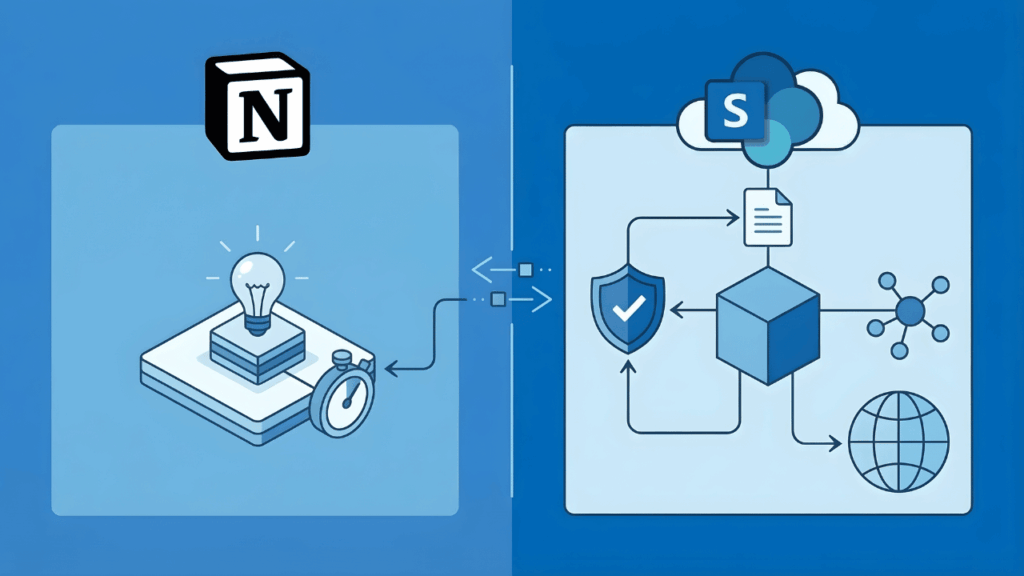
A split image shows the Notion logo with icons of a lightbulb and stopwatch on the left, and the SharePoint logo with cloud, document, shield, cube, and global network icons on the right, connected by arrows.

SharePoint vs Notion for Knowledge Management: An Enterprise Buyer’s Honest Comparison

Your team loves Notion. Then you ask about compliance controls, permission granularity, and what happens at 500 employees. Both platforms claim Fortune 500 adoption. But they get used for different things: Notion as the team wiki, SharePoint as the enterprise knowledge layer. Here’s where each one breaks down. What Organizations Actually Need from a Knowledge Management Platform Knowledge management requires building systems where knowledge flows through your organization predictably. Enterprise knowledge management best practices center on four foundational processes: The platform you choose shapes how well you execute each of these. Here’s what that breakdown looks like: Capability Why It

SharePoint vs Notion for Knowledge Management: An Enterprise Buyer’s Honest Comparison Read More »

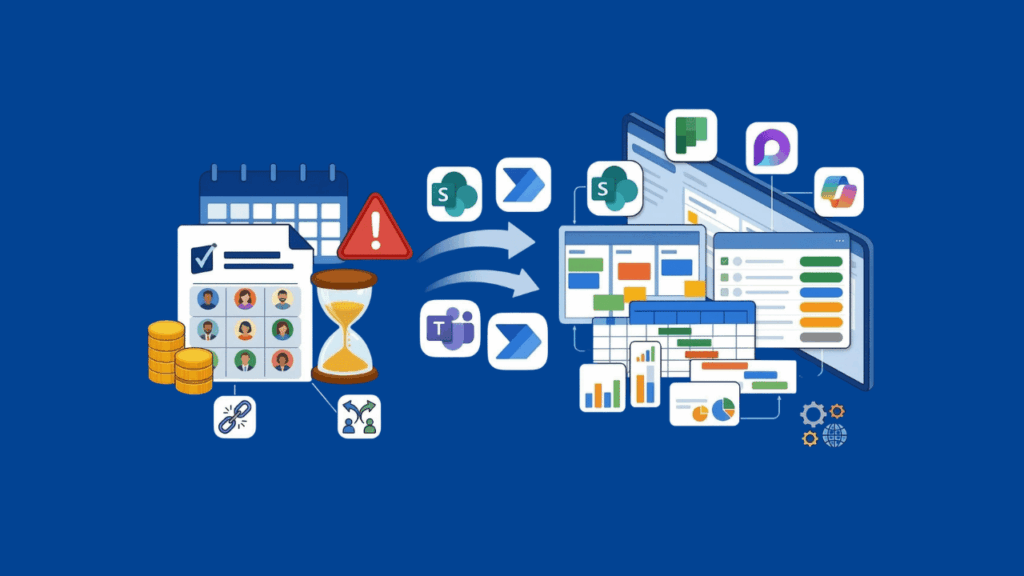
Illustration showing project management tools, schedules, coins, alerts, and charts being connected with collaboration and productivity apps like Microsoft Teams, SharePoint, and others on a blue background.

Smartsheet Alternatives for Project Tracking: An M365 Admin’s Honest Guide

Smartsheet’s licensing changes are forcing a lot of organizations to take a step back and ask whether the platform still fits their needs. The new user subscription model introduces multiple seat types and ongoing reconciliation cycles, which means budgeting and governance just got more complicated. If you’re already standardized on Microsoft 365, you might not need to look outside your tenant at all. This is a practical comparison from the M365 perspective, built for IT managers, SharePoint admins, and operations leaders actually weighing their options. Why Organizations Are Moving Away from Smartsheet Smartsheet migrations are driven by governance costs, compliance

Smartsheet Alternatives for Project Tracking: An M365 Admin’s Honest Guide Read More »

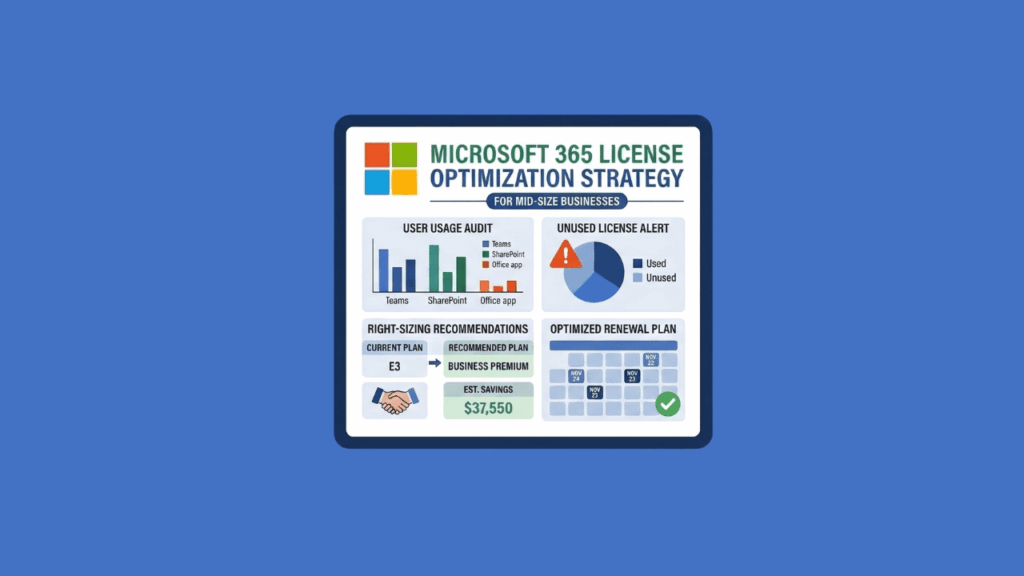
An infographic titled Microsoft 365 License Optimization Strategy shows user audit graphs, a pie chart of unused licenses, savings recommendations, and an optimized renewal plan on a blue background.

Best Microsoft 365 License Optimization Strategies for Mid-Size Businesses

Microsoft is raising M365 prices on July 1, 2026: If you have 500 employees on M365, this isn’t pocket change. Most mid-size organizations are already overpaying before the hike even hits. 56% of enterprise M365 licenses are inactive, underutilized, oversized, or simply unassigned. Organizations waste 20-35% of their M365 budget on licenses people don’t need. That’s real money leaving your budget every month for software nobody uses. The M365 License Waste Problem Mid-Size Businesses Can’t Afford to Ignore That 56% figure is worth sitting with. More than half of all M365 licenses fall into one of these categories: For a

Best Microsoft 365 License Optimization Strategies for Mid-Size Businesses Read More »

A colorful Microsoft Loop logo is centered, surrounded by icons for Excel, Word, PowerPoint, Outlook, a cloud, gears, a light bulb, and a magnifying glass with a chart, all on a blue background.

Microsoft Copilot for SharePoint and Teams: 5 Use Cases That Actually Deliver ROI

You’ve got the license. Now you need to know where to point it. Organizations are deploying Microsoft 365 Copilot right now. The real question they’re asking isn’t “what can Copilot do?” It’s “where does it actually deliver for us?” Copilot is a productivity layer that sits on top of SharePoint, Teams, and your other Microsoft 365 services. It works best where your actual work already happens: in documents, meetings, and team channels. Let’s walk through the workflows where Copilot delivers measurable value. You’ll see real case studies, concrete ROI numbers, and what separates a successful deployment from a wasted license.

Microsoft Copilot for SharePoint and Teams: 5 Use Cases That Actually Deliver ROI Read More »

A white outlined icon on a blue background shows a single person, a group of three people, and a building with a flag, all inside a rounded rectangle.

SharePoint vs OneDrive vs Teams: When to Use What (And How to Stop File Chaos)

Where should you save that file? If your team asks this question every week, you’re not alone. Most organizations treat SharePoint, OneDrive, and Teams like three competing options. They’re not. These tools work together as parts of one system. But without clear rules, files end up scattered across all three with no logic behind it. You need a simple mental model for deciding where files belong, plus governance rules that make those decisions stick. That’s how your team stops guessing and your data stays clean for Copilot. They’re Not Competing Tools (The Simple Mental Model) The biggest misconception in Microsoft

SharePoint vs OneDrive vs Teams: When to Use What (And How to Stop File Chaos) Read More »

Illustration of a digital tablet displaying a document with checkmarks and profile photos, surrounded by icons of calendars, folders, gears, email, magnifying glass, plant, coffee cup, and a laptop on a blue background.

How to Use SharePoint for Employee Onboarding Checklists (2026)

Most organizations know onboarding matters. Few have a system that actually works. Here’s what I typically see: Nobody knows which version of the employee handbook is current. And there’s no record of what the new hire has actually completed. SharePoint Online, combined with Microsoft Lists and Power Automate, fixes this. Together, they give you a governed, repeatable onboarding system that scales across departments, locations, and business units. Choose the Right Architecture Before You Build Anything Before you create a single list or upload a document, decide how your onboarding sites will be organized. Getting this wrong early means rebuilding later.

How to Use SharePoint for Employee Onboarding Checklists (2026) Read More »

Illustration comparing SharePoint (shown as a cloud, gears, and document) on the left to another digital platform with stacked files and checkmarks on the right. “VS” is in the center, suggesting a comparison.

SharePoint vs Airtable: What Microsoft 365 Teams Should Choose in 2026

This isn’t a feature shootout. It’s a decision about three things: Most organizations already pay for SharePoint through their M365 license. So the real question is simple: Does Airtable solve a problem that SharePoint can’t? Or does it introduce a governance gap you don’t need? If you’re an IT leader, operations manager, or power user inside M365, this choice affects cost, user adoption, and data control. Let’s get started. SharePoint vs Airtable at a Glance Before we get into specifics, here’s how these two platforms compare across the areas that matter most. Category SharePoint / Microsoft Lists Airtable Enterprise Scale

SharePoint vs Airtable: What Microsoft 365 Teams Should Choose in 2026 Read More »

A digital kanban board with multiple vertical columns, each containing several rectangular cards, shown on a blue background. The board interface is simple and uncluttered.

Trello Alternatives for Workflow Visualization: A Practical Guide for 2026

Trello built its reputation on simplicity. But as projects grow, teams need more: In addition, Microsoft recently unified Planner and Project for the web into “New Planner.” This creates a decision point: stay inside Microsoft 365 for governance and zero-friction integration, or step outside for better UX and customization. Best Trello Alternatives Inside Microsoft 365 For organizations already invested in Microsoft 365, these tools offer the path of least resistance with built-in governance and seamless integration. For Simple Task Boards and Team Collaboration (New Planner Basic) New Planner Basic is the default Microsoft 365 option. It comes with most licenses

Trello Alternatives for Workflow Visualization: A Practical Guide for 2026 Read More »

Scroll to Top