
Last Updated on November 11, 2025
What’s your SharePoint plan this year?
In this article, let’s talk about choosing between SharePoint Online and SharePoint Server Subscription Edition.
Let’s get started.
Table of Contents:
- The 2026 Context: Why Edition Choice Matters More Than Ever
- The Two Strategic Paths Forward
- SharePoint Online (SPO): The Cloud Path
- SharePoint Server Subscription Edition (SPSE): The On-Premises Path
- Total Cost of Ownership (TCO) Comparison
- Why “Simple Migration” Doesn’t Exist
- Which Path Is Right for Your Organization?
- Expert Recommendation for 2026
- What to Do Now
The 2026 Context: Why Edition Choice Matters More Than Ever
The July 2026 deadline doesn’t exist in isolation. Microsoft engineered a coordinated “deprecation storm” that forces a complete modernization. It’s not accidental.
The July 14, 2026 Hard Stop
SharePoint 2016 and 2019 reach end of life on this single date. Everything stops at once.
Here’s what that means:
- No more security patches (even critical vulnerabilities)
- No technical support from Microsoft
- No bug fixes or stability updates
- Compliance failures (most regulations require supported software)
Organizations on these versions lose all protection. This means that your data will sit on unsupported platforms, regulators will notice, audits will fail, and risk will skyrocket.
The Deprecation Storm: A Convergence of Deadlines
Microsoft timed the entire classic customization ecosystem to expire in 2026. This creates a perfect storm.
Look at what’s retiring simultaneously:
| Technology | End of Life | Official Replacement |
| SharePoint Server 2016/2019 | July 14, 2026 | SharePoint Online or SPSE |
| InfoPath Forms | July 14, 2026 | Microsoft Power Apps |
| SharePoint 2010 Workflows | July 14, 2026 | Microsoft Power Automate |
| SharePoint Designer 2013 | July 14, 2026 | Power Platform or Visual Studio |
| SharePoint Add-ins | April 2, 2026 | SharePoint Framework (SPFx) |
This convergence means a “simple lift-and-shift” migration is impossible. You can’t just move your old systems to new hardware and call it done.
Every custom form, workflow, and extension must be rebuilt with modern tools. That’s 90% of the actual work and cost.
Sign up for exclusive updates, tips, and strategies
The Two Strategic Paths Forward
You have exactly two supported options after July 2026. Both are legitimate. Neither is a “wrong” choice for the right reasons.
The first path is cloud migration: SharePoint Online within Microsoft 365. The second is on-premises upgrade: SharePoint Server Subscription Edition.
These are the only paths Microsoft officially supports. No hybrid approaches exist. No “stay on 2019” scenarios.
| Decision Factor | SharePoint Online (SPO) | SPSE (On-Premises) |
| Where it runs | Microsoft’s cloud | Your servers |
| Who manages infrastructure | Microsoft | Your IT team |
| Updates | Automatic, continuous | Manual, bi-annual |
| Cost structure | Low upfront, predictable per-user fees | High upfront, mandatory subscription |
| Best for | Innovation, remote work, AI | Data sovereignty, compliance, rare cases |
SharePoint Online is a cloud-native platform hosted entirely by Microsoft. You don’t manage servers, databases, or infrastructure.
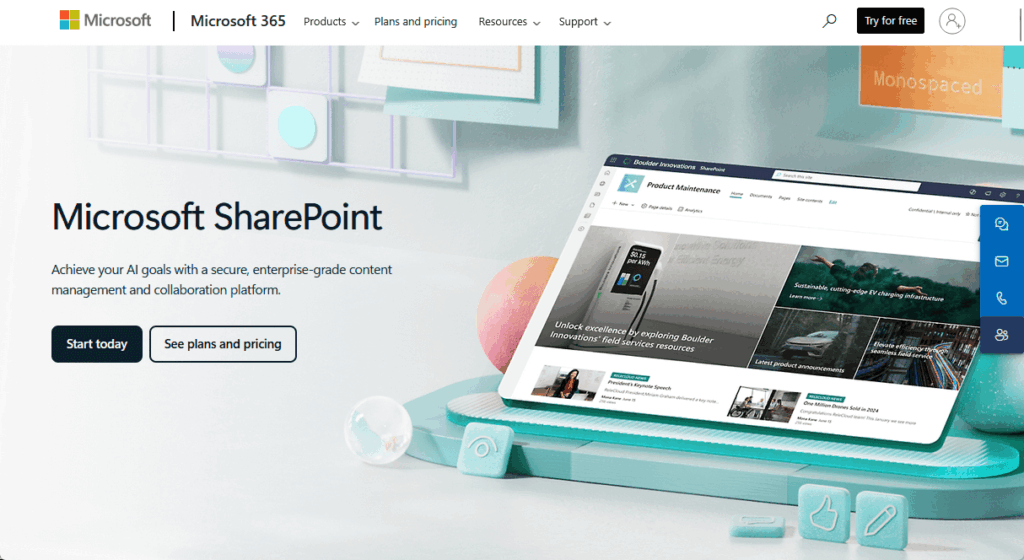
Microsoft handles all updates automatically. Your organization always runs the latest version with the newest security patches.
This creates an “evergreen” platform. No major version upgrades. No painful migration projects every three years. Just continuous, managed evolution.
Licensing Model: Per-User, Per-Month
SPO uses a straightforward subscription model. You pay per user each month.

Standalone plans cost:
- SharePoint Online Plan 1: $5 per user per month (core features)
- SharePoint Online Plan 2: $10 per user per month (advanced features)
But most organizations buy SPO bundled into Microsoft 365 plans:
- Microsoft 365 Business Basic: Includes SPO, Teams, Exchange (web-only Office apps)
- Microsoft 365 Business Standard: Adds downloadable Office apps
- Microsoft 365 E3: The standard enterprise license (includes SPO Plan 2)
- Microsoft 365 E5: Premium tier with advanced security and analytics
- Microsoft 365 Frontline (F1/F3): Low-cost tier for retail and manufacturing workers
Critical warning about F1/F3 licenses: These are not cheaper E3 licenses. They’re highly restricted.
F1 and F3 users get only 2 GB of OneDrive storage. They don’t have a personal site.
Office apps are often web-only and read-only. These licenses work for specific frontline scenarios, not general collaboration.
Add-on costs include Copilot (Microsoft’s AI assistant) at $30 per user per month. Microsoft 365 Copilot works with a much broader range of base licenses.
Storage: The Tenant-Wide Pool Model
SPO storage works differently than OneDrive or on-premises systems. Organizations get a central pool of storage shared across all SharePoint sites.
The calculation is straightforward:
1 TB (base) + (10 GB × number of licensed users) = your total pool
A 500-user organization gets 1 TB + (500 × 10 GB) = 6 TB total. All SharePoint sites share this pool.
Storage boundaries matter for planning:
- Maximum per site: 25 TB
- Maximum per file: 250 GB single upload
- Additional storage: Available in 1 GB increments if you exceed the pool
Why SPO Is the Default Path
SPO delivers core SharePoint on a modern, responsive platform. The mobile-friendly UI works seamlessly across devices, and real-time collaboration is built in.
- Power Apps and Power Automate integrate natively.
- Microsoft Search provides unified search across Teams, OneDrive, Outlook, and SharePoint.
- SPO is AI-ready with Copilot support and advanced governance bundled together.
Choose SPO if you need AI capabilities, plan for remote and hybrid work, have limited IT staff, or want predictable costs.
For 95% of organizations, SPO is the only option for future innovation.
SPSE is a “continuous update model” or “evergreen” on-premises platform running on your servers. You own and manage everything.
Microsoft provides bi-annual updates (25H1, 25H2) instead of the old three-year release cycle. But your IT team applies these updates manually.
SPSE exists for one reason: organizations with strict data sovereignty requirements that forbid cloud storage.
Government agencies, defense contractors, and heavily regulated finance or healthcare organizations sometimes fall into this category.
If your regulations require data on-premises, SPSE is the only path.
But here’s the critical point: SPSE is often MORE expensive than SPO, not less.
The Critical Licensing Change
SPSE licensing transformed in a way that surprises most organizations. It’s no longer perpetual.
The model has three parts:
- Server license: One per running instance (physical or virtual)
- CALs (Client Access Licenses): One per user or device accessing the farm
- Software Assurance (SA): Annual recurring cost (~25% of license cost)
Standard CALs deliver core capabilities. Enterprise CALs are additive, so you pay for both if you need advanced features.
The game-changer: Software Assurance is now mandatory. You cannot run SPSE without active SA on both server licenses and all CALs.
If your SA lapses, Microsoft contractually requires you to uninstall SPSE and downgrade to unsupported SharePoint 2019. The old “buy-once, run-forever” model is gone.
SPSE is now a forced subscription.
The Price Hikes (As of 2025)
Microsoft announced significant price increases effective July 1 and August 1, 2025.
| License Component | Price Increase |
| SharePoint Server License | +10% |
| Core CAL Suite | +15% |
| Enterprise CAL Suite | +20% |
Any organization calculating five-year costs must use these new, higher prices. Comparisons based on 2024 pricing are already outdated.
Infrastructure and Hidden Costs
SPSE requires substantial infrastructure investment.
You need Windows Server (2019, 2022, or 2025) and SQL Server (2019, 2022, or later). SQL Server licensing is often the biggest cost.
Production farms need multiple servers: web front-ends, application servers, and database servers. A high-availability setup requires even more.
Minimum hardware requirements for production:
- RAM: 16 GB per server (minimum)
- CPU: 4 cores, 64-bit (minimum)
- Storage: 80 GB system, 100+ GB data
Beyond hardware, you need skilled IT staff. Your team manages patching, security, monitoring, and maintenance 24/7.
Data center costs add up: power, cooling, physical space.
The Developer Trap: SPFx Version Lock
Here’s a hidden friction that increases on-premises development cost:
SharePoint Online always runs the latest SharePoint Framework version. Developers build with current tools and libraries.
SPSE is locked to SPFx v1.5. SharePoint 2019 is locked to SPFx v1.4.1.
This version fragmentation is painful.
Developers can’t build on their local machines (running latest tools) and deploy to SPSE. They maintain separate, older development environments.
Features available in current SPFx don’t work in v1.5. Developers hit compatibility walls constantly (this wastes time and builds frustration).
For on-premises organizations, this adds significant friction and cost compared to cloud development.
Total Cost of Ownership (TCO) Comparison
The old assumption was that on-premises cost less over time. That’s no longer true.
SPSE represents a high Capex (upfront hardware and software) plus high Opex (ongoing SA, IT labor, infrastructure maintenance) scenario.
SPO represents zero Capex plus predictable Opex.
For most organizations, SPO costs less over five years.
SPO wins financially for:
- Organizations with fewer than 1,000 users
- Organizations with limited IT staff
- Distributed and remote workforces (no VPN infrastructure needed)
- Organizations without strict data sovereignty mandates
The subscription model avoids massive upfront Capex. Predictable monthly costs make budgeting easier.
On the other hand, SPSE becomes cost-competitive only at a massive scale: 50,000+ users in stable, established organizations.
For most organizations, that’s not the situation. Just take a look at this five-year TCO sample for a 500-user organization:
| Cost Category | SPSE Path | SPO Path |
| Year 1 Hardware (Capex) | $100,000 | $0 |
| Year 1 Software (Capex) | $205,000 | $0 |
| Year 1 Implementation (Capex) | $75,000 | $40,000 |
| Total Year 1 Capex | $380,000 | $40,000 |
| Annual Opex (Average) | $238,750 | $244,000 |
| Five-Year Total | $1,573,750 | $1,260,000 |
This illustrative model shows SPO saving about $313,000 over five years for a 500-user organization.
For smaller organizations, SPO savings increase. For massive enterprises, the gap narrows.
Why “Simple Migration” Doesn’t Exist
Organizations underestimate the modernization project. Migration is 10% of the work. Modernization is 90%.
InfoPath forms have no automatic conversion tool. You manually rebuild them in Power Apps.
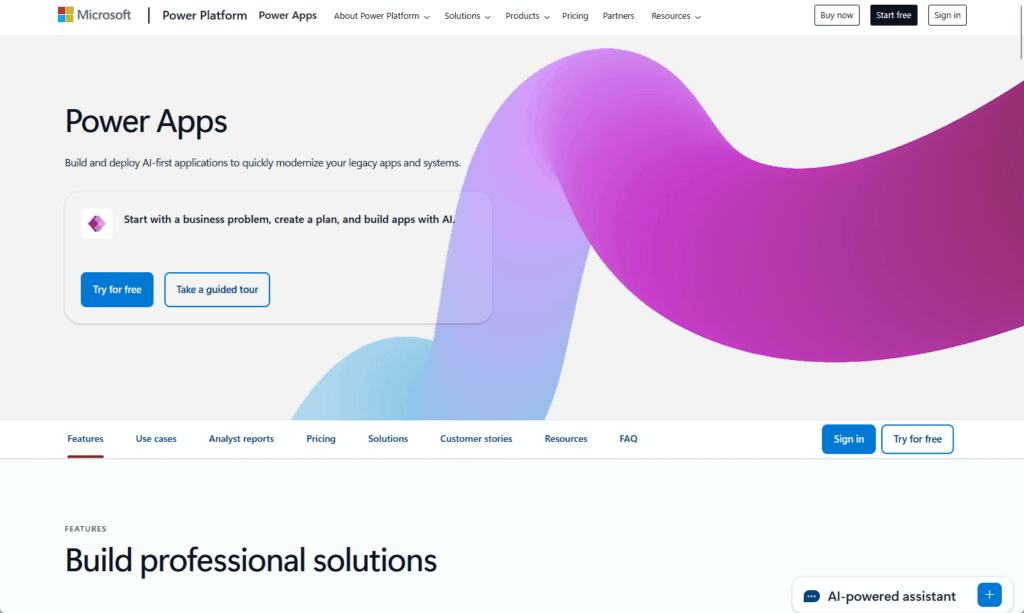
SharePoint Designer workflows migrate with SPMT, but all flows land in disabled state. Your team manually fixes connections and activates them.
Custom add-ins must be rewritten as SharePoint Framework solutions. Master pages and classic branding don’t exist in the modern UI.
This is not a bug. That’s the entire point. The deprecation storm forces organizations to modernize legacy systems.
The Real Project Scope
Your actual migration project looks like this:
- Audit phase: Identify all custom forms, workflows, and code
- Triage phase: Determine what’s business-critical vs. what can be archived or deleted
- Modernization phase: Rebuild everything with Power Apps, Power Automate, and SPFx
- Data migration phase: Move content using SPMT
- Testing and training phase: Validate everything, train users on modern UI
- Cutover phase: Final sync and go-live
Organizations consistently underestimate timelines and budgets for the modernization phase, which is why you must plan accordingly.
Fortunately, Microsoft provides free tools, but they’re not magic buttons.
SharePoint Migration Tool (SPMT) handles content migration from legacy farms to SPO or SPSE.
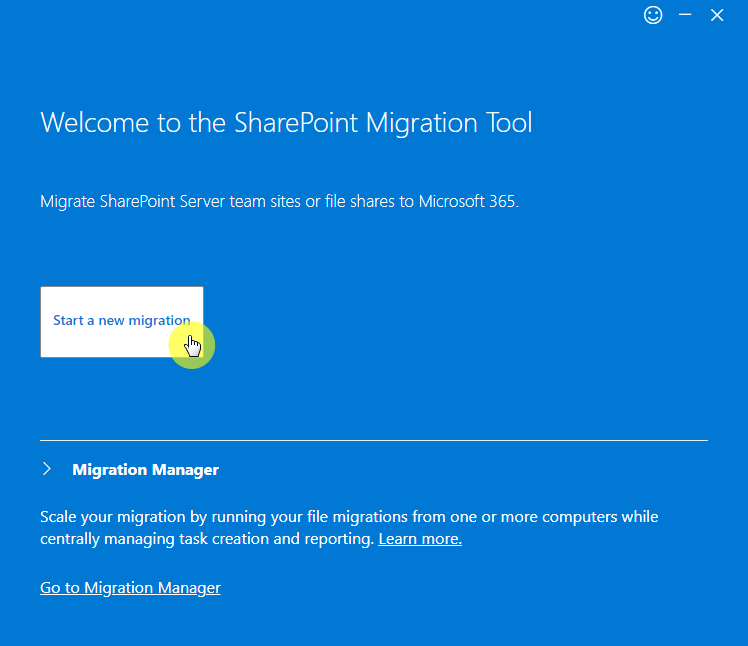
SharePoint Migration Assessment Tool (SMAT) scans your existing farm and flags potential roadblocks: large files, blocked file types, custom solutions, legacy workflows.
Power Automate is where all workflows go. Power Apps is where all forms go. These tools make rebuilds possible, but not automatic.
Which Path Is Right for Your Organization?
If you’re confused, ask yourself these 5 questions first:
1. Data Sovereignty: Do regulations require your data on-premises? If yes, consider SPSE. If not, default to SPO.
2. IT Staff: Do you have skilled SharePoint, SQL, and Windows admins for 24/7 management? If not, SPO is mandatory.
3. Customization Debt: What’s the cost to modernize InfoPath forms, Designer workflows, and custom code? This often exceeds migration costs.
4. Five-Year Strategy: Is your organization cloud-first, AI-ready, and remote-friendly? If yes, SPO only.
5. Organizational Scale: Are you 100 users or 100,000 users? This impacts TCO significantly.
Here’s a quick decision reference:
| Business Need | Recommended Path | Why |
| Data sovereignty mandate | SPSE | Only path with absolute control over data location |
| AI and Copilot access | SPO | Cloud-exclusive; SPSE doesn’t support AI features |
| Fewer than 1,000 users | SPO | Lower TCO and minimal IT overhead |
| Remote/hybrid workforce | SPO | Native mobile, no VPN complexity |
| Limited IT staff | SPO | Microsoft manages infrastructure |
| Strict compliance (no cloud) | SPSE | Non-negotiable requirement |
Expert Recommendation for 2026
Microsoft engineered this scenario intentionally. The push factors are all on-premises pain. Pull factors are all cloud benefits.
- The push: A hard deadline, coordinated deprecation, punitive price hikes, and mandatory subscriptions.
- The pull: AI exclusivity, Teams integration, predictable costs, and innovation access.
The evidence is unambiguous. For 95% of organizations, SharePoint Online is the correct path.
SPSE is a necessary solution for the rare organization with absolute data sovereignty requirements.
But for most others, it represents managing a non-strategic, high-maintenance platform isolated from all future innovation.
The financial case, strategic case, and innovation case all point to the cloud.
What to Do Now
The 2026 deadline is absolute. Procrastination increases risk exponentially.
Your first action: Make the strategic decision (SPO vs. SPSE) by Q1 2026. Implementation should start immediately after.
Your second action: Conduct a modernization audit. Inventory all InfoPath forms, Designer workflows, and custom code. Estimate the cost to rebuild everything.
Your third action: Calculate a realistic five-year TCO using current 2025 pricing.
Do you have questions about SharePoint Editions or which to choose? Let me know below.
For any business-related queries or concerns, contact me through the contact form. I always reply. 🙂