Ryan Clark

As the Modern Workplace Architect at Mr. SharePoint, I help companies of all sizes better leverage Modern Workplace and Digital Process Automation investments. I am also a Microsoft Most Valuable Professional (MVP) for SharePoint and Microsoft 365.

A man with short curly hair and a beard is smiling. He is wearing a dark plaid suit jacket, a black shirt, and a dark tie. The background is softly blurred.
Illustration of a green Microsoft Form template stacked in front of faded duplicates on a solid blue background

How to Save a Microsoft Form as a Template (Step-by-Step Guide)

Want to stop building the same Microsoft Form over and over again? In this guide, let’s talk about the three effective ways to create and reuse your forms. Let’s get started. Method 1: Share a Reusable Template Link (The Best for Teams) This method is the best way to give your team or entire organization a standard form they can use for their own projects. Each person gets their own copy, and their responses stay private. How to Generate a “Share as a Template” Link Open the form you want to share. In the top right, click the three dots (…) and select Collaborate or […]

How to Save a Microsoft Form as a Template (Step-by-Step Guide) Read More »

Illustration showing external user access methods in Teams

How to Add External Users to Microsoft Teams: The Right Way

Trying to figure out the best way to add clients or partners to Teams? In this guide, I’ll show you the right way to add external users and explain the different options you have. Let’s get started. First, Understand Your Options When you “add an external user” in Teams, it can mean three very different things. Each method is built for a specific purpose, from a quick chat to a full-blown project collaboration. Guest Access (For Deep Collaboration) Guest access is for when you need an external person to be part of your team for a project. They get added as a temporary team member with

How to Add External Users to Microsoft Teams: The Right Way Read More »

Shield with keyhole and connected icons

What Is Microsoft Entra? Beginner Guide to the New Azure AD

Wondering what Microsoft Entra is and how it’s different from Azure AD? In this guide, I’ll explain what Microsoft Entra is, break down its key products, and show you how it helps. Let’s get started. What Is Microsoft Entra? Microsoft Entra is Microsoft’s product family for identity and access management. Its main job is to help organizations make sure the right people can connect to their applications and resources from anywhere. It’s designed to: This is all handled through a unified suite that manages this via various security products, including Azure Active Directory. This approach simplifies security by protecting every

What Is Microsoft Entra? Beginner Guide to the New Azure AD Read More »

Onedrive cloud sync illustration

How Does OneDrive Sync Work (Installation and Configuration)

Ever wonder what really happens when you save a file to your OneDrive folder? In this guide, I’ll break down the powerful technology behind the OneDrive sync. From the initial setup and core synchronization engine to mastering advanced features like Files On-Demand. Let’s get started. Installing and Setting Up the OneDrive Sync Client Getting the OneDrive sync app running is the first step toward seamless cloud integration. For most Windows users, the OneDrive sync client comes pre-installed, making the setup even quicker. It establishes the primary OneDrive folder on your computer, which will serve as your gateway to the cloud.

How Does OneDrive Sync Work (Installation and Configuration) Read More »

isometric illustration of business departments connected in workflow

Best Use Cases for SharePoint Workflows in HR, Finance, and IT

Are repetitive, manual tasks slowing your business down? In this guide, I’ll show you the best real-world examples of how to use SharePoint automation through workflows. Let’s get started. From Classic Workflows to Power Automate The way we build workflows in SharePoint has changed a lot. We’ve moved from an old, limited tool to a new one that can do much more. What Were Classic SharePoint Workflows? For many years, people used a tool called SharePoint Designer to build workflows. It worked for basic tasks inside SharePoint, like getting a document approved. But these classic workflows had a big limitation: they were stuck

Best Use Cases for SharePoint Workflows in HR, Finance, and IT Read More »

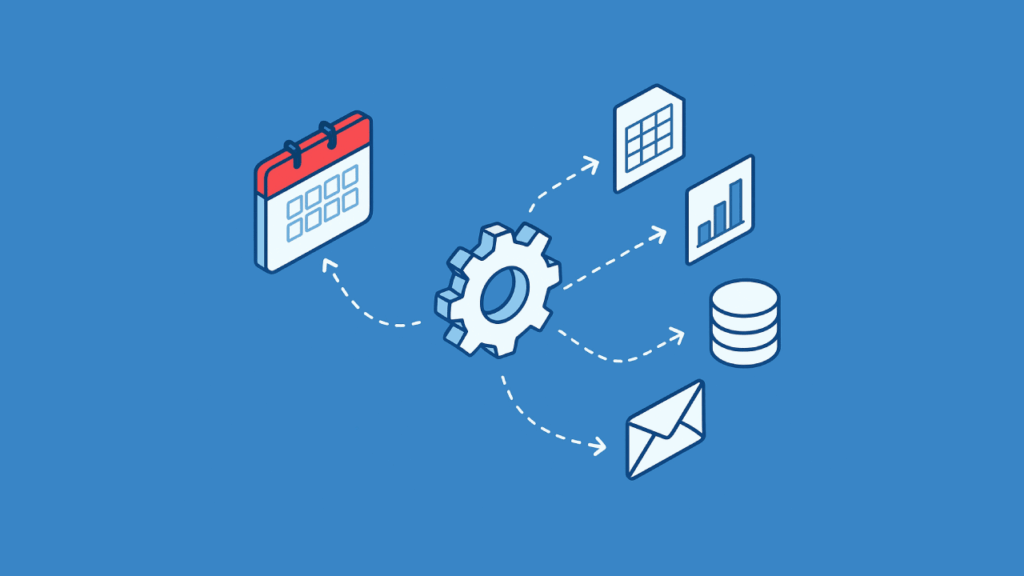
Illustration of calendar and automation gear with data and email icons

How to Schedule Reports with Power Automate and Outlook

Tired of sending the same reports every week? In this guide, I’ll show you how to use Power Automate to schedule and send reports automatically. Let’s get started. Create Your Flow with Copilot (The Easy Way) The quickest way to get started is by letting Copilot, Microsoft’s AI assistant, build the basic flow for you. You just need to describe what you want in plain English. How to Use Copilot with a Prompt From the Power Automate home screen, find the text box that says “Start building your flow with Copilot.” Here, you can type out your request. The key is to be

How to Schedule Reports with Power Automate and Outlook Read More »

SharePoint hub connecting cloud, data, apps, and people

SharePoint Adoption Statistics for 2026: Key Trends in AI and the Cloud

Is SharePoint just a digital filing cabinet? In this article, let’s talk about SharePoint statistics and its role as the content engine for Microsoft 365. Let’s get started. 1. Market Growth: SharePoint Sits in a $110B+ Tech Market SharePoint’s continued importance is tied to the massive and growing demand for the tools it provides. It operates within the enterprise content management (ECM) and collaboration markets, which together represent a huge segment of the tech industry. The Enterprise Content Management (ECM) Boom The ECM market, SharePoint’s home turf, is thriving. In 2025, it’s valued between $49 billion and $69 billion. And

SharePoint Adoption Statistics for 2026: Key Trends in AI and the Cloud Read More »

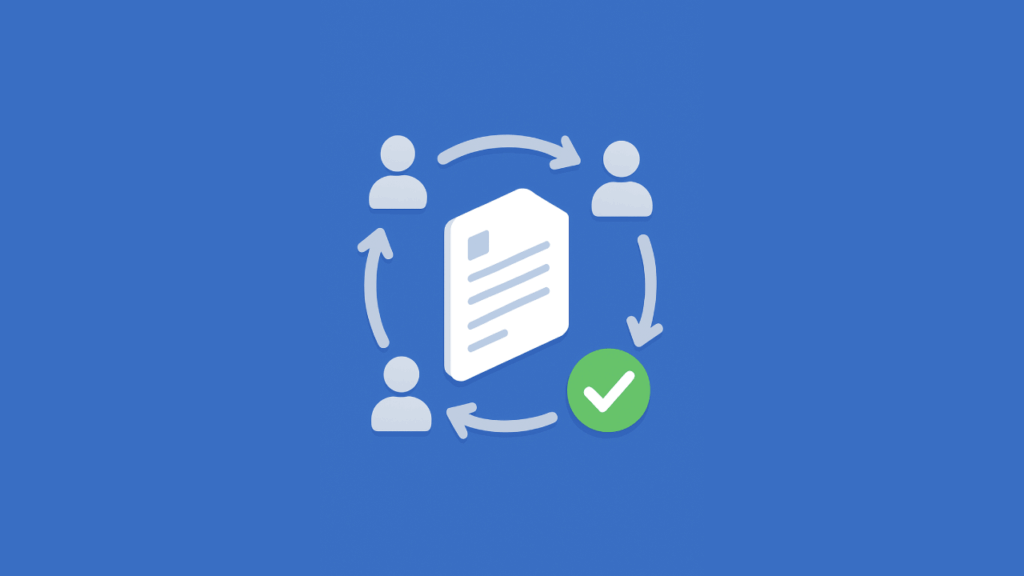
Document approval cycle with team and green check

SharePoint Document Review Workflows Examples (Practical Guide)

Tired of chasing document approvals in SharePoint? In this guide, let’s talk about workflow examples, from simple sign-offs to complex, multi-stage automation. Let’s get started. The Problem with Email and Manual Tracking Chasing approvals through email is a familiar pain. You send a document, wait for replies, and try to track who has seen what version. It’s messy: This manual approach is slow, prone to human error, and a headache for compliance. A SharePoint workflow solves these problems as it automates the entire review process. A workflow routes the document to the right people, sends reminders, and tracks every step.

SharePoint Document Review Workflows Examples (Practical Guide) Read More »

Illustration of embedding a Power BI report into a web page

How to Embed Power BI Reports in SharePoint (Quick Guide)

Data-driven? In this guide, let’s talk about how to embed interactive Power BI reports directly into SharePoint. Let’s get started. The Modern Way with the Power BI Web Part For modern SharePoint users, the Power BI web part is the simplest and recommended way to embed reports. It’s designed for a secure, seamless experience using Single Sign-On (SSO) so users won’t have to log in twice. Step 1: Getting the Right URL from the Power BI Service The process starts in the Power BI service, not SharePoint. You need to generate a special link designed for this integration. It’s critical

How to Embed Power BI Reports in SharePoint (Quick Guide) Read More »

Zapier app icons connected in a flow beside interlocking blue gears on blue background

Power Automate vs. Zapier: Which Automation Platform is Right for Your Business?

Struggling to connect your apps? In this article, let’s talk about the two heavyweights in the business automation space: Power Automate and Zapier. We’ll break down their strengths, core users, and key features to help you decide which is best for you. Let’s get started. The Strategic Choice in Business Automation Business automation is no longer a luxury — it’s a fundamental component of operational efficiency and growth. The right automation tool can completely transform how your business operates: Choosing between the top platforms is more than a simple feature comparison: It’s a strategic decision that reflects your company’s technological ecosystem and long-term goals. The two main

Power Automate vs. Zapier: Which Automation Platform is Right for Your Business? Read More »

Scroll to Top