Ryan Clark

As the Modern Workplace Architect at Mr. SharePoint, I help companies of all sizes better leverage Modern Workplace and Digital Process Automation investments. I am also a Microsoft Most Valuable Professional (MVP) for SharePoint and Microsoft 365.

A man with short curly hair and a beard is smiling. He is wearing a dark plaid suit jacket, a black shirt, and a dark tie. The background is softly blurred.
Illustration of Microsoft Project and Planner uniting into one platform

Microsoft Project is Now Planner: Transition Guide for Beginners

Wondering what happened to Microsoft Project? The short of it is that Microsoft is unifying its work management apps into a single, more powerful app. In this guide, I’ll show you exactly what’s changing, why it’s happening, and what you need to do to prepare. Let’s get started. What Was What? A Quick Look at the Old Tools To understand where we’re going, let’s take a quick look at the tools we used to have. Before this unification, Microsoft’s separate project management solutions caused confusion for users. 😓 Microsoft Project: The Powerhouse for Pros For decades, Project was the go-to […]

Microsoft Project is Now Planner: Transition Guide for Beginners Read More »
Illustration of automation and AI process icons around a central cube

Nintex Alternatives for Business Process Automation: From RPA to Low-Code Solutions

Are you paying too much for process automation or finding your current platform too complex? In this guide, I’ll show you the top alternatives to Nintex to save money and better fit your business needs. Let’s get started. The Baseline for Comparison Nintex is a top business process automation (BPA) platform with strong workflow and document automation. It offers solutions to manage the entire business process lifecycle, from mapping to optimization. Nintex Core Capabilities Nintex covers every stage of the automation process. Its key components, often acquired through strategic purchases, include: This “Swiss Army knife” approach allows it to handle a broad range of automation

Nintex Alternatives for Business Process Automation: From RPA to Low-Code Solutions Read More »

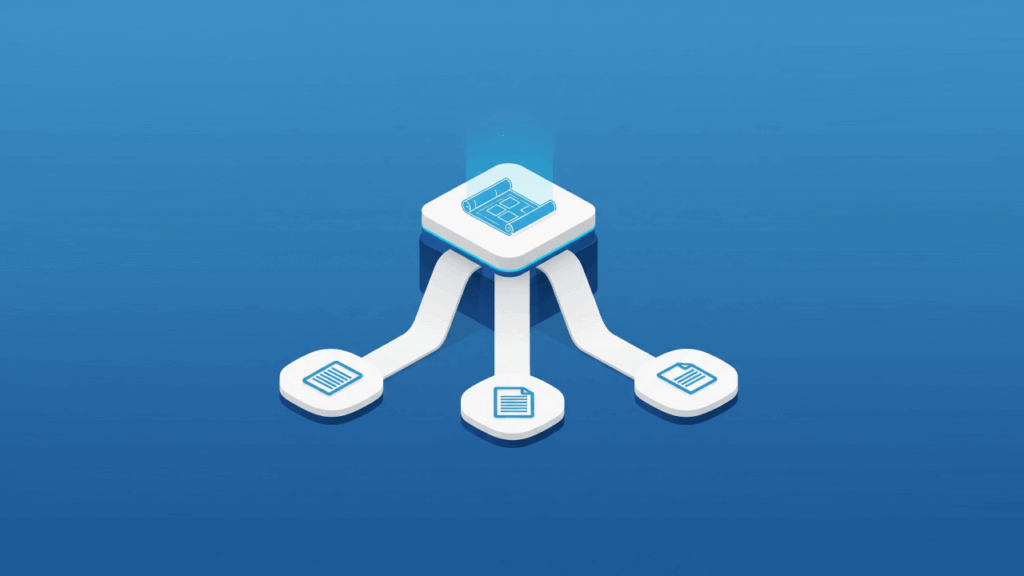
Isometric illustration showing a central blueprint icon connected by three pathways to three smaller document icons on a blue background, representing a template distributed to multiple sites

How to Create a Global Content Type in SharePoint Online

Struggling to maintain content consistency across your SharePoint environment? In this guide, I’ll show you how to create, publish, and manage global content types for your workflows. Let’s get started. What Is a Content Type in SharePoint Online? At its core, a content type in SharePoint Online is a reusable blueprint that defines a specific category of business content. For example, an “Invoice,” “Legal Contract,” or “Marketing Report.” Users create content using predefined types to ensure consistency and adherence to rules. A content type is assembled from three main components: Every new content type you create is built upon a

How to Create a Global Content Type in SharePoint Online Read More »

An isometric illustration of an organized, central structure being built from smaller blocks on a blue background, representing a governance plan

SharePoint Governance Plan: How to Create an Effective Plan

Is your SharePoint environment sprawling out of control? In this guide, I’ll show you how to create an effective SharePoint governance plan to bring order to the chaos. Let’s get started. What’s a SharePoint Governance Plan? A SharePoint governance plan guides an organization’s SharePoint usage through policies, roles, and processes. It defines the rules of engagement for your digital workplace. This framework typically includes: Far from being a restrictive set of IT-centric rules, modern SharePoint governance is a strategic enabler. It offers smart guidelines to empower users, encourage innovation, and maximize Microsoft 365 ROI. This plan is the key to

SharePoint Governance Plan: How to Create an Effective Plan Read More »

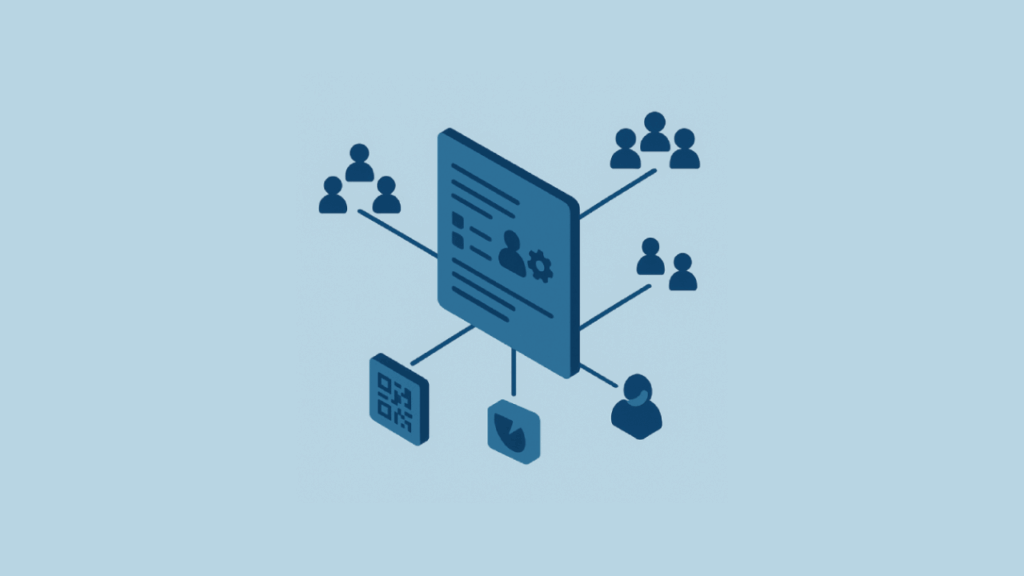
An isometric illustration of a digital form with various sharing options

How to Share Microsoft Forms: For Responses and Collaboration

Struggling to figure out the best way to share your Microsoft Form? In this guide, I’ll show you everything you need to know about how to share Microsoft forms for responses? We’ll cover everything from basic permission settings to advanced strategies for enterprise-level collaboration. Let’s get started. Understanding Sharing Permissions and Roles in Microsoft Forms Before you share a form, it’s essential to understand the foundational concepts that govern who can see and interact with it. The permissions available to you are directly tied to your role and the type of Microsoft account you’re using. Getting this right from the

How to Share Microsoft Forms: For Responses and Collaboration Read More »

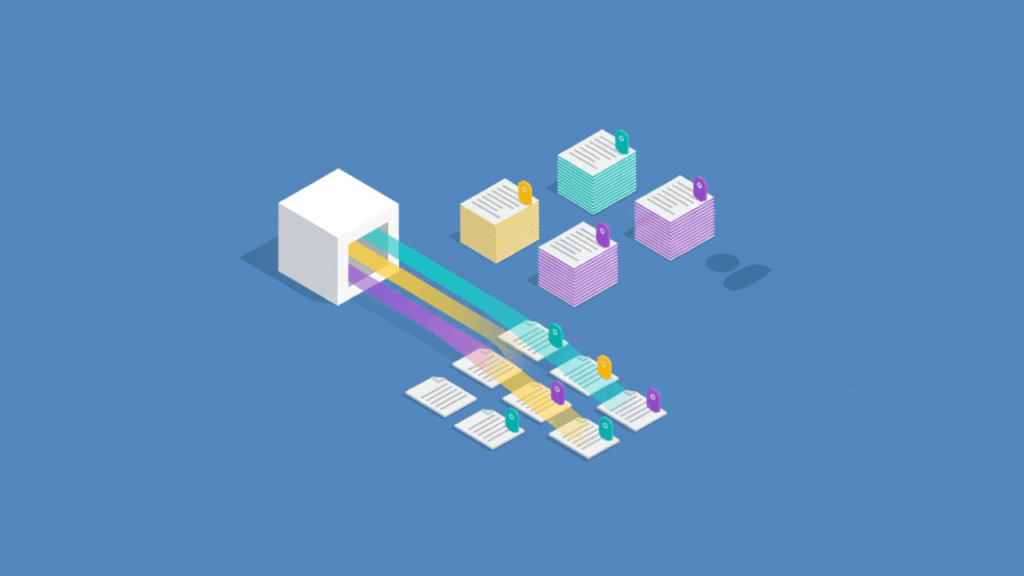
An isometric illustration showing a central information source applying colored tags to documents, which are then sorted into neat piles by color for easy retrieval

Managed Metadata vs Managed Properties (Modern SharePoint Information Architecture)

Have you ever wondered why some content in SharePoint is easy to find? While other files seem to disappear into a digital black hole? In this guide, let’s talk about the two most powerful tools for building a world-class search experience Let’s get started. The Core Difference Between Metadata and Properties Achieving a truly intelligent and searchable digital workplace hinges on understanding two fundamental concepts. Managed metadata vs. managed properties: a simple two-step process to clarify a confusing distinction. One cannot function effectively without the other; they’re two sides of the same coin for content discovery. Managed metadata offers a

Managed Metadata vs Managed Properties (Modern SharePoint Information Architecture) Read More »

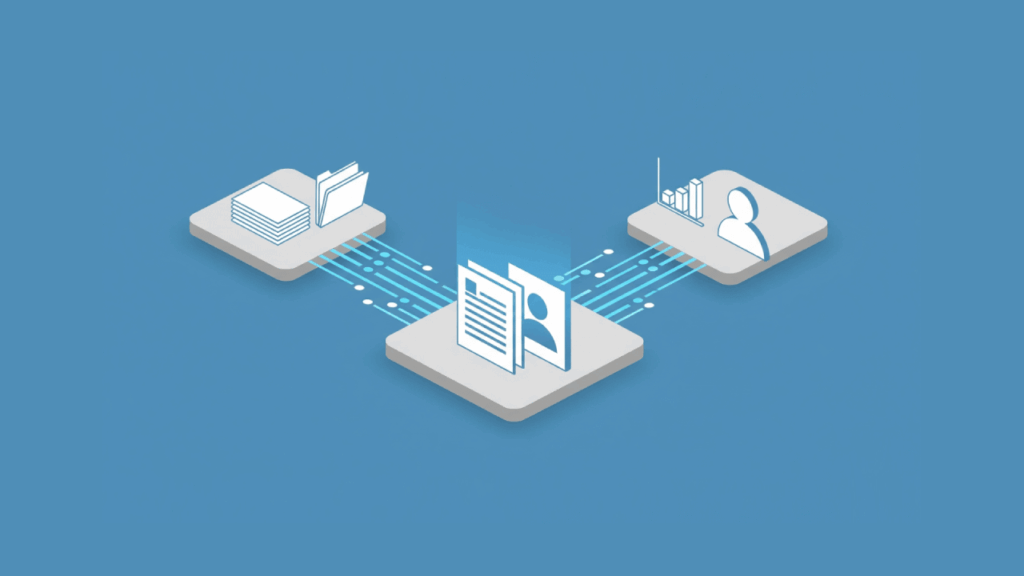
Cloud icon transferring files into an open folder on blue background

How to Request Files With OneDrive: Quick Feature Tutorial

Need a simple way to collect files without giving up your privacy? In this guide, I’ll show you exactly how to request files with OneDrive using its secure file request feature. You can create a special link where others can upload files directly into a folder, and not see anything else. Let’s get started. What is the OneDrive File Request Feature? The OneDrive file request feature creates a secure, one-way portal for receiving files. A file request creates a unique OneDrive link to a folder where anyone with the link can upload files. The best part is the security it

How to Request Files With OneDrive: Quick Feature Tutorial Read More »

Isometric shield with circuit patterns representing Microsoft 365 security

Best Microsoft 365 Security Features for IT Teams (And How to Use Them)

Curious about how to lock down your Microsoft 365 environment? In this guide, let’s talk about the most effective security features available to IT teams and how to implement them. Let’s get started. Why M365 Security is Your Top Priority The traditional network perimeter has all but disappeared. Your organization faces several key challenges that demand a modern security approach: Making security a top priority is no longer just about preventing breaches; it’s about building an efficient defense. It involves robust security measures like identity and access management and strong conditional access policies. Microsoft employs a unified security approach today,

Best Microsoft 365 Security Features for IT Teams (And How to Use Them) Read More »

Isometric illustration of SharePoint and CRM integration

Best SharePoint Integrations for CRM (Complete Guide)

Looking for the best way to connect SharePoint and your CRM? In this guide, let’s cover the top integration solutions to help you make the right choice. Let’s get started. Unifying Your Customer Data and Documents In most organizations, customer data lives in a CRM while related documents are stored separately in SharePoint. This disconnect hurts productivity and forces your teams into a constant, inefficient toggle between systems. Integrating these platforms creates a single source of truth that drives value across four key pillars: Solutions range from native connectors to specialized third-party applications. There’s no single “best” tool, as the

Best SharePoint Integrations for CRM (Complete Guide) Read More »

Isometric graphic of AI creating a mobile app

Microsoft Power Apps Templates for Daily Forms: From Prompts to Apps

Need to build business apps to automate repetitive tasks? In this guide, we will explore how static templates have evolved into dynamic AI prompts for building apps. Let’s get started. Power Apps Templates: From Clicks to Conversation? For years, building a Power App meant starting with a pre-built template from a gallery. That provides a solid but often rigid foundation for common scenarios. This classic, template-driven approach successfully lowered the barrier to entry by offering: But the very definition of a “template” is undergoing a fundamental change, driven by the integration of conversational AI. The new starting point is a

Microsoft Power Apps Templates for Daily Forms: From Prompts to Apps Read More »

Scroll to Top