

Last Updated on July 31, 2025
Looking for the best way to connect SharePoint and your CRM?
In this guide, let’s cover the top integration solutions to help you make the right choice.
Let’s get started.
Table of Contents:
- Unifying Your Customer Data and Documents
- Foundational Platform Integrations
- Powerful Integration Platforms as a Service (iPaaS)
- Specialized “App-in-App” Solutions for HubSpot
- How to Choose the Right Integration Strategy
- AI, Analytics, and the Intelligent Data Fabric
- From Data Silos to Strategic Advantage
Unifying Your Customer Data and Documents
In most organizations, customer data lives in a CRM while related documents are stored separately in SharePoint.
This disconnect hurts productivity and forces your teams into a constant, inefficient toggle between systems.
Integrating these platforms creates a single source of truth that drives value across four key pillars:
- Unified document management: Access all files directly from the CRM
- Enhanced collaboration: Keep all teams synced with the latest file versions
- Workflow automation: Automate tasks like folder and document creation
- Improved governance: Use SharePoint’s robust security for all documents
Solutions range from native connectors to specialized third-party applications.
There’s no single “best” tool, as the right choice depends on your CRM, technical resources, and business goals.
This guide is designed to help you navigate these options and clarify which path is right for your organization. 🙂
Sign up for exclusive updates, tips, and strategies
Foundational Platform Integrations
For those invested in the Microsoft or Salesforce ecosystems, native integrations are the natural starting point.
These solutions offer deep connections, but you must understand their distinct advantages and critical trade-offs.
The native integration between Dynamics 365 (D365) and SharePoint is a key part of the Microsoft business suite.
It’s designed to be a straightforward, deeply embedded experience.
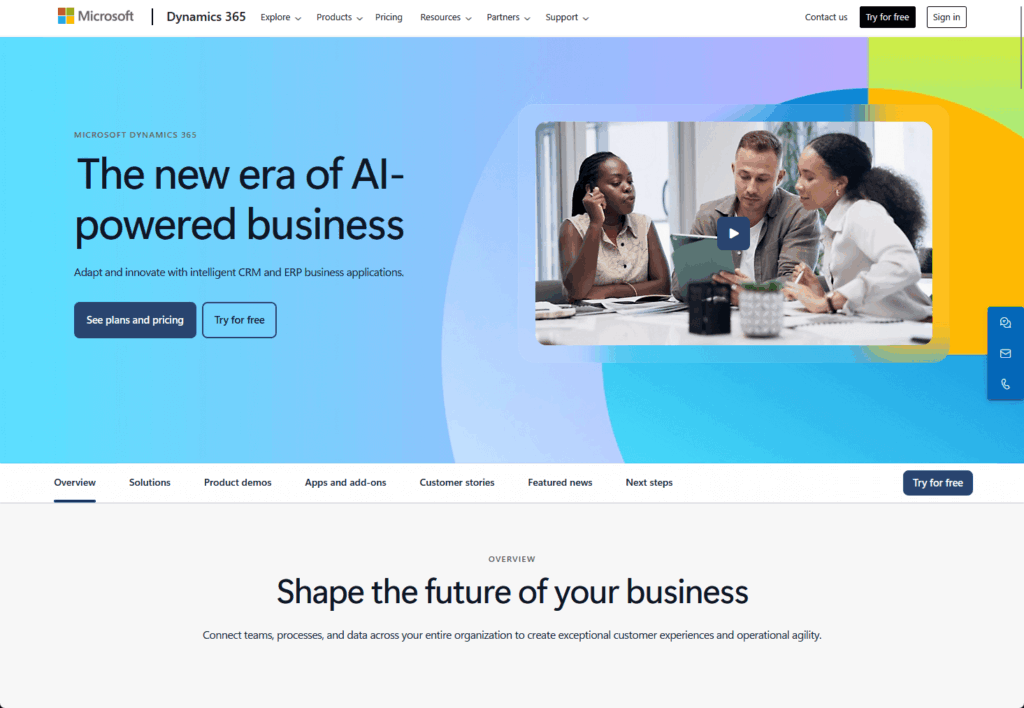
Key features:
- Automatic folder creation: Creates a logical folder structure in SharePoint for each D365 record
- Direct CRM access: Lets users manage SharePoint documents from a grid inside the D365 form
- Power platform synergy: Connects deeply with Power Automate for powerful cross-platform workflows
However, its ease of use hides a significant architectural issue that organizations must address.
This flaw creates a major compliance and security risk if not properly mitigated.
The security gap creates several problems:
- It fails to sync D365 permissions to SharePoint.
- Users with general SharePoint access can see sensitive files.
- It breaks the principle of least privilege.
- It creates a significant compliance vulnerability.
The best native solution for Microsoft users is two parts.
You must add a tool like the CB Dynamics 365 to SharePoint Permissions Replicator.
It runs in the background, mirroring the D365 security model to SharePoint and closing the compliance gap.
Best for: Microsoft-centric enterprises that need a robust, secure, and integrated solution and will invest in the essential security add-on.
Salesforce offers a native framework called Files Connect to link with external storage like SharePoint.
Its main function is to reference external files, not create a deep document management experience.
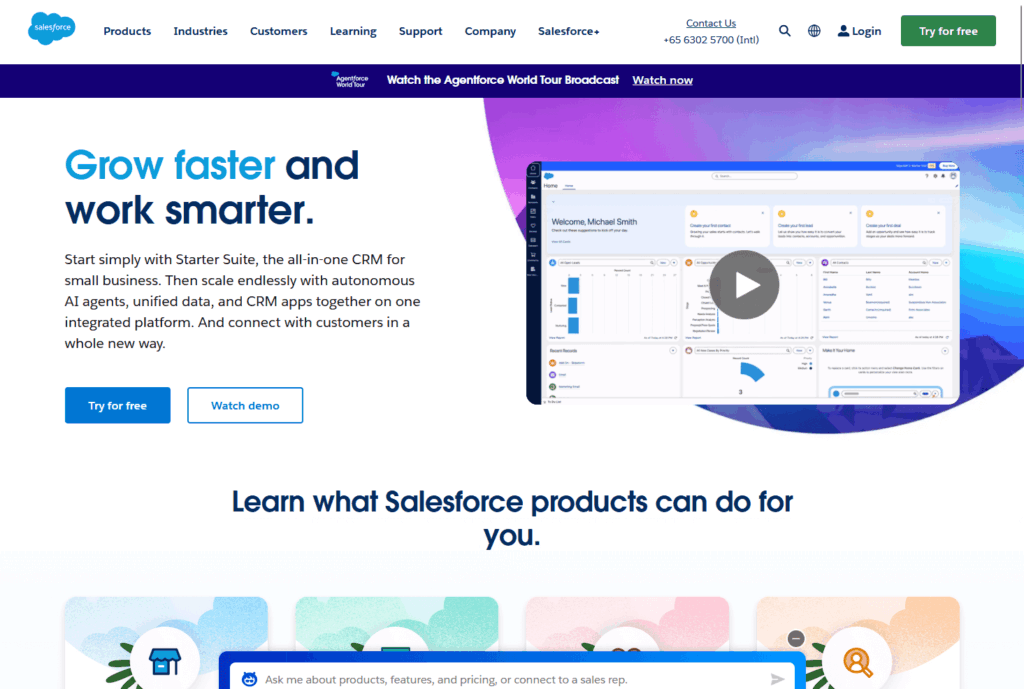
Key features:
- Live file referencing: References SharePoint documents, so users see the latest version and save Salesforce storage
- Unified interface: Allows users to browse, search, and attach SharePoint files from the standard Salesforce interface
- Chatter collaboration: Lets users share links to SharePoint files in Chatter feeds
While it provides foundational access, organizations must be aware of its significant trade-offs.
Its main drawbacks include:
- Complex setup: Requires a technical process with admin rights in both Salesforce and Azure AD
- Focus on file access: Not designed for deep process automation
- Requires other tools: Sophisticated workflows often need additional platforms
These limitations mean that while Files Connect is a native tool, it may not be a complete solution for all businesses.
Carefully weigh the need for basic file access against the technical overhead and lack of deep automation.
Best for: Salesforce-dominant organizations that need basic, real-time access to SharePoint files and have the IT resources to manage the setup.
Powerful Integration Platforms as a Service (iPaaS)
iPaaS solutions are powerful middleware that connect hundreds of cloud apps.
The market includes everything from specialized services for complex syncs to user-friendly tools for simple automation.
It’s crucial to know the difference.
SyncMatters (For Managed, Complex Sync)
SyncMatters is a specialized iPaaS provider that combines a powerful platform with expert-led services.
As an “Elite HubSpot Solutions Partner,” it excels at reliable, business-critical integrations.
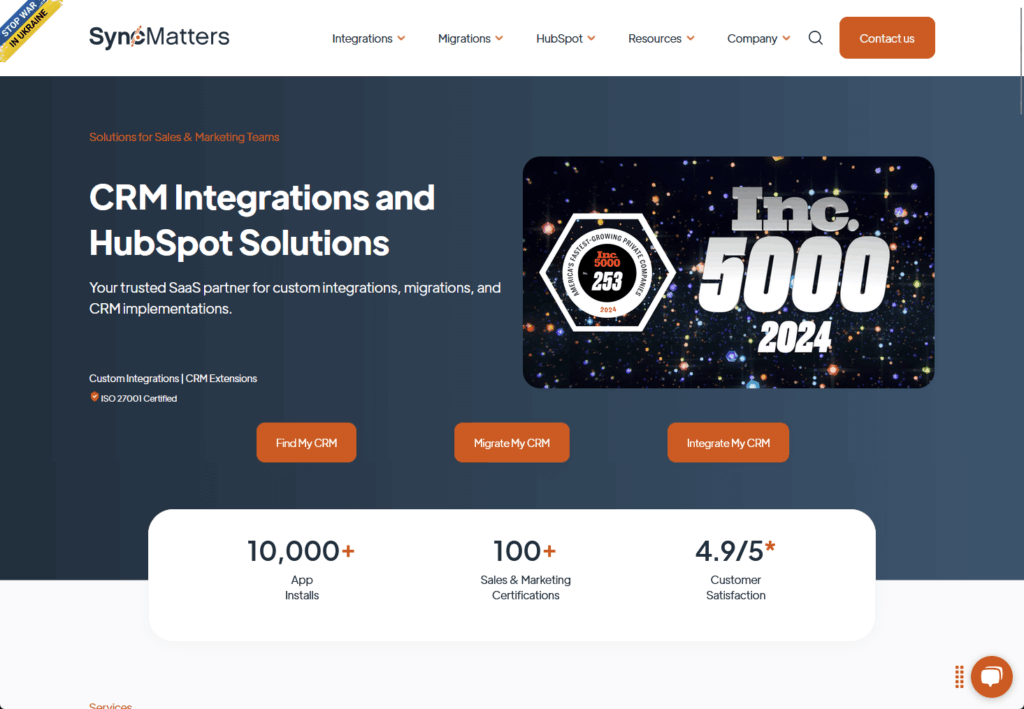
Key features:
- True bidirectional synchronization: Offers real-time, two-way data flow with precise, field-level control
- Custom field mapping: Maps custom CRM properties to SharePoint metadata columns to ensure data integrity
- Managed implementation: Provides a structured, five-phase implementation process, ideal for companies without in-house integration experts
The platform and service combine to ensure long-term stability.
Their expertise in the HubSpot ecosystem means they understand its specific user challenges and opportunities.
SyncMatters is a premium, fully managed solution for businesses where integration failure is unacceptable.
Best for: Mid-market to enterprise companies using HubSpot that need a mission-critical integration between core systems and require guaranteed uptime.
Layer2 Cloud Connector (For Hybrid & High-Security Environments)
The Layer2 Cloud Connector is an enterprise solution for complex, hybrid IT landscapes.
It specializes in linking on-premises systems to cloud services like SharePoint.
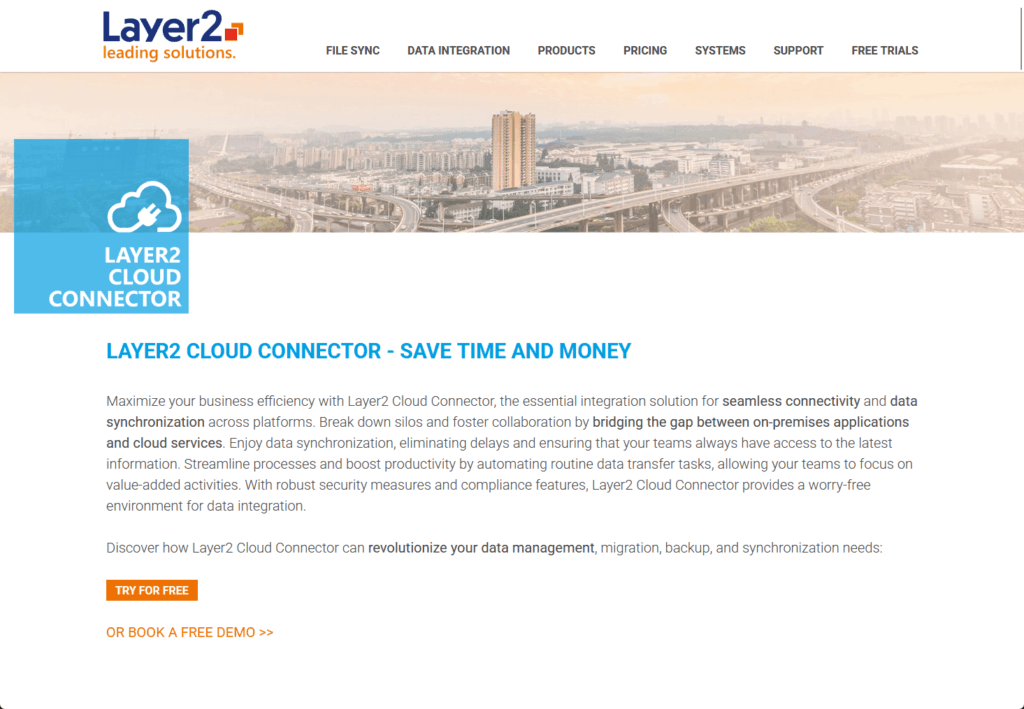
Key features:
- High-security architecture: The software runs on your network, so data moves directly between systems without passing through a third-party cloud.
- Extensive connectivity: Supports over 150 data sources, including legacy systems like SQL, SAP, and Oracle.
- Cost-effective licensing: Pricing is per-installation, not per-user, saving large organizations money.
Its on-premises architecture is ideal for organizations avoiding external cloud services for data.
This is particularly valuable for businesses using cloud and in-house legacy systems.
Layer2 bridges the gap, ensuring data consistency with security and compliance.
Best for: Enterprises with strict data security needs or those integrating legacy on-premise systems with SharePoint Online.
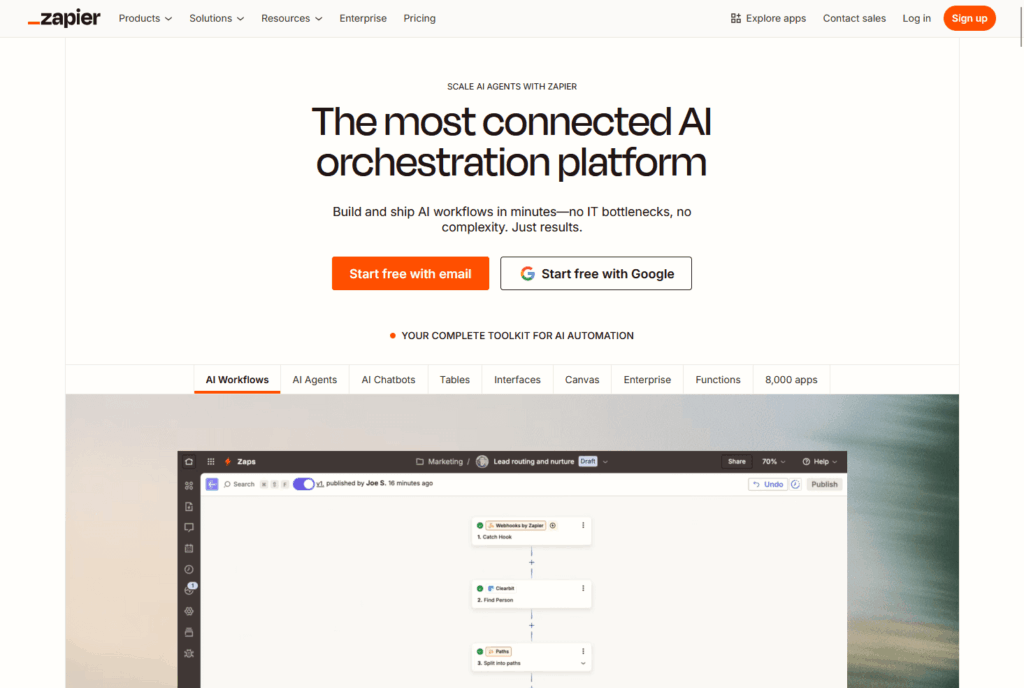
Zapier & Integrately (For Simple Task Automation)
This category includes popular no-code platforms for automating simple workflows.
They operate on an intuitive “Trigger” and “Action” model.
Key features:
- Vast app ecosystem: Their main strength is their massive library of app connections.
- Unmatched ease of use: Designed for non-technical users with pre-built templates and a guided setup.
These tools are for task automation, not system synchronization.
They excel at linear tasks (e.g., “when a deal is won, create a folder”).
They aren’t built for the complex, bidirectional data integrity that true system synchronization requires.
Best for: Small businesses or departments needing to quickly and affordably automate simple, high-frequency tasks.
Specialized “App-in-App” Solutions for HubSpot
A new category of specialized tools moves beyond simple data connection.
They integrate SharePoint as a powerful, compliant backend for document storage and management.
These create deeply embedded “app-in-app” experiences, adding new functionality directly inside the CRM.
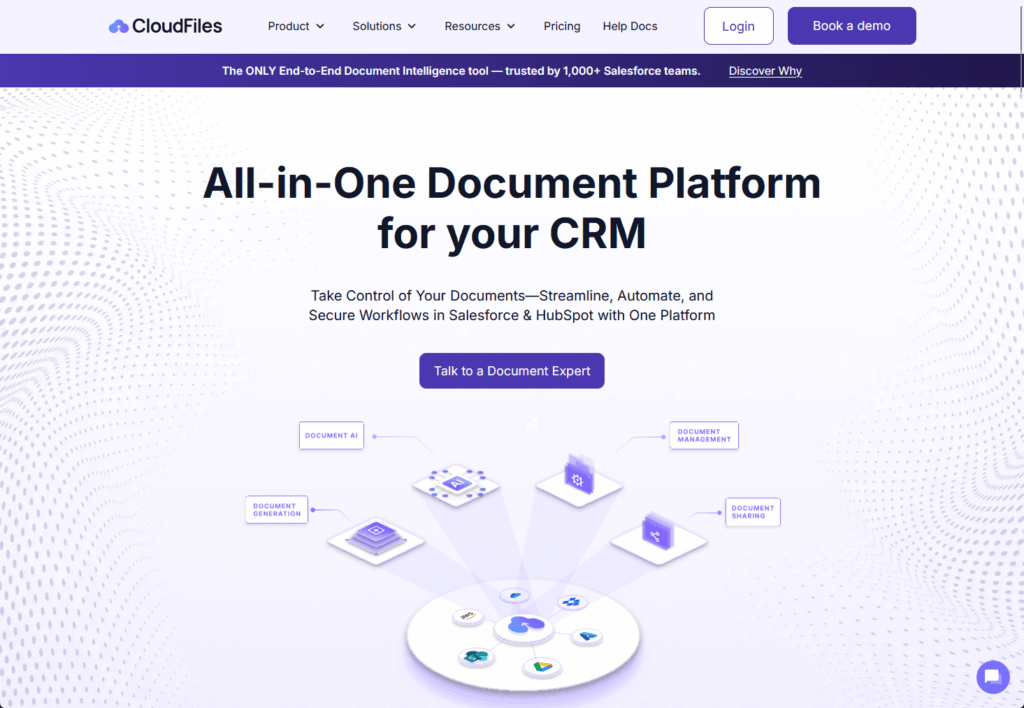
CloudFiles (For Document Analytics & Engagement)
CloudFiles is a file management and analytics platform that supercharges HubSpot’s document features.
It acts as an intelligent bridge to SharePoint, turning static files into trackable assets.
Key features:
- Page-by-page engagement analytics: Tracks document views and duration, pushing data to HubSpot.
- Advanced security: Creates secure links with disabled downloads, expiration dates, or email verification.
- HubSpot workflow integration: Triggers automated workflows using document engagement data.
CloudFiles offers unique post-sharing document intelligence, unlike traditional storage.
This data helps sales teams prioritize engaged prospects and marketers understand content resonance.
HubSpot’s automation makes these content insights immediately actionable, bridging the content-conversion gap.
Best for: Sales and marketing teams on HubSpot who need deep, actionable insights into how prospects engage with their content.
WoodsPortal (For Client Portals & Self-Service)
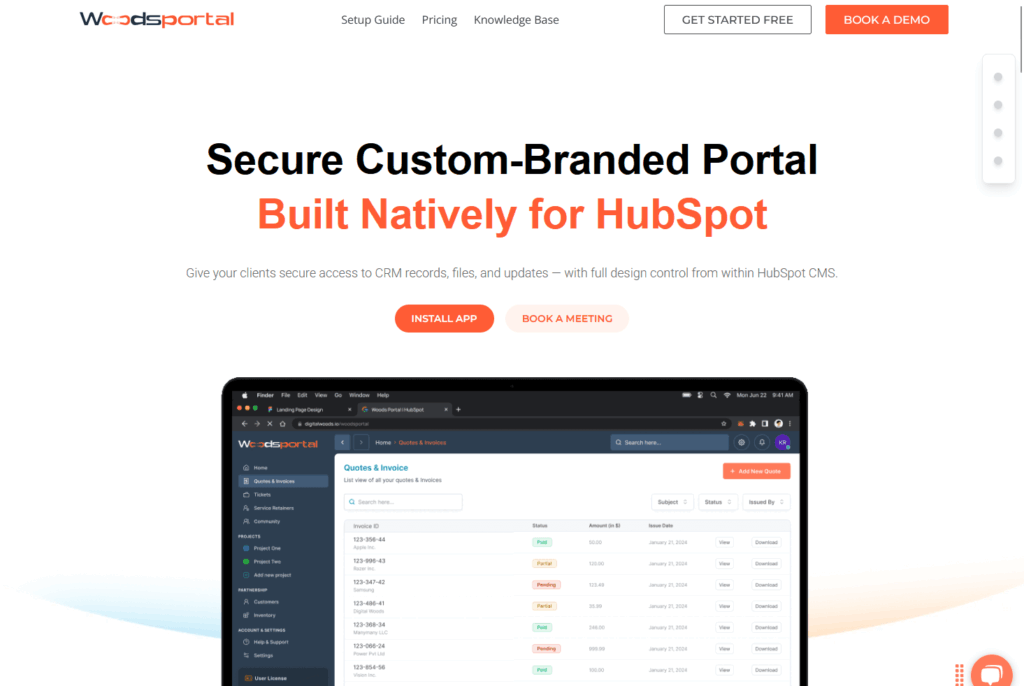
WoodsPortal is a secure, white-labeled customer portal built natively on the HubSpot CMS.
It turns HubSpot into a client-facing platform for collaboration.
Key features:
- Native HubSpot build: Gives clients secure, branded access to their specific CRM records, like deals and tickets.
- Bidirectional interaction: Clients can update records or upload files, with all actions syncing instantly to the CRM.
- Seamless workflow automation: Integrates perfectly with native HubSpot workflows for portal-related activities.
This solution transforms HubSpot from a purely internal tool into a shared workspace for clients and internal teams.
It professionalizes the client experience by moving collaboration out of email and into a structured, branded environment.
The native build ensures a seamless and reliable experience that feels like a natural extension of the HubSpot platform.
Best for: B2B service businesses using HubSpot who need a professional, interactive, and secure environment for clients.
Collect (For Client Onboarding & Document Collection)
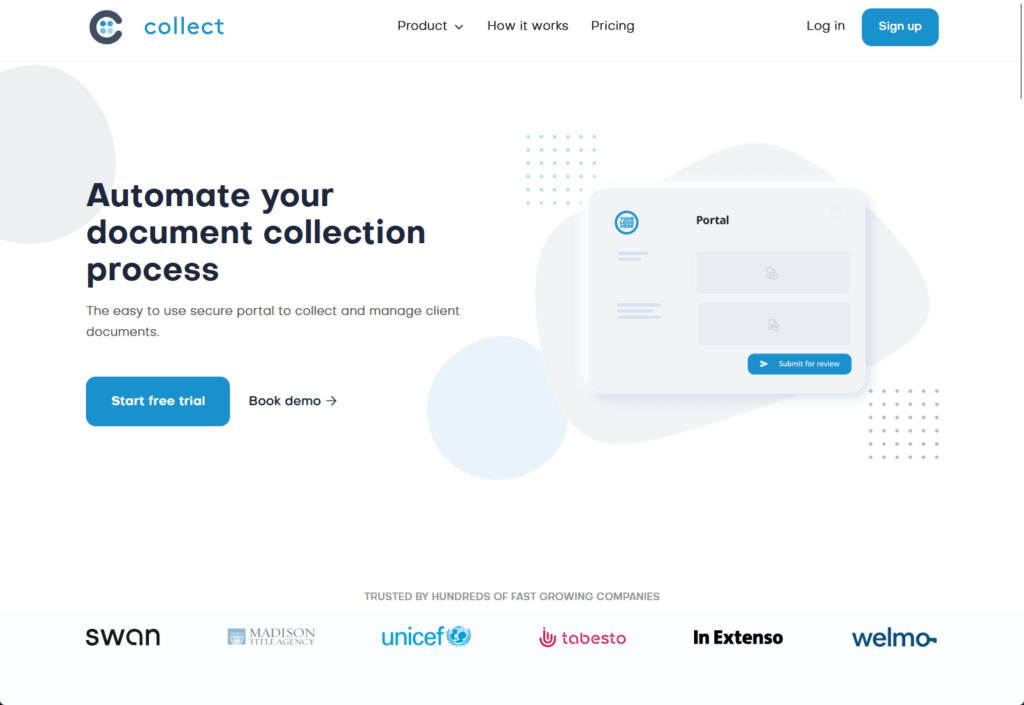
Collect is a specialized platform for automating client onboarding.
It provides a structured workflow for gathering information and files from new customers.
Key features:
- Branded client portals: Generates a clean, professional portal for each client, replacing messy email chains.
- Automated workflows: A HubSpot workflow can trigger a collection request, and the platform handles all automated reminders.
- In-HubSpot validation: Lets team members review and approve submissions directly from the HubSpot activity timeline.
Collect streamlines the customer journey’s initial stage by standardizing and automating intake.
It reduces manual follow-up for internal teams and provides a much cleaner experience for new clients.
HubSpot centralizes validation and communication, maintaining the CRM as the primary source of truth.
Best for: Businesses with complex, document-heavy onboarding processes, like those in finance or legal, that use HubSpot.
How to Choose the Right Integration Strategy
Selecting the right solution means matching the tool to your specific context.
The best choice solves your most pressing problem within your technical and budgetary limits.
| Solution/Platform | Primary Use Case | Primary CRM(s) | Key Differentiator | Implementation |
| Native D365 + Replicator | Foundational Document Mgmt | Dynamics 365 | Deepest ecosystem fit; essential security fix | Native Wizard + Managed Install |
| Salesforce Files Connect | External File Access | Salesforce | Real-time referencing; no storage use | Complex Admin Setup |
| SyncMatters | Complex System Sync | HubSpot, Salesforce | White-glove, managed service for reliability | Managed Service |
| Layer2 Cloud Connector | Hybrid Environment Sync | D365, SAP, SQL | On-premises security; no 3rd-party cloud | Self-Hosted Install |
| Zapier / Integrately | Simple Task Automation | 1200+ Apps | Unmatched ease of use and app support | DIY No-Code |
| CloudFiles | Document Engagement Analytics | HubSpot | Page-by-page viewing analytics in CRM | DIY App Install |
| WoodsPortal | Secure Client Portals | HubSpot | Natively built on HubSpot CMS | DIY App Install |
| Collect | Client Onboarding Automation | HubSpot | Purpose-built for document collection workflows | DIY App Install |
Recommendations by Archetype
- Microsoft-Centric Enterprise: Use the Native D365 Integration plus the CB Permissions Replicator for security. Build all workflows with Power Automate.
- HubSpot-Powered RevOps Team: Choose based on your goal. Use CloudFiles for analytics, WoodsPortal for client portals, Collect for onboarding, or SyncMatters for complex syncs.
- Salesforce-Dominant Organization: Start with Files Connect if you have the technical resources. Otherwise, explore user-friendly connectors on the AppExchange.
- Agile SMB with a Multi-Cloud Stack: Use Zapier or Integrately for quick, affordable, and simple task automation.
The right strategy aligns with your existing technology stack and solves your most critical business challenge first.
Don’t choose a tool based on features alone. 😅
But consider the implementation overhead, long-term maintenance, and how it fits into your team’s daily workflow.
The goal is to select a solution that not only connects your systems but also enhances how your team operates.
AI, Analytics, and the Intelligent Data Fabric
CRM and SharePoint integration is evolving beyond simple data transfer into the foundation for a more intelligent enterprise.
This convergence of structured and unstructured data creates a uniquely powerful dataset for AI.
The next frontier of this integration lies in several key areas:
- AI-powered insights: AI agents will summarize relevant documents within the CRM.
- Predictive analytics: Models will analyze past data to guide sales strategies.
- Automated content generation: AI will draft contextual emails and reports using information from both systems.
This builds an intelligent data fabric, enabling AI to access, understand, and reason with all customer data seamlessly.
The goal is to shift teams from reactive data retrieval to executing on proactive, AI-driven recommendations.
A strategic integration choice today leads to significant ROI.
From Data Silos to Strategic Advantage
Integrating CRM and SharePoint is important for productivity, security, and future innovation.
A unified customer view helps teams work smarter, build stronger relationships, and gain a strategic advantage.
Integration creates a cohesive, intelligent system from separate platforms.
Do you have questions about choosing the right integration for your business? Let me know!
For business-related inquiries or concerns, please use the site’s contact form. I will reply to your message asap.