SharePoint

Isometric flat design illustration of a database-like structure with stacked rows, gear icons, and plus signs on a blue background, representing a SharePoint list concept.

SharePoint List Title Column: From Basics to Best Practices

Confused by the default title column in your SharePoint list? In this guide, you will learn to rename and hide the column, understand its impact, and use it to build better lists. Let’s get started. What is the Title Column in a SharePoint List? When you create a new SharePoint list, SharePoint automatically adds the title column. It’s the default column, designed to be the primary identifier for each list item. More than just a simple text field, its main job is to act as a direct link to open, view, and edit an item’s details. In a way, changing […]

SharePoint List Title Column: From Basics to Best Practices Read More »

Flat, minimalist illustration of a white calendar icon with a grid of squares and three light gray gear icons on the right side, all on a solid blue background, symbolizing settings or configuration.

How to Change the SharePoint Date Format (Quick Guide)

Tired of date format confusion in SharePoint? In this guide, I will show you how to change the SharePoint date format so your entire team sees dates the same way. Let’s get started. What Controls the Date Format in SharePoint? The date format in SharePoint is managed by two key settings that work in a hierarchy: Depending on whether you need a consistent format for your whole team or just for your own view, you’ll need to adjust a different setting. Below are the two main solutions to manage these settings and fix date format issues: Solution 1: Change the

How to Change the SharePoint Date Format (Quick Guide) Read More »

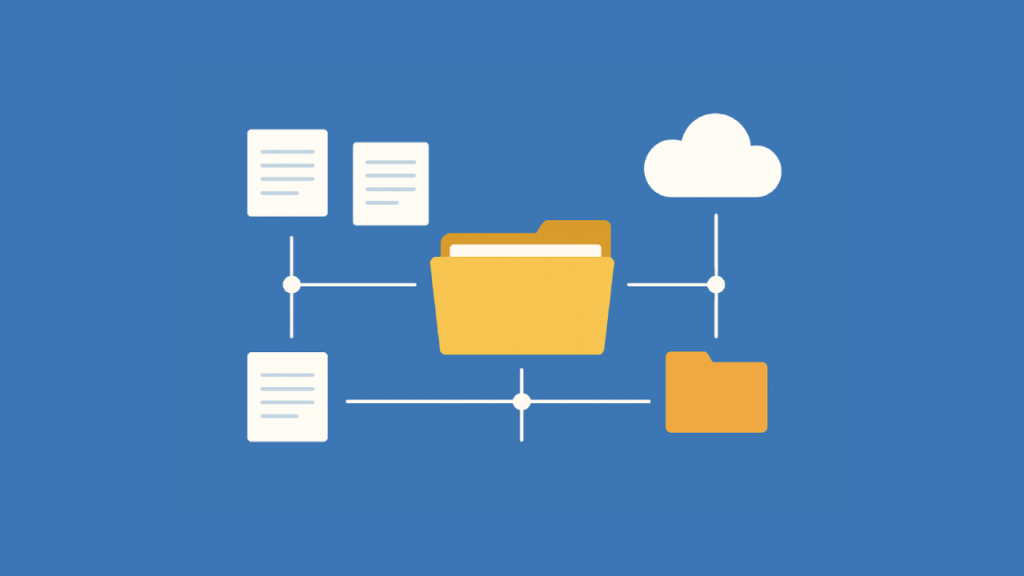
Illustration on a blue background showing a central yellow folder connected to multiple document icons and a cloud, representing document storage and sharing.

SharePoint vs Box for Document Management: Which is Right for You?

Choosing between SharePoint and Box for document management? In this guide, I will help you choose the right platform for your business. We’ll compare them across key areas like features, security, collaboration, and pricing to see which one best fits your company’s strategy. Let’s get started. SharePoint vs. Box: A Quick Comparison The right choice between SharePoint and Box depends on your company’s existing technology and how your teams work together. For businesses invested in Microsoft tools, SharePoint is often the natural fit. But for those using a variety of best-of-breed apps, Box provides a neutral, central hub. Here’s a

SharePoint vs Box for Document Management: Which is Right for You? Read More »

Isometric flat design illustration showing documents and files being processed and protected within a central secure system, symbolized by a padlock. The files are connected through robotic arms and conveyor belts, representing organized and secure document management on a solid blue background

How to Enable Version History in SharePoint Document Libraries (Modern)

Need to track changes in your SharePoint files? In this guide, you will learn how SharePoint’s built-in version history feature can protect your work. We’ll cover what it is, how to turn it on, and the best ways to use its settings to prevent lost work and improve teamwork. Let’s get started. What is SharePoint Version History? SharePoint version history is a built-in feature that automatically saves copies of your files each time they are modified. It acts as a time machine for your documents that creates a complete historical record of every change. This tool is useful for a

How to Enable Version History in SharePoint Document Libraries (Modern) Read More »

Illustration of data governance and security concept with server racks, shield, gears, lock icons, fingerprint, and process diagram on a blue background

Best SharePoint Governance Tools and Strategies: Native and Third-Party Solutions

Struggling to control your SharePoint environment? In this guide, you will learn the best native Microsoft tools and leading third-party solutions that can help you manage. Let’s get started. Pillars of a Strong SharePoint Governance Strategy A good governance plan isn’t just a single document, but a complete strategy built on several key pillars. These pillars work together to create a SharePoint environment that is secure, user-friendly, and efficient. A comprehensive plan should address the following areas: Addressing each of these pillars ensures your governance framework is complete. It balances the need for security and control with the flexibility users

Best SharePoint Governance Tools and Strategies: Native and Third-Party Solutions Read More »

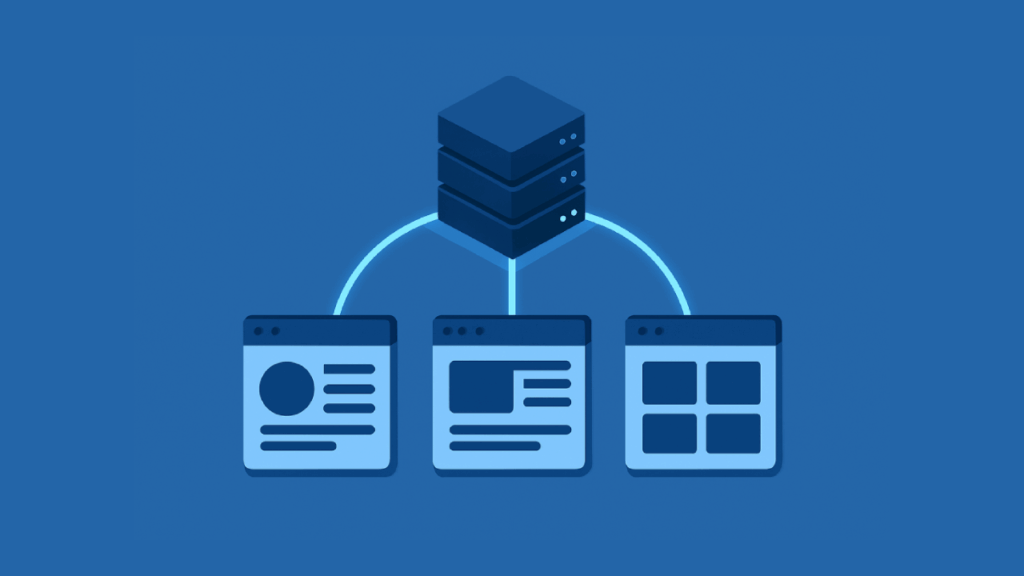
Illustration of a server connected to three web browser windows, signifying data distribution or networked web applications, all in shades of blue.

How to Share Site-Level Term Set In SharePoint Online

Need to share a local SharePoint term set with other sites? In this guide, I will explain the best methods to share your site-level term sets across your SharePoint Online environment. Let’s get started. Term Set Scopes (Global vs. Site-Level) Before you can share a term set, you need to know where it lives. SharePoint’s taxonomy has two main scopes: global, for your whole tenant, and site level, for a specific site collection. What is the SharePoint Term Store? The term store, SharePoint’s central database for managed metadata, uses a clear hierarchy for logical term management. Here is a breakdown of its structure: Think

How to Share Site-Level Term Set In SharePoint Online Read More »

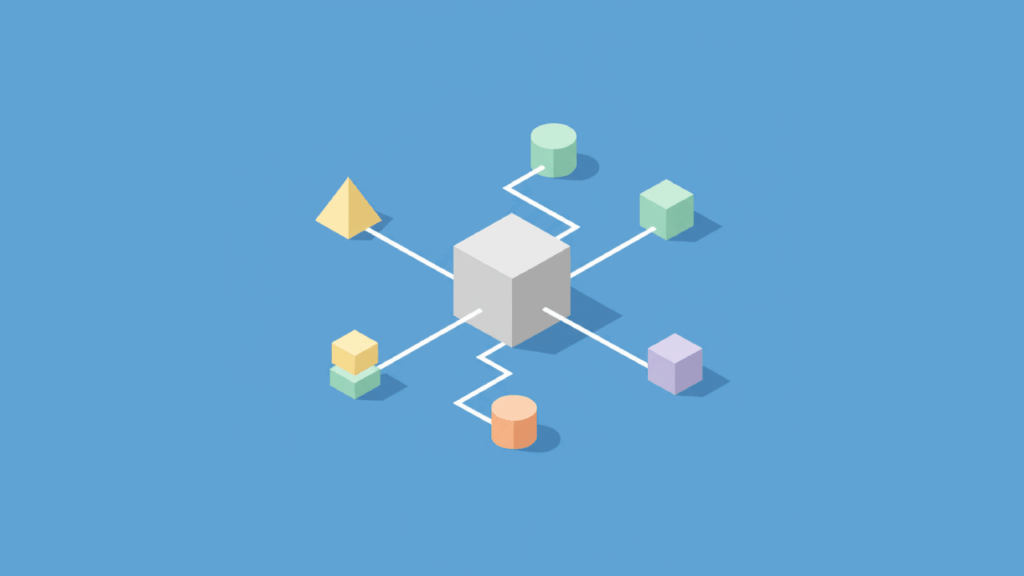
A central white cube connects to various geometric shapes—cylinder, cone, and cubes—by white lines on a blue background, representing a network or system diagram.

How to Customize SharePoint Site Navigation: Hubs, Global, & Local Menus

Want to improve your SharePoint site’s usability? In this guide, you will learn how to manage navigation on individual sites, across a group of sites using hubs, and more. Let’s get started. About SharePoint Navigation Before you start making changes, it’s helpful to understand the basic ideas behind SharePoint’s navigation system. Why Good Navigation Matters SharePoint navigation refers to the menus and links that help users find their way around. A well-planned navigation system makes content easy to find, which helps with collaboration and makes the user experience better. Think of it as the main map to your company’s information

How to Customize SharePoint Site Navigation: Hubs, Global, & Local Menus Read More »

Isometric illustration of a web interface with content blocks and analytics chart

Best SharePoint Web Parts to Enhance UX (Complete Guide)

Want to build a SharePoint site that people actually enjoy using? In this guide, I’ll show you the best web parts for site design and enable everyone to find what they need. Let’s get started. Foundational Web Parts for Visuals and Communication First impressions matter. These web parts are key for creating a visually appealing and informative homepage that draws people in. 1. Hero Web Part The hero web part is ideal for a prominent, visual banner highlighting key content. It grabs a user’s attention right away and points them to key initiatives or links. Here’s a quick look at its features and limitations: This web

Best SharePoint Web Parts to Enhance UX (Complete Guide) Read More »

Digital cubes flowing into cloud illustrating data migration

The Best Metalogix Alternatives for Data Migration (In-Depth Comparison)

Is your organization ready to make the leap to Microsoft 365, but daunted by the complexity of data migration? In this guide, we’ll explore the best commercial and free alternatives, diving deep into their features and pricing. Let’s get started. What is Metalogix? Quest Metalogix suite, with Content Matrix as its core, is a robust solution for SharePoint-to-SharePoint migrations. It migrates directly from older SharePoint versions (2007, 2010) to SharePoint Online, bypassing costly and time-consuming upgrades. Its key strengths include: This makes it a formidable tool for organizations modernizing complex, long-standing SharePoint environments. However, this power comes with its own

The Best Metalogix Alternatives for Data Migration (In-Depth Comparison) Read More »

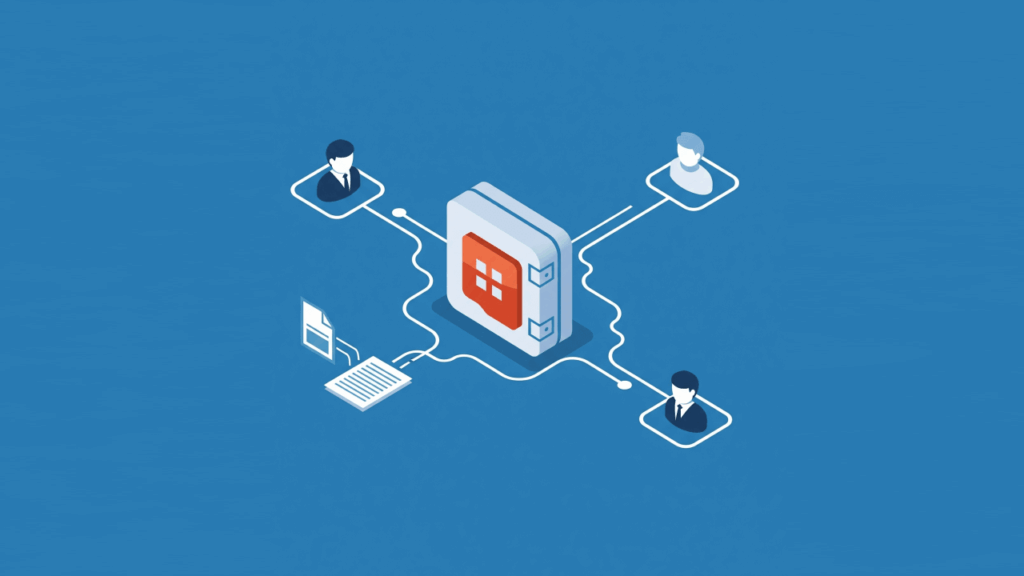
Isometric illustration of secure sharepoint vault with external users

SharePoint File Sharing With External Users (Step-By-Step)

Need to share SharePoint files with people outside your company, but worried about keeping your data secure? In this guide, I’ll walk you through how to configure the right sharing settings, what the experience looks like, and more. Let’s get started. How External Sharing Works in SharePoint Before changing any settings, it’s good to know a few core concepts that govern how external sharing in SharePoint functions. The system is built on a clear hierarchy that gives administrators both broad and specific control over how data is shared. What’s the Difference Between External Users and Guest Users? The terms can

SharePoint File Sharing With External Users (Step-By-Step) Read More »

Scroll to Top