

Table of Contents:
- What is Metalogix?
- Top Commercial Metalogix Alternatives
- 1. ShareGate (The Usability Leader)
- 2. AvePoint Fly (The Enterprise-Grade Platform)
- 3. Quest On Demand Migration (ODM) (The Tenant-to-Tenant Specialist)
- 4. BitTitan MigrationWiz (The Cloud-Native Workload Specialist)
- 5. Tzunami Deployer (The Legacy ECM Powerhouse)
- Bonus: Microsoft SharePoint Migration Tool (SPMT)
- Comparison at a Glance: Metalogix vs. The Alternatives
- Moving Beyond a One-Size-Fits-All Approach
Last Updated on September 9, 2025
Is your organization ready to make the leap to Microsoft 365, but daunted by the complexity of data migration?
In this guide, we’ll explore the best commercial and free alternatives, diving deep into their features and pricing.
Let’s get started.
What is Metalogix?
Quest Metalogix suite, with Content Matrix as its core, is a robust solution for SharePoint-to-SharePoint migrations.
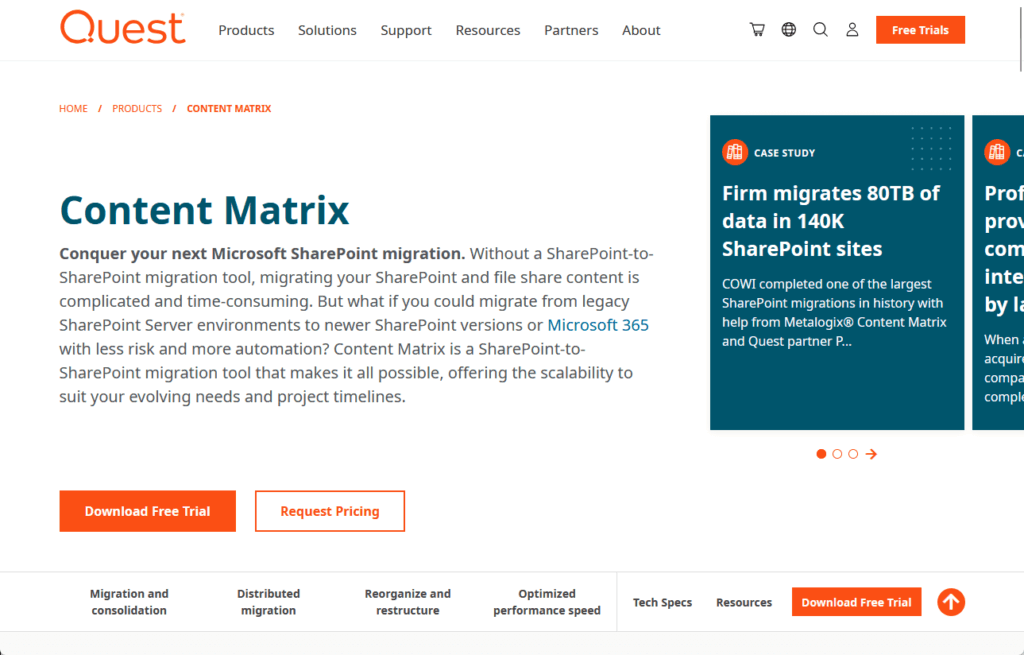
It migrates directly from older SharePoint versions (2007, 2010) to SharePoint Online, bypassing costly and time-consuming upgrades.
Its key strengths include:
- Granular control: High-fidelity migration for complex items like metadata and nintex workflows.
- Scalability: Distributed architecture handles large-scale enterprise migrations.
- Automation: Robust PowerShell support for scripting and customizing migration tasks.
This makes it a formidable tool for organizations modernizing complex, long-standing SharePoint environments.
However, this power comes with its own set of challenges that lead many to seek alternatives.
Why Look for a Metalogix Alternative?
While powerful, the Metalogix suite has several characteristics that lead organizations to explore other options, primarily centering on three key areas:
- Complexity: A steep learning curve that can be less intuitive than modern tools.
- Architecture: Requires dedicated on-premises servers and a SQL database, adding infrastructure overhead.
- Pricing model: Volume-based (per GB) licensing creates significant budget uncertainty.
These factors often drive the need for simpler, more predictable, and cloud-native solutions.
For many, the goal is to find a tool that reduces both technical complexity and financial risk.
Sign up for exclusive updates, tips, and strategies
Top Commercial Metalogix Alternatives
The commercial market offers several powerful alternatives, each with a distinct approach to solving migration challenges.
Here’s a detailed look at the leading contenders:
ShareGate dominates the migration market due to its ease of use, polished UI, and excellent customer support.
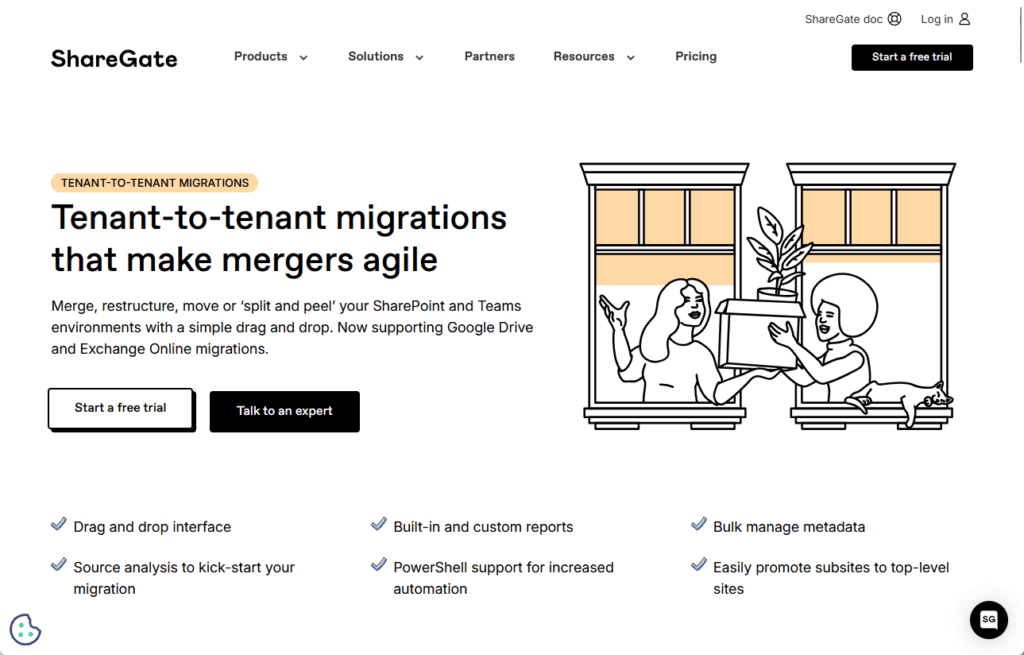
Its simple approach, clear pricing, and value make it popular for IT professionals, suiting all organization sizes.
Key migration features include:
- Simplicity and intuition: An accessible wizard-driven interface
- Pre-migration analysis: Powerful reporting to identify and clean up source issues
- High-speed migration: “Insane Mode” leverages the Microsoft Migration API to bypass throttling
- High-fidelity: Migrates metadata, permissions, and Nintex workflows with full integrity
- Post-migration management: Acts as a long-term tool for governance and reporting
ShareGate is a downloadable desktop application that runs on an administrator’s workstation.
A key differentiator is its fixed annual subscription, covering unlimited data migration based on user count.
This model provides complete budget predictability, standing in stark contrast to Metalogix’s volume-based licensing.
Pricing begins at approximately $5,995 per year for a single user license.
2. AvePoint Fly (The Enterprise-Grade Platform)
AvePoint is a leader in Microsoft 365 management, and its Fly migration tool is a highly robust, enterprise-focused solution.
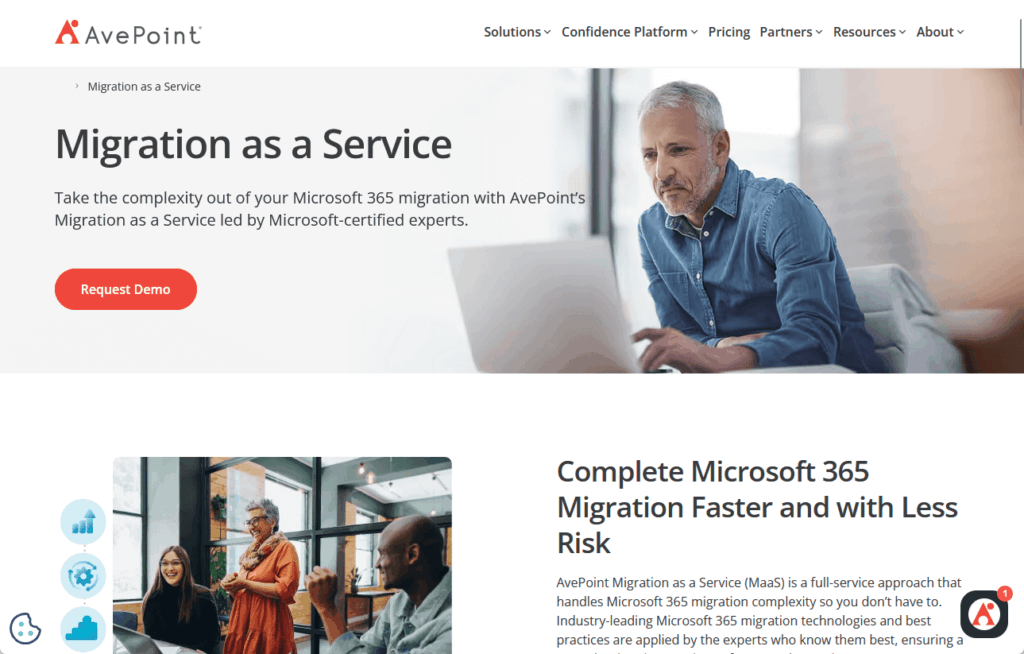
Designed for large-scale, complex migrations, it’s often considered the most direct and feature-rich competitor to Metalogix.
In a way, it distinguishes itself with a strong emphasis on security, governance, and architectural flexibility.
Key migration features include:
- Broad platform support: Migrates from various sources and uniquely supports Power Platform assets
- Free pre-migration discovery: Offers unlimited pre-scans to accurately scope project size and cost
- Granular control and automation: Provides sophisticated scheduling and content filtering
- Full fidelity: Preserves context like Microsoft Purview sensitivity labels
- Reporting: Includes real-time dashboards and Power BI templates for validation
Fly offers both a SaaS platform (no infrastructure overhead) and a self-hosted server option (full data path control).
Flexible pricing: per-user monthly or per-object licensing (mailbox, site, Team) with no data caps, scaling with organization size.
3. Quest On Demand Migration (ODM) (The Tenant-to-Tenant Specialist)
On Demand Migration (ODM) is Quest’s modern, 100% Azure-based SaaS platform.
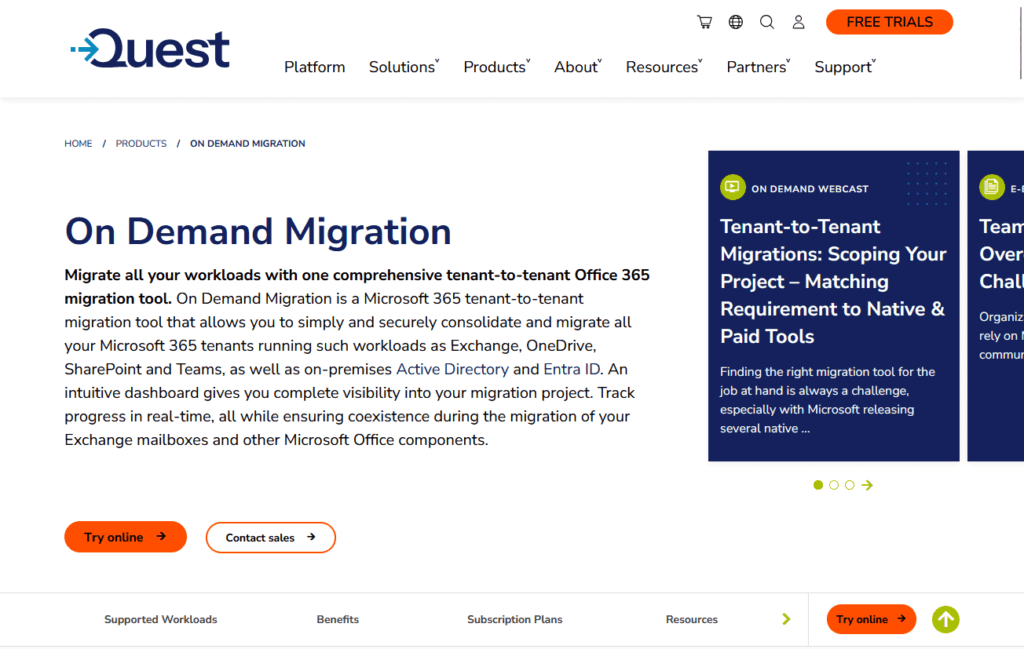
It signifies the company’s strategic move to cloud-native solutions, designed to handle the complexity of Microsoft 365 tenant-to-tenant (T2T) migrations.
This makes it an essential tool for organizations undergoing mergers, acquisitions, or divestitures.
Key migration features include:
- Holistic T2T migration: Handles content workloads and underlying identity platforms (Active Directory/Entra ID)
- Coexistence: Allows migrated and un-migrated users to collaborate seamlessly during phased projects
- User experience: Automatically reconfigures desktop apps like Outlook post-migration
As a fully SaaS platform, ODM requires no on-premises server infrastructure.
It’s sold on a subscription basis, typically priced per-user, with different tiers that bundle various workloads.
This allows customers to choose a package that aligns with their project scope.
4. BitTitan MigrationWiz (The Cloud-Native Workload Specialist)
MigrationWiz by BitTitan is a popular, fast, and simple SaaS solution for specific cloud workload migrations.
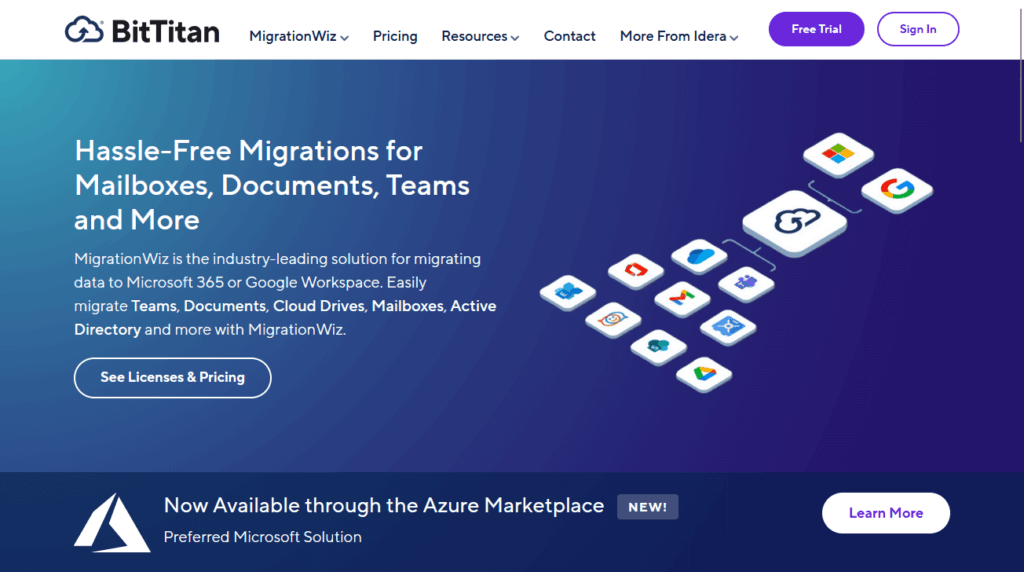
Managed Service Providers and IT teams often choose it for quick mailbox migrations due to its minimal setup and rapid execution.
Key migration features include:
- Workload-focused projects: A streamlined interface organized by specific migration tasks
- Performance optimization: Uses impersonation to improve speed and avoid throttling
- Ease of use: Can be configured and launched in minutes via a simple web interface
MigrationWiz is a 100% cloud-based SaaS platform.
Its pricing model is highly granular and based on the specific workload being migrated.
Licenses are purchased per-user or per-item (e.g., Mailbox Migration license per user, Collaboration license per Team).
This à la carte approach allows customers to pay only for what they need.
5. Tzunami Deployer (The Legacy ECM Powerhouse)
Tzunami Deployer is a specialized tool for migrating content from legacy ECM systems to SharePoint and Microsoft 365.
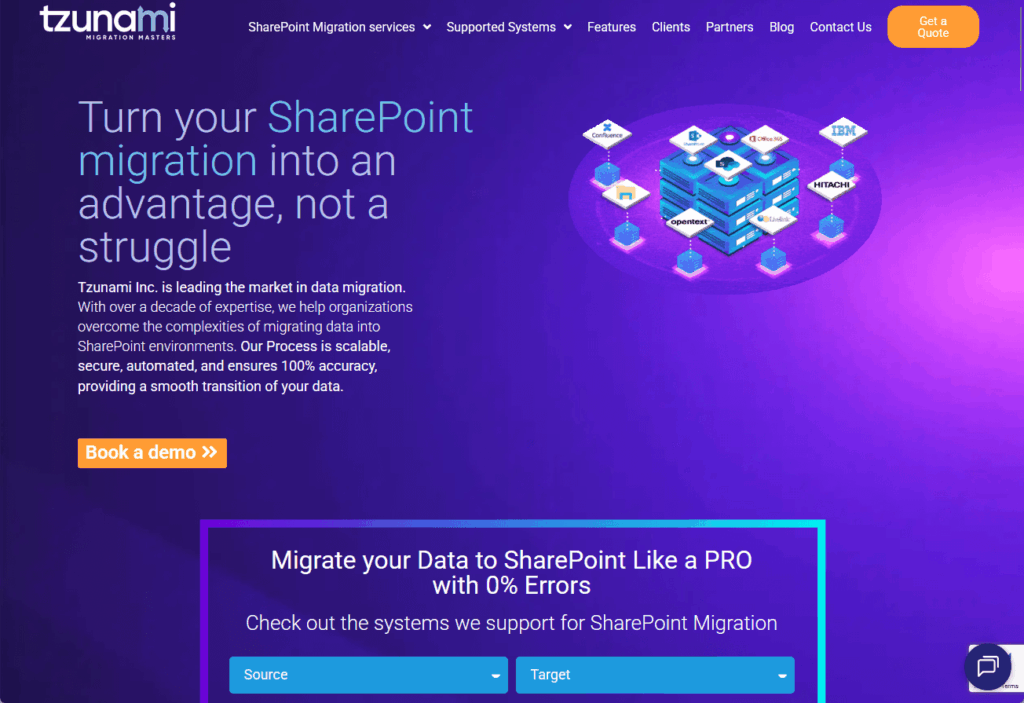
It’s the premier solution for organizations looking to decommission complex, aging platforms such as:
- Documentum
- OpenText LiveLink
- eRoom
- Atlassian Confluence
- Lotus Notes
Key migration features include:
- Deep ECM connectors: Understands the unique architecture and metadata of each source system
- Pre-migration simulation: An “offline simulation environment” to model and test the migration plan
- High-fidelity mapping: Advanced capabilities for mapping complex metadata and security
Tzunami Deployer uses a client-server architecture that requires the installation of various components.
Tzunami offers custom, project-based pricing reflecting migration scope and complexity.
Microsoft’s free utility migrates content from on-premises SharePoint Servers (2010+) and local file shares to Microsoft 365.
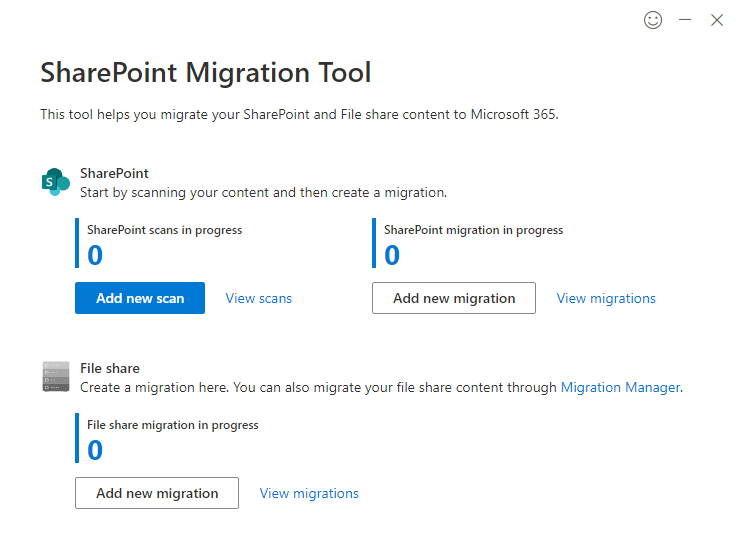
While attractive from a cost perspective, it comes with significant limitations.
Key among these are:
- No tenant-to-tenant support: Strictly for on-premises to cloud migrations.
- Lacks advanced features: Cannot migrate custom solutions or perform complex restructuring.
- Reliability risks: Potential for “silent failures” where data is missed despite reported success.
These limitations make SPMT suitable only for the most straightforward migrations.
Rigorous manual validation is essential to mitigate data loss risk, often offsetting initial cost savings.
For any complex scenario, a commercial tool is a safer investment. 👍
Comparison at a Glance: Metalogix vs. The Alternatives
Here’s a quick glance at the key differences between Metalogix and its leading alternatives at a glance:
| Tool | Primary Use Case | Architecture | Pricing Model | Key Differentiator |
| Quest Metalogix | Complex on-prem SharePoint to M365 | Client/Server | Per GB | Powerful, granular control |
| ShareGate | All-purpose SharePoint & M365 migration | Client | Per User (Unlimited Data) | Ease of use & budget certainty |
| AvePoint Fly | Enterprise-scale M365 migration/governance | SaaS / Server | Per User / Per Object | Architectural flexibility & Power Platform support |
| Quest ODM | M&A and Tenant-to-Tenant consolidation | SaaS | Per User (Subscription) | Deep identity management & coexistence |
| BitTitan MigrationWiz | Specific cloud workload migrations (e.g., mailboxes) | SaaS | Per Item (à la carte) | Speed, simplicity, popular with MSPs |
| Tzunami Deployer | Migrations from legacy ECM systems | Client/Server | Custom Project | Deep connectors for non-SharePoint sources |
Moving Beyond a One-Size-Fits-All Approach
The market for Microsoft 365 data migration is mature and segmented, so the days of a one-size-fits-all tool are over.
Choosing the best option depends on your project’s needs, including your source system, data complexity, budget, and team’s technical skills.
Commercial solutions provide value-added features such as high-fidelity workload support, robust analytics, and dedicated support.
Do you have questions about choosing a data migration tool besides Metalogix? Let me know below.
For any business-related queries or concerns, contact me through the contact form. I always reply. 🙂




























