

Table of Contents:
Last Updated on September 22, 2025
Struggling to control your SharePoint environment?
In this guide, you will learn the best native Microsoft tools and leading third-party solutions that can help you manage.
Let’s get started.
A good governance plan isn’t just a single document, but a complete strategy built on several key pillars.
These pillars work together to create a SharePoint environment that is secure, user-friendly, and efficient.
A comprehensive plan should address the following areas:
- Structure and accountability: Form a dedicated governance team and define roles
- Information architecture: Organize content with a logical site structure and metadata
- Security and access: Enforce least privilege, manage permissions, and set sharing policies
- Lifecycle management: Control site sprawl with clear provisioning and decommissioning processes
- User training and adoption: Create a training plan explaining rules and their purpose
Addressing each of these pillars ensures your governance framework is complete.
It balances the need for security and control with the flexibility users need to collaborate effectively.
Take note that a successful strategy adapts to your organization’s needs by considering technology, people, and processes.
Sign up for exclusive updates, tips, and strategies
The Native Microsoft 365 Governance Toolkit
Microsoft provides a powerful set of built-in tools that form the foundation of any governance strategy.
Relying solely on these tools has both clear advantages and significant limitations:
| Pros | Cons |
| Deep integration: The tools are designed to work together seamlessly. | Complex management: Controls are spread across multiple admin centers (SharePoint, Purview, Entra, Teams). |
| Cost-effective: Many advanced features are included in higher-tier Microsoft 365 licenses. | No unified dashboard: There’s no single place to get a simple, holistic view of your governance status. |
| Manual effort: Many processes require significant manual work or custom PowerShell scripting. |
This is the central control panel for SharePoint Online, where administrators set the foundational rules for the entire environment.
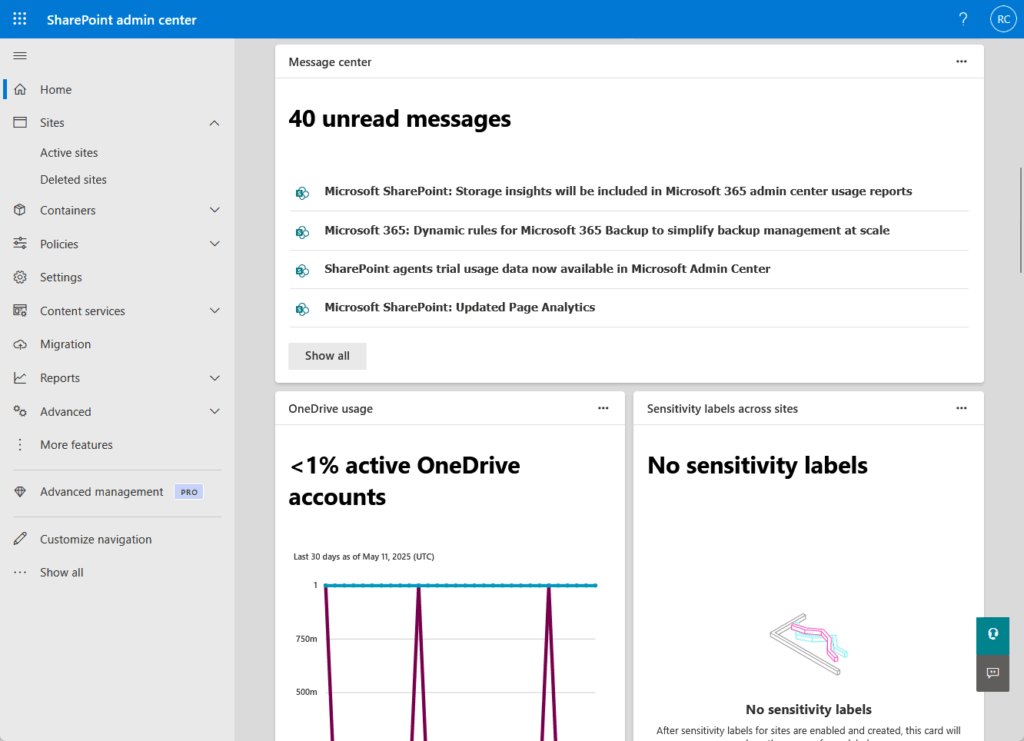
Key governance tasks include setting tenant-wide sharing policies, managing storage quotas, and controlling who can create new sites.
For more advanced needs, SharePoint Advanced Management offers automated site lifecycle policies to find and archive inactive sites.
Microsoft Purview
While the SharePoint Admin Center governs the sites (the containers), Microsoft Purview governs the content inside them.
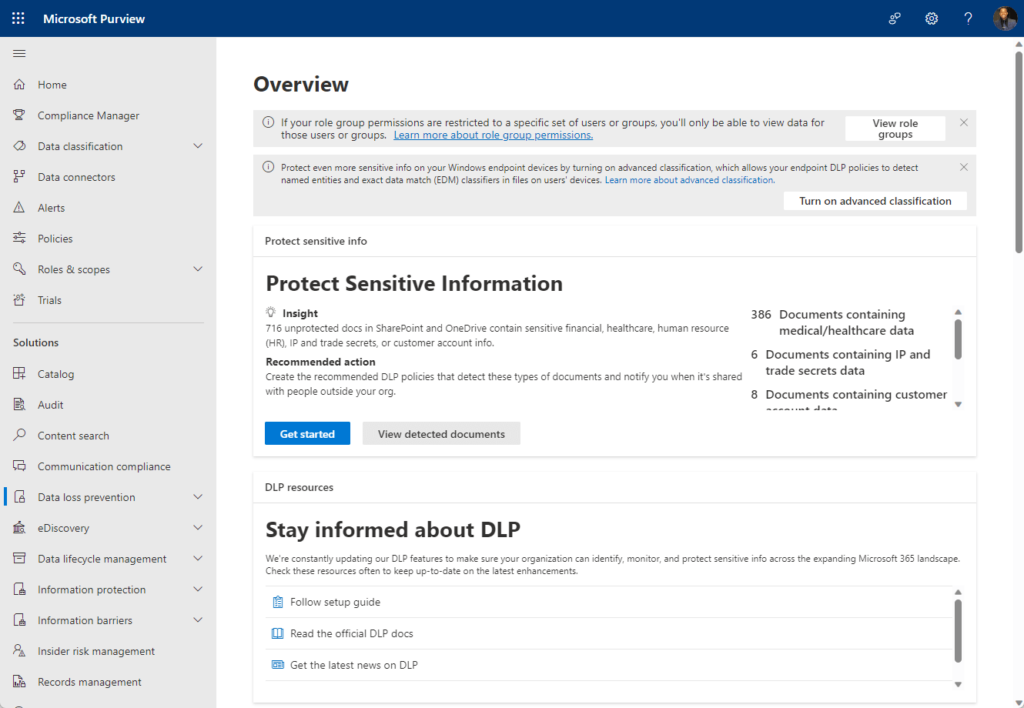
It’s the compliance and data protection engine for all of Microsoft 365 with key features for SharePoint help you:
- Classify and protect data
- Prevent accidental data leaks
- Automate the content lifecycle
These tools allow you to apply sensitivity labels to automatically encrypt confidential documents.
Data loss prevention (DLP) policies can identify and block the sharing of sensitive information, such as credit card numbers.
Furthermore, retention policies ensure that documents are kept or deleted according to legal and business rules.
Microsoft Entra ID Governance
Microsoft Entra ID (formerly Azure AD) is the identity and access gatekeeper for all of Microsoft 365.
Since every user is authenticated through it, Entra ID is the ultimate control point for SharePoint access.
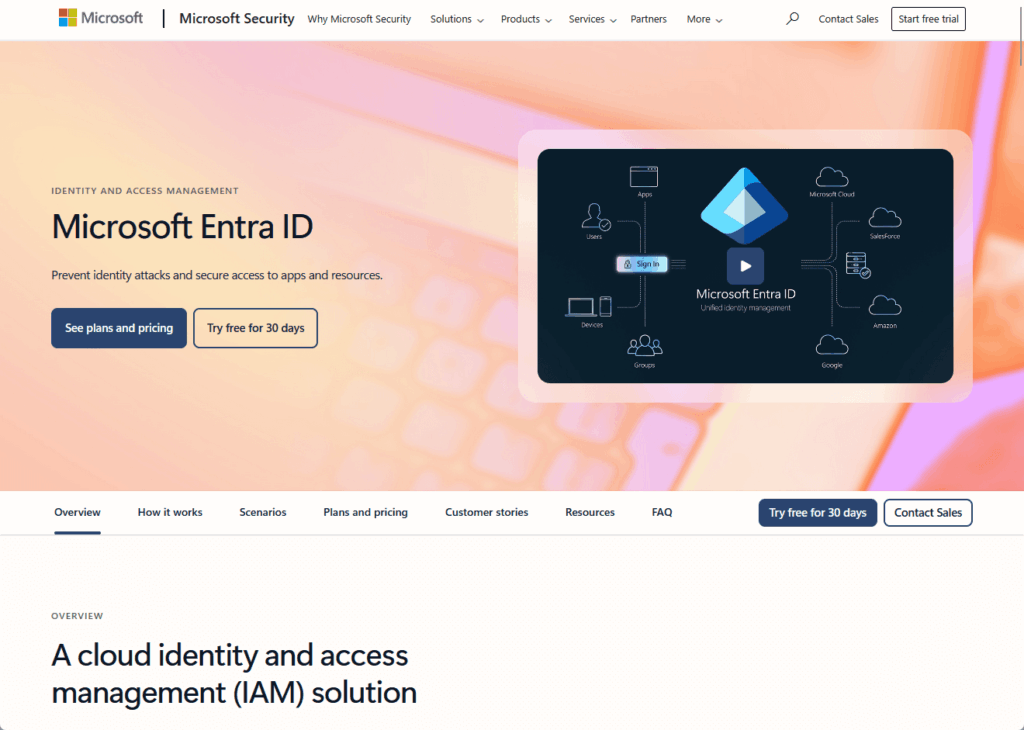
The Entra ID Governance license provides advanced features that help you:
- Automate user access reviews
- Manage access requests with approval workflows
- Automate access changes for joiners and leavers
These features are crucial for combating “permission drift,” where users accumulate unnecessary access over time.
Access reviews force a regular cleanup, while entitlement management ensures new access is properly approved.
Lifecycle workflows provide critical automation, making sure a user’s access is appropriate from their first day to their last.
The complexity of the native tools is why many organizations turn to third-party solutions.
They’re designed to manage, automate processes, and offer a unified view Microsoft’s tools lack.
Here’s a quick comparison of the top tools:
| Feature | ShareGate | AvePoint Cloud Governance | Quest ControlPoint | Rencore Governance | Orchestry |
| Primary strength | Simplicity and Ease of Use | Automated Self-Service at Scale | Deep Security Auditing | Custom Policy Enforcement | Proactive Sprawl Prevention |
| Workspace provisioning | Limited | Excellent | Basic | Good | Excellent |
| Permissions management | Good | Good | Excellent | Very Good | Good |
| Lifecycle management | Good | Excellent | Good | Good | Excellent |
| User experience | Excellent | Fair (Can be complex) | Fair (Can be complex) | Good (For technical admins) | Excellent |
ShareGate is best known for its simplicity and powerful migration capabilities.
It has since grown into a comprehensive governance platform designed to make daily management tasks straightforward for IT admins.

Its key features help you:
- Run clean, actionable reports
- Delegate cleanup tasks to site owners
- Assess your environment for Copilot readiness
The tool excels at providing clear visibility into complex areas like permissions and external sharing.
Its “Smart Reviews” feature is particularly useful for promoting accountability by involving business users in the governance process.
Overall, ShareGate is an exceptionally user-friendly tool that simplifies otherwise complex administrative work.
2. AvePoint Cloud Governance
AvePoint Cloud Governance is designed for large enterprises that require a highly automated, policy-driven approach.
It focuses on delivering a controlled self-service experience for end-users from the very beginning.
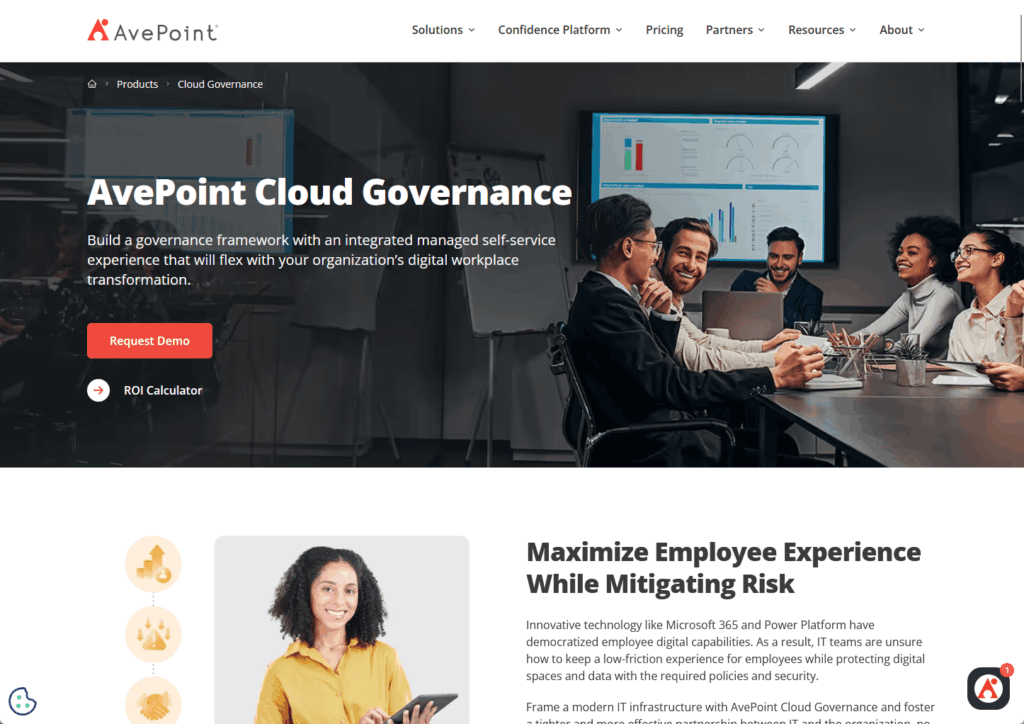
The platform’s core functions allow you to:
- Create a service catalog for workspace requests
- Use questionnaires to apply policies automatically
- Manage the full lifecycle, from creation to deletion
Its strength is automated provisioning, where user answers to business-focused questions dynamically configure the right governance settings.
This provides end-to-end automation, so policies for naming, permissions, and lifecycle are consistently enforced.
AvePoint is a powerful, automation-first platform ideal for implementing strict governance at a large scale.
3. Quest ControlPoint
Quest ControlPoint is the ideal tool for organizations with strict security and compliance needs that demand deep visibility.
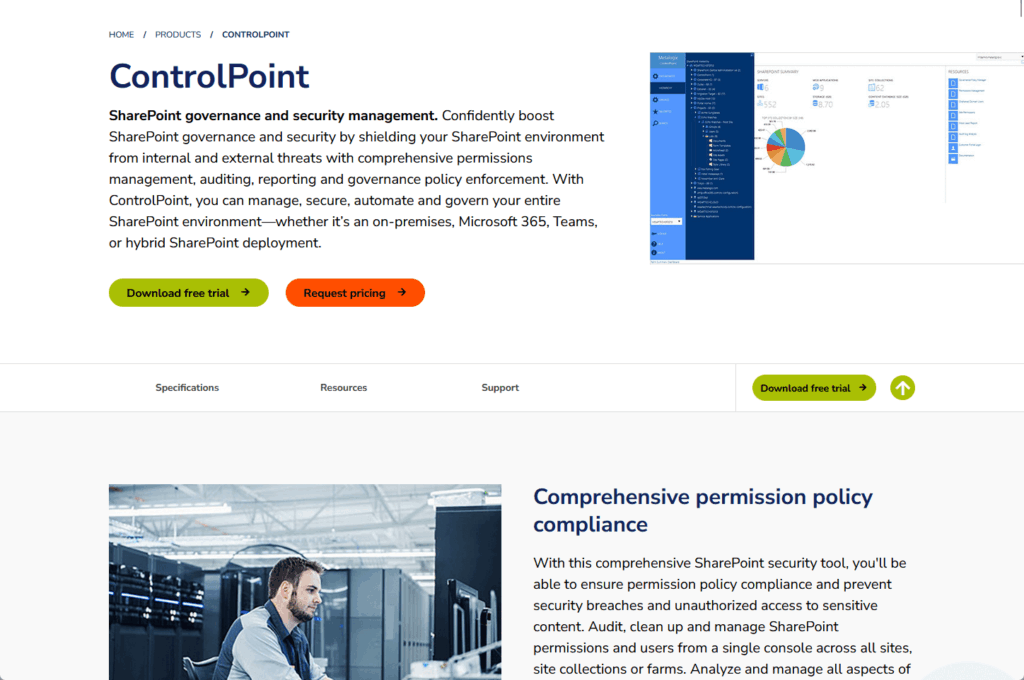
It’s particularly strong in managing complex on-premises or hybrid SharePoint setups, with key capabilities that focus on:
- Providing deep, granular permissions analysis
- Auditing user and administrator actions in detail
- Managing security from a single console
ControlPoint excels at auditing, allowing you to track exactly who accessed a document and what configuration changes were made.
From one interface, administrators can analyze, clean up, and report on permissions across the entire farm.
This makes it the go-to solution for deep security analysis and reporting.
4. Rencore Governance
Rencore Governance takes a data-driven approach, designed for organizations that need to monitor and enforce very specific, custom rules.
It works by creating a deep, interconnected map of all your M365 services and how they relate to each other.
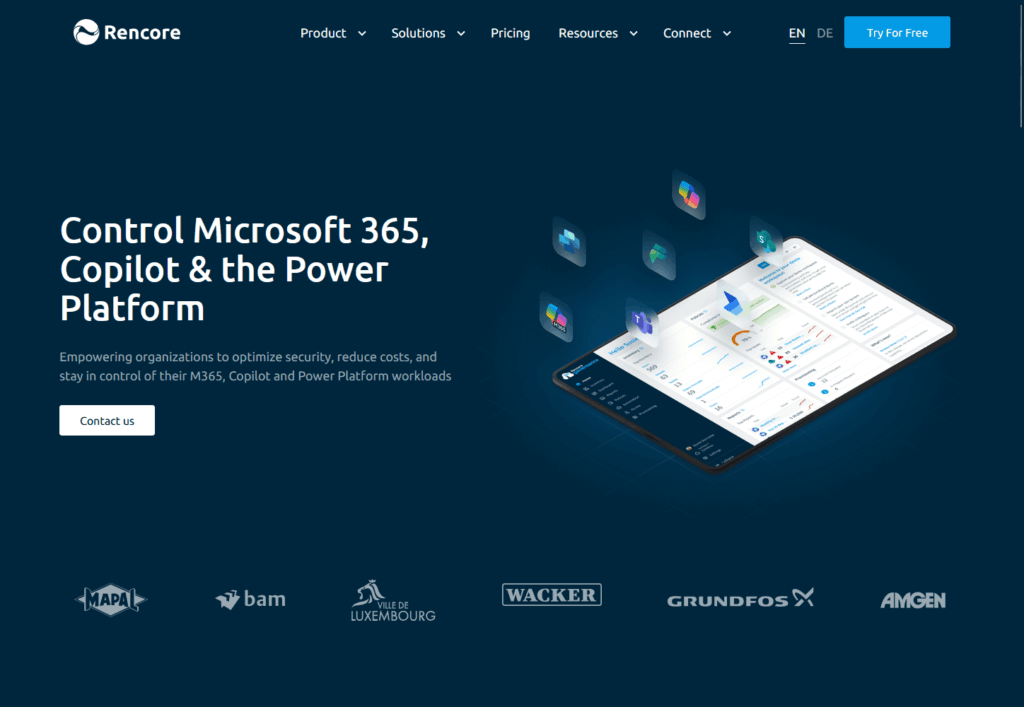
With Rencore, you can:
- Build highly specific, custom governance policies
- Continuously monitor for policy violations
- Automate notifications and fixes for issues
The platform’s strength is its flexible policy builder, which allows you to track almost any condition within your tenant.
For example, you could find all Teams with external users that also have a public SharePoint site.
This makes Rencore a powerful and highly flexible tool for continuous, customized compliance monitoring.
5. Orchestry
Orchestry focuses on proactively preventing workspace sprawl by tackling governance at its source: the creation process.
It simplifies the user experience for requesting new collaboration spaces while ensuring IT maintains control.
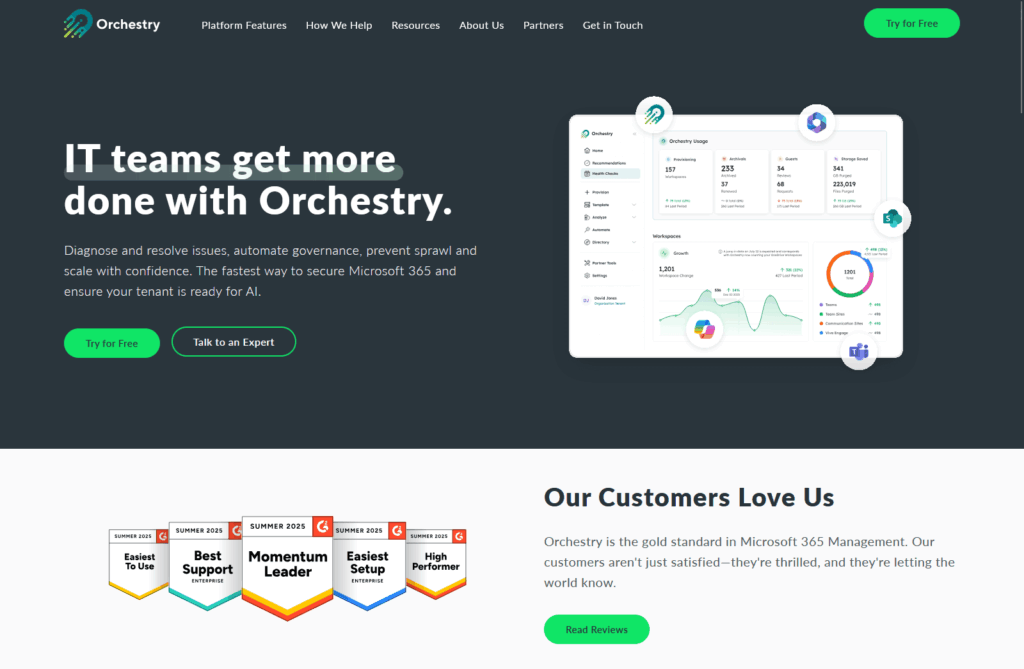
Its core features are designed to:
- Provide a simple self-service request portal
- Use pre-built templates for new workspaces
- Automate naming conventions and permissions
Orchestry stops sprawl before it begins by providing users with a catalog of IT-governed templates.
These templates automatically apply consistent naming, permissions, and even pre-configured channels or libraries.
This makes it an excellent solution for simplifying the user experience and ensuring new workspaces have governance built-in from day one.
How to Choose the Right Governance Approach
The right choice depends on your organization’s size, complexity, and IT resources.
Stick with native tools if…
- You’re a smaller organization with a simple SharePoint structure.
- Your IT team has deep expertise in Microsoft 365 and is skilled with PowerShell for scripting and automation.
- Budget is your primary constraint, and you’re already licensed for Microsoft 365 E3 or E5.
- Your main goal is to set up foundational controls, not complex, automated workflows.
Invest in a third-party tool if…
- You have a large, complex, or multi-tenant environment that is difficult to manage manually.
- You want to reduce the daily operational burden on your IT team and free them up for more strategic work.
- You want to empower users with safe self-service to create their own sites and Teams without causing chaos.
- You need a single, unified dashboard for reporting and managing governance across Microsoft 365.
Building a Sustainable Governance Strategy
SharePoint governance is not a one-time project.
It’s a continuous process of planning, implementing, and adapting your strategy as your organization evolves.
A clear plan, whether using native, third-party, or mixed tools, is important for a secure, efficient, and user-valued SharePoint environment.
Do you have questions about the SharePoint governance tools and strategies mentioned? Let me know.
For any business-related queries or concerns, contact me through the contact form. I always reply. 🙂




























