Why SharePoint Is Ideal for Modern Intranets
Why use SharePoint for intranet? Learn where it fits best, where it falls short, and how it helps organizations improve control and adoption.
Why SharePoint Is Ideal for Modern Intranets Read More »

Why use SharePoint for intranet? Learn where it fits best, where it falls short, and how it helps organizations improve control and adoption.
Why SharePoint Is Ideal for Modern Intranets Read More »
Most teams comparing SharePoint and Asana are already Microsoft 365 subscribers. They’ve got Planner, Teams, and Power Automate sitting in their tenant. Before you add another tool to the mix, here’s what you’re getting in this comparison: For a lot of M365 shops, I’ve found the real answer is already sitting in their tenant. They’re paying for tools they haven’t configured. This comparison cuts through the noise. You’ll see where Asana genuinely earns its cost and where SharePoint covers the same ground for free. Most M365 teams underestimate what’s already there. The goal here is to help you figure out
SharePoint vs Asana: Project Collaboration Tools Compared Read More »
Most organizations that deployed Microsoft Copilot for M365 are sitting on an expensive problem. More than 60% of Fortune 500 companies have deployed Copilot. But only 35.8% of those employees actively use it week to week. The gap comes down to prompting. Copilot adoption typically suffers when teams don’t have clear templates to follow. Weak prompts produce weak results, and most teams have never been given a template to follow. What follows is a practical prompt library, organized by use case. Copy them, customize them, and share them with your teams. Why Most Copilot Prompts Underdeliver A vague prompt gets
SharePoint Copilot Prompt Templates for Business Teams Read More »
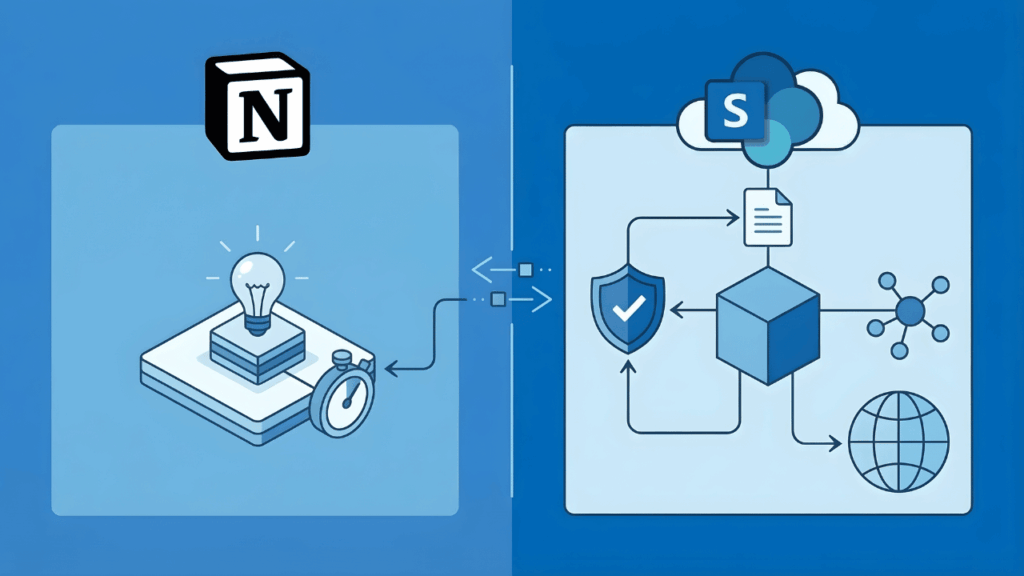
Your team loves Notion. Then you ask about compliance controls, permission granularity, and what happens at 500 employees. Both platforms claim Fortune 500 adoption. But they get used for different things: Notion as the team wiki, SharePoint as the enterprise knowledge layer. Here’s where each one breaks down. What Organizations Actually Need from a Knowledge Management Platform Knowledge management requires building systems where knowledge flows through your organization predictably. Enterprise knowledge management best practices center on four foundational processes: The platform you choose shapes how well you execute each of these. Here’s what that breakdown looks like: Capability Why It
SharePoint vs Notion for Knowledge Management: An Enterprise Buyer’s Honest Comparison Read More »
Where should you save that file? If your team asks this question every week, you’re not alone. Most organizations treat SharePoint, OneDrive, and Teams like three competing options. They’re not. These tools work together as parts of one system. But without clear rules, files end up scattered across all three with no logic behind it. You need a simple mental model for deciding where files belong, plus governance rules that make those decisions stick. That’s how your team stops guessing and your data stays clean for Copilot. They’re Not Competing Tools (The Simple Mental Model) The biggest misconception in Microsoft
SharePoint vs OneDrive vs Teams: When to Use What (And How to Stop File Chaos) Read More »
Most organizations know onboarding matters. Few have a system that actually works. Here’s what I typically see: Nobody knows which version of the employee handbook is current. And there’s no record of what the new hire has actually completed. SharePoint Online, combined with Microsoft Lists and Power Automate, fixes this. Together, they give you a governed, repeatable onboarding system that scales across departments, locations, and business units. Choose the Right Architecture Before You Build Anything Before you create a single list or upload a document, decide how your onboarding sites will be organized. Getting this wrong early means rebuilding later.
How to Use SharePoint for Employee Onboarding Checklists (2026) Read More »
This isn’t a feature shootout. It’s a decision about three things: Most organizations already pay for SharePoint through their M365 license. So the real question is simple: Does Airtable solve a problem that SharePoint can’t? Or does it introduce a governance gap you don’t need? If you’re an IT leader, operations manager, or power user inside M365, this choice affects cost, user adoption, and data control. Let’s get started. SharePoint vs Airtable at a Glance Before we get into specifics, here’s how these two platforms compare across the areas that matter most. Category SharePoint / Microsoft Lists Airtable Enterprise Scale
SharePoint vs Airtable: What Microsoft 365 Teams Should Choose in 2026 Read More »
Microsoft is killing SharePoint Alerts. Microsoft’s published timeline shows: Everyone’s treating this like a crisis. It’s not. It’s actually an opportunity to fix 20 years of notification chaos (well, classic alerts were opaque, ungoverned, and responsible for drowning your users in email noise). Let’s get started. What About the Retirement Timeline The good news is that Microsoft isn’t flipping a switch overnight. The retirement follows a deliberate, phased approach designed to gradually move organizations off a 20-year dependency. The Four Critical Milestones Microsoft has published four specific dates that define this transition, with each one removing a layer of functionality.
The Retirement of SharePoint Alerts Is a Good Thing (If You Design Properly) Read More »
April 2, 2026 is a hard stop for SharePoint Add-Ins in Microsoft 365. Microsoft is shutting down Azure ACS. When it goes dark, add-ins that rely on it fail, immediately. That includes third-party tools, custom apps, and background integrations. Remove them carelessly and you risk losing data stored in app webs. There’s no extension and no safety net. If add-ins are still in use, action is required now. What’s Actually Being Retired Microsoft launched the SharePoint Add-in model back in 2013. It was called the “App Model” originally and served a specific purpose: keeping custom code from crashing entire SharePoint
SharePoint Add-ins Are Being Retired in 2026: What Organizations Must Do Now Read More »
SharePoint sits on nearly every organization’s desktop today. It comes bundled with Microsoft 365, which means most companies already own it. The cost appears to be zero, making it the default choice for document management. But “good enough” doesn’t mean “best for everything.” Specialized document management systems like M-Files, Laserfiche, and Box haven’t disappeared. They’ve carved out specific niches where SharePoint struggles. The question isn’t whether SharePoint is powerful. The question is whether it matches your actual business needs. Where SharePoint Wins and Loses SharePoint isn’t trying to be the best document management system. It’s trying to be the most
How SharePoint Compares to Other Document Management Systems (2026 Guide) Read More »