

Most IT admins don’t know how much M365 budget they’re wasting.
56% of enterprise M365 licenses fall into one of four categories:
- Inactive (users with accounts but zero activity)
- Unassigned (seats purchased but never provisioned)
- Oversized (users on E3 or E5 when a cheaper plan would cover them)
- Bloated with unused add-ons (Viva, advanced security, premium apps nobody touches)
Native Microsoft tools won’t show you where the problem is.
Microsoft is raising M365 prices on July 1, 2026. E3 goes up 8.3%, E5 climbs 5.3%, and some plans jump as much as 33%. If you’re renewing before that date, you can lock in today’s pricing.
Why License Waste Is Worse Than Most Admins Realize
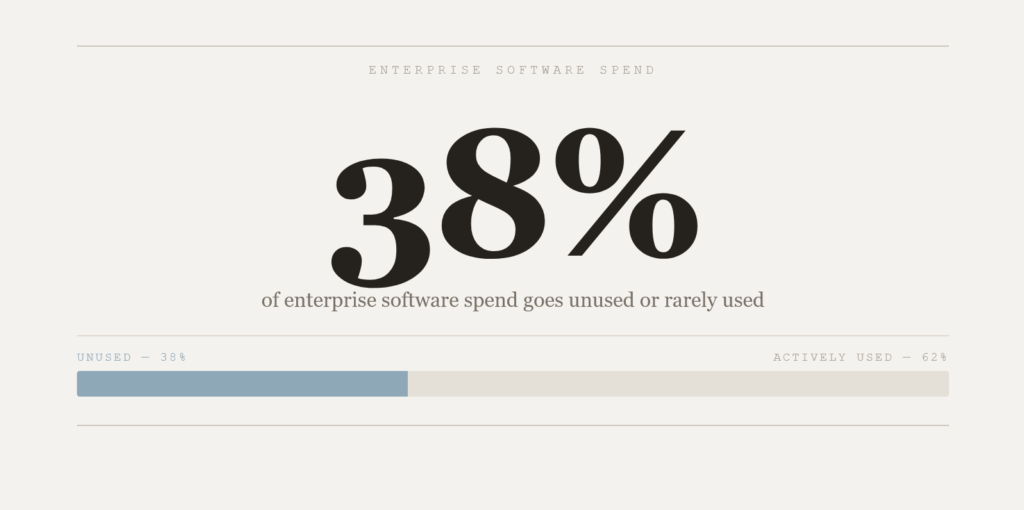
38% of enterprise software spend goes to unused or rarely used software on average. Microsoft 365 is no exception.
62% of companies faced software vendor audits in 2024, up from 40% in 2023. Over-licensing is a red flag: unused accounts and misunderstood entitlements are exactly what auditors catch.
An organization with 500 users on E3 currently pays about $216,000 a year. After July 1, that same seat costs $234,000.
Every oversized license assignment, every inactive account, every dollar of waste gets more expensive. You have time to find it.
Sign up for exclusive updates, tips, and strategies
What Microsoft’s Built-In Tools Can (and Can’t) Do
Microsoft gives you reporting:
- The Admin Center shows license counts and basic usage
- Usage Analytics gives per-service breakdowns
- Entra ID reports on license distribution
- Purview Audit logs activity
These tools are useful.
But they’re also incomplete.
| Gap | Impact | Typical Consequence |
|---|---|---|
| No cost analysis | You see license counts, not financial impact per user | You can’t prioritize downgrade candidates by savings |
| 90–180 day audit retention | Historical data vanishes after 6 months | Long-term optimization trends stay invisible |
| Zero optimization recommendations | Reports show the problem, not the solution | You’re guessing at which licenses to reclaim |
| Heavy admin burden | 10–15 hours monthly to pull complex reports | Budget for time instead of tools |
Teams using only native tools miss 68% of optimization opportunities compared to organizations using dedicated audit platforms.
In a mid-size company, that gap adds up to $50,000 to $150,000 in annual waste that stays undetected. Native reporting is a starting point.
Dedicated audit tools are where the actual optimization happens.
The Best Microsoft 365 License Audit Tools
The market has matured, and you’ve got options. Which one fits depends on your environment, team size, and how deep you want to go.
| Tool | Best For | Typical Payback |
|---|---|---|
| CoreView | Enterprise governance + compliance | 30–60 days |
| Zylo | Mid-market to enterprise; renewal management | 30–60 days |
| Torii | Multi-app SaaS environments | 30–60 days |
| Augmentt | MSPs; multi-tenant environments | 30–60 days |
| AdminDroid | Lightweight reporting; budget-conscious teams | 30–60 days |
| ManageEngine M365 Manager Plus | Integrated reporting + automation | 30–60 days |
| ENow Software | Downgrade-focused optimization | 30–60 days |
| LicenseQ | Full Microsoft ecosystem (M365 + D365 + Azure) | 10–20% avg. savings |
1. CoreView
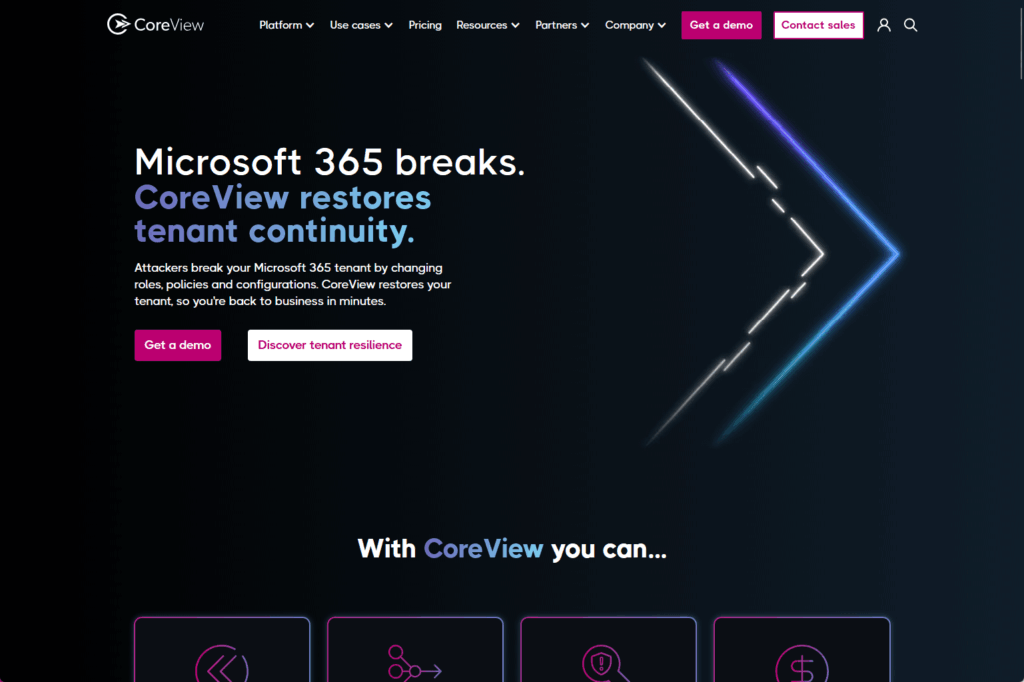
CoreView is built for enterprises that need governance and compliance alongside license optimization.
If you’re managing thousands of users across OneDrive, SharePoint, Teams, and Entra, this tool tracks 400+ data points across your entire M365 environment and builds complex license reports in under 10 minutes.
Manually? That’s 10 to 15 hours of work.
It works by aggregating usage and assignment data across your tenant, then surfacing it through templated reports you can run repeatedly.
Key features:
- 400+ data points tracked across OneDrive, SharePoint, Teams, Entra, and Purview
- Complex license reports built in under 10 minutes
- Department-level showback and chargeback reporting
- Compliance and governance controls built in
One organization used CoreView’s visibility to avoid over $1 million in licensing costs by identifying unused licenses across their environment.
The platform can identify 10 to 30% of M365 waste in most environments.
The governance and compliance controls are built into the same workflow as license reporting, so your audit trail doesn’t live in a separate tool.
Pick this if you need governance controls and compliance reporting alongside license optimization, or if your organization runs multiple M365 workloads and needs a unified view.
2. Zylo
Zylo is made for mid-market and enterprise teams managing M365 plus other SaaS spend.
The platform combines license optimization with renewal and contract management, so you’re not juggling multiple tools for overlapping workflows.
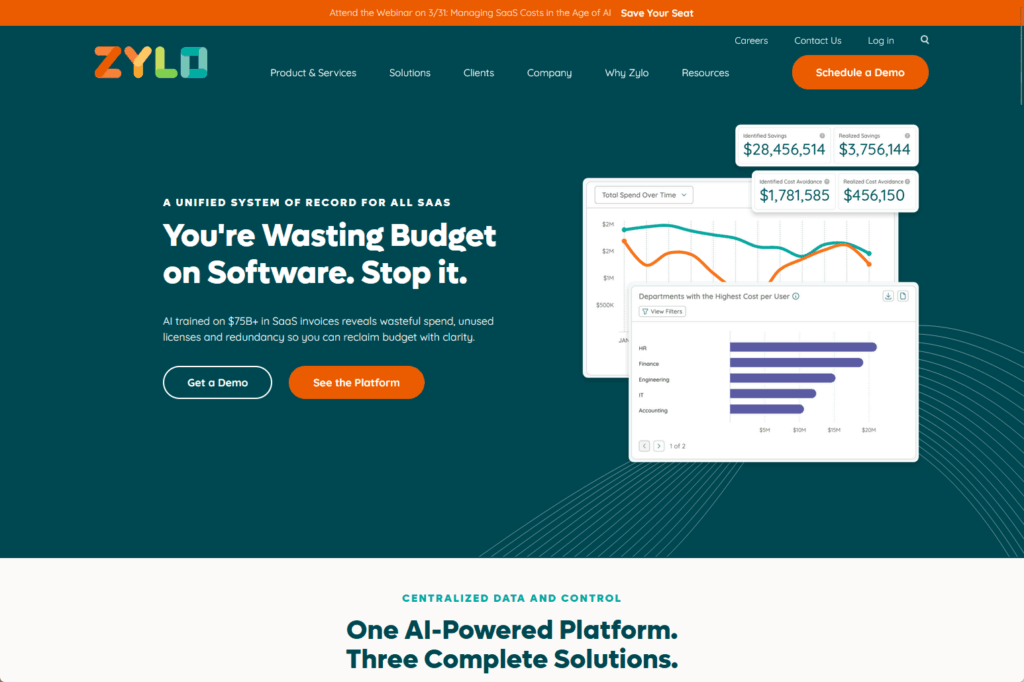
Zylo uses AI to recommend which licenses should be reclaimed, reassigned, or downgraded based on actual consumption patterns. It handles seat reclamation and reallocation automatically.
Key features:
- AI-powered license optimization recommendations
- Seat reclamation and reallocation automation
- Renewal and contract management built in
- Consumption analytics by user, department, and workload
Here’s the thing: most teams end up with bloated license inventories because they lose track of who’s actually using what.
Zylo automates that discovery and feeds recommendations directly into your renewal cycles.
Consumption analytics surface at the user, department, and workload level, so you can see exactly where the overspend is.
Modernizing Medicine saved $3 million in cost savings and cost avoidance over 18 months using Zylo’s platform, which included reclaiming unused seats and right-sizing assignments.
Pick this if you’re managing M365 renewals and want renewal forecasting, seat reclamation, and AI-driven optimization all in one place.
3. Torii
Torii is a 2025 Gartner Magic Quadrant Leader for SaaS Management Platforms, and it takes a broader view than M365 alone.
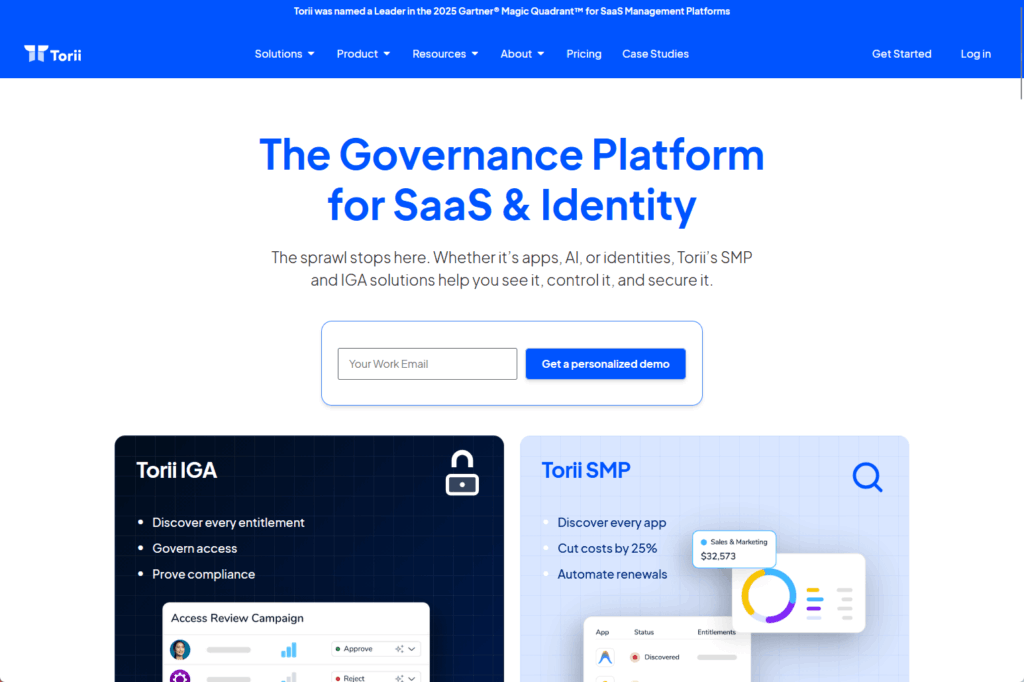
The platform covers your entire SaaS stack, including shadow IT discovery, which matters because unlicensed or duplicate apps cost money and create compliance risk.
Key features:
- Broad app integrations for unified SaaS visibility
- Automated license reclamation and app consolidation
- Shadow IT discovery and identity governance integration
- Real-time visibility across entire SaaS stack
It aggregates actual license and usage data across your entire portfolio, so you get real-time visibility, automated reclamation recommendations, and app consolidation opportunities in one place.
Torii surfaces the apps your teams have spun up outside IT governance, cross-references them with M365 and other platforms, and identifies redundancies.
It integrates with identity governance, so you can align license assignments with actual role and department permissions.
Pick this if shadow IT and SaaS sprawl are problems in your organization, or if you need unified visibility across M365 plus dozens of other SaaS tools.
4. Augmentt
Augmentt solves a specific pain point: MSPs managing multiple client tenants, and enterprises that want security and SaaS governance working together instead of in silos.
The platform includes Augmentt Discover, which finds unlicensed or shadow apps across your environment.
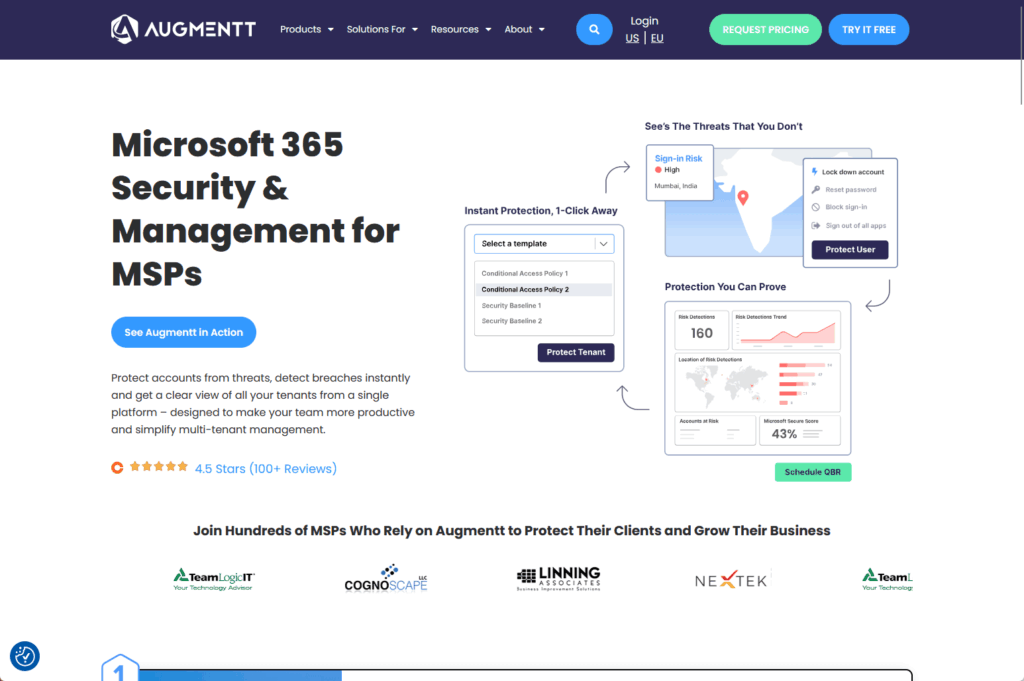
It flags security risks and ties them to license assignments. If a user has overprovisioned access, you see it. If an app is running without a license, you catch it.
Key features:
- SaaS discovery engine with shadow IT identification
- Security risk identification alongside license optimization
- Multi-tenant platform built for MSPs
Augmentt’s design reflects the reality that license sprawl and security risk often walk hand in hand.
A user with access to 10 apps they don’t use is both a license waste and an attack surface problem. The platform surfaces both at once.
Pick this if you’re an MSP managing multiple M365 tenants, or if you need to enforce security and license governance as a single workflow.
5. AdminDroid
AdminDroid is the pragmatic choice if you want robust reporting without heavy deployment overhead or bloated pricing.
The platform gives you 1,400+ alertable events, dedicated license reports that show used and unused units alongside assignment audit trails, and the ability to schedule bulk license operations.
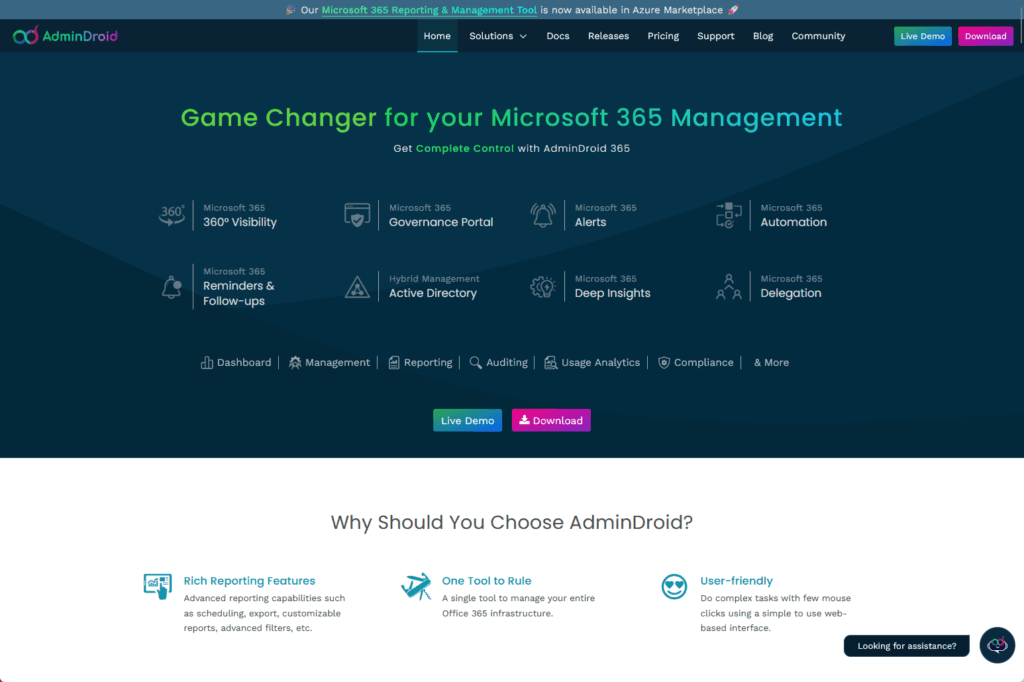
It’s browser-based and multi-tenant, which means you manage multiple organizations from a single tab.
Key features:
- 1,400+ alertable events and reports
- Dedicated license reports with assignment audit trails
- Bulk operations and scheduled task automation
- Multi-tenant support from a single browser tab
And it has a freemium model, so smaller teams can start without budget approval.
AdminDroid won’t do strategic optimization or AI-driven recommendations.
What it does is give you a fast, lightweight way to see what licenses are assigned where, flag unused seats, and make bulk changes without scripting.
Many teams use it for quick wins before upgrading to a larger platform.
Pick this if you want straightforward reporting and bulk operations without complexity, or if budget is a constraint.
6. ManageEngine M365 Manager Plus
ManageEngine M365 Manager Plus is a one-stop platform for teams that want reporting, auditing, and automation all in one product.
It’s web-based, which means no agent deployment, and it’s built around three pillars: visibility, compliance, and automation.
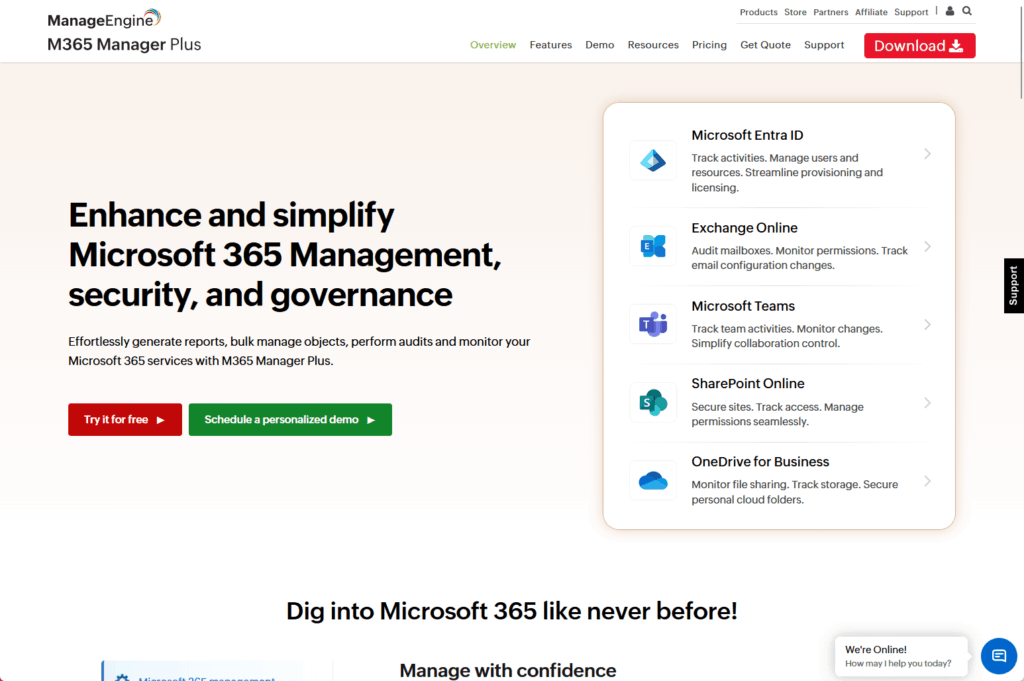
The reporting engine covers licenses, user activity, and compliance posture. The auditing layer tracks every change.
Key features:
- Web-based M365 management without agent deployment
- Reporting, auditing, and automation in one platform
- Bulk license modifications with scheduled task automation
- Built-in ROI calculator and compliance reporting
The automation side handles bulk license modifications, task scheduling, and policy enforcement. Many teams also use the built-in ROI calculator to quantify the value of their M365 investment.
ManageEngine works well for organizations that have a compliance mandate and need to audit every license change.
If you’re subject to SOX, HIPAA, or other regulations, the audit trail is built in and tamper-proof.
Because it handles bulk operations and scheduling, you can automate recurring license tasks like quarterly reviews or onboarding workflows.
Pick this if compliance and audit trails are non-negotiable, or if you want to consolidate reporting, auditing, and automation into one platform.
7. ENow Software
ENow Software specializes in a specific problem that many tools overlook: users who are sitting on expensive licenses they don’t actually use.
Not dormant accounts (which are easy to spot), but active users working productively on a Premium license when a Standard license would fit their workload.
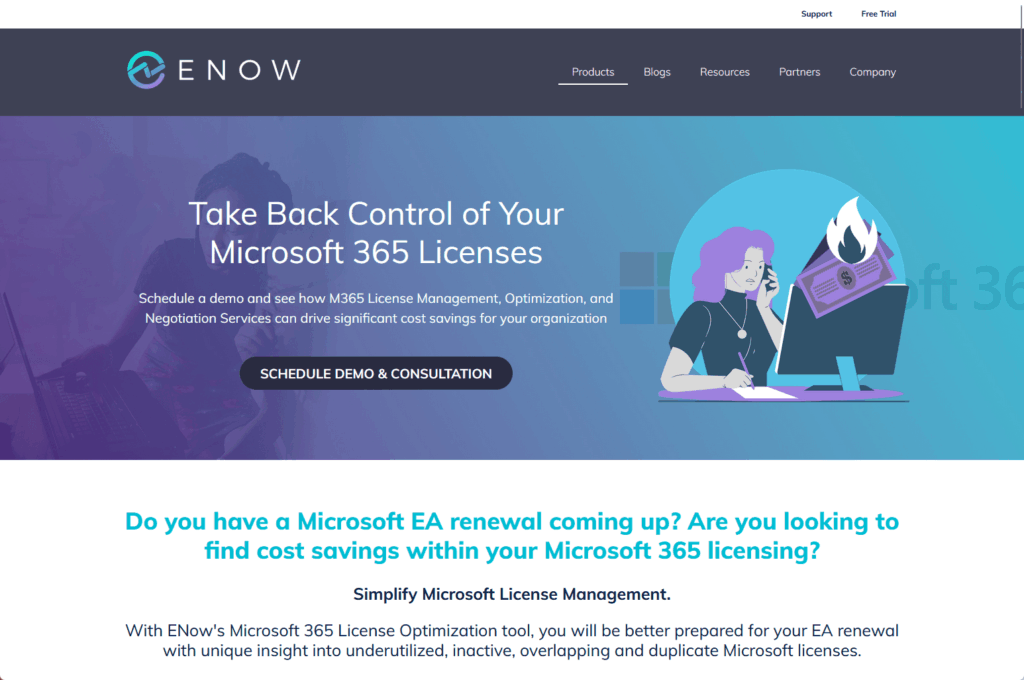
The platform profiles actual user behavior against assigned tier and identifies downgrade candidates.
It shows the cost benefit of each downgrade and the risk level, so you’re not flying blind when making reassignment decisions.
Key features:
- Workload analysis versus assigned tier
- Downgrade candidate identification with risk assessment
- Cost-benefit analysis for tier changes
- Reduces guesswork in M365 license assignments
Here’s the thing: this is where most of the hidden cost lives.
A user might use Teams every day but never touch SharePoint premium features. ENow flags that and shows you the savings if you move them down a tier.
The goal is aligning the license tier to actual workload, and ENow makes that visible.
Pick this if tier right-sizing is your focus, or if you suspect a lot of your premium licenses are overprovisioned.
8. LicenseQ
LicenseQ is the choice for organizations heavily invested in the full Microsoft ecosystem.
If you’re running M365 plus Dynamics 365 plus Azure and trying to optimize across all three, most tools only touch one of them. LicenseQ handles all three from a single platform.

The LicenseQ Hub is a unified dashboard that shows cost, usage, and opportunity across all three products. Consulting expertise is included alongside the automation tool.
Key features:
- M365, Dynamics 365, and Azure license optimization in one platform
- AI-powered user profiling for license optimization
- Single-pane dashboard across all three products
- Consulting expertise included with platform access
The platform uses AI-powered user profiling to surface optimization opportunities across M365, Dynamics 365, and Azure in one place.
Most organizations running all three products spend months trying to piece together optimization insights. LicenseQ integrates the data, so you see the full picture in one place.
Organizations using the platform report average savings of 10 to 20% across their Microsoft licensing spend, which often amounts to six figures.
Pick this if you’re running the full Microsoft stack and need optimization and strategic consulting together.
How to Choose the Right Tool for Your Organization
Don’t buy on reputation alone. Audit tools vary widely, and the right fit depends on five things:
- Integration depth — Does it pull directly from Entra, SharePoint, Teams, and Exchange, or does it require manual log exports?
- Reporting granularity — Can you slice usage and cost by department, cost center, or team, or just by user?
- Automation capabilities — Does it just flag waste or actually reclaim licenses, handle offboarding, and reallocate seats?
- Cost versus ROI — What’s the payback period for your organization size? Typical range is 30 to 60 days, but some tools cost more upfront.
- Ease of deployment — Does it require extensive admin configuration or does it work out of the box?
Use this rough matching guide:
- Small IT team, tight budget: AdminDroid freemium or ENow (straightforward downgrade analysis)
- Mid-market, mixed M365 + Salesforce: Zylo (renewal management + automation)
- Enterprise, governance-heavy: CoreView or Torii (deep integration, compliance focus)
- MSP managing multiple tenants: Augmentt (multi-tenant built in)
- Full Microsoft stack (M365 + D365 + Azure): LicenseQ (ecosystem-focused optimization)
What a Good Audit Actually Uncovers
The savings are bigger than most IT admins expect:
- A large enterprise with 14,362 users found that 28.04% were underutilized, translating to $2,068,128 in annual savings
- An IT services company identified that 10% of E5 users could downgrade to E3, netting $853,000 per year
- A manufacturing firm saw 200% ROI with a 30 to 60 day payback
These aren’t edge cases.
They’re normal.
The numbers are consistent across industries. 29% of SaaS licenses in the average organization go unused or underutilized, and M365 accounts for a large share of that spend.
Audit Before Your Renewal Date
You’ve got a window. If your M365 renewal comes before July 1, 2026, you can lock in current pricing.
Here’s the sequence:
- Deploy an audit tool in the next 4 to 8 weeks
- Let it run for 30 days so you have solid usage data
- Use those findings to right-size licenses, eliminate waste, and negotiate before the price jump hits
If you’re on a renewal cycle after July 1, the price increase is already locked in. You’re still wasting money, and every license category above is now more expensive.
Pick a tool, run the audit, and fix what you find.
Paying for licenses your team isn’t using, and about to pay more for them after July? I help organizations right-size their M365 spend before renewal. Reach out and let’s talk.




























