

Last Updated on October 17, 2025
Are you worried that Dropbox Business isn’t secure enough for your sensitive files?
In this article, I’ll share the top alternatives that offer better security, deeper integration with your tools, and more control over your data.
Let’s get started.
Why Consider Dropbox Alternatives?
The cloud storage market has changed dramatically. File storage has evolved into secure collaboration, compliance, and data protection.
Businesses now need platforms that can handle strict regulations, prevent data breaches, and integrate seamlessly with the tools teams already use.
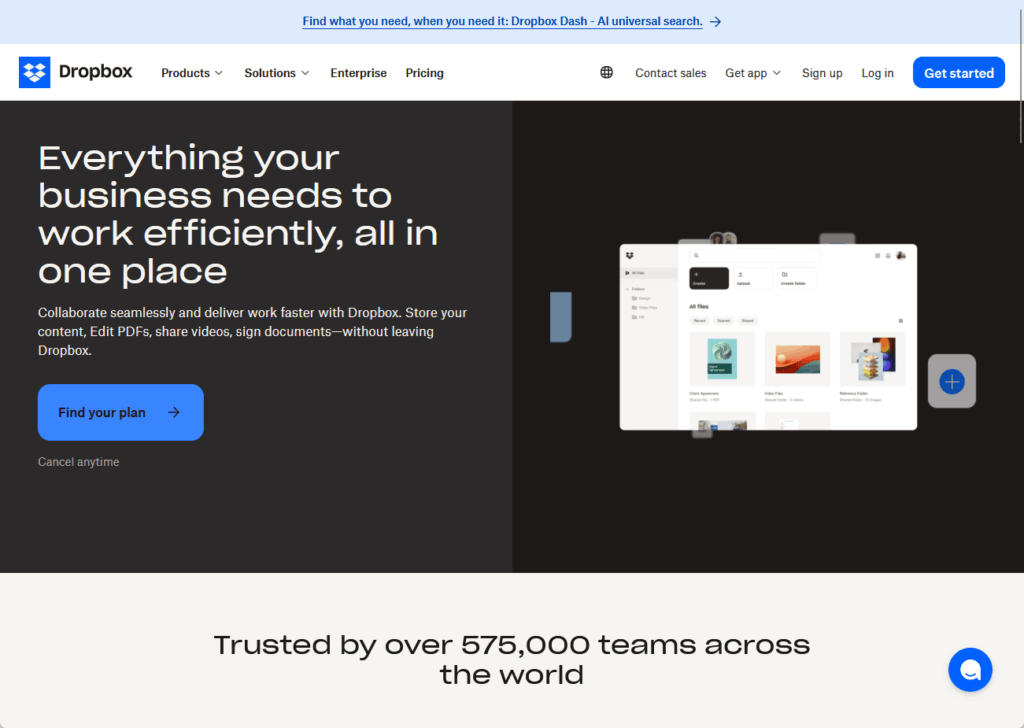
Dropbox Business works well for many companies, but it’s not the only option — and it might not be the best fit for your specific needs.
Here are the main reasons businesses switch from Dropbox:
- Stronger security requirements: Some industries need zero-knowledge encryption that Dropbox doesn’t offer
- Better ecosystem integration: You might get more value from a platform that’s already part of your Microsoft 365 or Google Workspace subscription
- Advanced compliance needs: Regulated industries often need features like customer-managed encryption keys and detailed audit trails
- Cost optimization: Bundled solutions can be cheaper than paying for Dropbox separately
- More administrative control: Large organizations need granular permissions and governance tools
The best alternative depends on your business’s priorities. For sensitive client data, privacy-focused platforms with zero-knowledge encryption are ideal.
If your team already lives in Google Workspace or Microsoft 365, the bundled storage options eliminate friction.
For large enterprises with complex compliance requirements, specialized platforms like Box offer the governance tools you need.
Sign up for exclusive updates, tips, and strategies
The Three Types of Dropbox Alternatives
Not all cloud platforms are built the same way. You can group them into three categories based on what they do best:
The Ecosystem Players
Google Drive and Microsoft OneDrive fall into this group. They work best if you’re already using Google Workspace or Microsoft 365.
Here’s what makes them stand out:
- Seamless integration with the apps you use every day
- Native collaboration tools built right in
- Competitive pricing when bundled with productivity suites
- Familiar interfaces that reduce training time
The main benefit is frictionless workflow. If you use Microsoft 365 or Google Workspace, you don’t need separate storage.
Your files sync automatically with the apps your team already knows. There’s no learning curve, no extra subscription to manage, and no integration headaches.
The Enterprise Specialists
Box and Egnyte are built for large organizations with complex needs. They focus on advanced security, governance, and compliance features.
Here’s what sets them apart:
- Granular administrative controls for managing users and permissions
- Advanced compliance certifications for regulated industries
- Sophisticated workflow automation tools
- Extensive third-party app integration ecosystems
These platforms give you fine-grained control over who can access what. They’re designed for organizations where data governance isn’t optional.
But higher cost is the trade-off for standard features like customer-managed encryption keys, AI-powered threat detection, and automated retention policies.
The Privacy Champions
Sync.com and Tresorit use zero-knowledge encryption. This means the service provider cannot access your files, even if they wanted to.
Here’s what they offer:
- End-to-end encryption that happens on your device
- Complete privacy where the provider has no access to your data
- Compliance with strict privacy regulations like HIPAA and GDPR
- Protection for sensitive client data and intellectual property
These are the most secure options, but they trade some features for privacy. You won’t get real-time browser editing, but you’ll get absolute confidentiality.
For law firms, healthcare providers, and businesses handling sensitive IP, this is the right choice.
The encryption happens before files leave your device, so the service provider only ever sees encrypted, unreadable data.
The Best Dropbox Business Alternatives
Let’s break down the leading platforms and what makes each one worth considering. Each serves a different type of business with specific needs.
Here’s how the major platforms compare at a glance.
| Platform | Best For | Starting Price | Storage | Encryption Type | Key Feature |
| Google Drive | Google Workspace users | $7/user/month | 30 GB pooled | Server-side | Real-time collaboration |
| Microsoft OneDrive | Microsoft 365 users | $6/user/month | 1 TB per user | Server-side | Deep Windows integration |
| Box | Large enterprises | $24/user/month | Unlimited | Server-side (KeySafe available) | Advanced governance |
| Sync.com | Budget-conscious security | $6/user/month | 1 TB per user | Zero-knowledge | Affordable privacy |
| Tresorit | Premium security needs | ~$24/user/month | 1 TB per user | Zero-knowledge | Swiss privacy + controls |
This table shows the core differences at entry-level pricing. Most platforms offer higher-tier plans with more storage and features.
Google Drive: Best for Google Workspace Users
Google Drive makes the most sense if you already pay for Google Workspace.
It goes beyond simple storage and functions as a collaboration hub where multiple people can edit the same document at the same time.
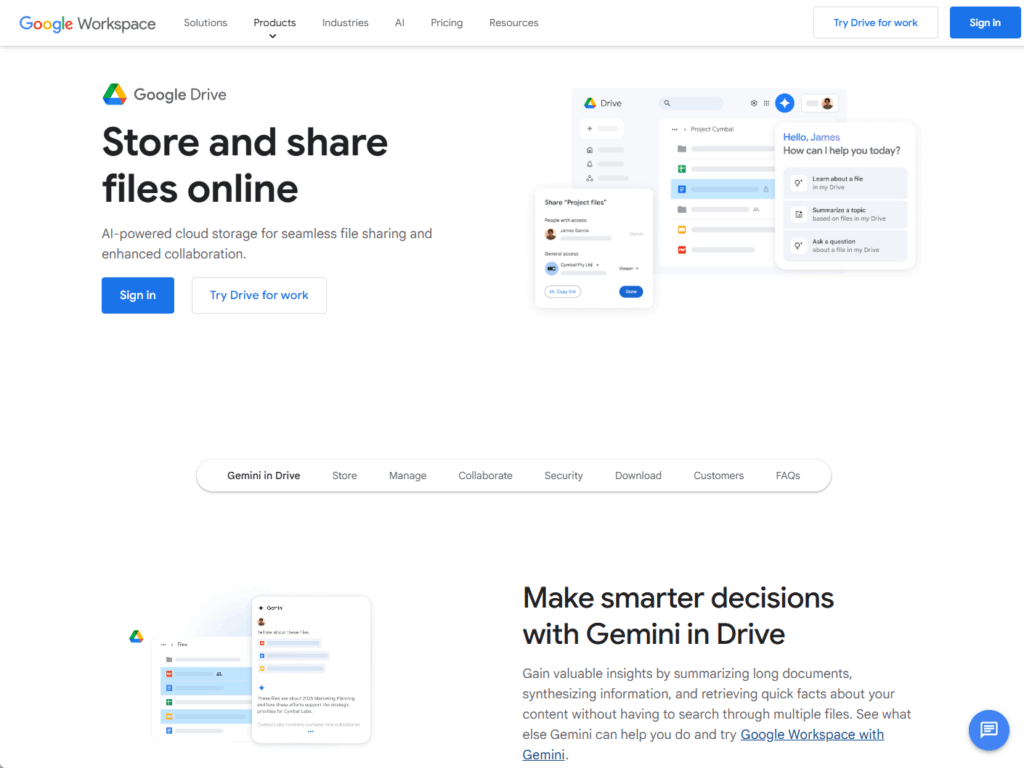
For pricing, the Business Starter plan is $7 per user/month for 30 GB pooled storage. The Business Standard plan is $14 per user/month for 2 TB per user.
Key features and considerations:
- Real-time collaboration in Docs, Sheets, and Slides
- Powerful search that finds text inside documents and PDFs
- Integrates with Asana, Slack, and Trello for project management
- 750 GB daily upload limit can slow down large migrations
- No block-level sync means re-uploading entire files when making small changes
Files are encrypted with 256-bit SSL/TLS when you upload them. Google uses 128-bit or 256-bit AES encryption to protect files at rest.
But Google is not a zero-knowledge platform. Google holds the encryption keys, which means it can technically access your data.
The platform supports HIPAA compliance and will sign a Business Associate Agreement. It also meets GDPR, SOC 2, and ISO 27001 standards.
Microsoft OneDrive: Best for Microsoft 365 Users
OneDrive is the obvious choice if your business runs on Microsoft 365. It’s deeply integrated with Windows and the Office apps most people already know.
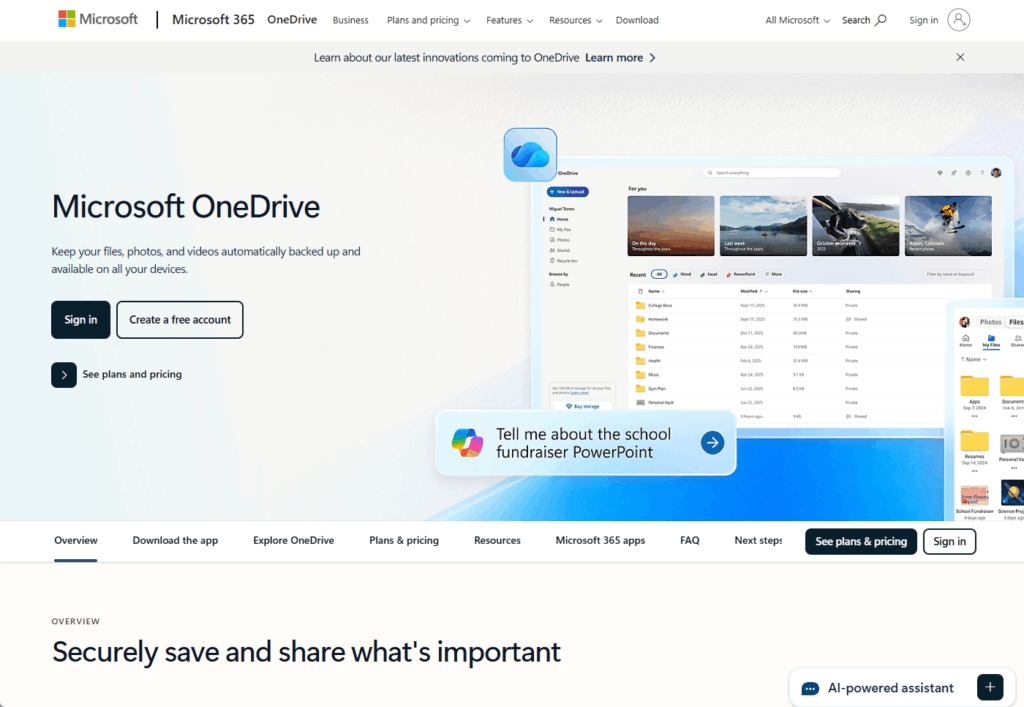
Most Microsoft 365 Business plans start with 1 TB of storage per user. That’s more than Google’s entry-level offering at a similar price.
Key features and benefits:
- Works like a local drive on Windows computers with automatic syncing
- Real-time co-authoring in Word, Excel, and PowerPoint
- Microsoft Teams integration for sharing files during meetings
- Differential sync only uploads the parts of a file that changed
- Maximum file size of 250 GB
The Business Basic plan, at $6/user/month, includes Microsoft Teams and web Office versions. The Business Standard plan costs $12.50/user/month and adds the full desktop Office suite.
OneDrive encrypts files with AES-256 at rest and TLS during transfer, but like Google Drive, it’s not zero-knowledge as Microsoft holds the encryption keys.
Personal Vault adds extra protection for specific files with stronger authentication. OneDrive meets HIPAA, GDPR, and SOC 2 standards.
Box: Best for Enterprise Security and Governance
Box is built for large organizations that need serious control over their data. It’s trusted by most Fortune 500 companies for a reason.
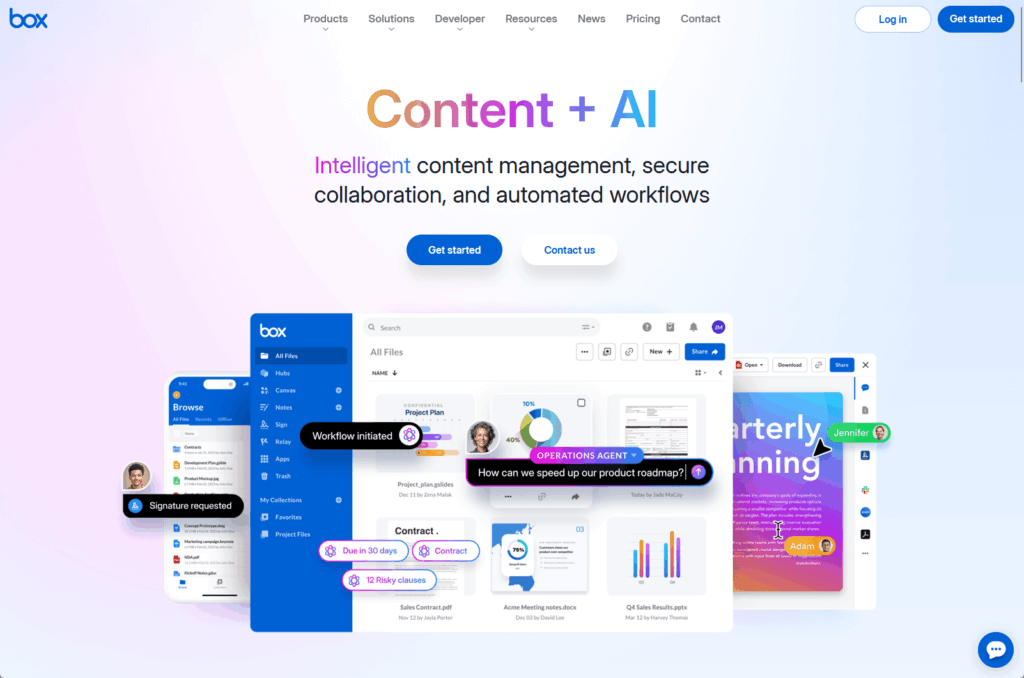
All business plans include unlimited storage. That removes capacity concerns for teams that handle large files.
Core capabilities:
- Integration with over 1,500 third-party apps
- Box KeySafe for managing your own encryption keys
- Box Shield uses AI to detect threats and enforce Data Loss Prevention
- Box Governance manages content lifecycle with automated retention policies
- Native tools like Box Notes and Box Canvas for collaboration
Box KeySafe gives you complete control over your data. Box employees cannot access your files when you manage your own encryption keys.
Box Shield uses AI to classify data, detect threats like ransomware, and prevent sensitive information from being shared inappropriately.
Business plans range from $24 to $54 per user per month, with tiers including Business, Business Plus, Enterprise, and Enterprise Plus.
Here’s the catch: the most powerful features like KeySafe, Shield, and Governance are add-ons or only available in the expensive Enterprise tiers.
The total cost of ownership can get high quickly.
Sync.com: Best Value for Zero-Knowledge Security
Sync.com offers small businesses top-tier security at a reasonable price, ideal for those prioritizing privacy over advanced collaboration.
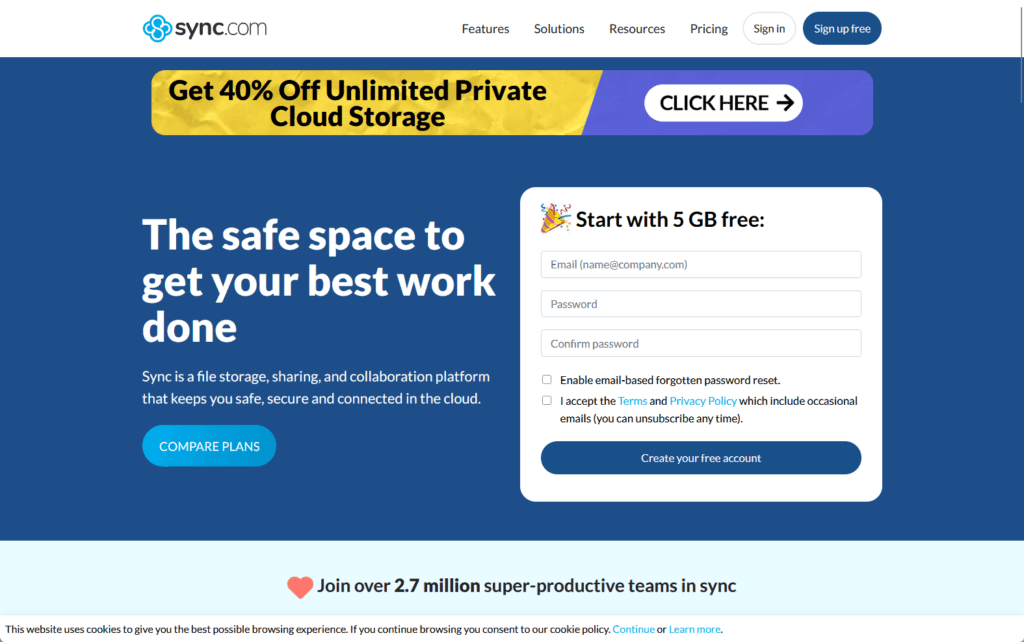
With zero-knowledge encryption, Sync.com never receives your encryption keys, so even if Sync.com wanted to access your files, it couldn’t.
What you get:
- End-to-end encryption on all files by default
- File versioning with 180 to 365 days of recovery history
- HIPAA and GDPR compliance with Business Associate Agreement available
- Team folders for secure collaboration
- Two-factor authentication and remote device wipe
Teams Standard is $6/user/month for 1 TB. Teams+ Unlimited is $15/user/month for unlimited storage. They’re the most cost-effective for zero-knowledge security.
The trade-off is that you lose some features like real-time browser editing. The UI is basic with limited third-party integrations compared to competitors like Dropbox.
But for businesses that prioritize privacy above all else, these limitations are worth it. Your data stays private, even from Sync.com itself.
Tresorit: Premium Zero-Knowledge Security
Tresorit combines zero-knowledge encryption with enterprise-grade features. It’s based in Switzerland, which has some of the world’s strongest privacy laws.
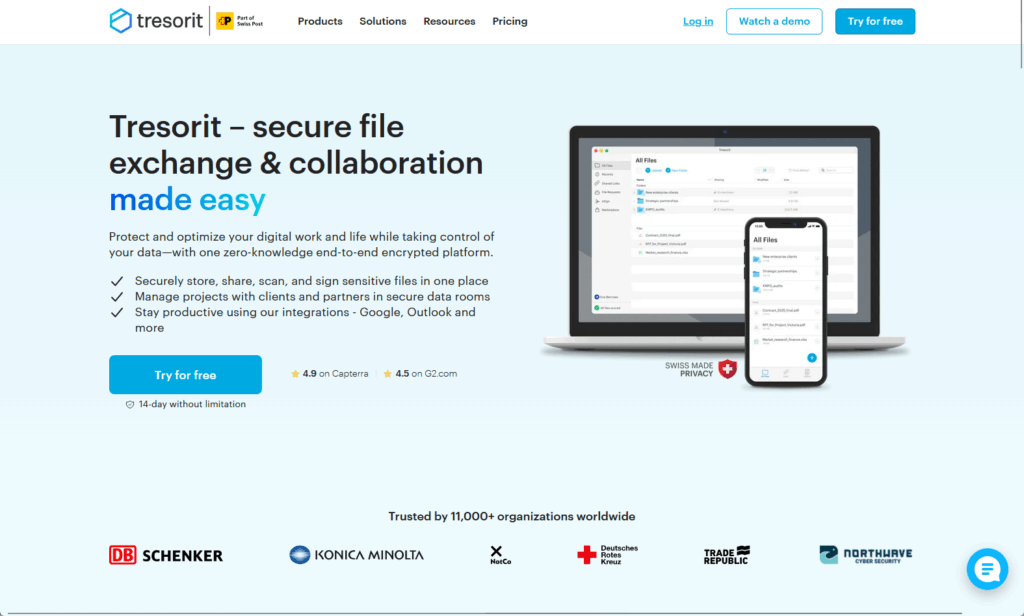
Like Sync.com, Tresorit encrypts all files on your device before upload. No one at Tresorit can access your data.
Key advantages:
- Swiss-based hosting with strict privacy protections
- More administrative controls than Sync.com for larger teams
- Data residency options to choose where your data is stored
- Integration with Outlook and Gmail for secure email attachments
- Single sign-on support with providers like Okta
The Business Standard plan costs around $24 per user per month (€12) for 1 TB. The Business Professional plan costs around $27.49 per user per month (€16) for 2 TB.
Tresorit, ISO 27001 certified and HIPAA/GDPR compliant, offers stronger administrative controls than Sync.com, but at a higher cost.
The Swiss location matters for businesses that need to demonstrate data sovereignty. Data storage in specific regions is an option for regulatory compliance.
How to Choose the Right Alternative
Don’t pick a platform based on features alone. Start by understanding what your business actually needs.
Here are the critical questions to answer:
- Security and compliance: What regulations apply to your business: HIPAA, GDPR, PIPEDA, or something else?
- Data sensitivity: Do you handle sensitive data that requires zero-knowledge encryption?
- Current ecosystem: Are you already paying for Microsoft 365 or Google Workspace?
- Integration needs: What other apps does your team use daily, like Salesforce, Slack, or Zoom?
- Collaboration style: Does your team need to edit documents together in real time?
- File types: Do you mainly share large files like videos, design mockups, or legal documents?
- Budget: What’s your budget per user per month?
- Scale: Will you need to add more users quickly as you grow?
The answers to these questions will point you toward the right category. If you’re on Microsoft 365, OneDrive makes sense.
If privacy is your top concern, look at Sync.com or Tresorit. But if you need advanced governance for a large organization, Box is the answer.
Recommendations by Business Type
Here’s what makes sense for different kinds of businesses. Match your situation to one of these profiles.
Small Business Already on Microsoft 365
You’re already paying for it. The integration with Office apps and Windows is seamless.
Why OneDrive works:
- Already included in your Microsoft 365 subscription
- 1 TB per user at $6 per user per month for Business Basic
- Familiar interface for anyone who uses Windows
- Real-time collaboration in Office apps
At $6 per user per month for 1 TB, it’s hard to beat the value. You don’t need to train people on a new system.
The files sync automatically to their computers. People can work on documents offline and everything syncs when they’re back online.
Security-First Startup or Law Firm
If data privacy is your top priority, you need zero-knowledge encryption. Standard server-side encryption isn’t enough when you’re handling client confidentials.
Your best options:
- Sync.com offers the best value at $6 per user per month
- Tresorit costs more but gives you stronger administrative controls
- Both provide Swiss-level privacy protection
- HIPAA compliance with Business Associate Agreements available
Sync.com works for budget-conscious teams. Tresorit makes sense if you need more control and don’t mind paying $24 per user per month.
Either way, you get absolute privacy. The service provider never has access to your encryption keys or your data.
Large Regulated Enterprise
Box is built for organizations with complex compliance requirements. It’s the platform of choice for Fortune 500 companies in regulated industries.
Why Box stands out:
- Box KeySafe lets you manage your own encryption keys
- Box Shield and Governance handle advanced compliance needs
- Supports FedRAMP High for government agencies
- Unlimited storage on all business plans
Plans start at $24 per user per month. The real value comes from the advanced security and governance features, but require higher-tier plans.
Box scales well as your organization grows. The administrative controls let you manage thousands of users with different permission levels across multiple departments.
Google Workspace Power Users
If your team lives in Google Docs, Sheets, and Slides, stick with Google Drive. The real-time collaboration features are unmatched.
Google Drive advantages:
- Seamless integration with Google Workspace apps
- Real-time co-editing with multiple users
- Powerful search that finds text inside documents
- Starting at $7 per user per month for 30 GB pooled
Search is powerful, and the integration is frictionless. You won’t find better collaboration tools for document-heavy teams.
The ability to see changes in real time as teammates edit documents eliminates version control issues. Everyone’s always working on the latest version.
Security Matters More Than Storage
Cloud storage has evolved beyond just storing files. Today, security, compliance, and integration matter more than gigabytes.
The best platform for your business depends on three things: the ecosystem you already use, your security requirements, and your budget.
The right choice saves time, protects sensitive data, and makes collaboration easier instead of harder. Don’t make this decision in a hurry.
Do you have questions about choosing the right Dropbox alternative for your business? Let me know.
For any business-related queries or concerns, contact me through the contact form. I always reply. 🙂




























