
Table of Contents:
- What is digital workflow automation in practical terms?
- How digital workflow automation works
- What digital workflow automation is not
- Why organizations invest in digital workflow automation
- Common examples of digital workflow automation
- Where digital workflow automation succeeds – and where it struggles
- What to look for in a good automation strategy
- What is digital workflow automation really solving?
Last Updated on May 26, 2026
A purchase request sits in someone’s inbox for three days. An employee onboarding form gets forwarded twice and still misses IT. A contract approval stalls because nobody knows who owns the next step. If those problems sound familiar, the real issue is not just delay. It is process design. That is where understanding what is digital workflow automation becomes useful for any organization trying to reduce friction and get more value from Microsoft 365 and related business systems.
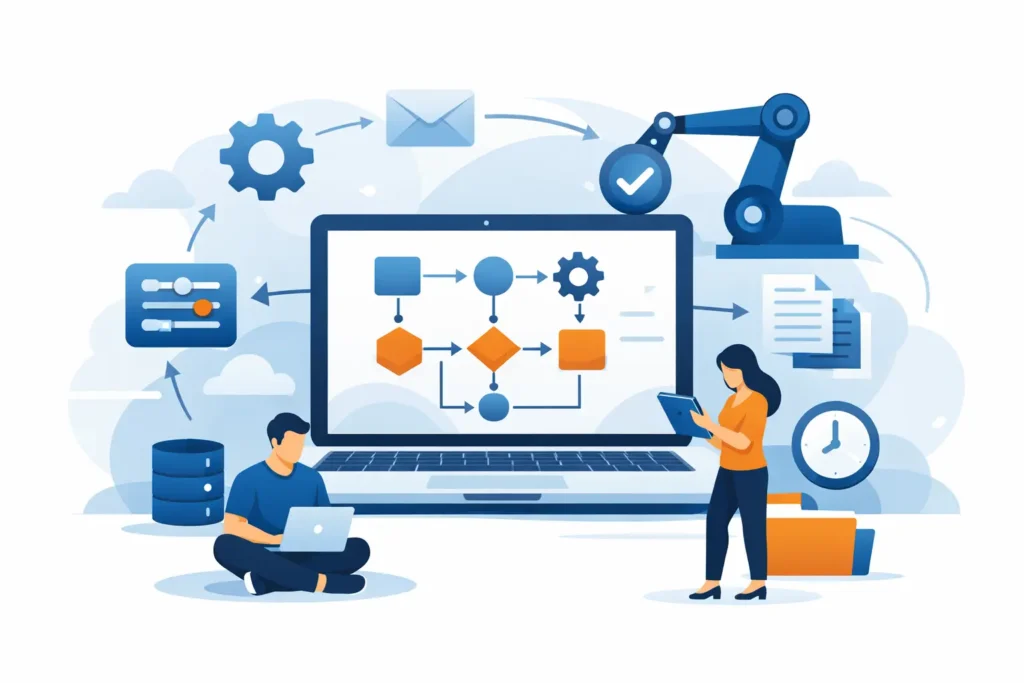
Digital workflow automation is the use of software to move tasks, data, approvals, and notifications through a defined business process without relying on manual handoffs at every step. Instead of people chasing emails, rekeying the same information into multiple systems, or guessing who should act next, the workflow follows a set of rules. Those rules determine what happens, when it happens, and who is responsible.
At a basic level, this can be as simple as routing a form submission to a manager for approval and then notifying HR. At a more advanced level, it can include conditional logic, document generation, system integrations, audit trails, exception handling, and role-based permissions across departments.
The key point is that automation does not replace the process itself. It executes the process more consistently.
What is digital workflow automation in practical terms?
In practical terms, digital workflow automation takes a repeatable business activity and turns it into a managed flow inside a digital platform. The platform might be Microsoft Power Automate, Nintex, K2, or another business process tool, but the goal is the same. Reduce manual effort, shorten cycle times, and increase visibility.
Think about common operational processes such as invoice approvals, contract reviews, policy acknowledgments, service requests, employee onboarding, capital expenditure requests, or document routing. Most organizations already have a process for these. The problem is that the process often lives in email threads, spreadsheets, hallway conversations, and tribal knowledge.
Automation brings structure. It defines the trigger, the steps, the decisions, the approvals, the deadlines, and the records created along the way. That structure matters because a process that depends on memory is hard to scale and even harder to govern.
Sign up for exclusive updates, tips, and strategies
How digital workflow automation works
Every automated workflow starts with a trigger. That trigger could be a submitted form, a new document, a list item update, an incoming email, or a scheduled event. Once triggered, the workflow performs one or more actions based on predefined rules.
Those actions might include assigning a task, sending an approval request, updating a system record, generating a document, or notifying stakeholders. If the workflow includes decision points, it evaluates conditions and routes the item accordingly. For example, an expense request under a certain dollar amount may go to a department manager, while a larger request may also require finance review.
A well-designed workflow also captures status and history. That means users can see where something is, who approved it, what changed, and whether any deadlines were missed. For leaders, that visibility turns process management into something measurable instead of anecdotal.
What digital workflow automation is not
It helps to clear up a common misconception. Digital workflow automation is not just sending automated emails. Email alerts can be part of a workflow, but if people still have to interpret the message, find the right files, and manually push work to the next person, the process is only partially improved.
It is also not the same as broad business process transformation. Automation can support transformation, but automating a broken process usually makes the broken process move faster. If approvals are unnecessary, roles are unclear, or forms collect irrelevant information, those issues should be addressed before or during implementation.
And it is not always a full replacement for human judgment. Many processes still require decisions, exceptions, and oversight. The goal is not to remove people from every step. The goal is to remove unnecessary manual work so people can focus on the steps that actually need expertise.
Why organizations invest in digital workflow automation
Most organizations do not pursue automation because it sounds modern. They pursue it because manual processes are expensive in ways that do not always show up on a budget line.
Every delayed approval slows work downstream. Every duplicate data entry introduces risk. Every process that lives in email creates dependency on individual employees and limits accountability. Over time, those inefficiencies affect customer response times, employee experience, compliance posture, and operating cost.
Digital workflow automation addresses those issues by making work more predictable. Approvals happen in the right order. Required fields are captured up front. Escalations can occur automatically when deadlines are missed. Managers no longer need to ask for status updates because the system provides them.
For executives and operational leaders, the value usually shows up in four areas: faster cycle times, fewer errors, stronger governance, and better use of existing software investments. For IT, there is an added benefit. Standardized workflows reduce the support burden created by one-off workarounds and disconnected tools.
Common examples of digital workflow automation
The strongest automation candidates are processes that are frequent, rule-based, and important enough that delays or errors create real business impact. Employee onboarding is a good example. A single request can trigger tasks for HR, hiring managers, IT, facilities, and security. Without automation, that coordination often breaks down.
Procurement and purchasing workflows are another common fit. Requests can be submitted through a structured form, routed by spend level or department, and documented for audit purposes. Contract review is similar, especially when legal, finance, and business stakeholders all need visibility and signoff.
Even simpler processes can create value when automated. PTO requests, policy attestations, incident reporting, document review cycles, and service desk escalations may not sound strategic on their own, but together they shape how efficiently the organization runs.
Where digital workflow automation succeeds – and where it struggles
Automation works best when the process is reasonably stable and the business rules are clear. If the same request follows similar paths most of the time, it is usually a strong candidate. If roles are defined and the required data is known at the start, implementation tends to be smoother and adoption improves.
It gets harder when the process changes constantly, relies on informal judgment, or has too many exceptions. That does not mean automation is impossible. It means the design needs more care. Sometimes the right move is partial automation, where the system handles intake, routing, and tracking while humans manage the more complex decision points.
There is also a platform consideration. A tool that works well for simple approvals may not be the right fit for more sophisticated cross-system processes. This is why technology selection should follow business requirements, not the other way around.
What to look for in a good automation strategy
A good automation strategy starts with process clarity, not software features. Before building anything, define the current process, identify the pain points, and decide what success should look like. Is the priority speed, compliance, cost reduction, user experience, or all of the above?
From there, focus on the points where work gets stuck, duplicated, or lost. Those are often the highest-value opportunities. Build with governance in mind as well. Ownership, change control, permissions, and reporting should be part of the design from the beginning, especially in regulated or fast-growing environments.
It also pays to think beyond the first workflow. Many organizations start with one high-impact use case and then realize they need a repeatable model for scaling automation across departments. That is where standards, documentation, and platform alignment become critical.
For companies already invested in Microsoft 365, this is often a practical advantage. Existing tools can support meaningful automation when they are implemented with the right architecture and business logic. The difference between a quick fix and a durable solution usually comes down to design discipline.
What is digital workflow automation really solving?
At its core, digital workflow automation solves for uncertainty. It replaces vague handoffs with defined steps. It reduces dependence on memory and inbox management. It creates accountability without requiring constant follow-up.
That matters because operational friction is rarely caused by one dramatic failure. More often, it comes from dozens of small delays, unclear responsibilities, and inconsistent execution. Automation gives organizations a way to standardize how work moves while still leaving room for human oversight where it is needed.
The best implementations do not start with the question, “What can we automate?” They start with, “Where is work slowing down, and what is that costing us?” That shift in thinking leads to better priorities, stronger adoption, and more measurable results.
If your teams are still managing critical processes through email, spreadsheets, and manual follow-ups, the opportunity is probably larger than it looks. The right workflow automation approach does more than save time. It helps the business operate with more control, more consistency, and far less drag.




























