SharePoint

Physical Shared Drive vs. SharePoint: Which Is Better?

Physical Shared Drive vs. SharePoint: Which Is Better?

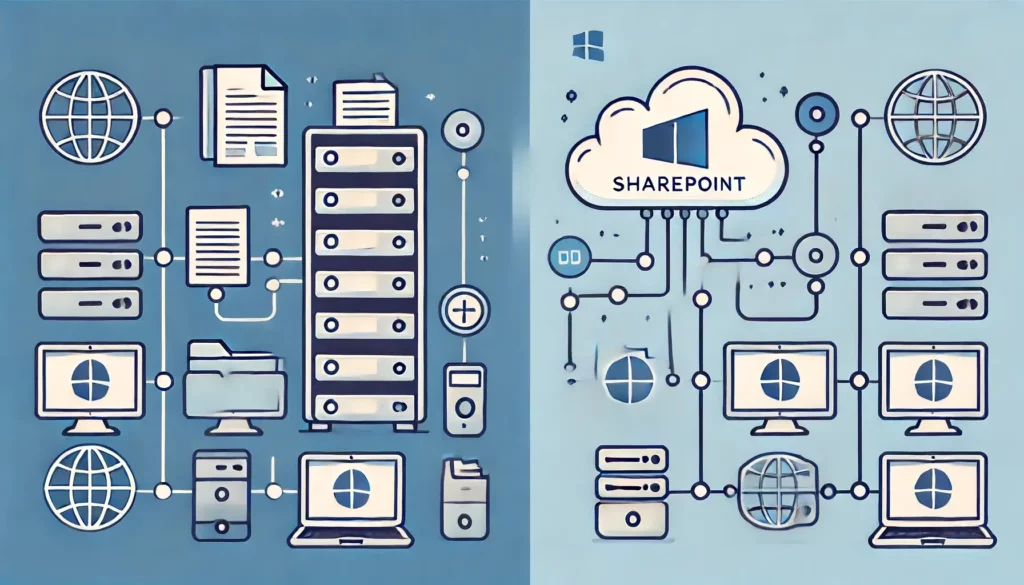
Not sure which data storage to go with? In this guide, let’s talk about physical shared drive vs. SharePoint in several key factors that can help you decide. Let’s get started. What is SharePoint? SharePoint is a web-based platform that integrates seamlessly within the Microsoft 365 ecosystem. It allows organizations to store, share, and collaborate on files through a secure online library. SharePoint enhances productivity and teamwork by centralizing document management. Key features: 👉 Related: SharePoint Online Features: The Power of SharePoint Online SharePoint offers significant benefits for document management and collaboration. It enables teams to access and edit documents […]

Physical Shared Drive vs. SharePoint: Which Is Better? Read More »

SharePoint vs OneDrive: Pros and Cons (Comparison)

SharePoint vs OneDrive: Pros and Cons (2026 Comparison)

How does SharePoint differ from OneDrive? In this article, let’s compare SharePoint and OneDrive, and talk about their pros and cons against each other. Let’s get started. What is SharePoint? SharePoint is a powerful platform developed by Microsoft for document management and team collaboration. It is widely used by enterprises to create intranets, manage content, and facilitate team workflows. Key Features: The platform can be deployed on-premises or used as a cloud-based service through SharePoint Online. Its scalability ensures it can grow with your organization, accommodating increasing amounts of data and users over time 👉 Related: SharePoint Tips for Beginners:

SharePoint vs OneDrive: Pros and Cons (2026 Comparison) Read More »

How to Set Unique Permissions on a SharePoint Subsite Only

How to Set Unique Permissions on a SharePoint Subsite Only

Need to set up unique permissions for a subsite? In this guide, I will walk you through setting unique permissions for a subsite in SharePoint Online. Let’s get started. Why set unique permissions for a subsite? Setting unique permissions can significantly improve how you manage access and security within your organization. It ensures that only the right people have the right level of access to specific content. Additionally, setting unique permissions can simplify user management and auditing processes. It allows administrators to quickly see who has access to what and make necessary adjustments. 👉 Related: SharePoint Groups & Permissions Explained:

How to Set Unique Permissions on a SharePoint Subsite Only Read More »

How to Edit PDF in SharePoint Online Without Acrobat

How to Edit PDF in SharePoint Online Without Acrobat (2026)

Got a PDF you need to edit? In this guide, I will walk you through how to edit a PDF in SharePoint Online without using Adobe Acrobat. Let’s get started. The Challenge of Editing PDFs Without Acrobat Editing PDFs in SharePoint Online without using Adobe Acrobat presents several hurdles for users. Before the native tool in SharePoint came, users were left to download the document and edit it offline. This is inefficient because: Thankfully, that’s not the case anymore — at least for basic editing purposes. Native PDF Editing in SharePoint Online There’s now a built-in PDF editor that offers basic functionalities

How to Edit PDF in SharePoint Online Without Acrobat (2026) Read More »

How to Create a Document Library in SharePoint Online

How to Create a Document Library in SharePoint Online (2026)

Need to create a document library? In this guide, I will walk you through creating a document library, step-by-step, and much more. Let’s get started. What is a document library? A document library is a specialized folder where you can store, organize, and manage various documents and files. It provides a centralized location for team members to: Technically speaking though, a document library is still a list — although it’s designed to store files. Key features: Document libraries support a wide range of file types and integrate seamlessly with other Microsoft 365 applications. Moreover, document libraries can be customized with different views

How to Create a Document Library in SharePoint Online (2026) Read More »

How to Connect Lists and Libraries in SharePoint Online

How to Connect Lists and Libraries in SharePoint Online

Need to connect a certain list and library? In this guide, I will walk you through connecting a list and a library in SharePoint Online easily. Let’s get started. Lookup Column (Connection) When you set up a lookup column, it creates a direct link between your list and library. This allows you to pull information from the list into your library and maintain a cohesive and organized structure. For this guide, I will be using these: Both the list and library have a common column — project name — which I will use as the lookup field. ⚠️ Note: Power Automate isn’t included here.

How to Connect Lists and Libraries in SharePoint Online Read More »

Copy List Items to Another List: SharePoint – Power Automate

Copy List Items To Another List: SharePoint And Power Automate Tutorial

Need to copy the list items? In this guide, I will walk you through one of the easiest methods of copying list items from one list to another in SharePoint. Let’s get started. Copying the List Items As you may know already, you can create a list in SharePoint from an existing list. Unfortunately, this doesn’t copy the list items — only the columns — leaving you with an empty list. This won’t work, especially if you need a replica of all the SharePoint list items. This leaves you with two choices: The first one works easily, but it can take time, especially if

Copy List Items To Another List: SharePoint And Power Automate Tutorial Read More »

How to Create and Use a SharePoint Brand Center

How to Create and Use a SharePoint Brand Center (2026)

Heard of the new SharePoint brand center? In this guide, let’s talk about the SharePoint brand center feature, what it is, and how to set one up easily. Let’s get started. What is a SharePoint brand center? This new SharePoint brand center is a tool designed to help organizations manage their branding assets centrally. Technically, it will allow global administrators to control and customize brand elements such as: All that crosses SharePoint and Viva Connections experiences. The key features of the brand center feature revolve around three main key features: Having a centralized branding management application simplifies the process of

How to Create and Use a SharePoint Brand Center (2026) Read More »

SharePoint Team Site vs Communication Site (Differences)

SharePoint Team Site vs Communication Site (Differences)

Not sure how these sites differ? In this guide, let’s talk about the differences between team sites and communication sites in SharePoint and their key features. Let’s get started. What are SharePoint team sites? SharePoint team sites are collaborative platforms designed to facilitate teamwork and project management. These sites provide a centralized space for team members to: This type of site is ideal for groups working together on projects as there are tools and features for productivity. 👉 Related: SharePoint 101: Types of Sites in SharePoint Online As for how they’re used, they’re typically linked to a specific project or

SharePoint Team Site vs Communication Site (Differences) Read More »

How to Add Mailto Link in SharePoint: All Possible Solutions

How to Add Mailto Link in SharePoint: All Possible Solutions

Want to use mailto in SharePoint? In this guide, I’ll show you the different methods for adding a mailto link in SharePoint Online modern pages. Let’s get started! What is a mailto link? Mailto links are simply tools that prompt the user’s default email client to open a new message window when clicked. The basic structure of a mailto link is straightforward: mailto: You can also enhance them by adding additional parameters for subject lines, body text, cc, and bcc fields. Mailto links are beneficial for a few reasons: Users can click on a mailto link associated with specific documents

How to Add Mailto Link in SharePoint: All Possible Solutions Read More »

Scroll to Top