

Every new client I work with inherits the same thing:
Five product names they’ve heard in a Microsoft briefing, connectors nobody explained, and a licensing model that quietly breaks apps in production.
Before we build anything, I need them to understand:
- What each product is actually for, not the marketing version
- How the data backbone works, and when SharePoint lists aren’t enough
- Where the licensing line is, and what’s already included in their M365 plan
- What governance looks like before the apps multiply
Most teams are further along than they think. They’ve got a flow or two, maybe a Power Apps form, maybe a Power BI dashboard somewhere.
But they’re building in isolation, without a shared map of how the pieces connect.
This is the map I walk through before we touch anything. Plain English, no hype, and the connective tissue Microsoft leaves out.
Table of Contents:
- The Five Core Products (And What Each One Actually Does)
- Dataverse, The Backbone Nobody Talks About
- How It All Connects, The Ecosystem Map
- Where SharePoint Fits
- Licensing, What’s Included and What Costs Extra
- Where the Platform Is Going
- Environments and the Governance Layer
- Where Power Platform Ends and Azure Begins
- Five Mistakes That Derail Power Platform Deployments
- Map It Before You Build It
The Five Core Products (And What Each One Actually Does)
Here’s the quick-reference version before we get into the weeds. Pin this somewhere your team can find it.
| Product | What It Does | Who Uses It | Typical Use Case |
|---|---|---|---|
| Power BI | Data visualization and business intelligence | Analysts, managers, execs | Operational dashboards, sales reporting |
| Power Apps | Low-code app building (canvas and model-driven) | Business users, makers, devs | Leave request app, inventory tracker |
| Power Automate | Workflow automation (cloud and desktop flows) | Makers, admins, ops teams | Approval routing, SharePoint notifications |
| Power Pages | Low-code external website builder | Makers, web teams | Public portals, partner sign-up pages |
| Copilot Studio | Conversational AI agent builder | Makers, support teams | Custom chatbots, Copilot extensions |
Power BI is the anchor of the platform. It’s where your data turns into something a manager can actually read and act on.
If you want operational visibility and decisions backed by numbers instead of gut feel, this is the layer.
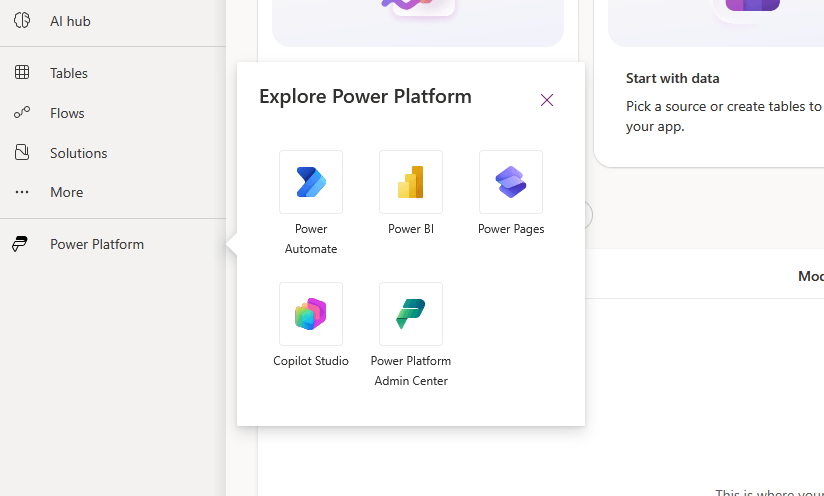
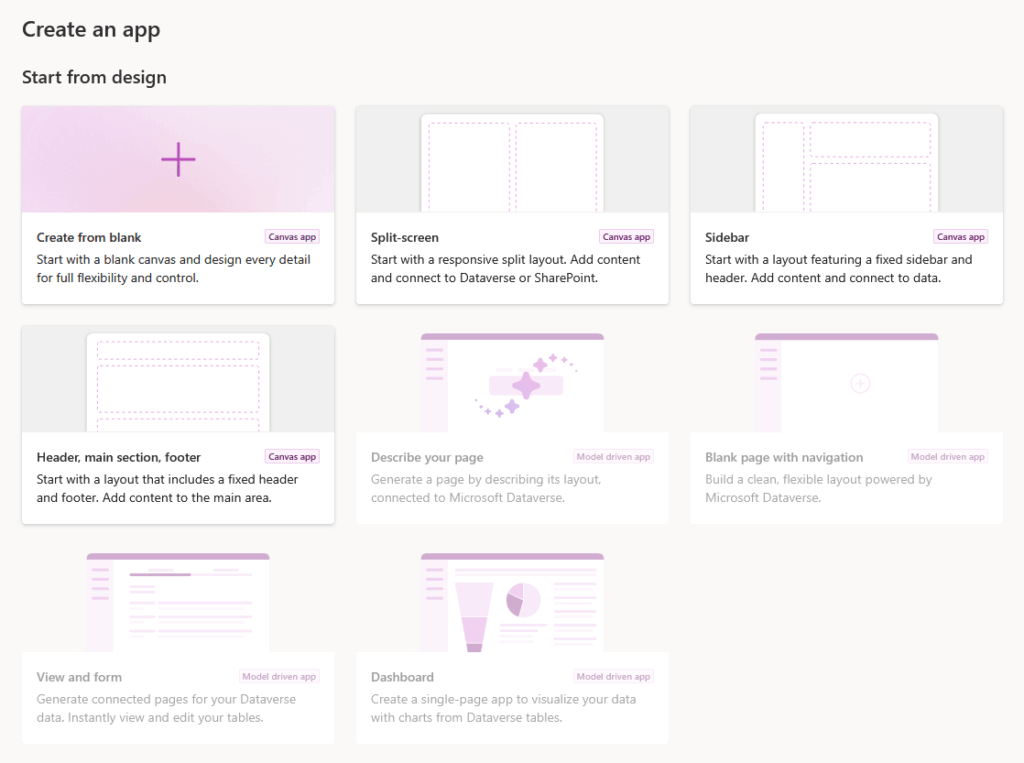
Power Apps is the low-code app environment, and it splits two ways:
- Canvas apps are for line-of-business workers who need a simple front-end fast.
- Model-driven apps handle complex relational data, the kind of scenario where you’ve got dozens of related tables and real business logic underneath.
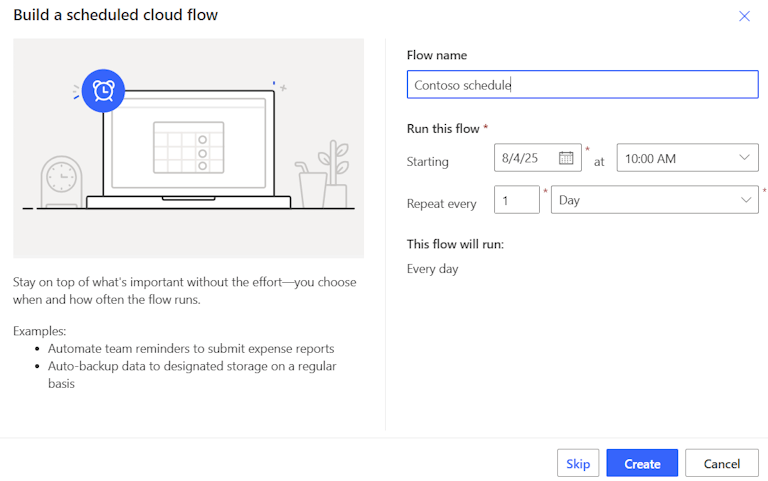
Power Automate is the workflow engine. It runs cloud flows and desktop flows, and it triggers off 1,400+ other services: SharePoint, Outlook, Teams, and hundreds more.
This is the glue most people don’t notice until it stops working.
Power Pages builds external-facing sites. Think secure public portals and partner web experiences, low-code, without standing up a full web stack.
Copilot Studio (formerly Power Virtual Agents) builds conversational AI for custom agents and Copilot extensions, including chatbots, IVR, and integrations that plug into Microsoft 365 Copilot.
It’s the newest piece, and the one Microsoft is betting hardest on.
Sign up for exclusive updates, tips, and strategies
Dataverse, The Backbone Nobody Talks About
Here’s the thing – most ecosystem diagrams show you the five products and stop, skipping the part that actually holds it all together.
| Factor | SharePoint Lists | Dataverse |
|---|---|---|
| Best for | Team collaboration, lightweight tracking | Business-critical apps, relational data |
| Security | List and item-level permissions | Row-level and field-level access |
| Relationships | Limited lookups | True relational model |
| Audit and compliance | Basic version history | Full audit logs |
| ALM and CI/CD | Manual | Native support |
| Cost | Included in M365 | Requires paid capacity |
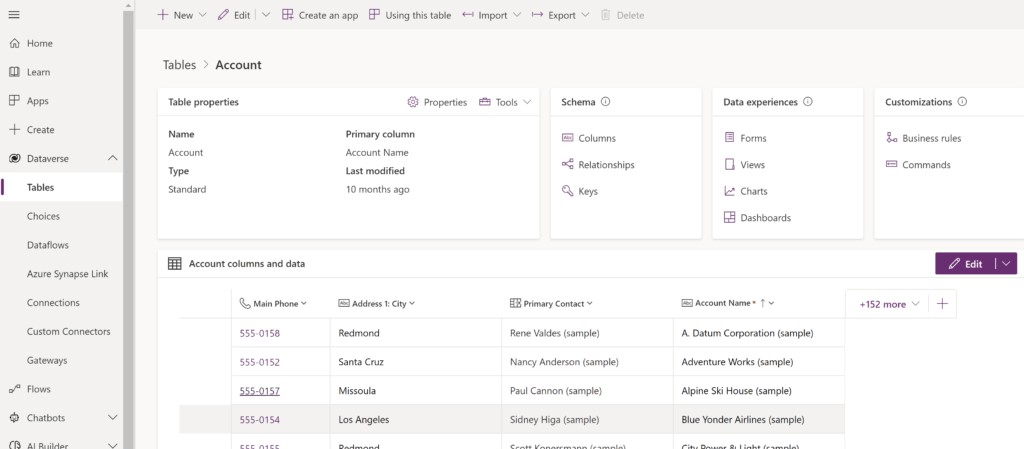
Dataverse is a relational enterprise data platform. It gives you row-level security and full audit logs, along with field-level access controls, centralized storage, and native ALM support.
That’s a real database with governance baked in. SharePoint lists don’t give you that.
Source: https://learn.microsoft.com/en-us/power-apps/maker/data-platform/entity-overview
It’s also the native home for a lot of the platform, and model-driven Power Apps live here. So do solution-based deployments and CI/CD pipelines, along with Copilot Studio knowledge grounding.
If you’re doing anything serious with model-driven apps or agents, you’re already in Dataverse whether you planned for it or not.
The question I get most is whether Dataverse replaces SharePoint lists – it doesn’t. They solve different problems, so you pick the right one per workload.
What I tell clients: use Dataverse as the central governed store for business-critical apps, and SharePoint lists at the edge for team collaboration and lightweight tracking.
How It All Connects, The Ecosystem Map
So how do these pieces actually talk to each other? The short answer is connectors, and there are a lot of them.
In plain English, the architecture works like this:
- Dataverse (or SharePoint) holds the data
- Power Apps gives people a front-end to work with it
- Power Automate moves things along in the background
- Power BI reports on what happened
- Copilot Studio puts a conversational layer on top
Each product owns one job, and the connectors are how they hand work to each other.
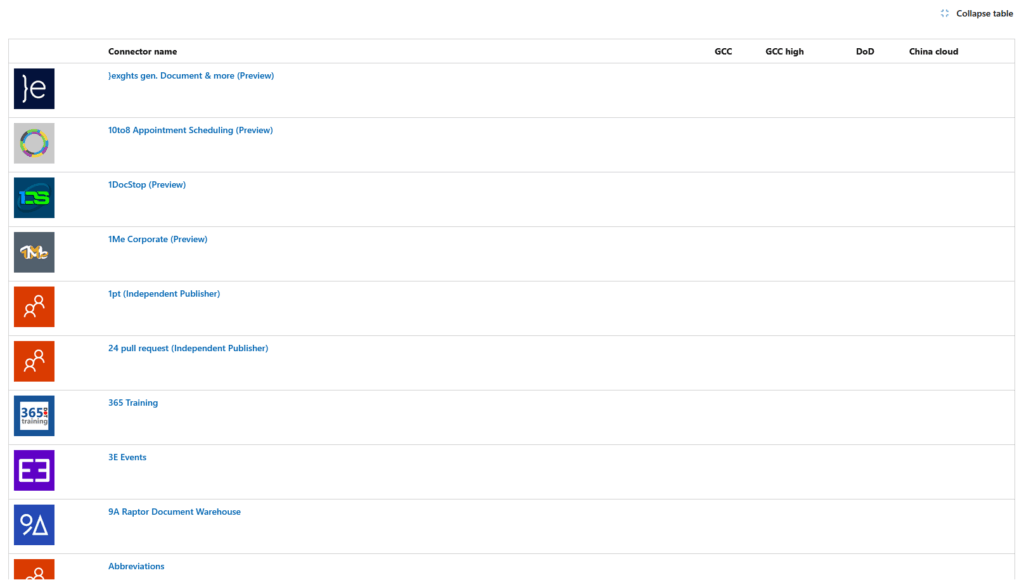
Every product on the platform plugs into the same 1,400+ connector library. A connector is a pre-built bridge to a service: SharePoint, Salesforce, SQL, Outlook, whatever.
Source: https://learn.microsoft.com/en-us/connectors/connector-reference/connector-reference-powerautomate-connectors
Power Automate uses them to trigger and act. Power Apps uses them to read and write data, and Power BI uses them to pull in sources.
Here’s the part that surprises people. That connector library isn’t Power Platform only: Azure Functions, Logic Apps, and Power Platform all share the same pool.
A flow you build in Power Automate can be promoted to Azure Logic Apps for enterprise-scale orchestration without rebuilding your connector logic from scratch.
Source: https://learn.microsoft.com/en-us/power-automate/triggers-introduction
The low-code solution your maker built on Tuesday isn’t a dead end; when it outgrows Power Automate, the future path to enterprise scale is clearly paved and ready.
Once you see that, the whole platform stops feeling like five separate tools, and that’s usually what unlocks the good use cases.
If you came up through SharePoint like I did, here’s the good news.
SharePoint isn’t a bystander to the Power Platform. It’s a first-class citizen, and it plays three distinct roles:
- Data source. Lists and libraries feed Power Apps and Power Automate directly. This is the most common starting point I see.
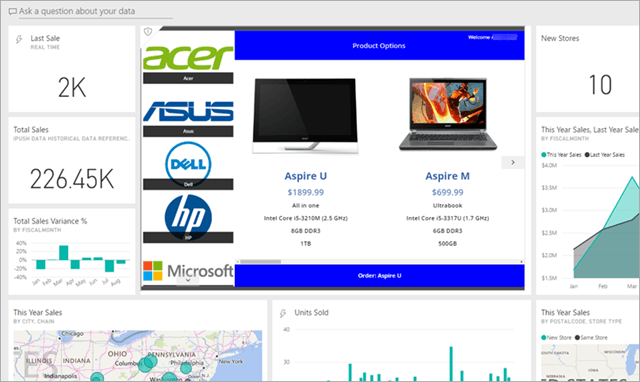
- Hosting and embedding layer. You can embed Power Apps and Power BI right inside SharePoint pages, so users never leave the site they already know.
- Knowledge source for Copilot Studio. Agents can ground their answers in your SharePoint content, which turns existing documents into something people can just ask questions about.
The real-world implementations bear this out. The pattern shows up in all kinds of SharePoint-backed apps: leave request apps, onboarding portals, inventory trackers, incident reporting.
Source: https://learn.microsoft.com/en-us/power-apps/maker/canvas-apps/embed-apps-dev
SharePoint lists as the data source, Power Apps as the front-end, Power Automate handling notifications.
I’ve configured this pattern more times than I can count. It works, it’s cheap, and it ships fast.
Licensing, What’s Included and What Costs Extra
Real talk: licensing is where most teams get burned. Not because the rules are impossible, but because the platform doesn’t stop you from breaking them right away.
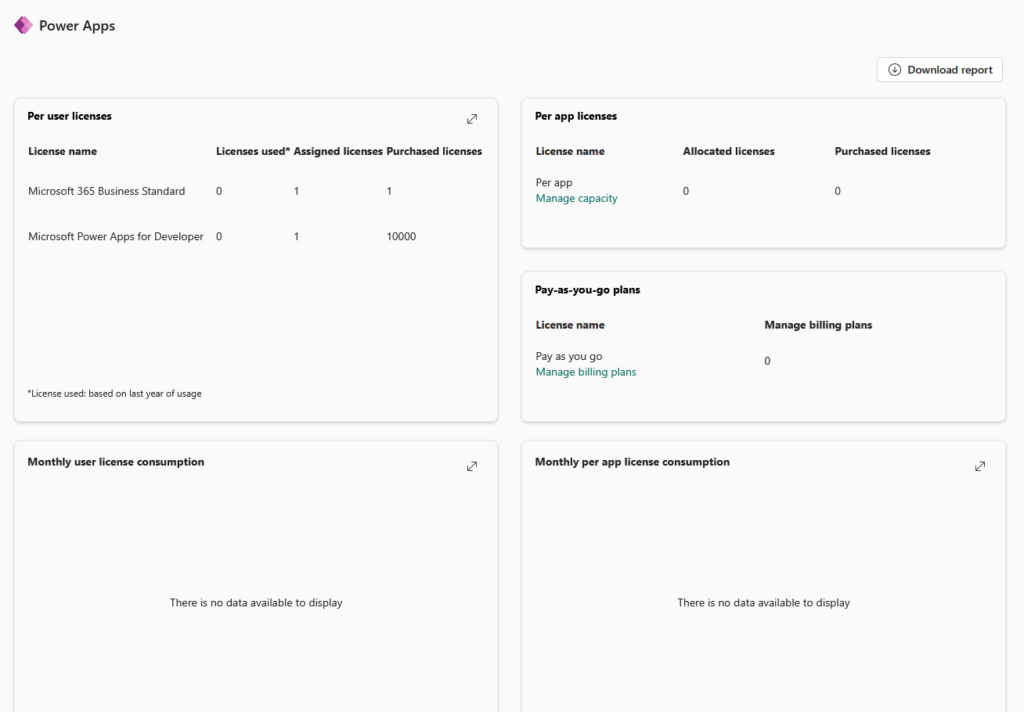
M365 Business Standard includes limited Power Platform capabilities, often called seeded licenses. You get basic Power Apps use inside M365 apps and Power Automate for M365 connectors.
| Capability | M365 Business Standard | Premium / Standalone |
|---|---|---|
| Power Apps in M365 context | Included | Included |
| Standalone Power Apps | No | Required |
| Standard connectors | Included | Included |
| Premium connectors (SQL, custom, etc.) | No | Required |
| Dataverse storage | No | Required |
| Standalone Power Automate | No | Required |
That covers a surprising amount of everyday work.
But the moment you reach for premium connectors, standalone apps, standalone flows, or Dataverse storage, you’re in paid add-on or standalone license territory.
Here’s the trap:
Power Platform does not always block non-compliant use immediately. Your app runs fine, the flow fires, everyone’s happy. Then enforcement kicks in and it fails.
As of April 1, 2025, in-product licensing enforcement is active, so the “it works today” grace period is gone. Check your premium connector usage before it becomes a production incident.
Where the Platform Is Going
If you’re planning more than six months out, point your attention at AI.
Microsoft’s 2025 Wave 2 plans position Power Platform explicitly as the foundation for agentic AI: agents that execute tasks independently or on behalf of users.
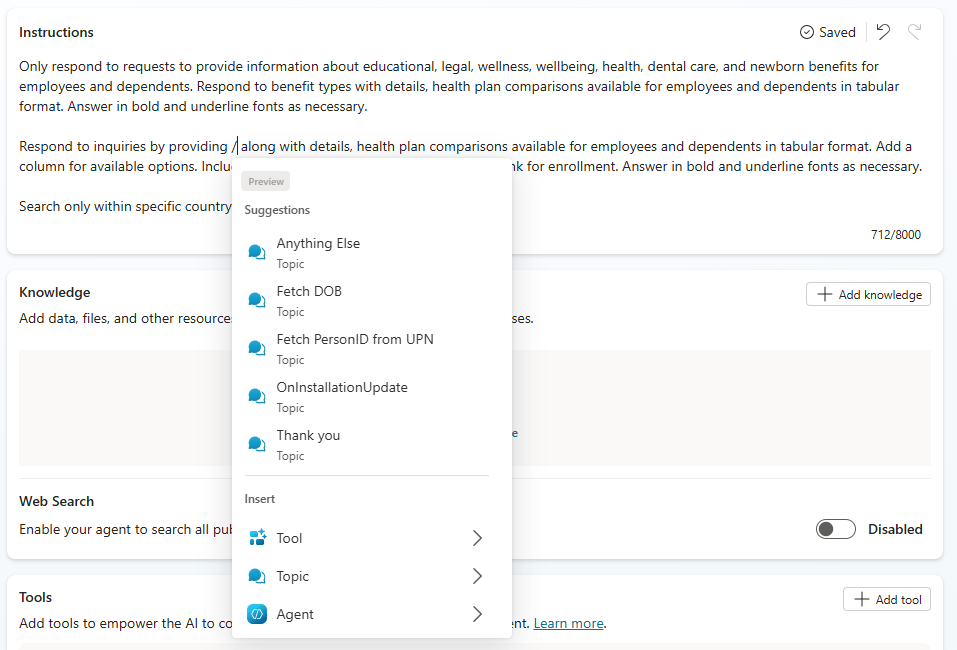
That’s a real shift. Copilot Studio stops being a chatbot tool and becomes the orchestration layer, where agents reason, decide, and act across your data and flows.
Source: https://learn.microsoft.com/en-us/microsoft-copilot-studio/authoring-instructions
And it’s why Dataverse keeps coming up. Microsoft describes it as agent-ready, optimized for Copilots and advanced analytics.
For AI-driven apps, that makes it far more future-proof than SharePoint lists.
What I’ve noticed is that teams that are already architecting for agents are the ones who’ll move fast when agentic features land.
Clean data, governed environments, and sensible licensing define the setup. Teams treating AI as a someday problem will spend that time untangling their shadow apps instead.
Environments and the Governance Layer
Here’s the piece most ecosystem diagrams skip entirely:
Every Power Platform tenant ships with a Default Environment. Every user in your tenant has access to it automatically, and that’s exactly where the trouble starts.
Makers spin up apps there because it’s the path of least resistance. No one asks permission, no one tracks what’s built.
Six months in, you’ve got a graveyard of half-finished apps and nobody knows which ones matter. Real talk: the Default Environment becomes a dumping ground if you let it.
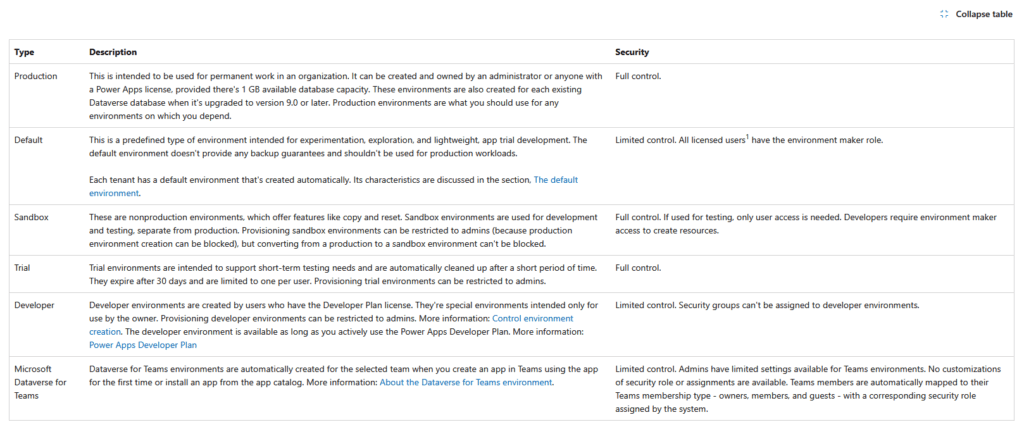
Source: https://learn.microsoft.com/en-us/power-platform/admin/environments-overview
This is why environment strategy matters. You want separate environments for development, testing, and production.
Build in dev, validate in test, ship to prod. Each one isolated, each one with its own access rules.
Then there’s DLP. Data Loss Prevention policies control which connectors can talk to each other inside a given environment.
You can block a flow from pushing SharePoint data out to a personal Gmail account, for example, or stop business connectors from mixing with social ones.
Why does that matter? Because without DLP, any maker can wire your internal data to anywhere, and that’s a leak waiting to happen.
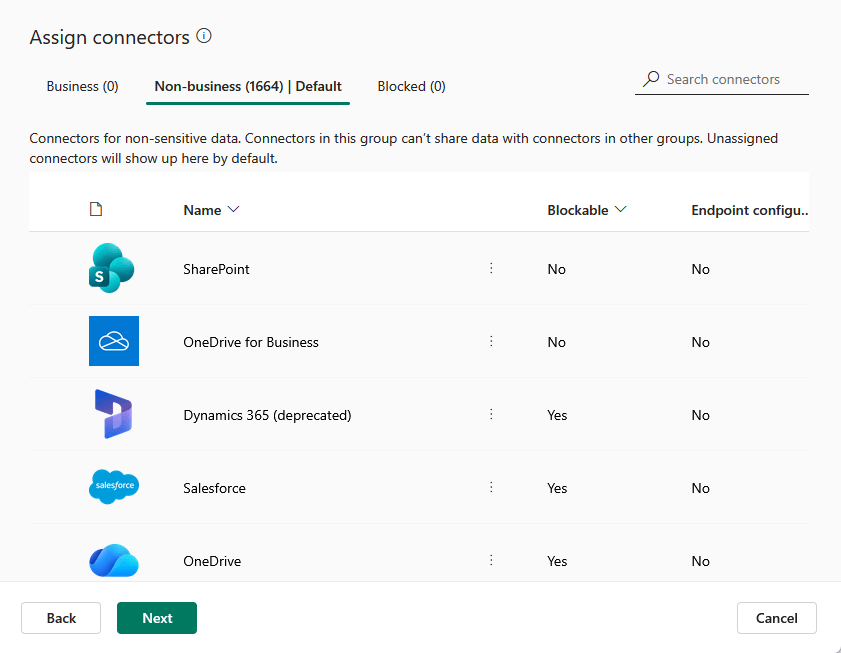
I’ve noticed that the governance layer is usually what separates a well-run Power Platform from a shadow IT nightmare.
The organizations that get this right treat environments and DLP as foundational, not as cleanup work for later.
They decide who builds where, what data can flow, and how apps get promoted before a single app goes live.
Skip the governance layer and you’re not running a platform. You’re managing chaos with a nicer logo.
Where Power Platform Ends and Azure Begins
Power Platform is low-code. Azure is pro-code.
Simple enough on paper, but the line between them is blurrier than most people expect.
They already share a lot. The connector library I covered earlier is the same one Azure services tap into, so the plumbing overlaps from day one.
The real question isn’t where the products differ. It’s when you outgrow the low-code side and need to graduate.
Take Power Automate. It’s brilliant for everyday automation, but it hits walls: high-volume runs, deeply nested logic, enterprise orchestration across dozens of systems.
When a flow gets there, Azure Logic Apps is where it goes next. Same connector model, more horsepower.
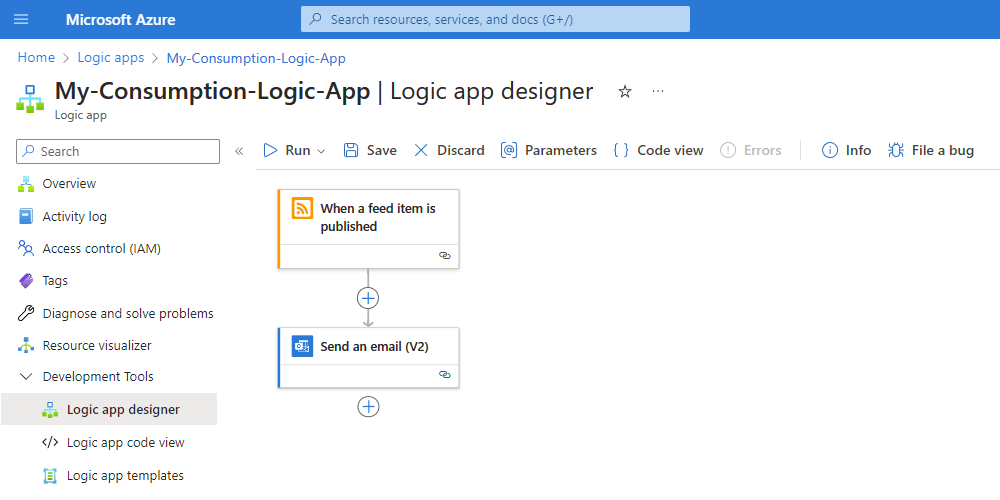
Source: https://learn.microsoft.com/en-us/azure/logic-apps/quickstart-create-example-consumption-workflow
Power Apps has its own ceiling. It’s great until you need custom APIs, heavy backend processing, or a full custom web app that doesn’t fit the canvas.
That’s when Azure Functions and Azure App Service take over.
Copilot Studio follows the same arc: fine for most agent scenarios, but when you need complex orchestration, custom models, or advanced grounding, Azure AI Foundry is the next step up.
But none of this is a different world. It’s the same ecosystem, same identity layer, same data backbone, just with more control as you climb.
Low-code is your starting point, not your ceiling. You build fast where you can, and you reach into Azure when the requirements demand it.
What I tell clients: don’t pick low-code or pro-code. Plan for the day a low-code solution graduates into a pro-code one, because the successful projects almost always do.
Five Mistakes That Derail Power Platform Deployments
I’ve watched a lot of Power Platform rollouts go sideways. The failures rarely come from the tech itself.
They come from the same handful of avoidable decisions, made early, that nobody catches until production. Here are the five I keep seeing.
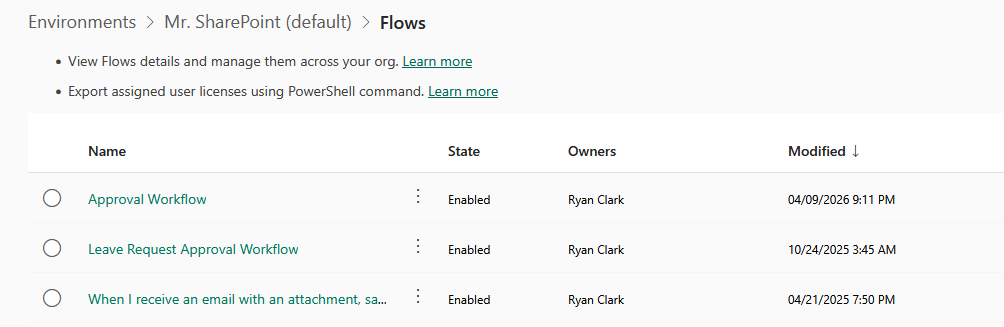
1. Building everything in the Default Environment.
I covered this above, but it shows up in almost every rollout I’ve seen:
No one sets up proper dev and test environments, makers build where there’s no friction, and months later there’s an ungoverned sprawl nobody can account for.
Set up your environments before a single app goes live.
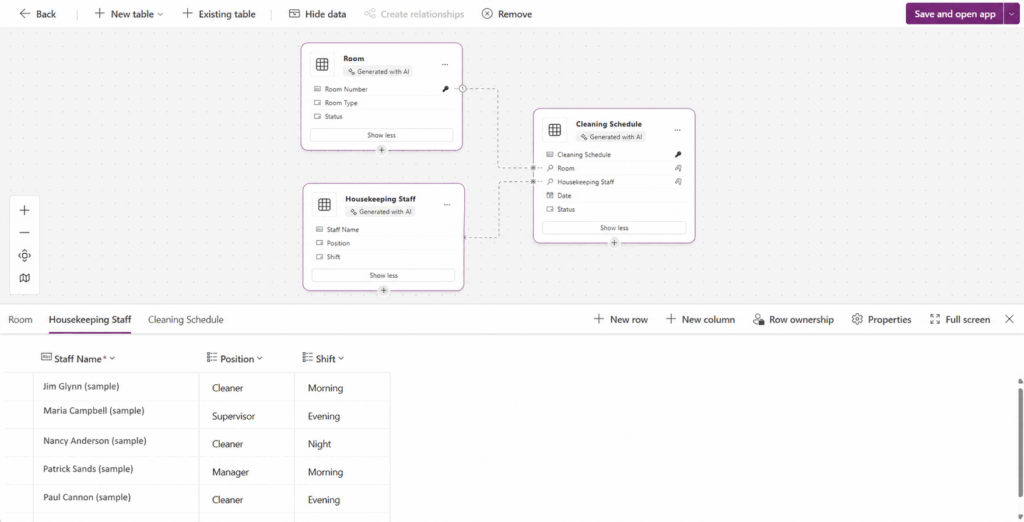
2. Picking the wrong data layer.
SharePoint Lists are great for lightweight stuff.
But I’ve seen teams run business-critical apps on a list that should’ve been on Dataverse, then hit relational limits, throttling, and scale problems they can’t fix without a rebuild.
Source: https://learn.microsoft.com/en-us/power-apps/maker/data-platform/create-edit-entities-portal?tabs=excel
3. Ignoring licensing until it breaks in prod.
This one stings. Teams build on premium connectors during a trial, ship to production, and the April 2025 enforcement catches up with them.
Suddenly the app stops working and nobody budgeted for the licenses.
4. No ALM.
Makers promote apps straight from dev to prod by hand, no solutions, no source control, no repeatable deployment.
It works until it doesn’t, and then a broken release takes down a process with no clean way to roll back.
5. Treating Power Platform as IT-only or citizen-dev-only.
This is the one people get most wrong. Lock it down to IT and adoption dies. Hand it entirely to citizen developers and governance collapses.
In my experience, the platforms that actually work give both groups a seat: IT owns the guardrails, the business owns the building.
None of these are tech problems. They’re planning problems, and every one of them is cheaper to fix before launch than after.
Map It Before You Build It
Look, most organizations skip this step. They build on whatever layer is closest to hand, no shared plan, no governance, and no clear sense of what owns what.
That’s how production apps land in the Default Environment (every tenant user can access), and audits often surface (40 to 60% more assets) than anyone realized.
Before any new engagement, I run clients through the same checklist:
- Which product owns which problem
- Which data layer fits each workload, Dataverse or SharePoint lists
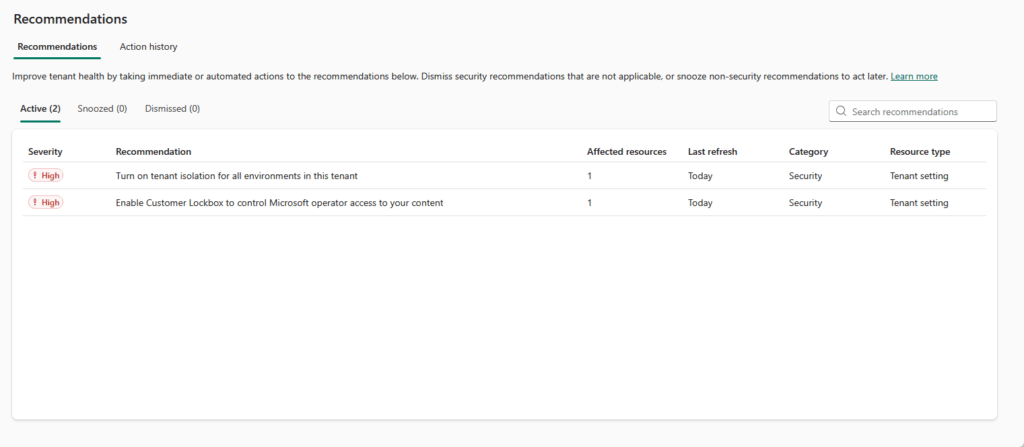
- What the environment setup looks like before apps start multiplying
- Whether the licensing covers what they’re actually building
Getting these decisions right makes everything downstream cheaper and faster.
Forrester data confirms the platform delivers 248% ROI over three years with payback in under six months. That only happens when you build on the right layer.
Confused by licensing or architecture?
I help teams map Power Platform deployments to prevent governance issues and ensure compliance before launching into production. Reach out today.