

Table of Contents:
If you’re asking this question, there’s a good chance your SharePoint environment is already harder to manage than it should be.
Here’s what I usually hear:
- Sites multiplying with no clear owners
- Sensitive files shared with anyone who has the link
- Compliance questions nobody on the team can confidently answer
Those aren’t edge cases. They’re what happens when SharePoint gets deployed without a governance plan. This is where every client conversation starts.
And it’s a better question than most people realize.
Most SharePoint environments don’t fall apart overnight. They drift. A site here, a “quick share” there, a contractor who needed access in 2022 and still has it.
Six months in, nobody can answer a basic question: who actually has access to what? The symptoms show up everywhere once you know what to look for:
- Site sprawl with no clear owners
- Broken permission inheritance at the folder and file level
- “Anyone with the link” sharing defaults left untouched
- Compliance gaps around GDPR, HIPAA, or SOC 2
- Content nobody can find because naming is inconsistent
Paul Schnackenburg at Hornetsecurity calls this the SharePoint Iceberg. The tip is what you see in the admin console.
The mass beneath the surface is broken inheritance chains, forgotten sharing links, and guest accounts nobody ever revoked. And it’s bigger than you think.
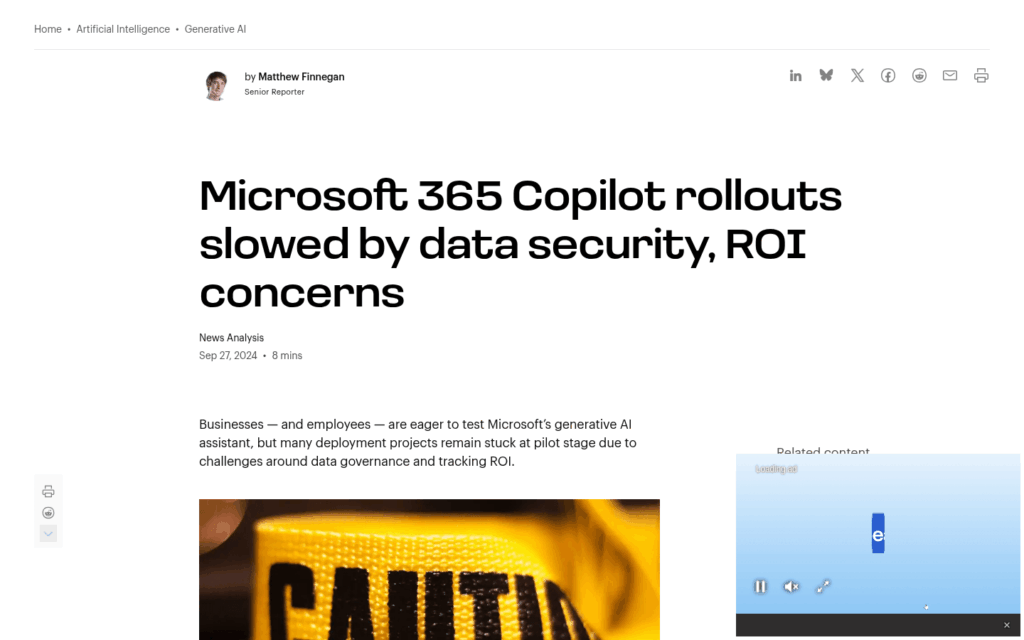
A Gartner survey of 132 IT leaders found 40% delayed Microsoft 365 Copilot rollouts by three months or more because of data oversharing concerns.
Source: https://www.computerworld.com/article/3542000/microsoft-365-copilot-rollouts-slowed-by-data-security-roi-concerns.html
And the World Economic Forum estimates 95% of cyber incidents come from human error, which is exactly what ungoverned SharePoint produces at scale.
I’ve seen tenants where the admin team is genuinely shocked at the first audit. They thought they had a handle on it…they didn’t.
Sign up for exclusive updates, tips, and strategies
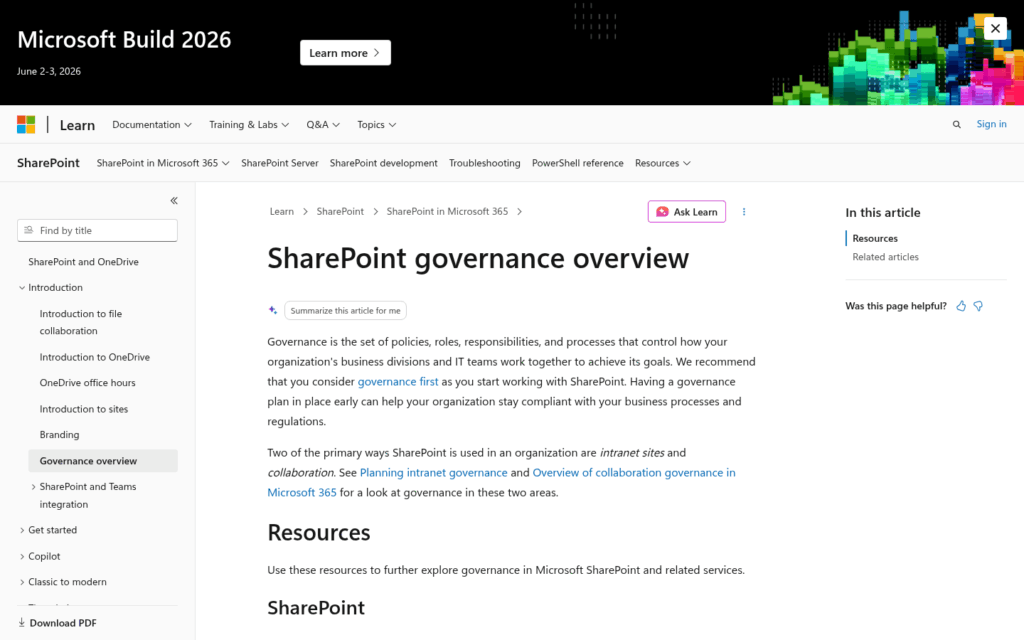
Microsoft defines governance as the policies, roles, and processes controlling how business divisions and IT teams work together to achieve their goals in SharePoint.
In plain English: governance is the system that decides who can do what, where, and for how long. It covers permissions, sharing, classification, naming, and ownership.
Source: https://learn.microsoft.com/en-us/sharepoint/governance-overview
It’s an ongoing discipline.
The way I see it, governance is what makes SharePoint actually work as a platform. Without it, you get a digital junk drawer your team avoids.
Microsoft recommends thinking about governance first, before you provision anything. Most teams don’t. That’s usually when I get the call.
Every governance framework I’ve built for clients comes back to the same six pillars. Here’s the quick view before we dig in:
| Pillar | What It Controls |
|---|---|
| Permissions and Access Control | Who can see, edit, or share content |
| Site Lifecycle Management | How sites get created, reviewed, archived, and deleted |
| Content Classification | How sensitive content is labeled, retained, and protected |
| Naming Conventions and Structure | How sites, libraries, and content are named and organized |
| Compliance and Security | How regulatory and security requirements are enforced |
| Ownership and Accountability | Who is responsible for each site and its content |
Permissions And Access Control. Assign permissions at the group level, never to individual users. Enforce least-privilege access and resist the temptation to break inheritance at the folder or file level.
Set sharing link defaults to “People in your organization,” not “Anyone.”
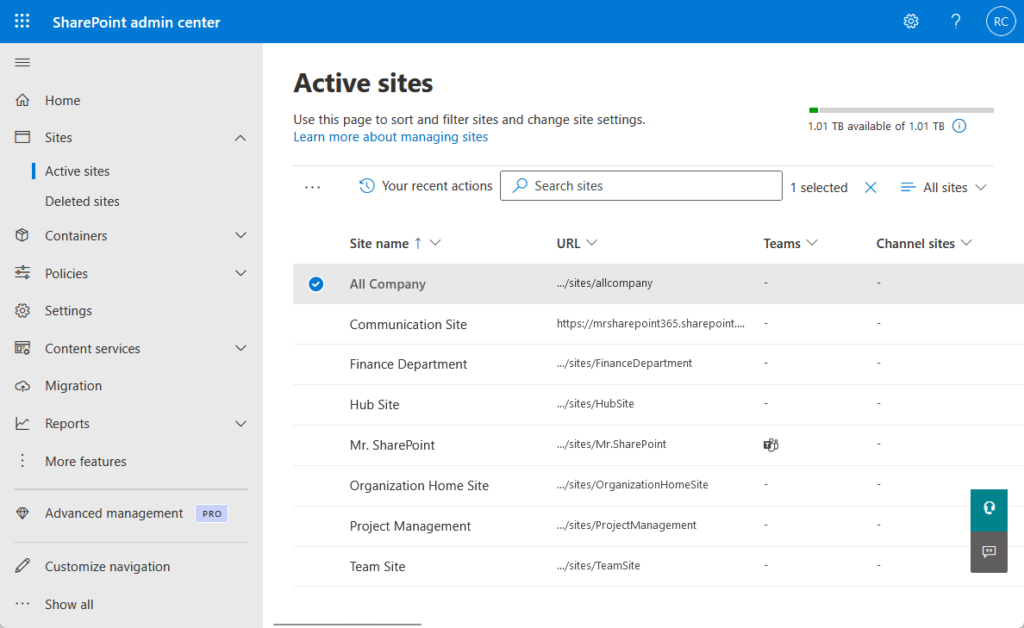
Site Lifecycle Management. Sites need a controlled birth, a clear purpose, and a planned end.
That means approval workflows for new sites, periodic owner attestation, inactive site detection, and archival policies. Self-service without guardrails is how sprawl starts.
Content Classification. Sensitivity labels, retention labels, managed metadata, and content types are how SharePoint knows what to protect and for how long.
A four-level model (Public, Internal, Confidential, Restricted) works for most clients I configure this for.
Naming Conventions And Structure. Standardized naming prevents duplicate sites, makes content findable, and signals intent. Microsoft 365 Groups naming policies can enforce prefixes, suffixes, and blocked words automatically.
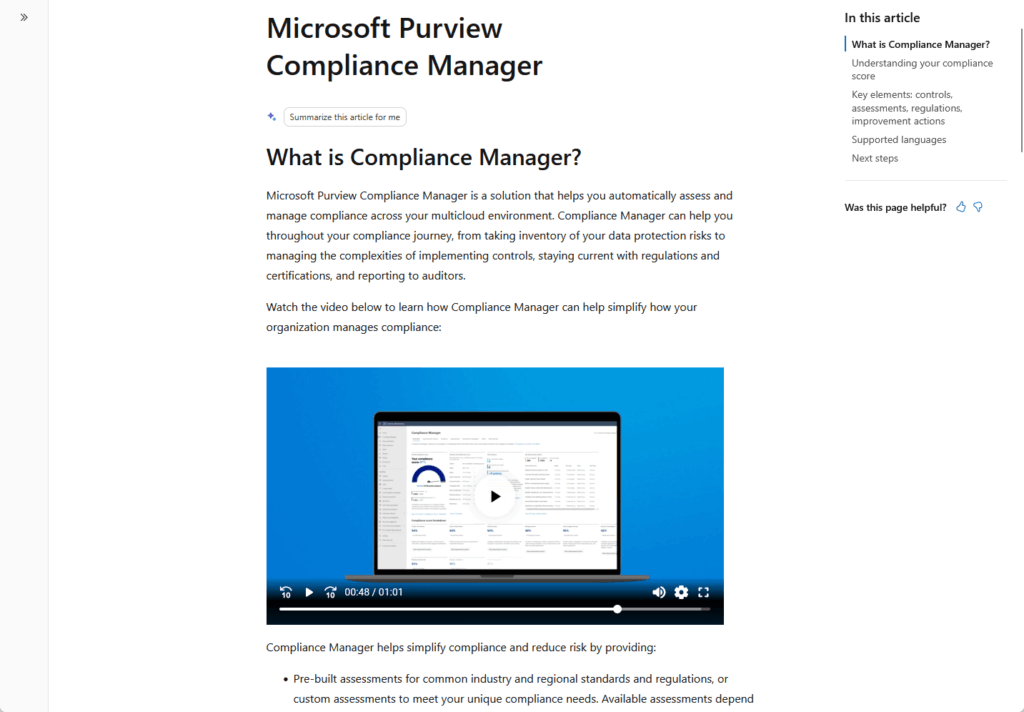
Compliance And Security. DLP policies, Conditional Access, and Microsoft Purview integration tie SharePoint into your broader compliance posture.
GDPR, HIPAA, SOC 2, and ISO 27001 all expect this level of control.
Source: https://learn.microsoft.com/en-us/purview/compliance-manager
Ownership And Accountability. Every site needs a named owner. Ownerless sites should be flagged and resolved through automation, not discovered during an audit.
Governance reviews on a regular cadence keep the system honest.
What Happens When You Skip It
The consequences aren’t theoretical.
A law firm I read about accidentally shared its root SharePoint directory instead of a single client folder, exposing every piece of sensitive client data they had.
The misconfigured Power Apps incident in 2021 leaked 38 million records because APIs defaulted to public access. Same pattern, different platform.
Source: https://www.metomic.io/resource-centre/the-hidden-data-security-risks-in-sharepoint-integrations
In July 2025, attackers exploited a SharePoint on-premises zero-day to deploy webshells. Organizations with weak governance (unpatched, overprivileged, no monitoring) got hit hardest.
Then there’s AI. Microsoft’s own Copilot team has said most internal oversharing comes from configuration issues, not bad actors.
Copilot will happily surface anything a user is technically permitted to see. Every governance gap you have right now gets amplified the moment AI is turned on.
Gartner puts a number on it: by 2027, 60% of businesses will fail to realize the anticipated value of their AI use cases because of weak data frameworks.
That’s governance. That’s all that is.
Where To Start: A Practical Governance Framework
When I walk a client through this for the first time, I break it into three stages:
1. Assess. Before you write a single policy, you need visibility.
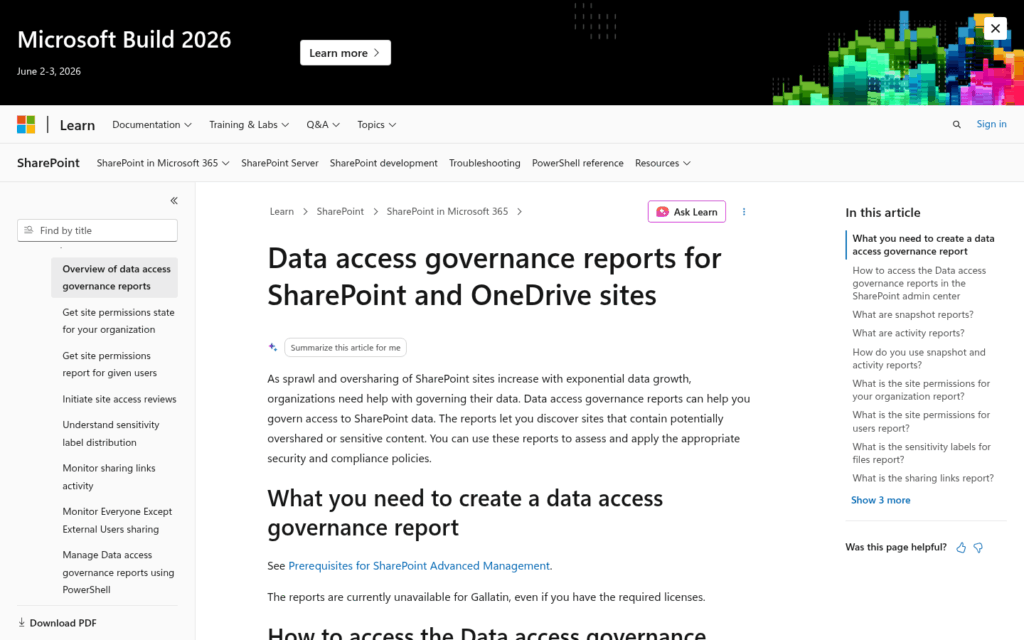
Data Access Governance reports inside SharePoint Advanced Management surface:
- Sites with overshared or sensitive content
- Sharing link activity from the last 28 days
- “Everyone Except External Users” exposure
The Content Management Assessment hub gives you a starting score. You can’t fix what you can’t see.
Source: https://learn.microsoft.com/en-us/sharepoint/data-access-governance-reports
Define. Now you write things down: permissions model, sharing defaults, site creation approval workflow, naming conventions, sensitivity label taxonomy, ownership requirements, review cadence.
Keep it short enough that people will actually read it. A 4-page governance doc beats a 40-page one every time.
Enforce. This is where most plans die. Lean on technical controls (M365 Groups naming policies, Conditional Access, DLP, sharing restrictions) before relying on user training.
Humans forget. Policies enforced by the platform don’t.
I tell clients to start with two pillars: permissions and ownership. Those two cover the majority of real-world risk. Everything else gets easier once they’re in place.
For larger tenants, SharePoint Advanced Management is worth the licensing cost. Inactive site detection and site attestation pay for themselves the first time they prevent a leak.
What I keep telling clients: once governance is in place, everything else gets easier.
Here’s what that looks like in practice:
- Permissions you can actually audit in under an hour
- New sites with owners, approval trails, and a clear lifecycle from day one
- AI tools like Copilot surfacing only what users are actually supposed to see
That’s what a governed environment looks like. It doesn’t happen overnight, but it does happen faster than most teams expect.
The hardest part is usually getting started. Most clients I work with don’t need a 40-page governance policy. They need someone to help them see where the gaps are and close them.
Ready to get your SharePoint environment under control?
I work with organizations to build governance frameworks that actually stick. If you’re not sure where to start, reach out and let’s take a look at what you’re working with.




























