
Table of Contents:
- SharePoint Online vs on premise: the real difference
- Cost looks different depending on timeline
- Control and customization are where on-premise still has a case
- Security is not just about where the data sits
- Innovation moves faster in SharePoint Online
- Governance and administration: simpler does not mean automatic
- When SharePoint Online is usually the better fit
- When on-premise still makes sense
- The right answer depends on your operating model
Last Updated on June 2, 2026
A lot of SharePoint decisions get framed as a technology preference. They are not. When organizations compare sharepoint online vs on premise, they are really deciding how much control they need, how much complexity they want to carry, and how quickly they need the platform to support business change.
That is why this choice matters far beyond IT. It affects governance, workflow automation, security responsibilities, upgrade cycles, user adoption, and the actual cost of running collaboration tools over time. For some organizations, SharePoint Online is the obvious fit. For others, on-premise still solves very specific operational or regulatory needs. The better question is not which one is better in general. It is which one is better for your business model, risk profile, and internal capacity.
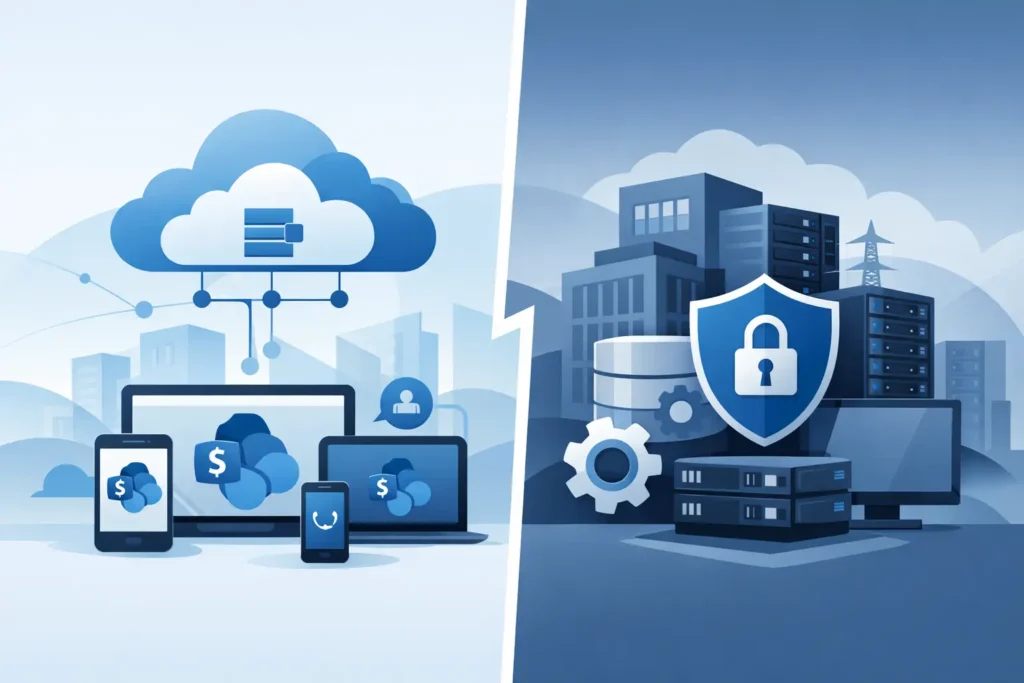
At a basic level, SharePoint Online is Microsoft-hosted and delivered as part of Microsoft 365. Microsoft manages the infrastructure, updates, availability, and most of the platform-level maintenance. Your team focuses more on configuration, governance, content architecture, permissions, and adoption.
SharePoint on-premise runs in your own environment. Your organization owns the servers, storage, patching, backups, disaster recovery planning, upgrade projects, and the surrounding operational support. That gives you deeper environmental control, but it also creates a larger support burden.
This is where many evaluations go off track. The difference is not just cloud versus server room. It is managed service versus self-managed platform. That distinction touches every budget line and every support process.
Sign up for exclusive updates, tips, and strategies
Cost looks different depending on timeline
If you only compare licensing, the conversation can get misleading fast. SharePoint Online is generally easier to forecast because it is wrapped into Microsoft 365 licensing and avoids large infrastructure investments. You do not need to purchase and maintain hardware, and you are not funding major platform upgrades every few years in the same way.
On-premise can appear attractive if an organization already has infrastructure, internal admins, and established support processes. But the real cost includes patching, SQL management, storage growth, backups, high availability, security hardening, and the time senior staff spend keeping the platform healthy. Those costs are often spread across teams and therefore underestimated.
For most organizations focused on operational efficiency, SharePoint Online reduces total cost of ownership over time. For organizations with specialized internal hosting requirements, sunk infrastructure investments, or unusual application dependencies, on-premise can still be financially defensible. It depends on what costs you are already carrying and whether those costs are strategic or just legacy overhead.
Control and customization are where on-premise still has a case
This is usually the strongest argument for SharePoint on-premise. If your organization needs full control over infrastructure, database locality, server-level configurations, or tightly coupled custom solutions, on-premise offers options that the cloud simply does not.
That matters in environments where SharePoint supports older integrations, custom farm solutions, or line-of-business systems that were never designed for cloud architecture. In those cases, moving too quickly to SharePoint Online can create disruption, rework, or expensive redevelopment.
But control has a cost. The more customized the environment, the more difficult upgrades become. Custom code can become a barrier to modernization. Support gets more specialized. Testing gets heavier. A platform built for flexibility can slowly become a platform that is hard to change.
SharePoint Online takes a more opinionated approach. You get less freedom at the infrastructure level, but you gain a platform that is easier to standardize, govern, and evolve. For many businesses, that trade-off is a good one because the goal is not unlimited customization. The goal is better collaboration, faster delivery, and less operational drag.
Security is not just about where the data sits
Security conversations around sharepoint online vs on premise are often shaped by assumptions that no longer hold up well. Some organizations still feel safer when systems are hosted internally. That may be appropriate in certain highly regulated or isolated environments, but internal hosting does not automatically mean more secure.
With SharePoint Online, Microsoft handles a significant portion of the underlying security and compliance framework. That includes platform updates, service resilience, and a broad set of controls that many organizations would struggle to match consistently on their own. Your team still has serious responsibilities around identity, access, retention, data lifecycle, sharing policies, and governance, but the infrastructure security burden is lower.
With on-premise, your organization controls more of the environment and therefore owns more of the risk. If patching slips, backups are weak, permissions are poorly managed, or disaster recovery plans are outdated, those issues become your problem directly. For mature IT organizations, that may be acceptable. For lean teams, it can become a hidden liability.
In practice, the strongest security posture usually comes from disciplined governance, clean identity management, and clear operating procedures, not from defaulting to one hosting model.
This is one of the clearest business advantages of the cloud model. SharePoint Online evolves continuously alongside the broader Microsoft 365 ecosystem. That means better integration with Teams, Power Automate, Power Apps, OneDrive, and Microsoft search experiences without waiting for a major infrastructure refresh.
If your organization is trying to streamline operations, reduce workflow friction, or improve employee access to information, that pace matters. New capabilities become available faster, and your team can take advantage of them without launching a large upgrade project.
On-premise environments move at the speed of your internal roadmap and budget. Some organizations prefer that. It creates predictability and allows tighter change control. But it also means innovation is slower, and business units may wait longer for improvements that are already standard in Microsoft 365.
That lag becomes especially relevant when SharePoint is part of a larger digital workplace strategy rather than a standalone document repository.
Governance and administration: simpler does not mean automatic
SharePoint Online is easier to administer in many respects, but it is not self-governing. In fact, the ease of site creation, sharing, and integration can create sprawl if governance is weak. Organizations still need clear policies for provisioning, lifecycle management, information architecture, ownership, and external sharing.
On-premise environments often have less sprawl simply because creating and maintaining sites requires more effort. That friction can help control growth, but it can also slow down legitimate business needs.
The better model is one where governance matches the platform. In SharePoint Online, governance should be scalable, policy-driven, and aligned to Microsoft 365 administration. In on-premise, governance often needs to be more infrastructure-aware and tightly linked to operational support processes.
Either way, governance should serve the business. If the rules are too loose, content becomes chaotic. If the rules are too rigid, users work around the platform.
For most organizations starting fresh or modernizing an aging environment, SharePoint Online is the stronger choice. It supports remote and hybrid work more naturally, lowers infrastructure burden, improves access to Microsoft 365 capabilities, and shortens the path from platform investment to business value.
It is especially well suited for organizations that want to modernize intranets, automate processes, improve collaboration, and reduce the internal effort required to maintain core collaboration systems. If your priority is agility, scalability, and predictable administration, the cloud model aligns well.
This is also the better fit for companies that want to stop spending heavily on platform maintenance and start focusing more on adoption, governance, and process improvement.
When on-premise still makes sense
SharePoint on-premise remains a valid option when there are firm requirements around data residency, isolated network environments, specialized compliance constraints, or legacy customizations that are too critical to replace quickly. It can also make sense for organizations with strong internal infrastructure teams and a deliberate strategy to keep certain systems under direct control.
The key is being honest about why you are keeping it. If the reason is a clear operational requirement, that is rational. If the reason is simply that migration feels difficult, that is not a strategy. That is delay.
A lot of organizations also land in a transitional state. They keep some on-premise capabilities while moving collaboration, intranet, or workflow workloads into Microsoft 365 over time. That hybrid path can work well when it is planned intentionally and tied to business priorities.
The right answer depends on your operating model
There is no universal winner in sharepoint online vs on premise. There is only the platform model that best supports your organization’s risk tolerance, support capacity, customization needs, and growth plans.
If your business needs speed, lower overhead, and tighter alignment with Microsoft 365, SharePoint Online is usually the right move. If your business requires deep environmental control or must support highly specific legacy conditions, on-premise may still be justified. What matters is making the decision based on operating reality, not habit.
The strongest outcomes come from looking beyond features and focusing on what the platform must do for the business over the next three to five years. That is usually where the right answer becomes clear.




























